Reader Rabbit Thinking Adventures Ages 4-6
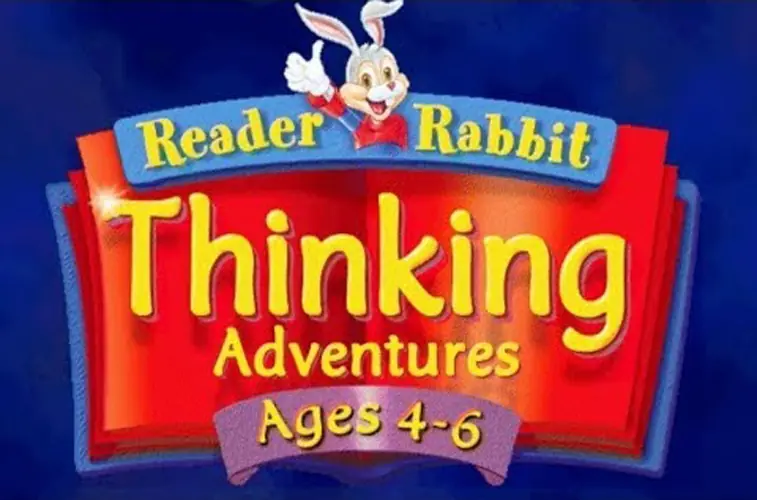
Reader Rabbit Thinking Adventures Ages 4-6 is a 1998 adventure game developed and published by The Learning Company.
Genres
Publishers
Developers
Released
Platforms
Reader Rabbit Thinking Adventures Ages 4-6 is a 1998 adventure game developed and published by The Learning Company.
Reader Rabbit and his friends need your help to throw a surprise birthday party for Sam the Lion. There are so many fun things to do, from making cookies to practicing party games. This game was designed for ages 4 to 6. The fun and learning don't stop when your child leaves the computer. Customized workbooks and printable activities travel with your child in the car or on the bus. And progress reports will help your child know which skills deserve praise or need improvement. Learning is a journey, and each child learns at a different pace and has a unique set of abilities. Reader Rabbit's ADAPT Learning Technology constantly monitors your child's abilities, helps develop skills, adjusts difficulty levels, provides help, and tracks progress.



Reader Rabbit Thinking Adventures Ages 4-6 is abandonware and no longer sold or supported by its publishers. Files are archived here for these platforms:







4 thoughts on “Reader Rabbit Thinking Adventures Ages 4-6”