Risk II
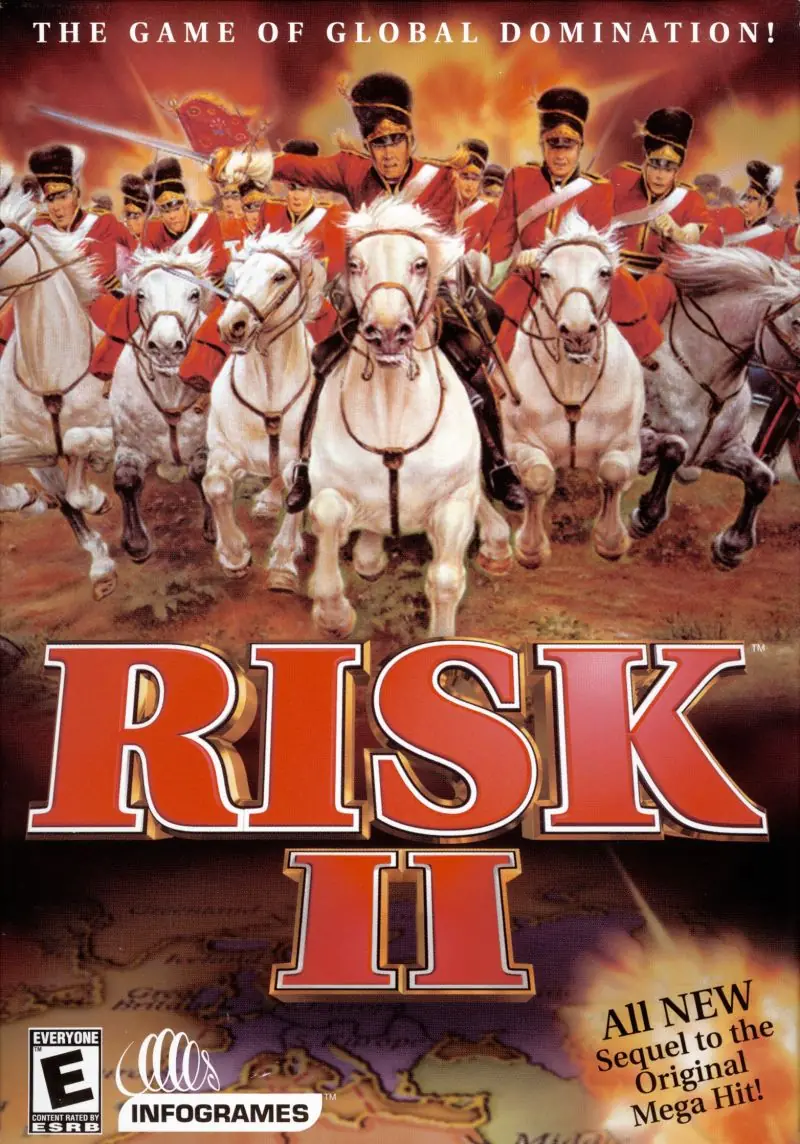
Risk II is the video game version of the board game Risk. Risk II was developed by Deep Red and published by Hasbro Interactive under the MicroProse label in 2000.
Genres
Publishers
Developers
Released
Platforms
Risk II is the video game version of the board game Risk. Risk II was developed by Deep Red and published by Hasbro Interactive under the MicroProse label in 2000.
In addition to the classic board game style of play, Risk II introduced new modes including a single-player tournament and a brand new concept called SameTime, in which turns are taken simultaneously by all players. Up to eight players can play, in any combination of human and computer opponents (as long as at least one player is human). Available computer opponents are an assortment of mostly 18th and 19th century generals: Campbell, Mackenzie, Marmont, Barbacena, D'Erlon, Maransin, Solignac, Sherbrooke, Aubert, Spencer, Taupin, Freire, Vauban, Baird, Bonaparte and Wellington. Each computer opponent has a different style of attack and a different reliability in honoring alliances.
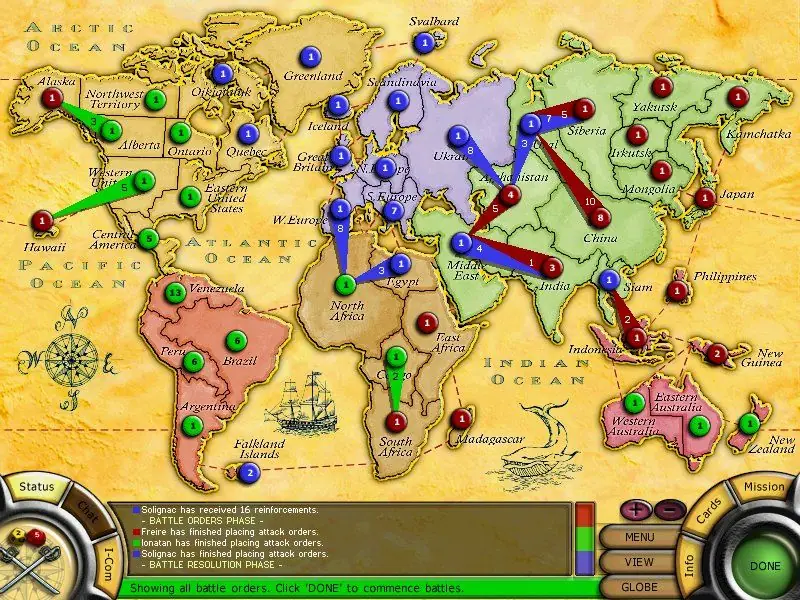
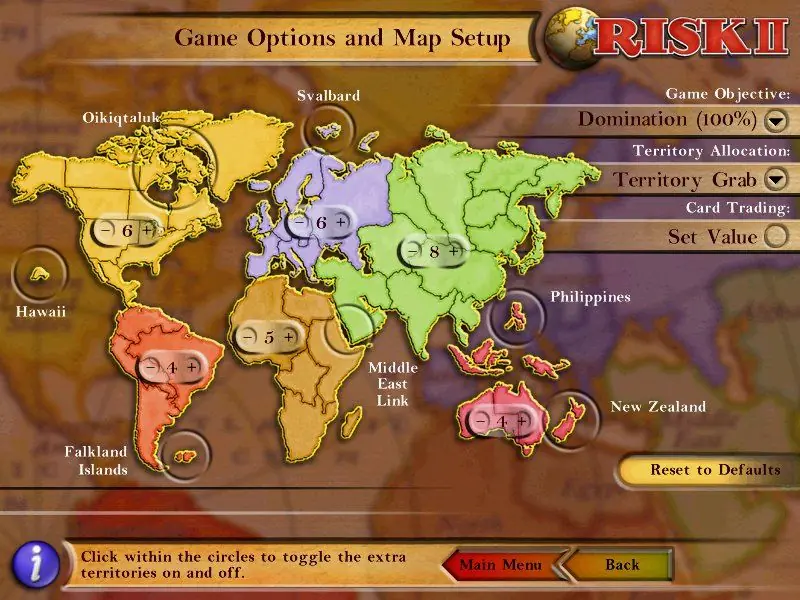
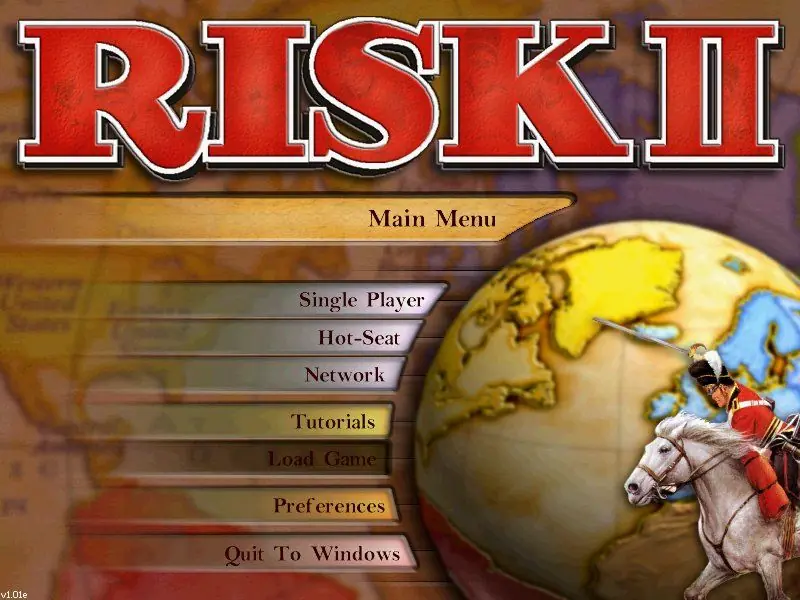
Risk II is abandonware and no longer sold or supported by its publishers. Files are archived here for these platforms:








– The game works on Windows 10 when running in Windows XP service pack 2 or 3. To change this right-click on “Riskll.exe” -> Properties -> Compatibility -> Change the Compatibility Mode. Disabling fullscreen optimizations doesn’t hurt.
– The game resolution is 640×480 and no modern computer has this anymore. Often times windows 10 resolution settings can mess up the loading of the game. To edit display settings (resolution) right-click on your Desktop -> Display Settings. Set the scale to 100% and the display resolution to the recommended. If it still not working play around with combinations
– Once the game loads you cannot tab out, minimize, or do anything that might change the screen resolution off the game’s default. Going back into the game after hitting the windows key, for example, will ruin the graphics
– For multiplayer you need to turn off your firewall. Whether you use windows security or a custom one, it blocks connections in Riskll. As well, the first time you go to network/multiplayer you will need tab out “ALT+TAB” and there should be a pop-up with RISKll asking for access to your network. Allow it access, restart the game, and local games should appear in the list
– For non-LAN games, you will need to port forward. I am not sure of the port Riskll runs on and have not tried this yet. If you are unsure what port forwarding is then this process is too complicated.
If you have questions you can contact me https://www.linkedin.com/in/gregmaxin/
If anyone has access to the source code; I’d really like a copy to play around with