Home » Games » Rugby 08

Rugby 08

Rugby 08 Game Cover
4.6/5 - 303 votes

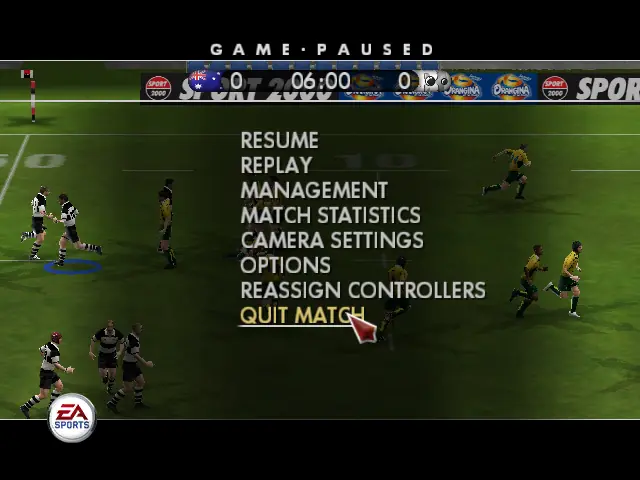
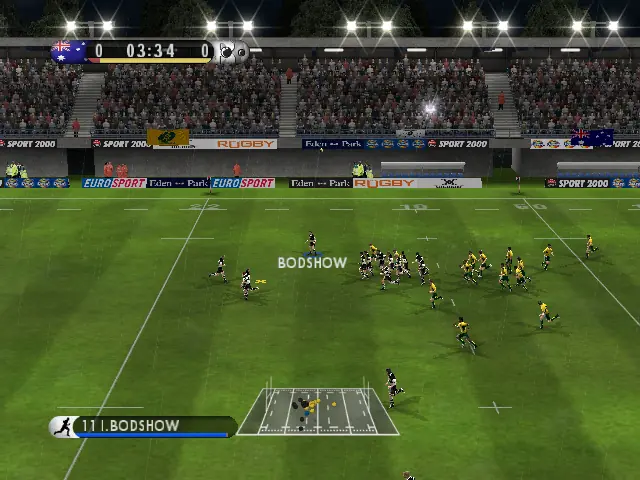
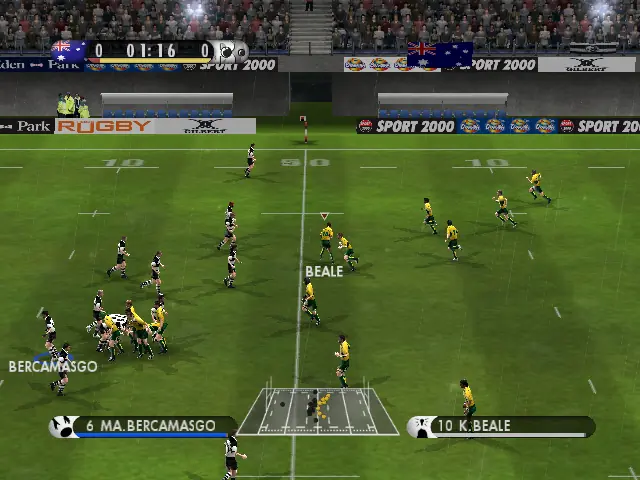
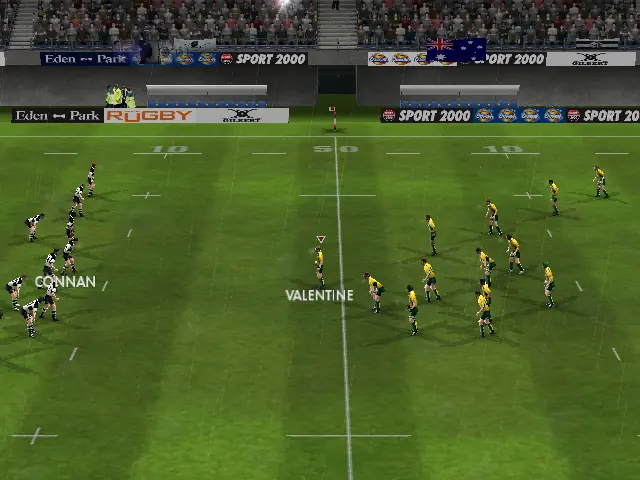
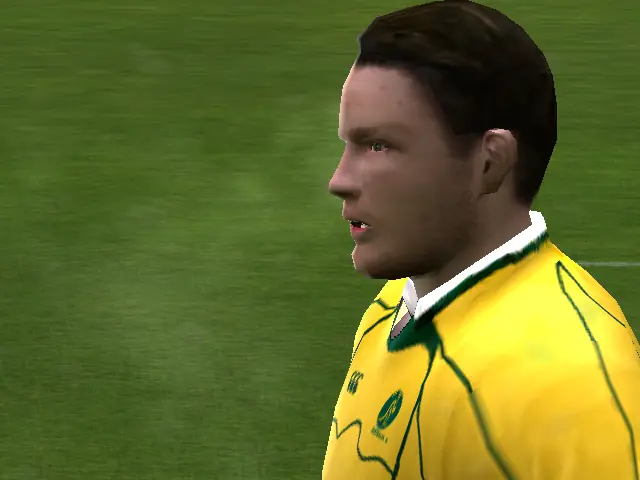
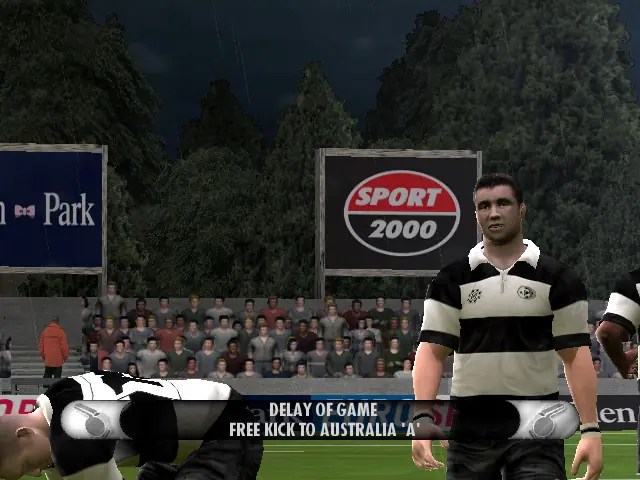
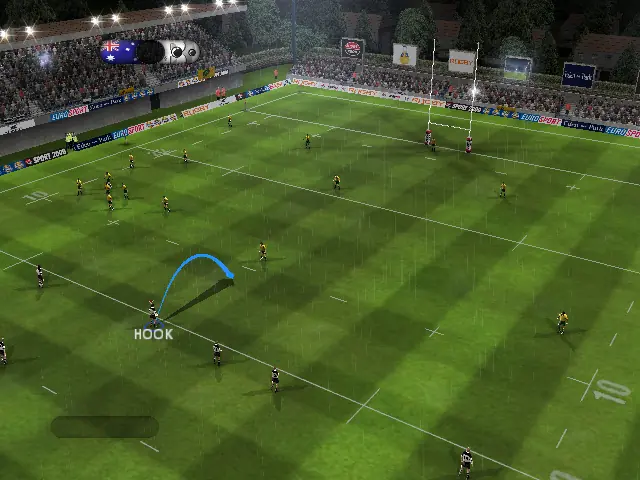
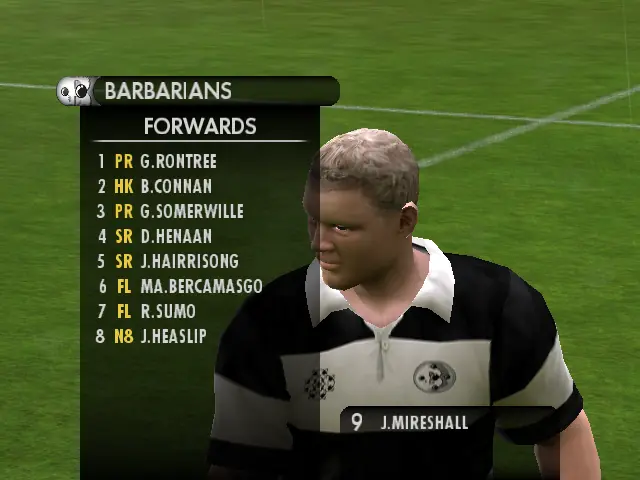
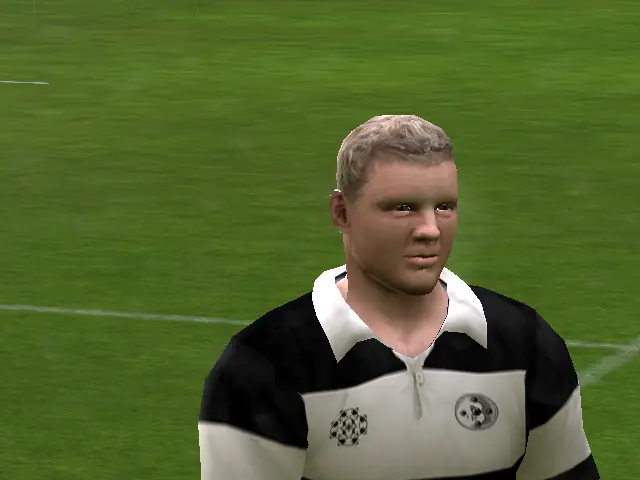
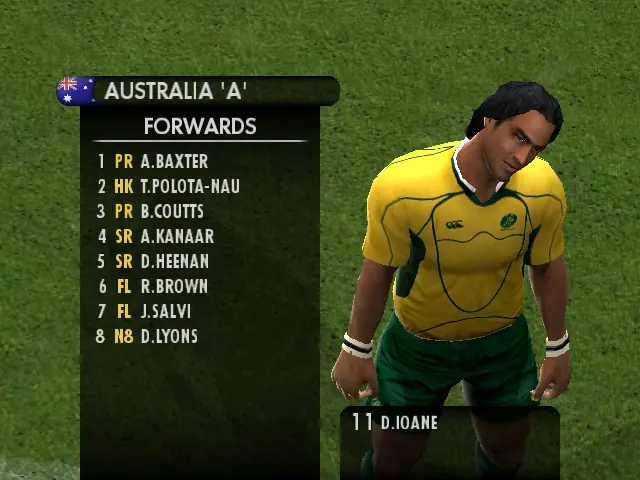
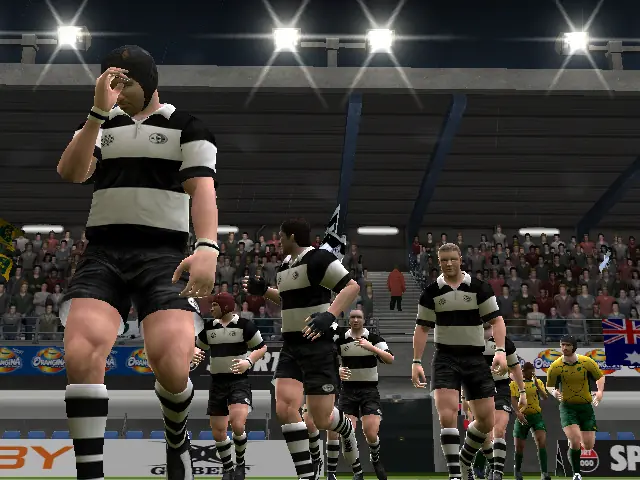
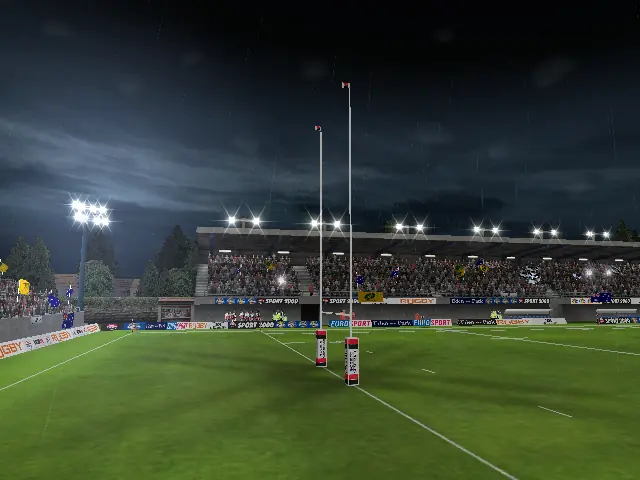
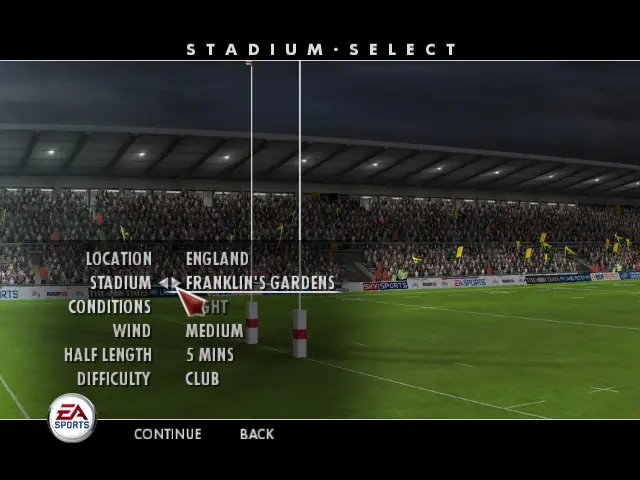
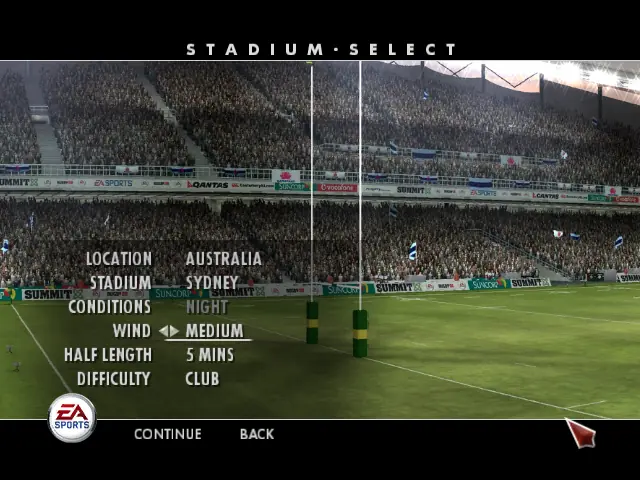
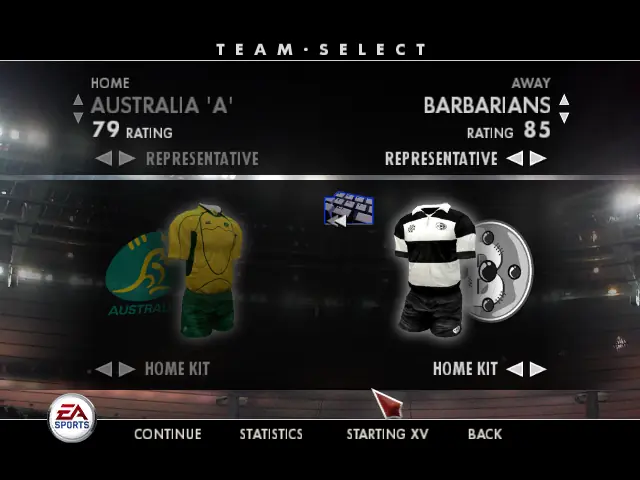
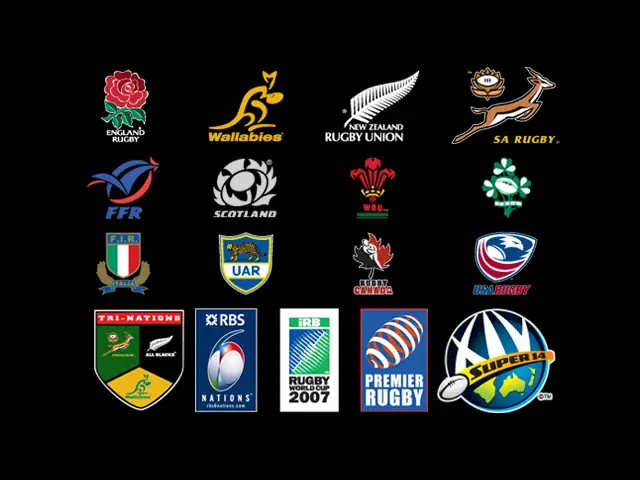
Rugby 08 is the last release in the Rugby series by EA Sports. The game allows players to play as many Rugby nations, both major and minor, and includes many tournaments, such as the Rugby World Cup, Tri Nations, Six Nations, Guinness Premiership and Super 14.

Genres
Publishers
Released
Platforms
Download

About Rugby 08

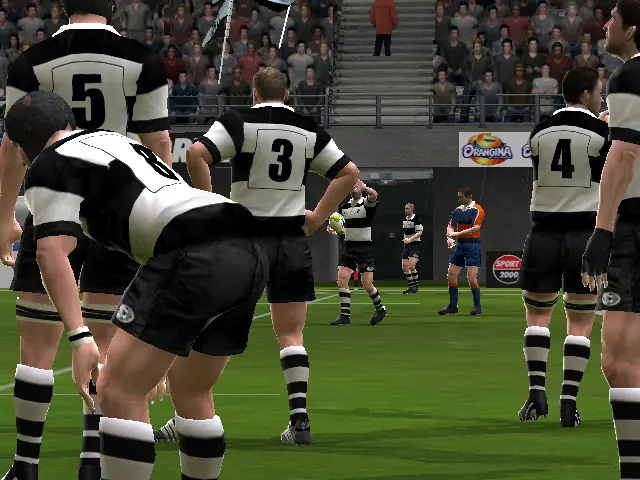
Rugby 08 is the last release in the Rugby series to be published by EA Sports. The game allows players to play as 20 different Rugby nations, both major and minor, and includes many tournaments, such as the Rugby World Cup, Tri Nations, Six Nations, Guinness Premiership and Super 14.

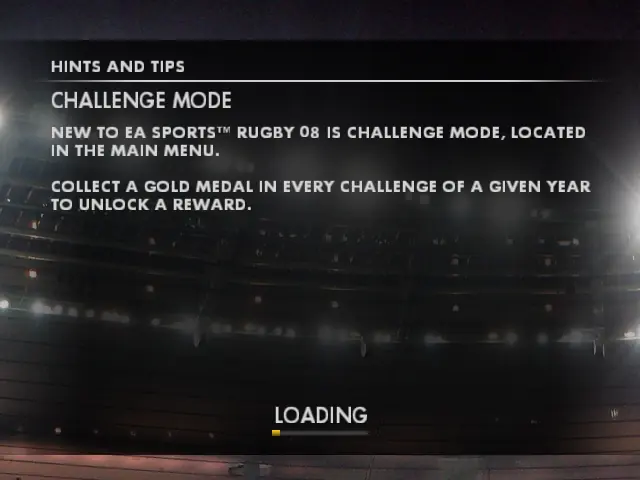
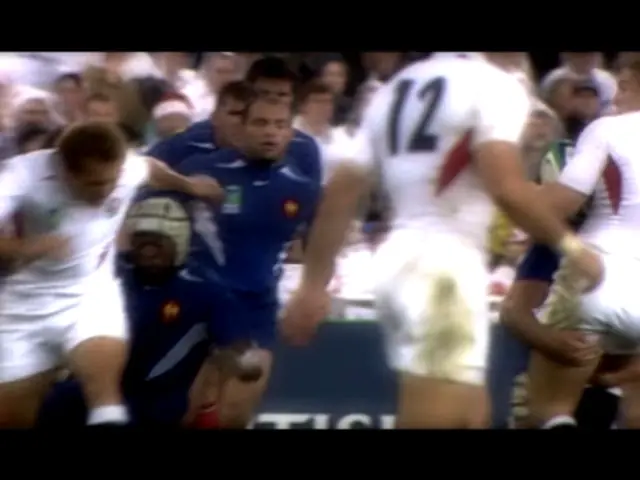
Rugby 08 was released prior to the 2007 World Cup in France. New modes include the Rugby World Cup and the World Cup Challenge mode. Other new gameplay features include simplified lineouts and defensive formations.

The commentary is provided by Ian Robertson and former All Blacks great Grant Fox.

Screenshots

Windows

Rugby 08 — Windows screenshot 1Rugby 08 — Windows screenshot 2Rugby 08 — Windows screenshot 3Rugby 08 — Windows screenshot 4Rugby 08 — Windows screenshot 5Rugby 08 — Windows screenshot 6Rugby 08 — Windows screenshot 7Rugby 08 — Windows screenshot 8Rugby 08 — Windows screenshot 9Rugby 08 — Windows screenshot 10Rugby 08 — Windows screenshot 11Rugby 08 — Windows screenshot 12Rugby 08 — Windows screenshot 13Rugby 08 — Windows screenshot 14Rugby 08 — Windows screenshot 15Rugby 08 — Windows screenshot 16Rugby 08 — Windows screenshot 17Rugby 08 — Windows screenshot 18Rugby 08 — Windows screenshot 19Rugby 08 — Windows screenshot 20Rugby 08 — Windows screenshot 21Rugby 08 — Windows screenshot 22Rugby 08 — Windows screenshot 23Rugby 08 — Windows screenshot 24Rugby 08 — Windows screenshot 25

Download Rugby 08

Rugby 08 is abandonware and no longer sold or supported by its publishers. Files are archived here for these platforms:

Windows (2007)

  • Rugby_08_Win_Files_EN.7zEN1007.72 MB
  • Instructions Rugby_08_Win_Files_EN.7z

    How to play on Windows

    Method 1

    1. Download and extract "Rugby_08_Win_Files_EN"
    2. Open the "Game Files" folder and run the "Rugby08.exe" file
    3. Enjoy!
  • Rugby_08_Win_ISO_EN.7zEN1.49 GB
  • Instructions Rugby_08_Win_ISO_EN.7z

    Method 2

    1. Download "Rugby_08_Win_ISO_EN_EN.7z" and mount the file to a virtual drive
    2. Run AutoRun.exe and the game setup should launch. They will ask you to insert a CD-key, you can use one of the following:
      1VYG-5NO9-5K86-C2EC-BVTY
      4YM5-4U9X-3855-VO7G-2VTY
      FBRZ-W5LF-7641-P04I-GVTY
      DAZZ-2R8V-4NOK-K4FH-CVTY
      GGTK-DW7E-750E-YH24-IVTY
    3. Finish installing the game.
    4. Go into the folder called "Vitality" and copy the "Rugby08.exe" file
    5. Go into the game's installation directory (if you're not sure where this is, right click on the desktop shortcut for Rugby 08 and select "open file location"). Paste the "Rugby08.exe" into the game's installation directory and confirm you want to replace the file in the destination
    6. Run Rugby08.exe and Rugby 08 should launch
    7. Enjoy!

Manuals and readmes

Comments

22 thoughts on “Rugby 08”

  1. 0
    i dont understand why you would lie or what the hell you get out of it when you run autoruyn.exe NOTHING comes up that asks for a CD what kind of garbage person lies like that? How do you benefit. Tell us how we install it properly, NOW!
    Reply
  2. 0
    Se extraña estos juegos lpm. Lo estoy jugando desde hace unos meses y es un juegazo, dicen que están preparando un juego nuevo así pero no lo creo.
    Reply