Scooby-Doo! and the Spooky Swamp
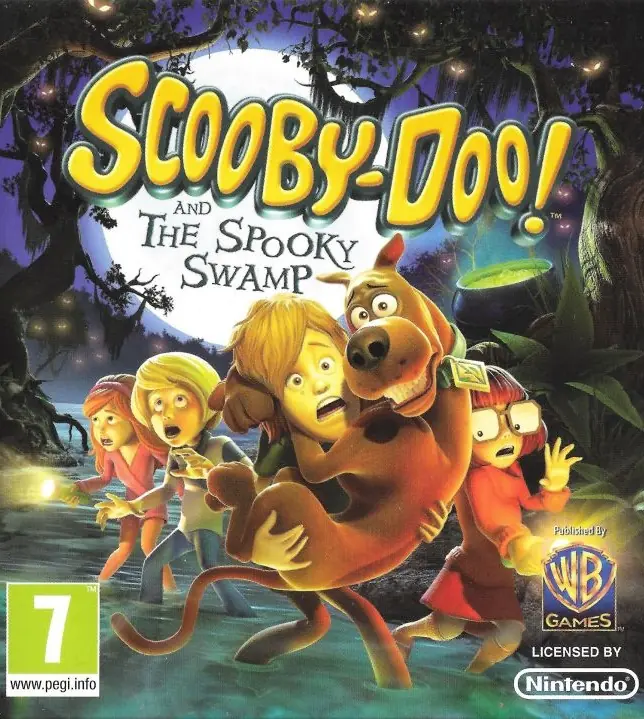
Scooby-Doo! and the Spooky Swamp is a 2010 action game developed by Torus Games and published by Warner Bros. Interactive Entertainment.
Genres
Publishers
Developers
Released
Platforms
Scooby-Doo! and the Spooky Swamp is a 2010 action game developed by Torus Games and published by Warner Bros. Interactive Entertainment.
Shaggy and Scooby-Doo, as hungry as always, venture into the swamp following a scent. There they meet swamp resident Lila, an intelligent girl who loves cooking, and asks them to recover ingredients to finish her stew. Before leaving, Lila insists that they do not tell their friends about her. Shaggy and Scooby set off with the gang to solve two mysteries while secretly collecting the ingredients.
After collecting that last ingredient, Velma catches them and the rest of the gang go with them to meet Lila. A giant alligator ambushes them, but Scooby and Shaggy manage to defeat it. The gang discover that Lila manipulated them into going to the two locations where the ingredients that she needed are and didn't interact with them because she was worried that they wouldn't believe her. The true reason behind the stew was to give to her pet alligator Suji (the monster that Shaggy and Scooby fought), who is just being protective of her, so they can leave the swamp and reunite with Lila's family. Before leaving, Lila provides a feast for Shaggy and Scooby to enjoy.
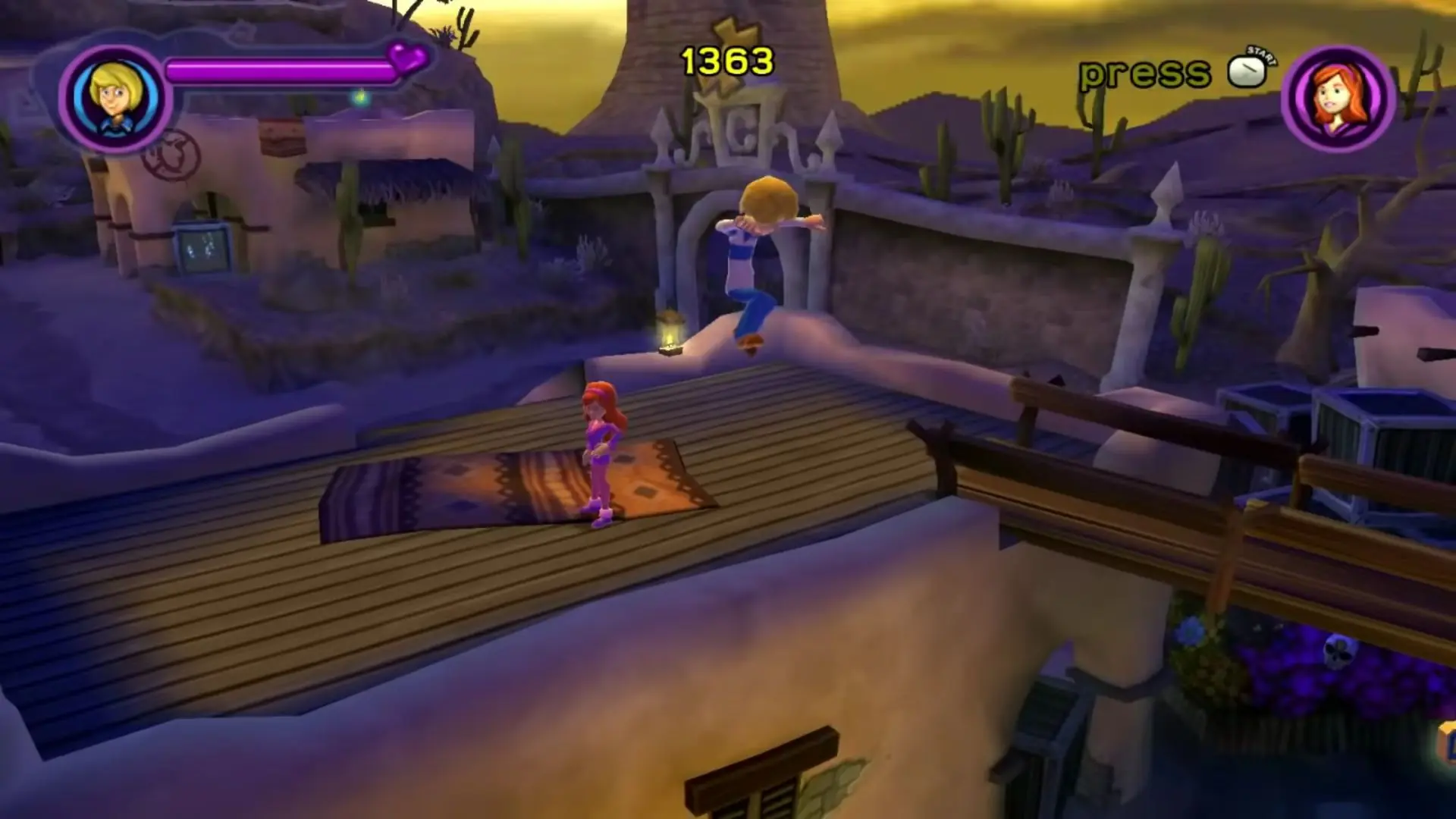
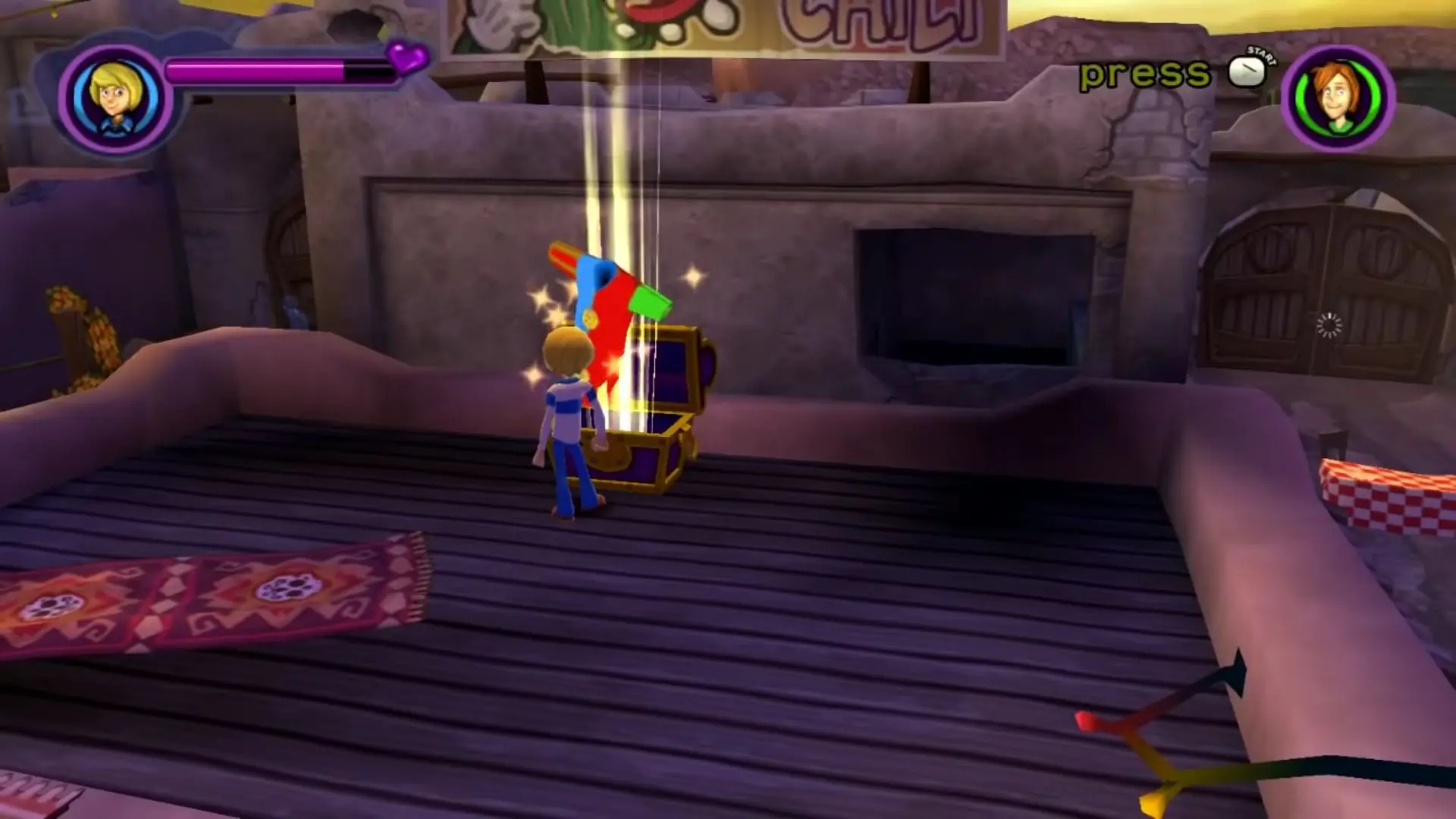
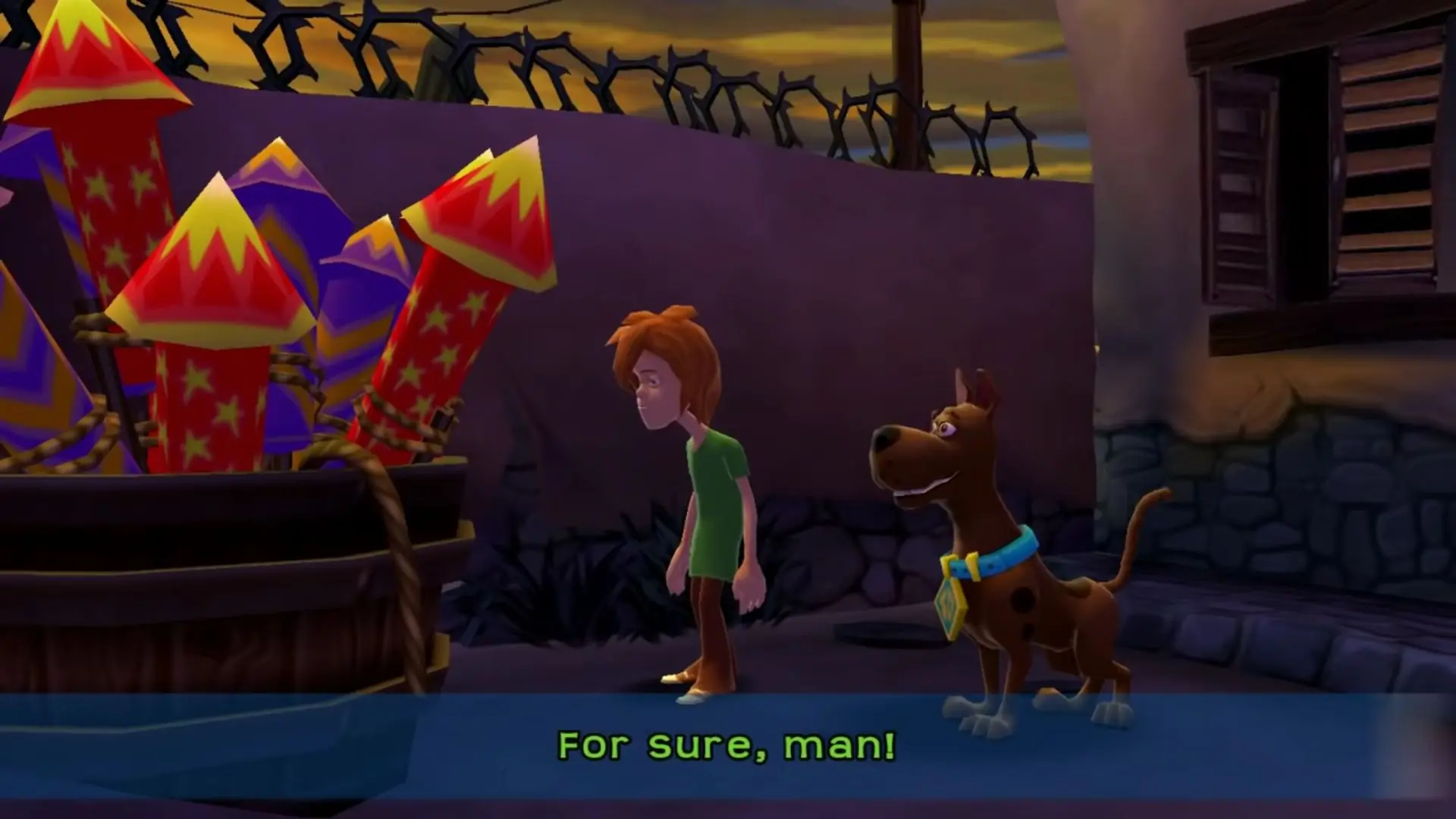
Just like First Frights, the player controls the five members of the Mystery Inc, and the gameplay and interface are highly reminiscent of TT Games' Lego game series. The game has light puzzle elements, platforming, and combat. The primary goal of the game is to solve mysteries and find ingredients to Lila's stew. Each character of the gang has different skills and functions. The game contains many collectibles, including: ingredients for a hoagie, the letters of 'Scooby', Scooby-Doo's collar medallion, ghost photographs, and costumes. Collectibles, options, cheat codes, rewards and more can be accessed in the Swamp's Clubhouse. By defeating enemies, small masks are collected; upon reaching a specified number of masks, the information about the equivalent enemy are shown in the Clubhouse. The player can get trophies for doing certain tasks. The player can also play with a friend in multiplayer co-operation.
In addition to Lila's swamp, players assist characters in two other locations, El Muncho, a Southwestern ghost town, and Howling Peaks, a snowy alpine village. In El Muncho, the citizens are frightened by "El Scaryachi," and the Scooby gang must help Costington (a character from First Frights), twins Emilio and Esteban, and a secret spy named Romero. In Howling Peaks, the locals are frightened by a yeti, and the gang must help Daphne's cousin Anna (who also appeared in First Frights), snowboarder Moose, Dustin "Cranky" Planks, Barry "Baz" Buckley, and Sergio (who is unseen). Throughout the game, the player will occasionally encounter a talking frog named Philippe Extraordinare, who will either give them tips or comedy.
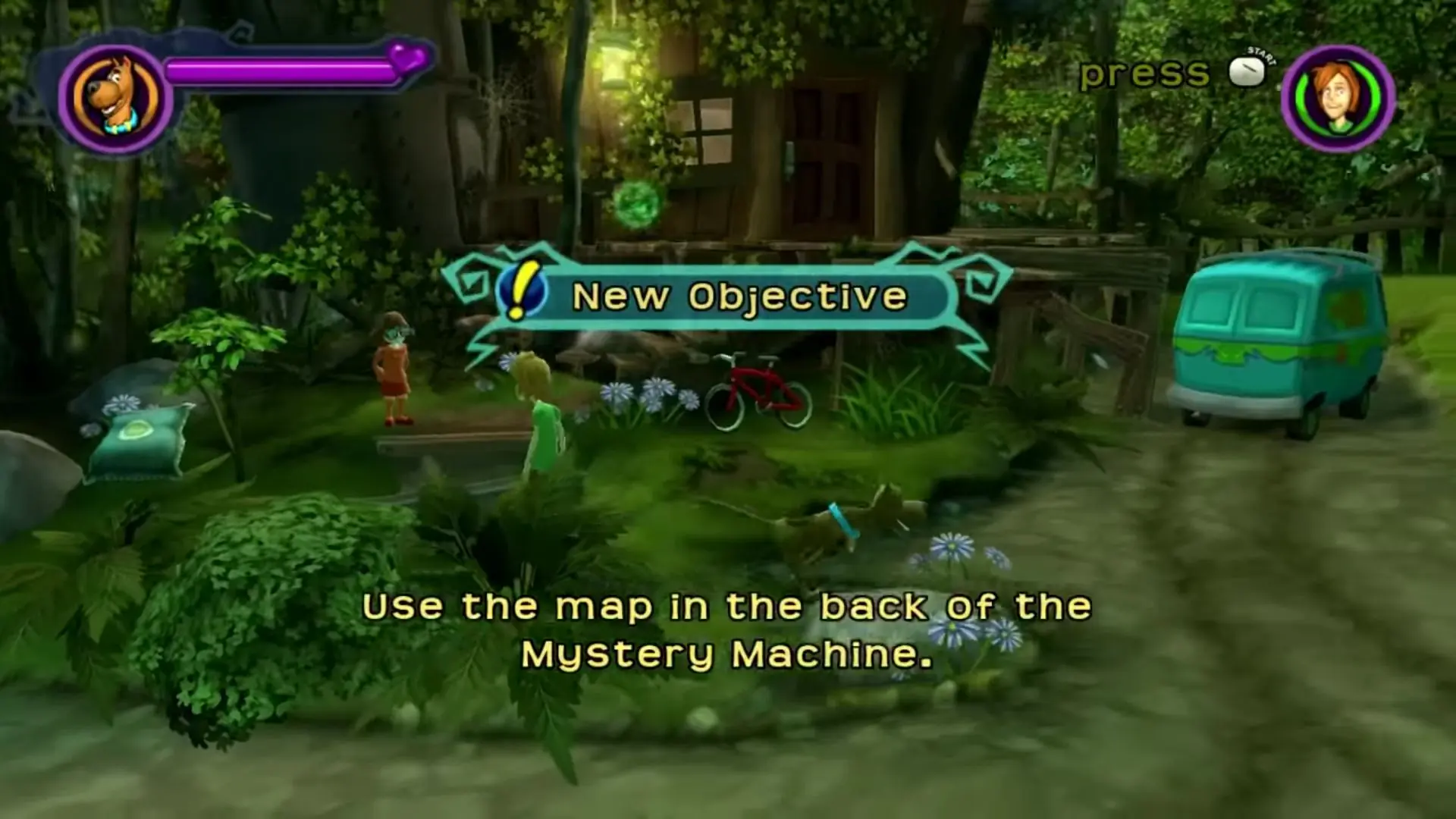
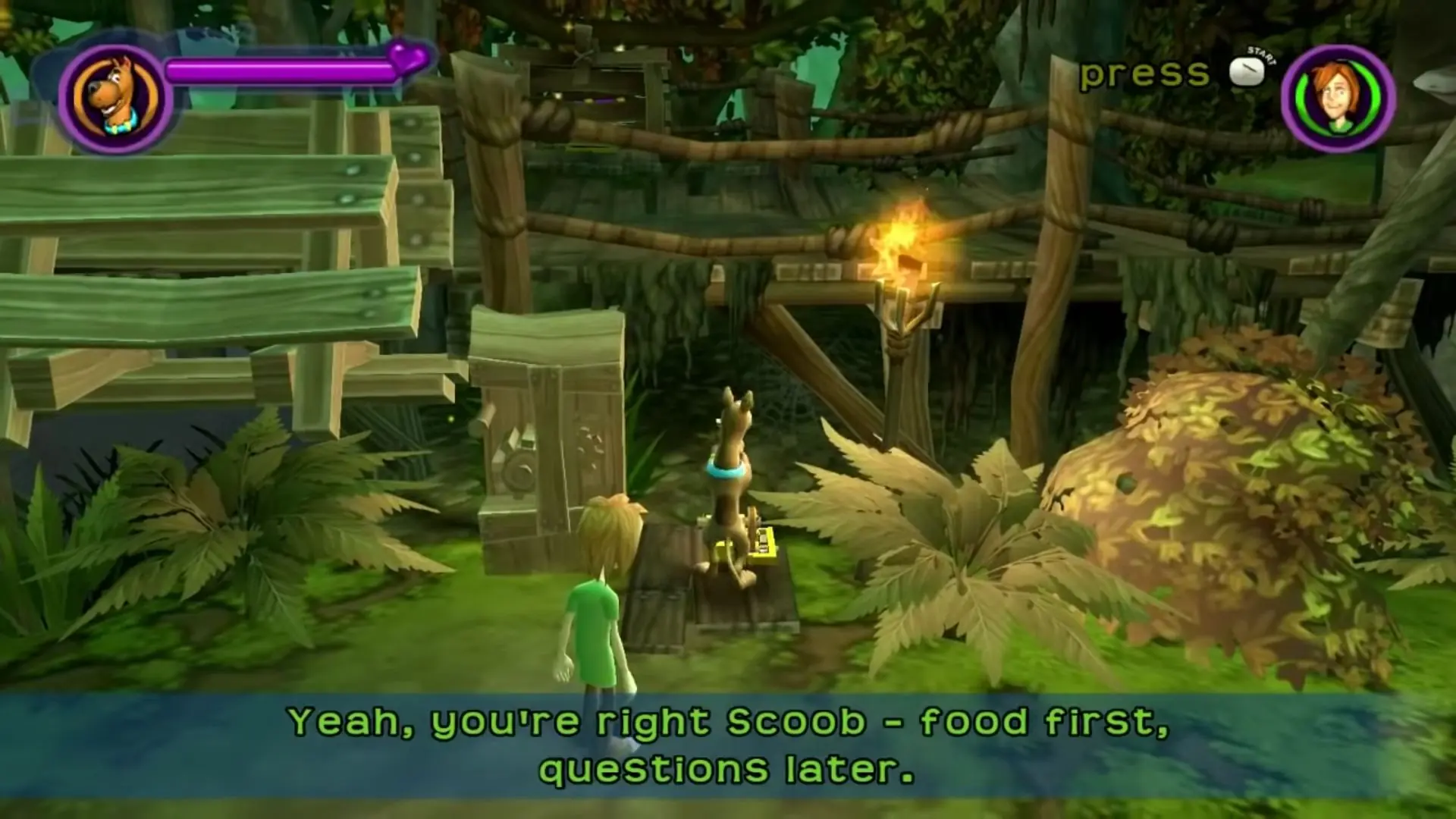
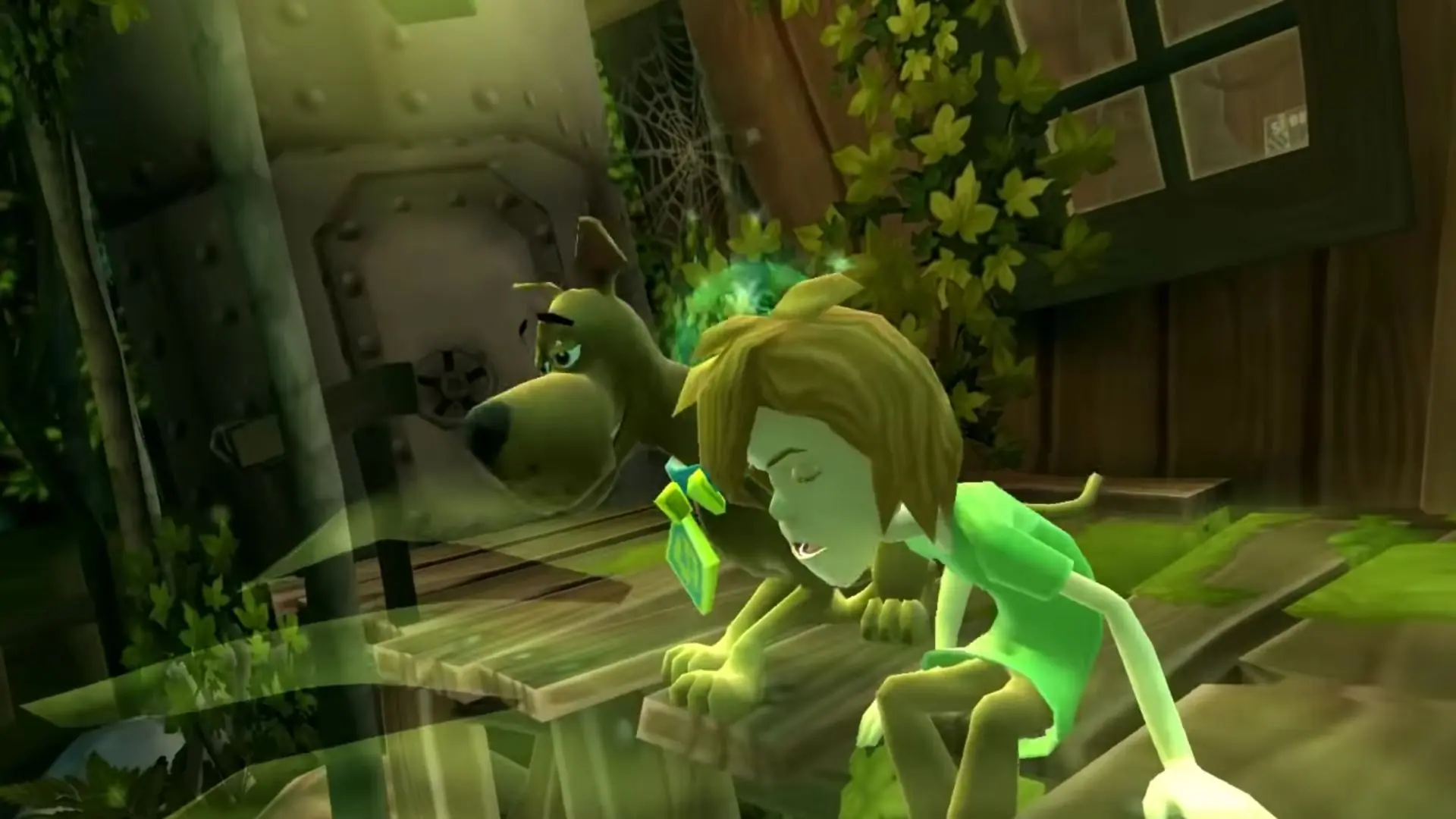
Scooby-Doo! and the Spooky Swamp is abandonware and no longer sold or supported by its publishers. Files are archived here for these platforms:
How to play on Windows






In a main game folder, the one with manual, acpc . Paste it here and if prompted to, click replace file in destination.
With this same problem with the ”crack” folder, you just copy it and then that alone doesn’t work (-_-) but wait, go to the key where you lose the security code, go to the three options that are scanning the computer, wait no Are you scared, okay? It will take a while to scan and then you will see that the world folder is a little and at the end glue crack and at the end say fusono?
access key problem. It is important to clack this at the end
if you have the zip file, unzip, then mount the OGD scooby doo disc file, and find the set up, and run that till its done.
in the same window that poped up when you mounted the scooby doo disc file, there should be a folder called ” crack”, drag that to your desktop.
Then, open windows explorer, and go to your main hard drive, and in it should be 2 foulders called program files, the on you want is the one with numbers following it. inside that program files folder, should be a folder called “WB games”.
open the “WB Games” folder, and find the “scooby doo and the spooky swamp” folder, and open it.
now go and also open the crack folder you dragged to your desktop before.
and you should see inside the crack folder is a file called “scooby2”, drag that into the scooby doo and the spooky swamp folder, and if prompted to, click replace file in destination
you should be abel to run the game from the desktop icon it makes no problem after that