Seven Games of the Soul
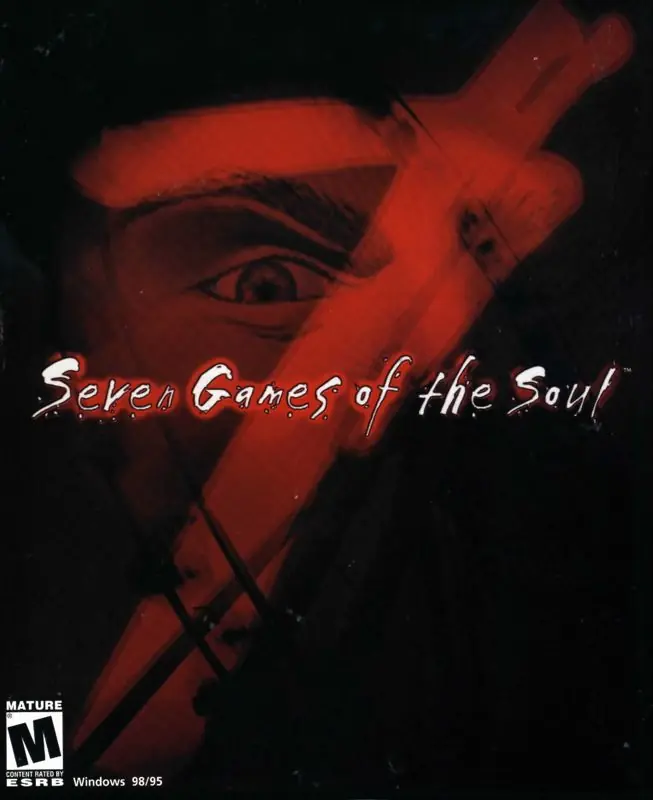
Seven Games of the Soul is a 1999 adventure game developed by Anne Carrière Multimedia and published by 1C Company.
Genres
Developers
Platforms
Seven Games of the Soul is a 1999 adventure game developed by Anne Carrière Multimedia and published by 1C Company.
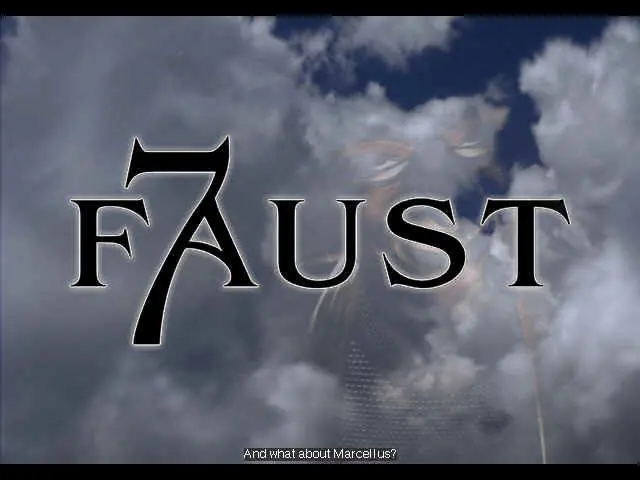
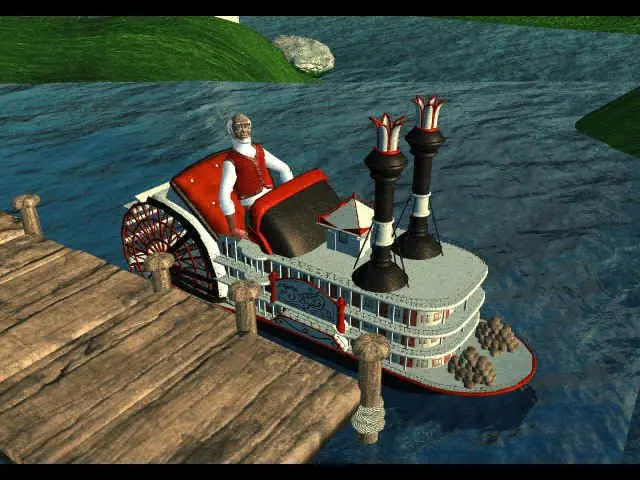
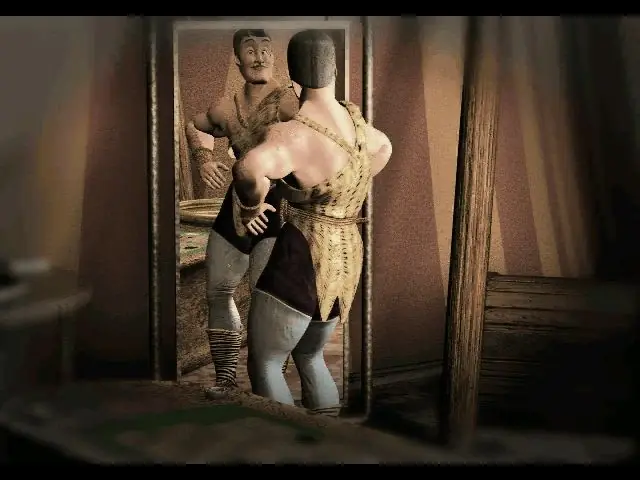
Seven Games of the Soul Marcellus Faust, an old, wise man from Mississippi, the last guard of an unused theme park at the frontier between heaven and hell. Midnight, a strange visitor appears. It is Mephisto, an aristocrat demon, supreme manipulator, and tempter. A duel between the hunter and his prey runs its course. The stakes? Salvation or damnation! Faust must avoid the traps set by the master of illusions and go through the looking glass. Faust must cross the frontiers of time to investigate the strange past of the park. Dive into a whirlwind of paranormal phenomena to solve the seven mysteries that haunt these walls.
Seven Games of the Soul is abandonware and no longer sold or supported by its publishers. Files are archived here for these platforms:
Installation instructions:
1.) Create a destination folder (ex. C:\Games\Faust\)
2.) Mount disc 1, then copy the following files from the disc to C:\Games\Faust\:
*data (entire folder)
*ames.ini
*aObj.ini
*arxin3.fon
*faust16.exe
*faust.exe
*fl.ini
*mmxImage.dll
3.) Copy the sy.at3 file from C:\Games\Faust\data\eng\ to C:\Games\Faust\data\ (NOTE: it MUST be C:\Games\Faust\data\, not C:\Games\Faust\)
4.) Open fl.ini in the C:\Games\Faust\ folder with Notepad, and find this line:
CDPATH: CDROM
Change to:
CDPATH: E:\
(NOTE: replace E:\ with the letter for your virtual drive)
Installation instructions:
1.) Create a destination folder (ex. C:\Games\Faust\)
2.) Mount disc 1, then copy the following files from the disc to C:\Games\Faust\:
*data (entire folder)
*ames.ini
*aObj.ini
*arxin3.fon
*faust16.exe
*faust.exe
*fl.ini
*mmxImage.dll
3.) Copy the sy.at3 file from C:\Games\Faust\data\eng\ to C:\Games\Faust\data\ (NOTE: it MUST be C:\Games\Faust\data\, not C:\Games\Faust\)
4.) Open fl.ini in the C:\Games\Faust\ folder with Notepad, and find this line:
CDPATH: CDROM
Change to:
CDPATH: E:\
(NOTE: replace E:\ with the letter for your virtual drive)
Installation instructions:
1.) Create a destination folder (ex. C:\Games\Faust\)
2.) Mount disc 1, then copy the following files from the disc to C:\Games\Faust\:
*data (entire folder)
*ames.ini
*aObj.ini
*arxin3.fon
*faust16.exe
*faust.exe
*fl.ini
*mmxImage.dll
3.) Copy the sy.at3 file from C:\Games\Faust\data\eng\ to C:\Games\Faust\data\ (NOTE: it MUST be C:\Games\Faust\data\, not C:\Games\Faust\)
4.) Open fl.ini in the C:\Games\Faust\ folder with Notepad, and find this line:
CDPATH: CDROM
Change to:
CDPATH: E:\
(NOTE: replace E:\ with the letter for your virtual drive)
Installation instructions:
1.) Create a destination folder (ex. C:\Games\Faust\)
2.) Mount disc 1, then copy the following files from the disc to C:\Games\Faust\:
*data (entire folder)
*ames.ini
*aObj.ini
*arxin3.fon
*faust16.exe
*faust.exe
*fl.ini
*mmxImage.dll
3.) Copy the sy.at3 file from C:\Games\Faust\data\eng\ to C:\Games\Faust\data\ (NOTE: it MUST be C:\Games\Faust\data\, not C:\Games\Faust\)
4.) Open fl.ini in the C:\Games\Faust\ folder with Notepad, and find this line:
CDPATH: CDROM
Change to:
CDPATH: E:\
(NOTE: replace E:\ with the letter for your virtual drive)






Comments