Sonic Riders
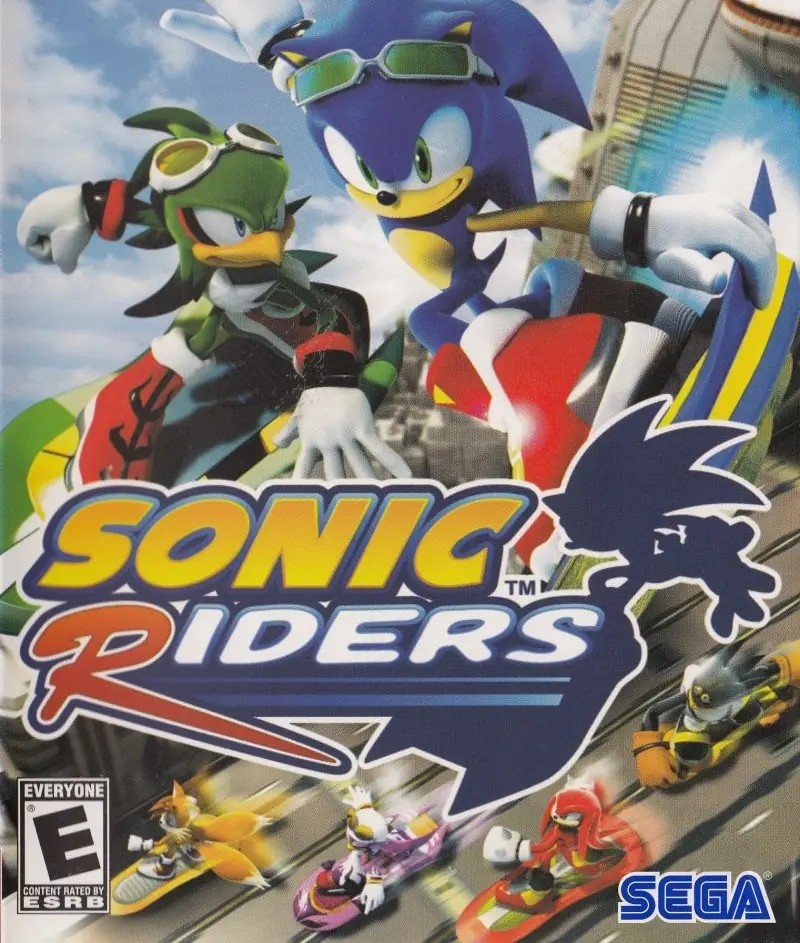
Sonic Riders is a 2006 racing game developed by Now Production and published by Sega.
Sonic Riders is a 2006 racing game developed by Now Production and published by Sega.
Sonic Riders is a 2006 racing video game developed by Sonic Team and Now Production and published by Sega for the GameCube, PlayStation 2, and Xbox. In the game, the player controls characters from the Sonic the Hedgehog series on hoverboards and competes against opponents—either controlled by computers or other players—in races and battles. The game was released in February 2006 in Japan and North America, with a European release following the next month and a Windows version at the end of the year. A Game Boy Advance version developed by Backbone Entertainment was canceled.
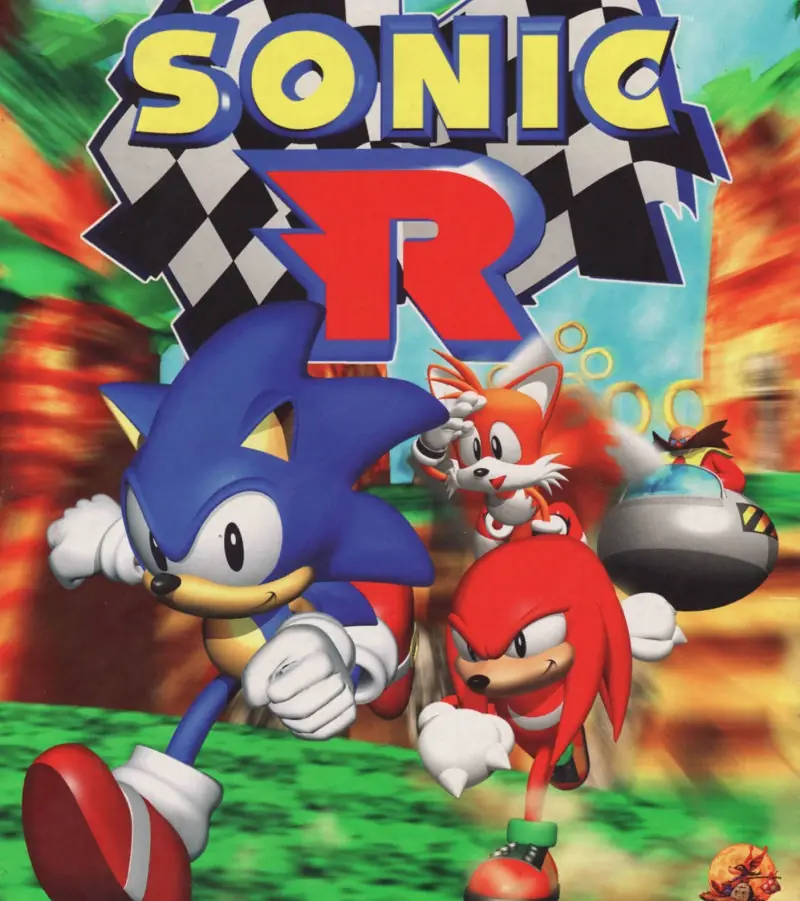
The game was produced in commemoration of the Sonic series' 15th anniversary and was the first major Sonic racing game since Sonic R (1997) by Traveller's Tales. Sonic Team wanted to make their own game that was superior to any previous Sonic racing game. It was designed to appeal to fans of Sonic as well as extreme sports video games; the development team did not take inspiration from any prior games. Sonic Riders was also the last Sonic title produced with the involvement of franchise co-creator Yuji Naka, who acted as executive producer and left Sega shortly after its release.
Sonic Riders was released to mixed reviews from critics, but was a commercial success and was later re-released under the GameCube and PlayStation 2 bestseller lines. Reviewers mostly criticized the gameplay, controls, and overall design; while praise was directed at the game's visual style, soundtrack and sense of speed while racing; the Windows version also received criticism for its technical performance. Many deemed it a lackluster game—both within the Sonic franchise and the racing game medium—that did have its highlights but ultimately fell to its shortcomings. The game received two sequels, Sonic Riders: Zero Gravity (2008) and Sonic Free Riders (2010), which were developed and released to similar commercial success.
Sonic Riders features 16 playable characters, including guest characters from Nights into Dreams, Space Channel 5, and Super Monkey Ball.
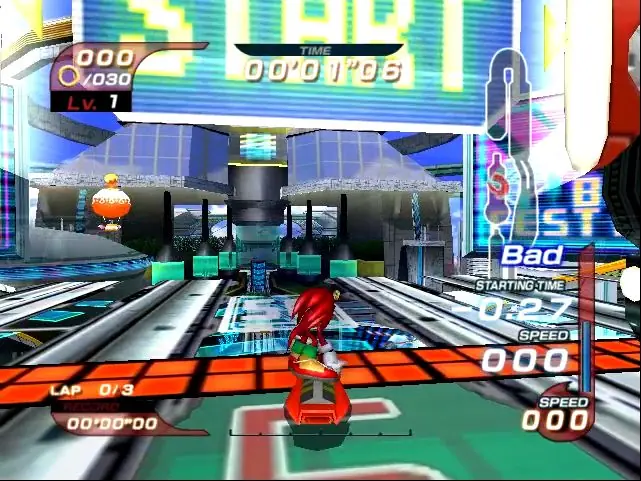
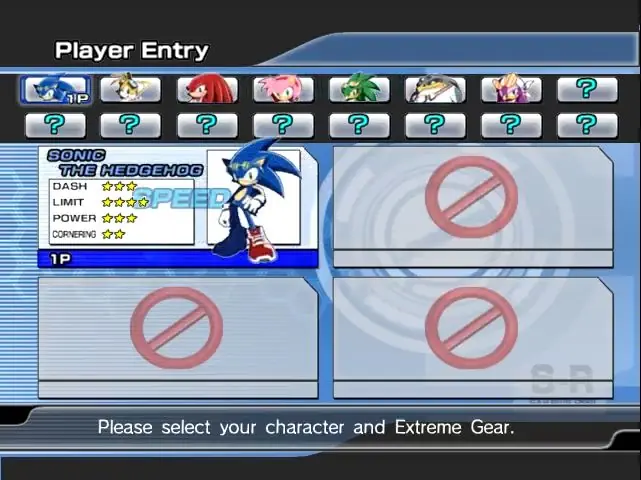
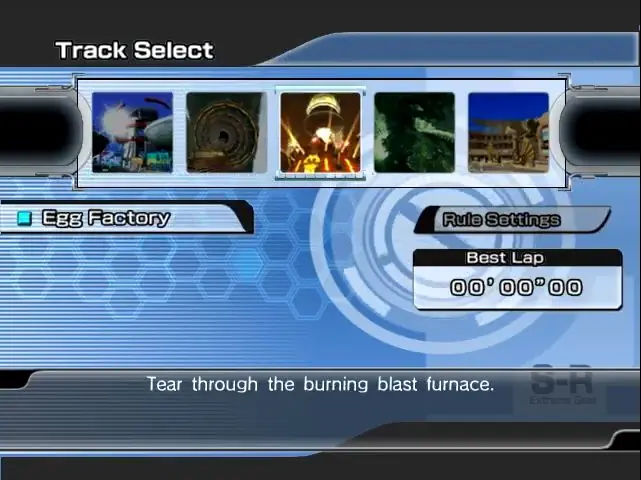
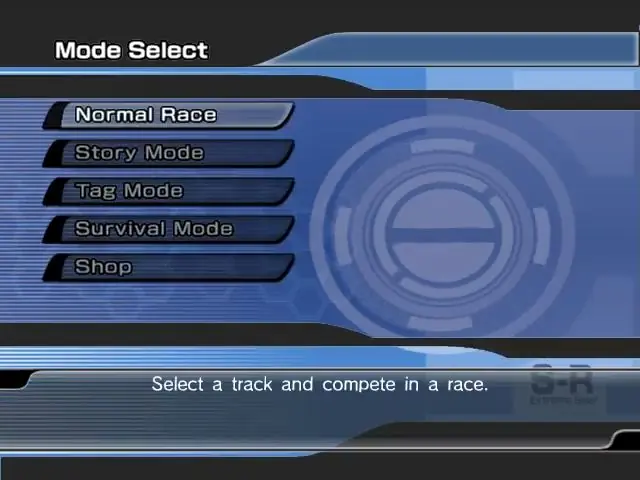
Sonic Riders is abandonware and no longer sold or supported by its publishers. Files are archived here for these platforms:
How to play on Windows (preinstalled)
How to play on Windows (have to install)






you need adminstrator though
thats what i used for the non-preinstalled verison
its always stuck to the launcher
Here are three short and easy steps to get Sonic Riders to work fully and properly!:
~ Step 1:
Right click on the Sonic Riders shortcut located on your desktop.
~ Step 2:
Click “Open file location” (For those who didn’t create a desktop shortcut during the installation process, you can simply go to the File Explorer path: C:Program Files (x86)SegaSonic Riders ).
~ Step 3: This current step needs to be applied to both “Launcher.exe” and “SonicRiders.exe” (in the current folder), for the game to work properly.
Part 1. Right click on the .exe file, and select “Properties”.
Part 2. Click on the “Compatibility” tab.
Part 3. In the “Settings” section, click on the checkbox labeled: “Run this program as administrator”.
Part 4. Click “Apply” (located on the bottom right corner of the current window).
Part 5. Exit or Close out the current window, and run the game with the Sonic Riders launcher!
~ Step 4 (Extra): If Step 3 didn’t work for you, then follow this step instead:
Part 1. Right click on the .exe file, and select “Properties”.
Part 2. Click on the “Compatibility” tab.
Part 3. In the “Settings” section, click on the checkbox labeled: “Run this program as administrator”.
Part 4: Also, look for the section: “Compatibility mode” and click the checkbox ” Run this compatibility mode for: “.
Part 5: Click the dropdown, and select: “Windows XP (Service Pack 2)”
Part 6. Click “Apply” (located on the bottom right corner of the current window).
Part 7. Exit or Close out the current window, and run the game with the Sonic Riders launcher!
Hope this helps! Have fun playing Sonic Riders! 😀
Preinstalled doesn’t work.
can someone share bypass launcher crack or smht ?
when i open launcher, it says install game instead of start game, its not PRE INSTALLED at all
clicking on install game doesnt work of course