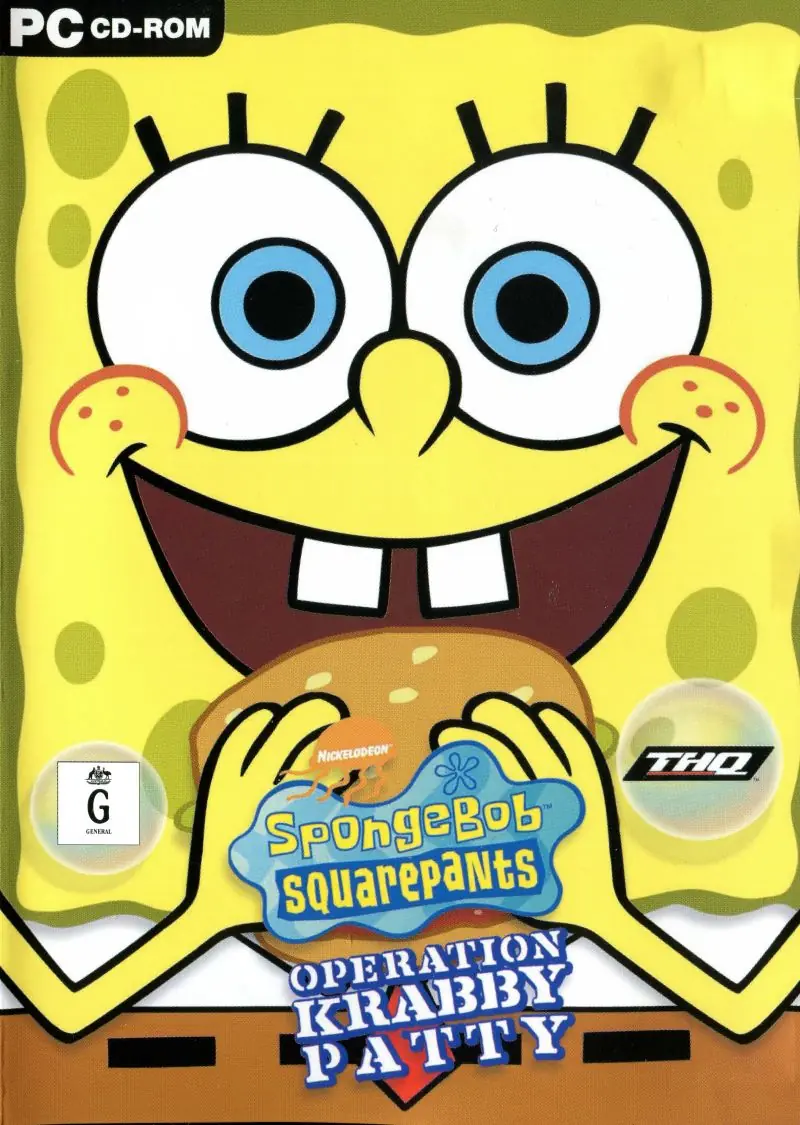
About SpongeBob SquarePants: Operation Krabby Patty
The game features two separate stories, depending on which side of the bed the player chooses to wake up on:
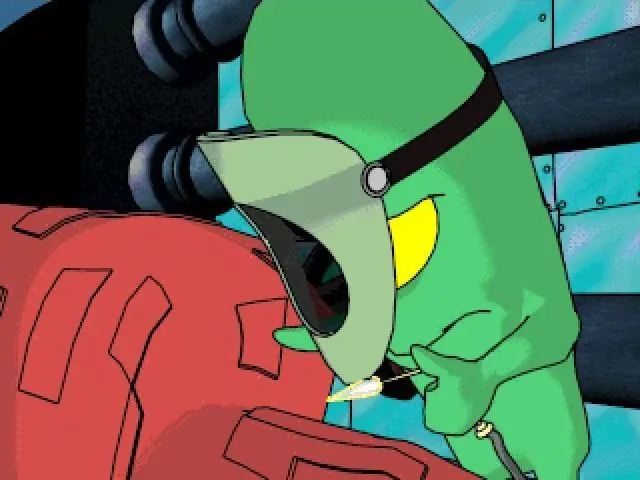
Plankton kidnaps SpongeBob's pet snail Gary, and SpongeBob is required to do tasks for Plankton to give Gary back. SpongeBob's first task, given over a tape recorder, is to get his boating permit. The recorder fails to self-destruct after the briefing. SpongeBob asks Patrick for help, and he agrees to help SpongeBob collect jellyfish jelly. After the mission, Plankton tells SpongeBob that he needs a collection of Krabby Patties. SpongeBob watches a group of sea ants go inside The Chum Bucket. Plankton tells them to bring Krabby Patties to The Chum Bucket, but they mishear him and bring them to SpongeBob's house. SpongeBob then receives his next task from Plankton. SpongeBob asks Squidward to help him collect cheese to get Gary back. The last thing Plankton asks for is a hundred dollar ransom. SpongeBob finds Mr. Krabs' ship to earn the money. He asks SpongeBob to protect his treasure from ghost pirates. SpongeBob then asks Mr. Krabs for the hundred dollars and he agrees to it. Meanwhile, at The Chum Bucket, an ant delivers the tape recorder from SpongeBob's house and it finally self-destructs. Gary, having escaped beforehand, finds and reunites with SpongeBob.
Plankton has created a robot replica of Mr. Krabs to break into the Krusty Krab and steal the Krabby Patty recipe. Plankton presents Robo Krabs to the sea ants and orders them to use it to take Krabby Patties. SpongeBob finds Robo Krabs near the Krusty Krab and decides to warn Mr. Krabs when he goes to Mrs. Puff's Boating School. SpongeBob earns his boating permit to find him. After obtaining the permit, he crashes his vehicle and flies out, landing near Patrick. Patrick takes SpongeBob to a fishing ground, which he mistakes for a carnival. After SpongeBob eats the last piece of bait, he sees Robo Krabs and escapes on a jellyfish. Sandy asks to go jellyfishing with SpongeBob. After the mission, a jellyfish flies SpongeBob to Mr. Krabs so he can warn him about Robo Krabs. SpongeBob finds Mr. Krabs and helps him save his treasure from ghost pirates. After the mission, SpongeBob informs Mr. Krabs of Robo Krabs, but he is not worried. Plankton listens in and attempts to fire Robo Krabs when he hears this, but the robot self-destructs.
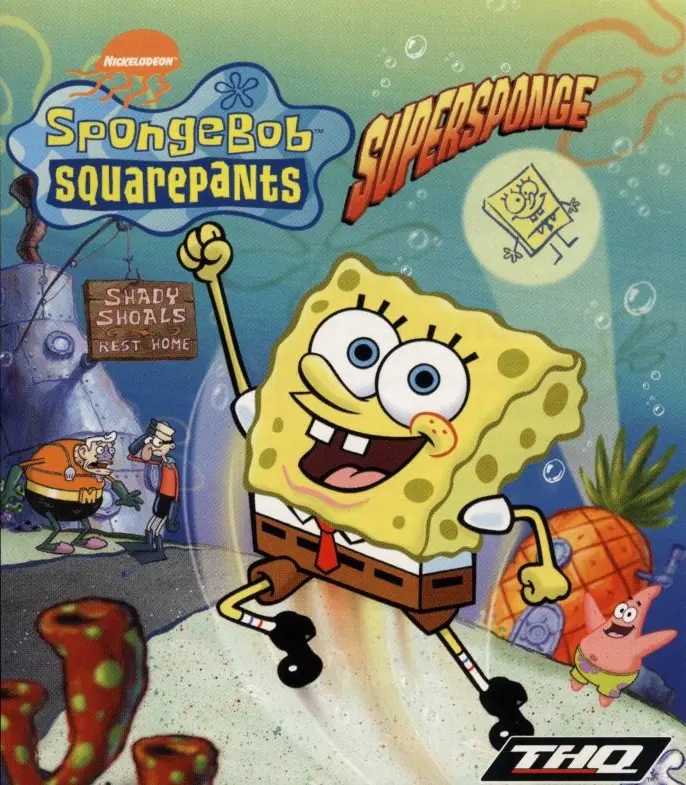
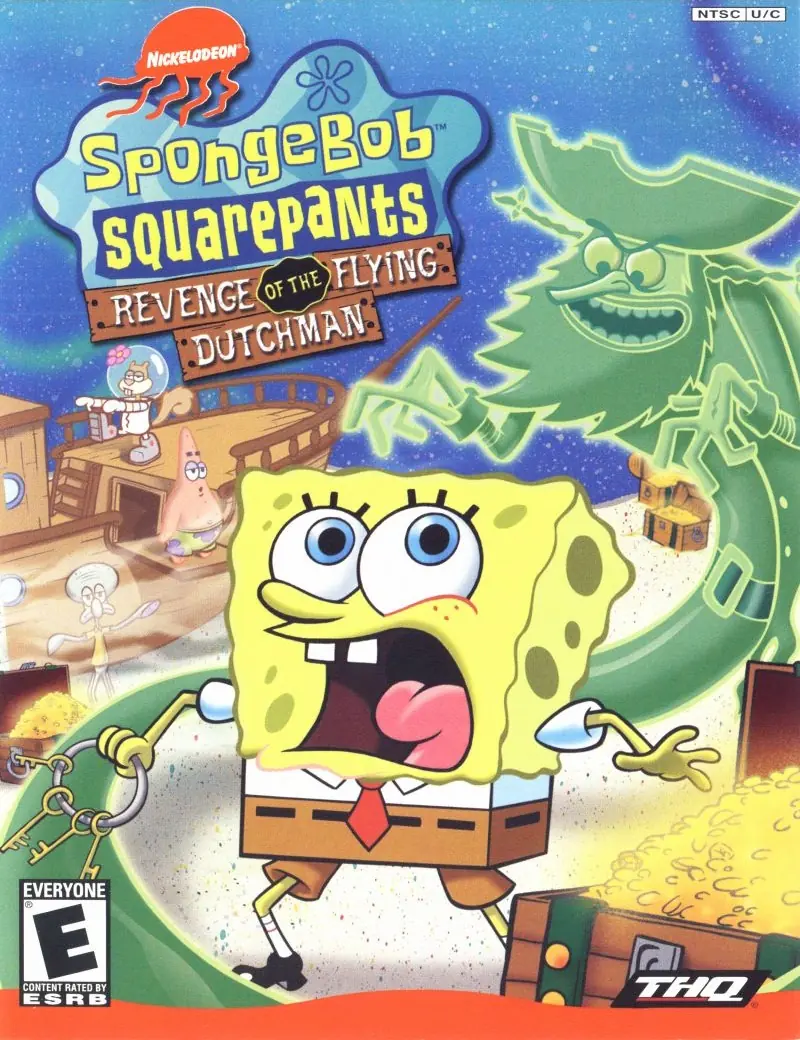






Happy Gaming!
any suggestions?