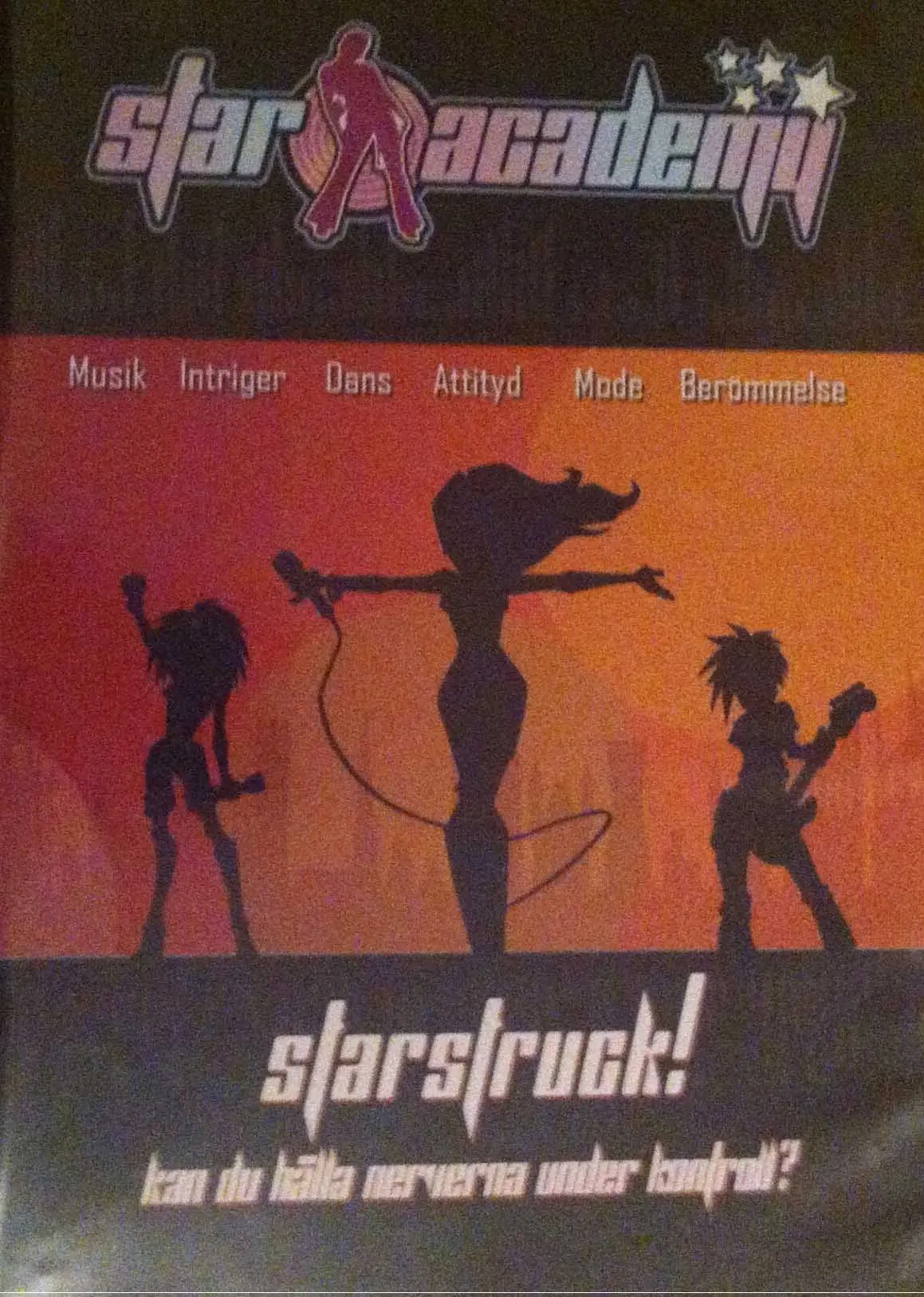
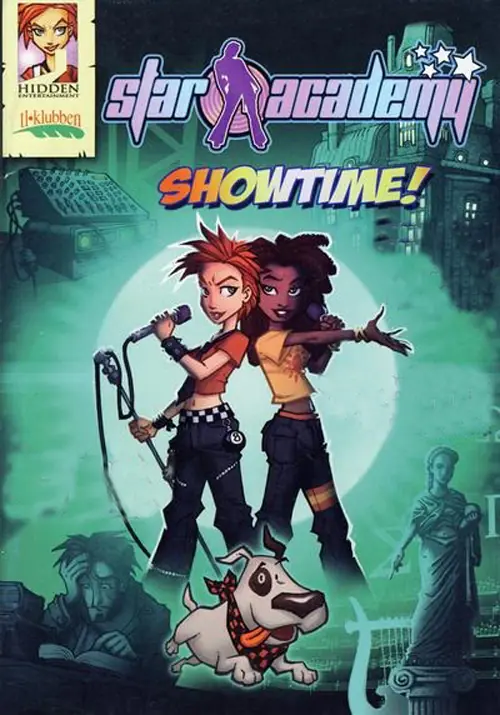
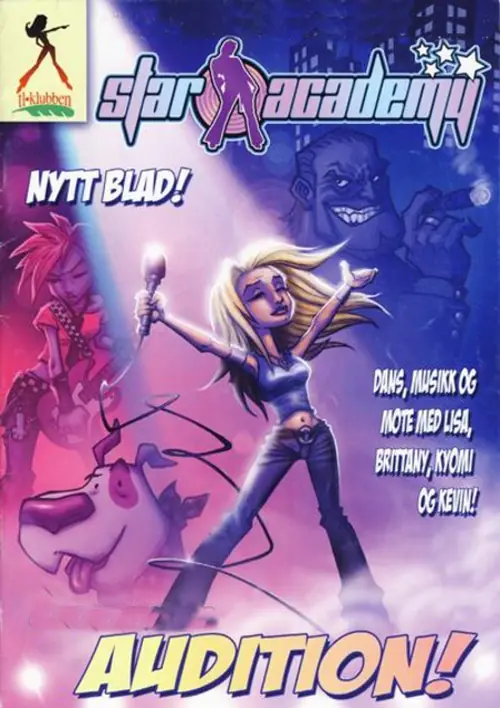
Star Academy: Starstruck! is abandonware and no longer sold or supported by its publishers. This game was preserved thanks to a community donation - see our missing games page for credits and titles we're still looking for.
1. After installing the files, go to where you downloaded it (should be in Documents).
2. Open the file named Word.pxw. You will see that this file has English text in it. This is very important, copy it for later.
3. Download the game via the setup file. Ignore the errors, click through them. Rename the desktop icon that appears, as it will be called PRODUCT_NAME.
4. Go to the Program Files, then Hidden Entertainment, then Star Academy 1. You will see another Word.pxw file (opening it isn’t necessary, but if you do you’ll find Russian text and some of it cannot be parsed/understood in Notepad – This is what causes the game to default to Russian no matter how many times you attempt to change the language in the files). Paste the one you copied earlier. It will ask if it’s okay to overwrite, do so.
5. Run the game. It will now be in English!






1. After installing the files, go to where you downloaded it (should be in Documents).
2. Open the file named Word.pxw. You will see that this file has English text in it. This is very important, copy it for later.
3. Download the game via the setup file. Ignore the errors, click through them. Rename the desktop icon that appears, as it will be called PRODUCT_NAME.
4. Go to the Program Files, then Hidden Entertainment, then Star Academy 1. You will see another Word.pxw file (opening it isn’t necessary, but if you do you’ll find Russian text and some of it cannot be parsed/understood in Notepad – This is what causes the game to default to Russian no matter how many times you attempt to change the language in the files). Paste the one you copied earlier. It will ask if it’s okay to overwrite, do so.
5. Run the game. It will now be in English!