Home » Games » Star Stable 2

Star Stable 2

Star Stable 2 Game Cover
4.7/5 - 252 votes

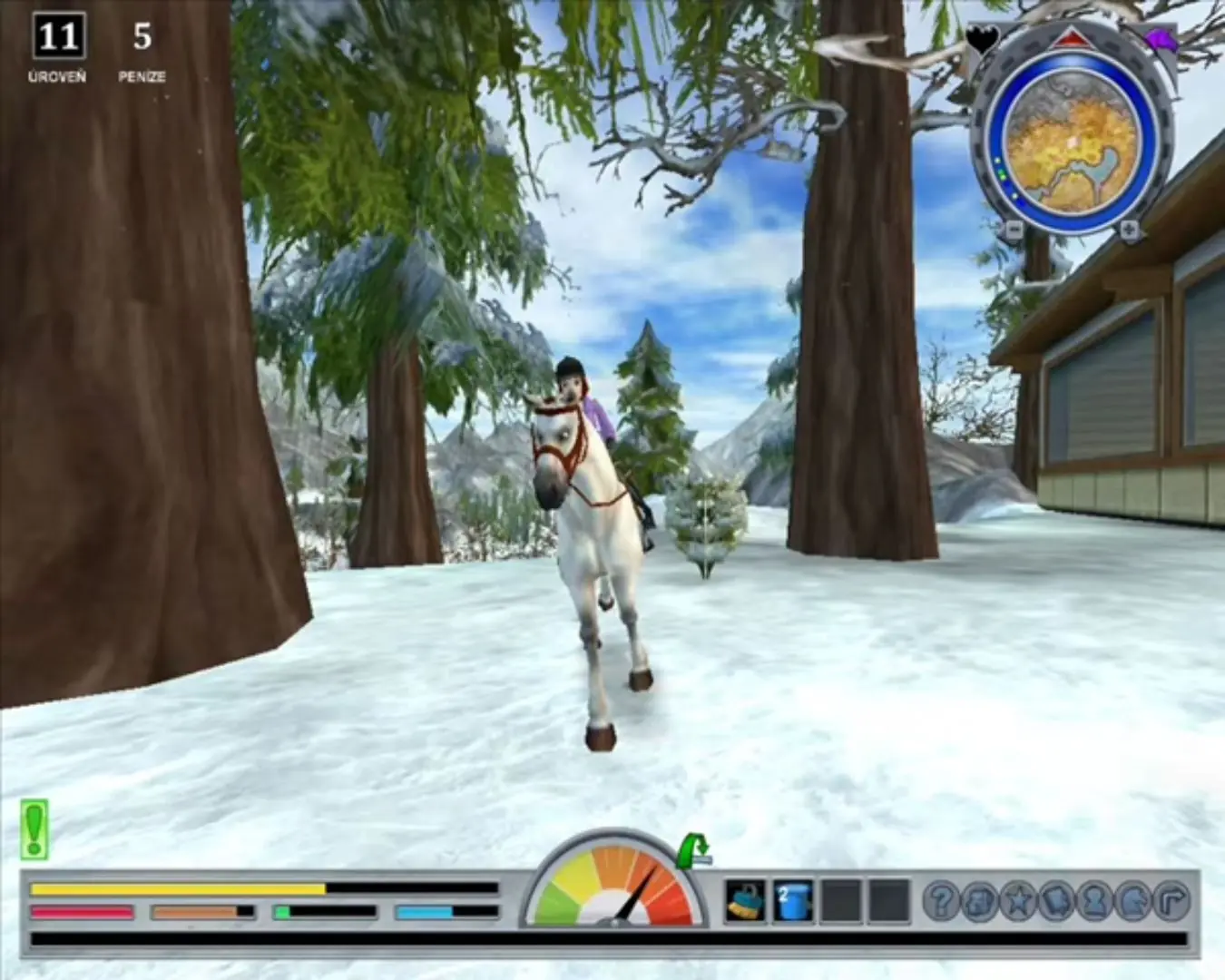
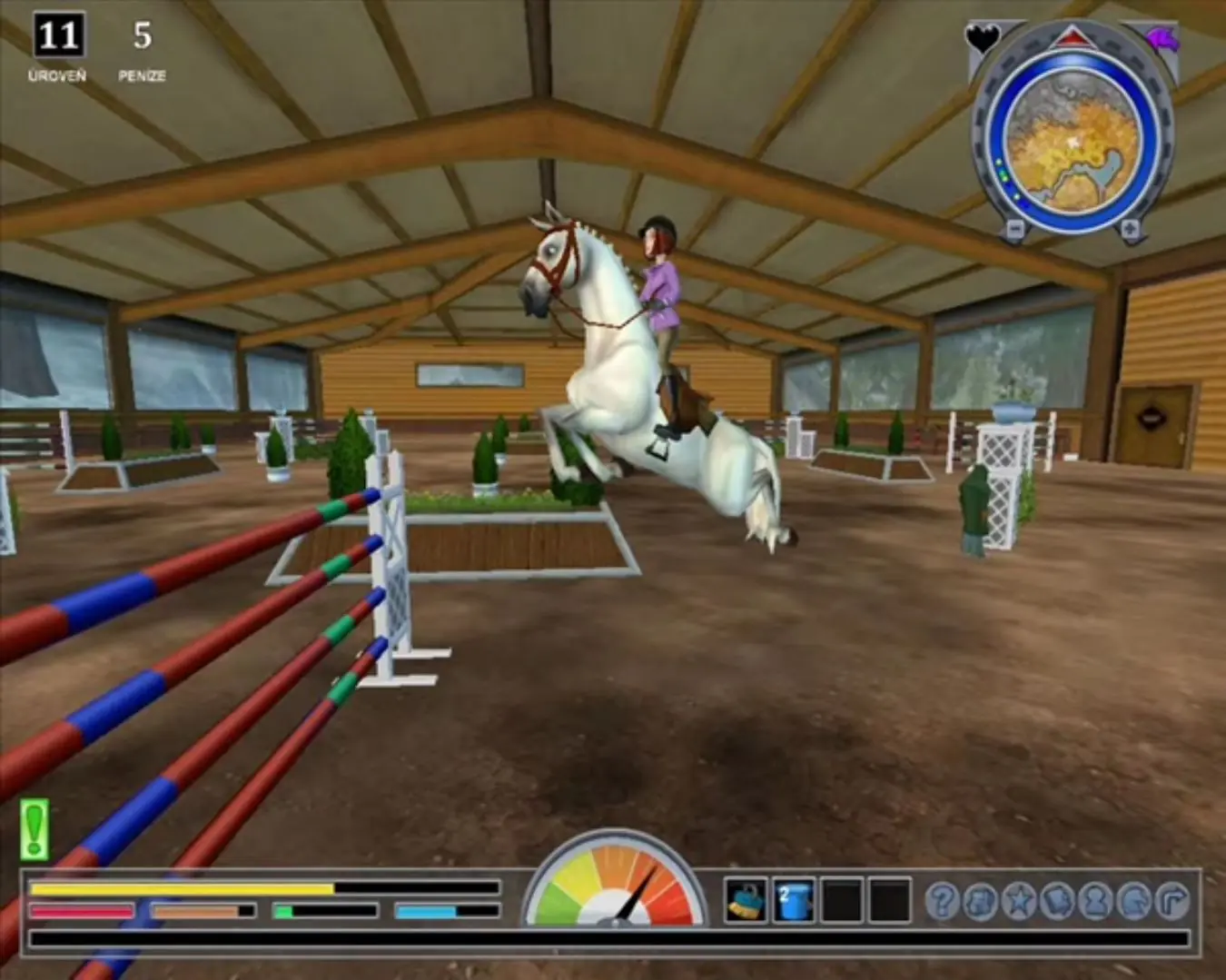
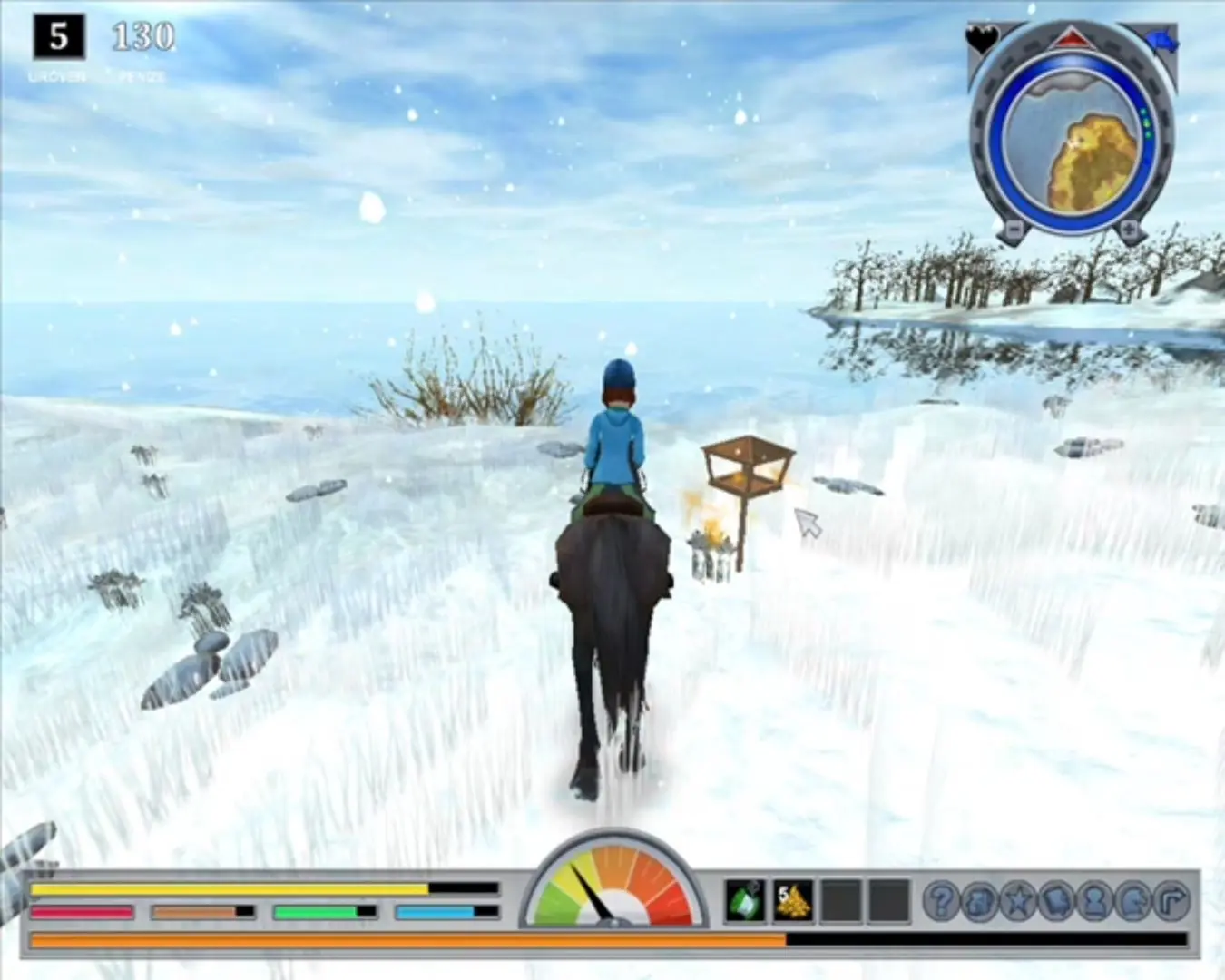
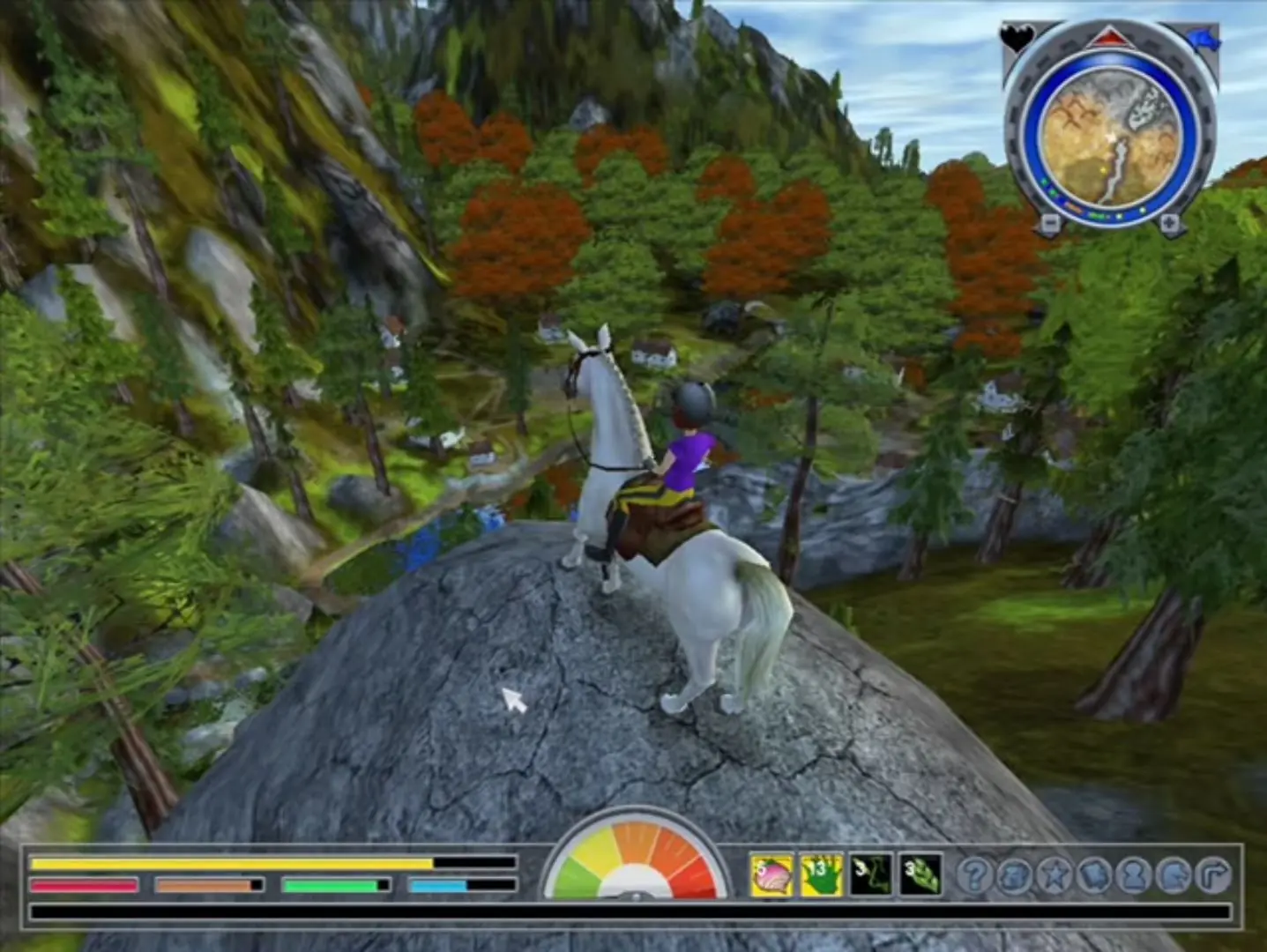
Star Stable 2 is a single-player horse riding game. It is the second game in the "Star Stable" series.
Genres
,
Released
Platforms
Download

Screenshots

Windows

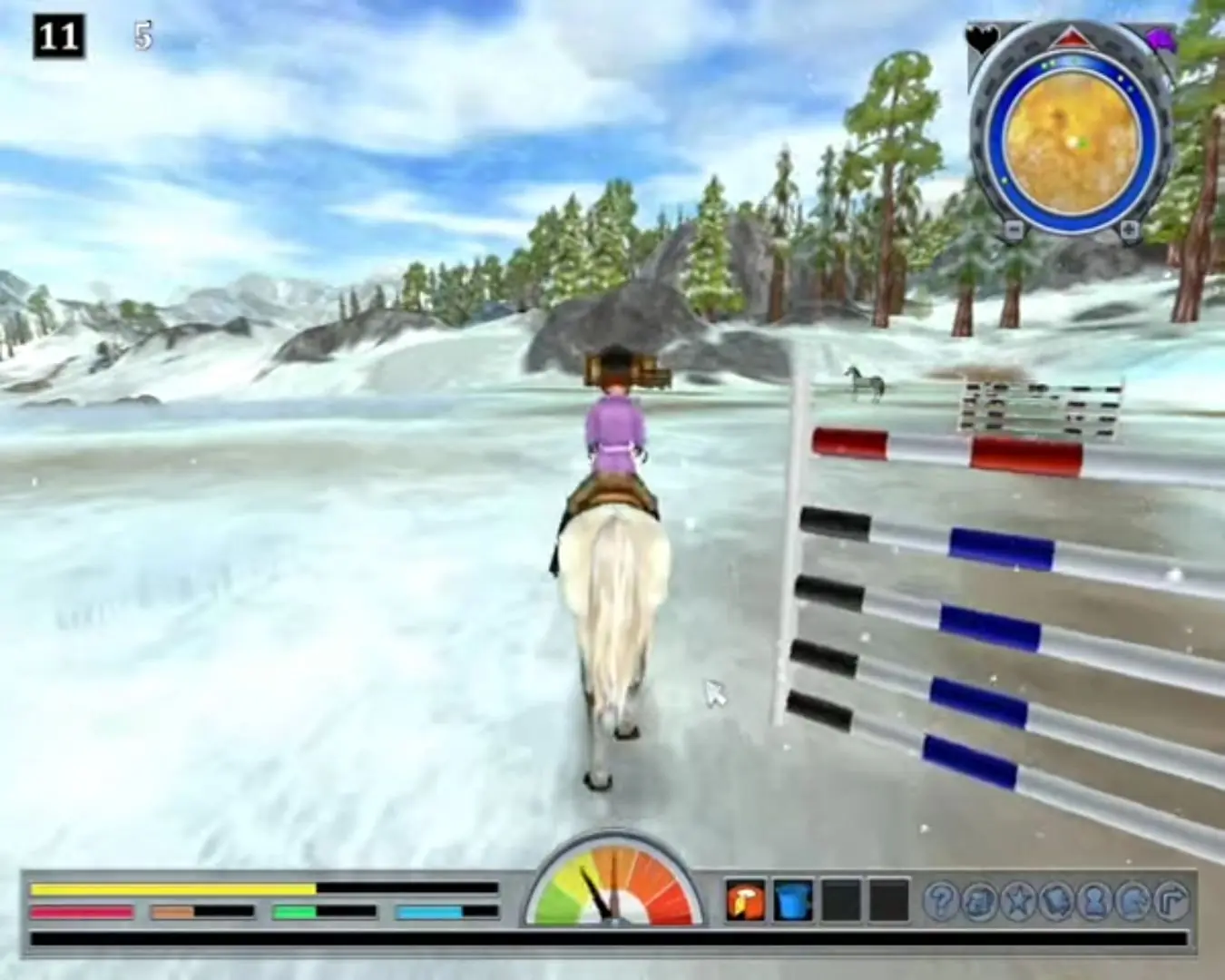
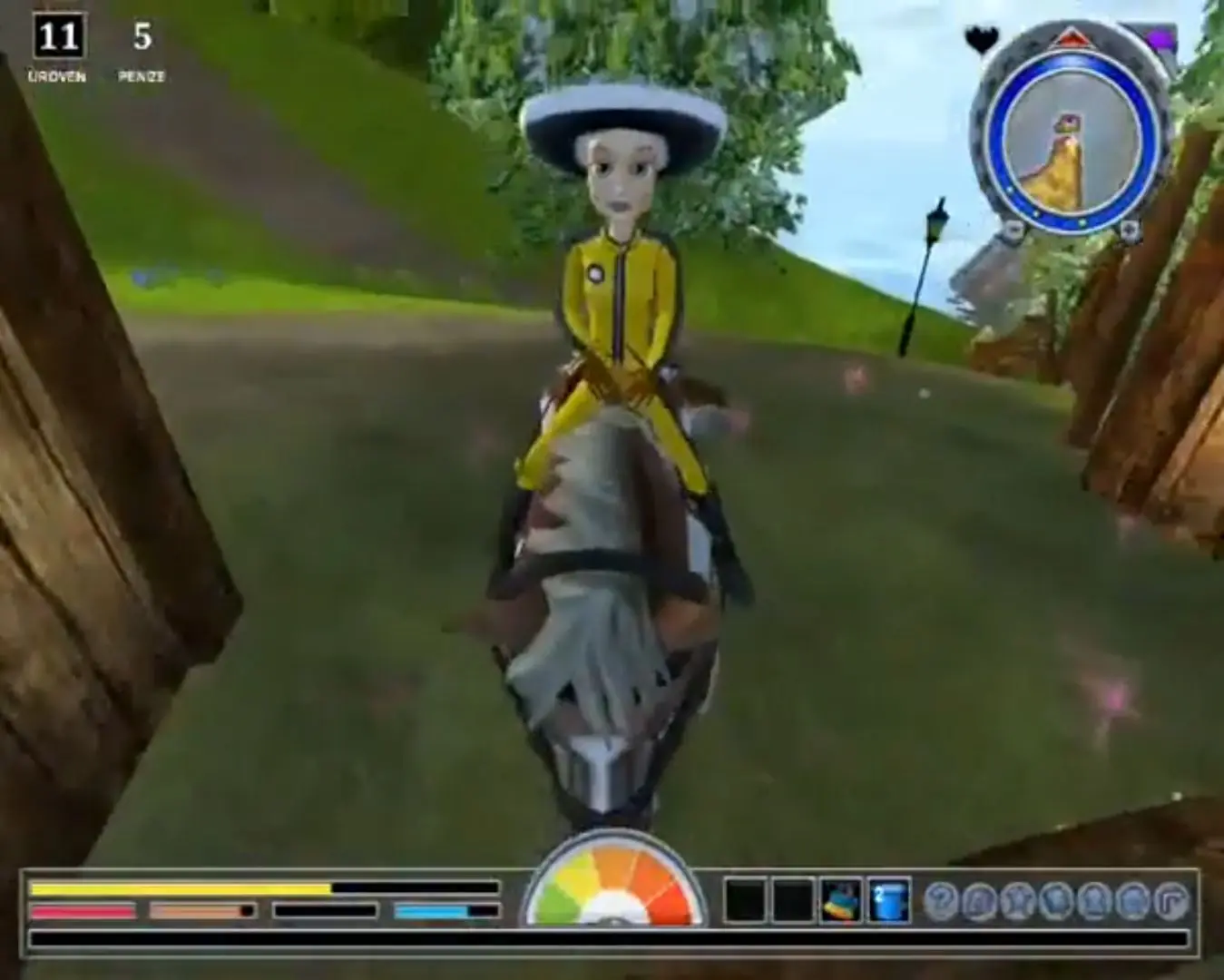
Star Stable 2 — Windows screenshot 1Star Stable 2 — Windows screenshot 2Star Stable 2 — Windows screenshot 3

Download Star Stable 2

Star Stable 2 is abandonware and no longer sold or supported by its publishers. This game was preserved thanks to a community donation - see our missing games page for credits and titles we're still looking for.
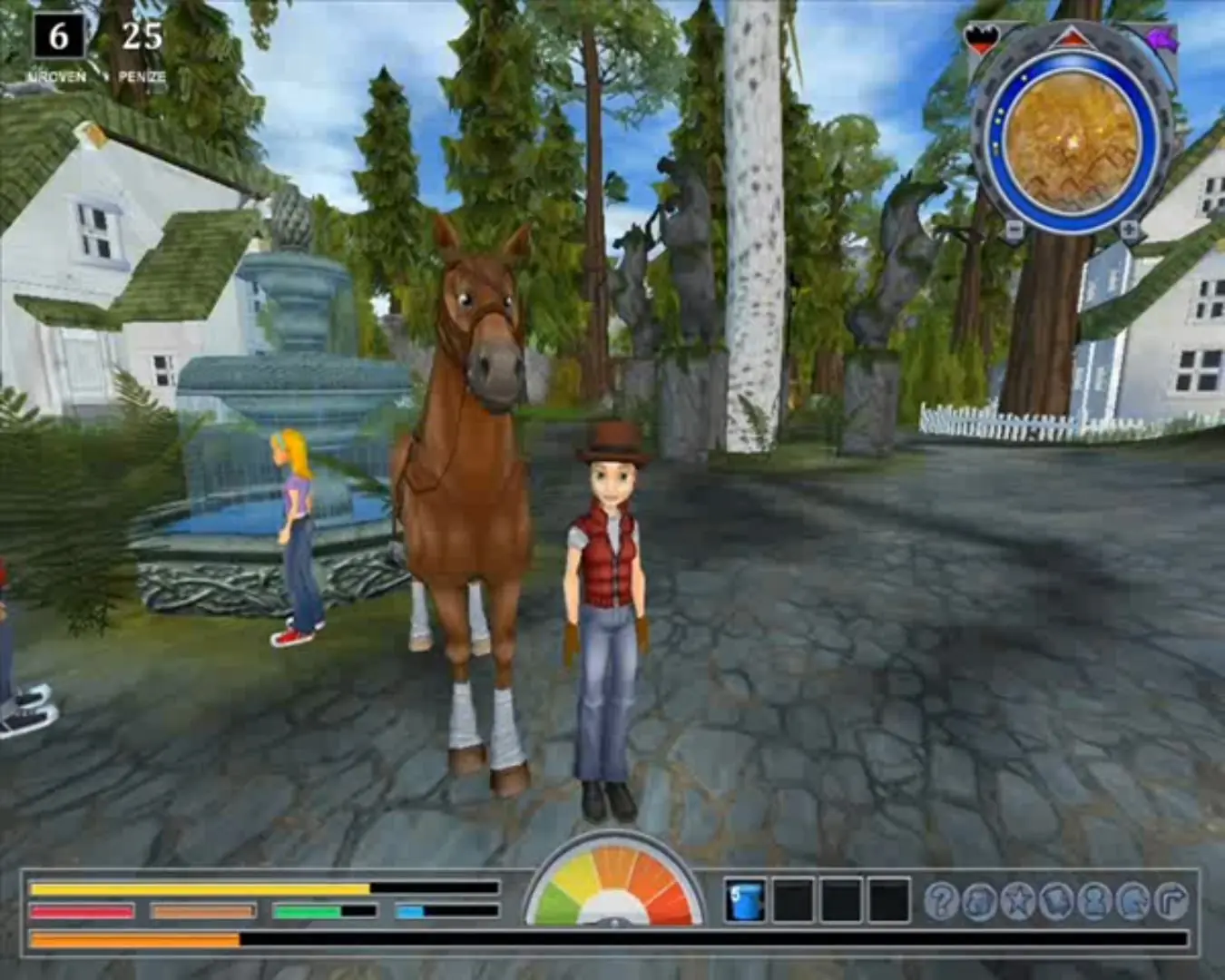
Windows (2010)

Comments

23 thoughts on “Star Stable 2”

  1. 1
    I can’t open it up anymore. The game was working a few weeks/months ago, same with the other star stable games, I took a little break and now a message pops up telling me to insert the DVD. I’ve tried redownloading, that didn’t work :/
    Reply
  2. 0
    I have black flickering screen while playing and nothing I found online helped, this happens for all of the star stable games
    Reply
  3. 0
    I think the game doesn’t work anymore?? I’ve tried everything I found online but every time it only shows a black screen, the cursor and plays the star stable soundtrack.. I’ve gotten other old games to work, is the problem just in these games then?? I can’t get any of these 4 to work even after following instructions. I have Windows 11.
    Reply
  4. 0
    I dont know if it works on Windows 7, but i found a comment on the first game that gave instruction for it and it worked for me
    Reply
  5. 0
    I have black screen when i start up the game. Music is there and even mouse cursore is there but nothing more.. :((
    Reply
  6. 0
    If your still having trouble on YouTube in the search bar look up: Some sso tiktoks by Skylar sparrowcrest, skip to 2:18 and watch from there and it will tell you how to install!
    Reply
    • 0
      If you get the error of needing the cd, here’s what worked for me.
      Extract files from the zip folder > open the folder, game files > setup.exe and install > go back to the Game files, right click Star Stable.iso file > click open with Windows Explorer > double click the PXRoute file and boom. Now everytime you want to play, just click the shortcut on your desktop and it should work!
      Reply
  7. -1
    I don’t know what is wrong, but my computer wants the CD. I followed the description (extract -> double click Star Stable -> double clickPX Route) but when it doesn’t want the CD I see black screen only.
    Reply
    • 0
      If you get the error of needing the cd, here’s what worked for me.
      Extract files from the zip folder > open the folder, game files > setup.exe and install > go back to the Game files, right click Star Stable.iso file > click open with Windows Explorer > double click the PXRoute file and boom. Now everytime you want to play, just click the shortcut on your desktop and it should work!
      Reply
  8. -1
    The game started perfectly and ran perfectly yesterday. Today I wanted to play again and it wants a CD and when I double clicked PXRoute my laptop detected Trojan virus… help?
    Reply
    • 0
      – right-click it and click on “extract” (you need to have WinRAR downloaded to extract it)
      – go to the map and then “Game files”
      – double-click “Star Stable 2”
      – double-click “PXRoute”

      Hope that helps!

      Reply

Similar games