Star Trek: Armada
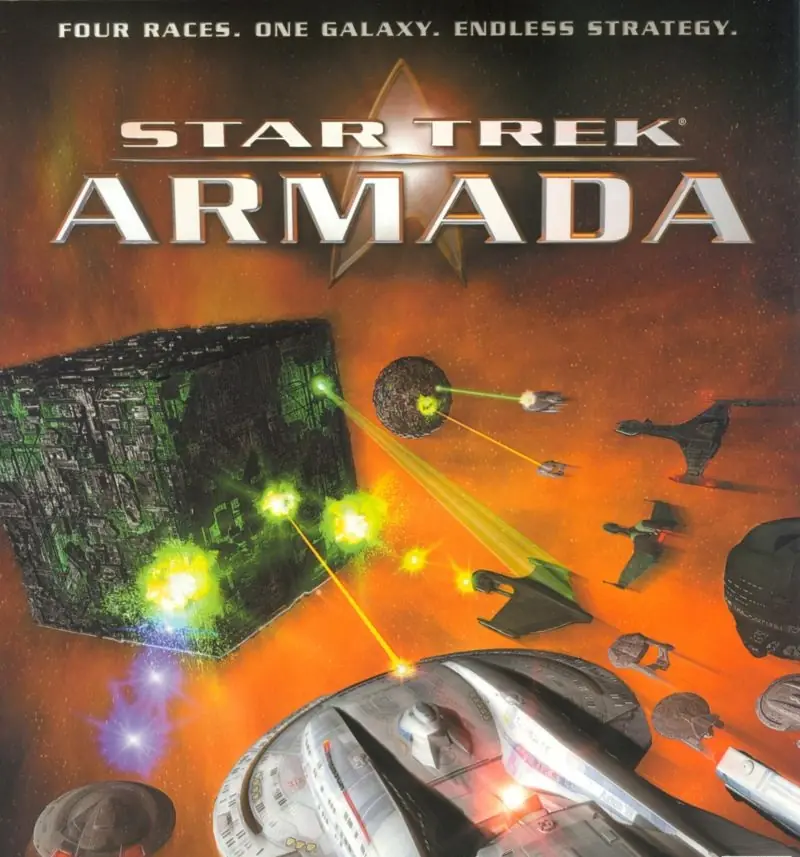
Star Trek: Armada is a 2000 strategy game developed and published by Activision.
Star Trek: Armada is a 2000 strategy game developed and published by Activision.
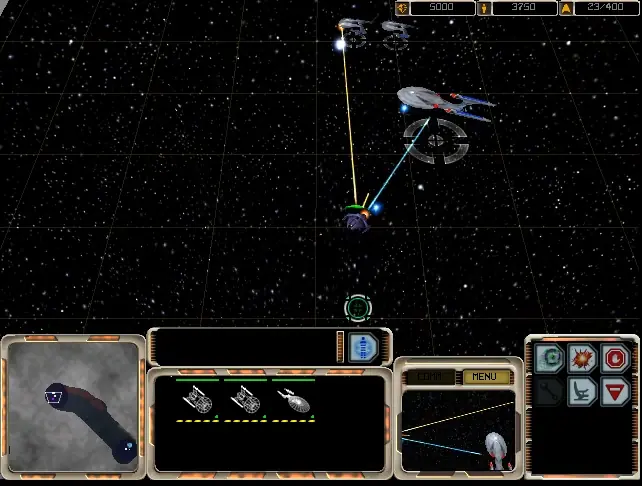
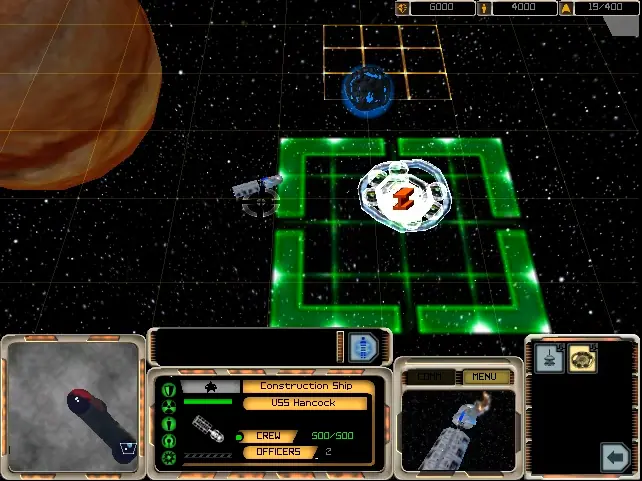
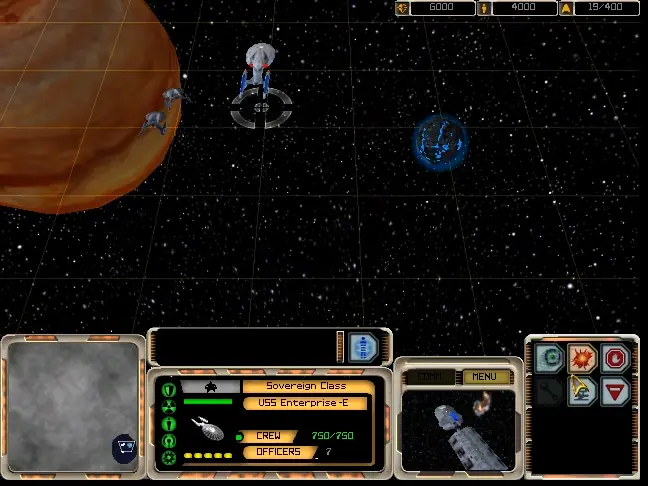
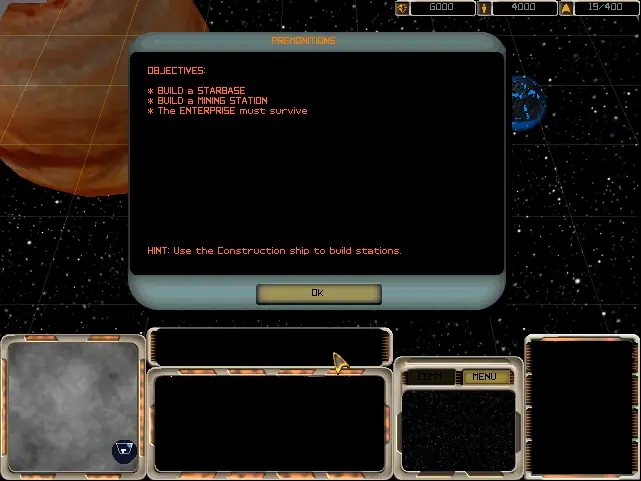
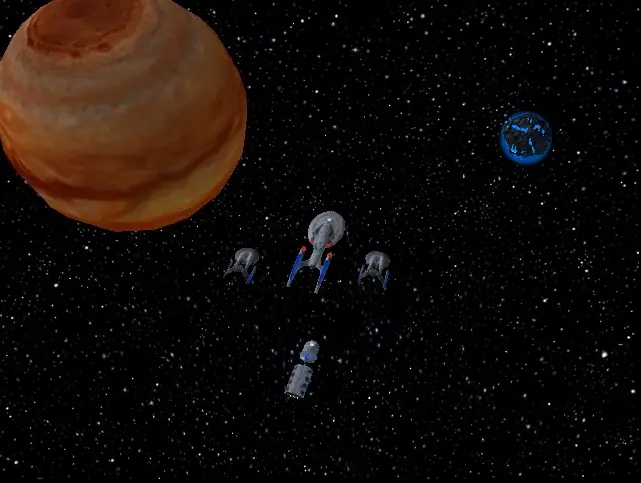
Experience epic Star Trek naval battles like never before in the space strategy game "Star Trek: Armada." Developed by Activision and released for the PC in 2000, Armada has a diverse cast of characters that feature the voice talents of several of Star Trek’s biggest stars, including Patrick Stewart and Michael Dorn. In this real-time, 3D strategy game, you will have the opportunity to lead four races, build and protect space stations, and interact with popular characters from "Star Trek: The Next Generation." The Dominion War has just ended, and Captain Picard is establishing a new supply depot on a routine mission when the Enterprise receives a strange distress call from the USS Premonition, an unknown starship under attack by two Borg spheres. After defeating the spheres, Picard is informed that the Premonition and her captain, Thaddeus Demming, have come from the future to warn Starfleet of an impending Borg invasion that will soon destroy the Federation, the Klingon Empire, and all other civilizations in the Alpha Quadrant. The stage set, the plot is then divided into five segments of four missions each. Each of the segments finds the player taking control of a different faction. The first is the Federation, where players control Picard and Worf. Later, gamers play as the Klingon Empire followed by the Romulan and Borg missions, which features Patrick Stewart in a double role as his Borg counterpart Locutus. The final climactic missions involve an uneasy alliance between the Federation, Klingons, and Romulans who must band together to save the galaxy. The gameplay is relatively simple. Players have to build a fleet of starships and bases to supply them. The primary resource in the game is dilithium. Mining moons with mining ships can harvest this resource. Since ships and stations cannot be built without dilithium, finding new sources of the resource and harvesting them are essential in winning the game. If the player is slow to collect more resources, the enemy can build so many ships that it becomes impossible for the player to win. The other primary resource is crew. If the crew becomes depleted, new starships and stations cannot be built. The crew is replenished slowly over time by building more starbases. Each of the four factions features a variety of ships and bases, but they all fill a similar purpose. Each race can build six types of ships of progressive size and power. All of the races have unique abilities and weapons assigned to each of the ships that can provide powerful combat bonuses and even decide battles for one race or another. For example, the Klingon Negh’var has an extremely powerful ion cannon, whereas the Starfleet Sovereign-class starship has the ability to steal an enemy ship’s shields. In addition to the campaign, the game has a multiplayer mode. Players can match wits against the computer or go head-to-head over a local area network (LAN) with their friends. Because "Armada" is played in real time, two players cannot hotseat on one computer.
Star Trek: Armada was re-released and is no longer abandonware. You can purchase the game from:
* We may earn a commission if you buy through these links.






I would really like to not have to uninstall it since I’m deep into the campaign.