About Starship Troopers
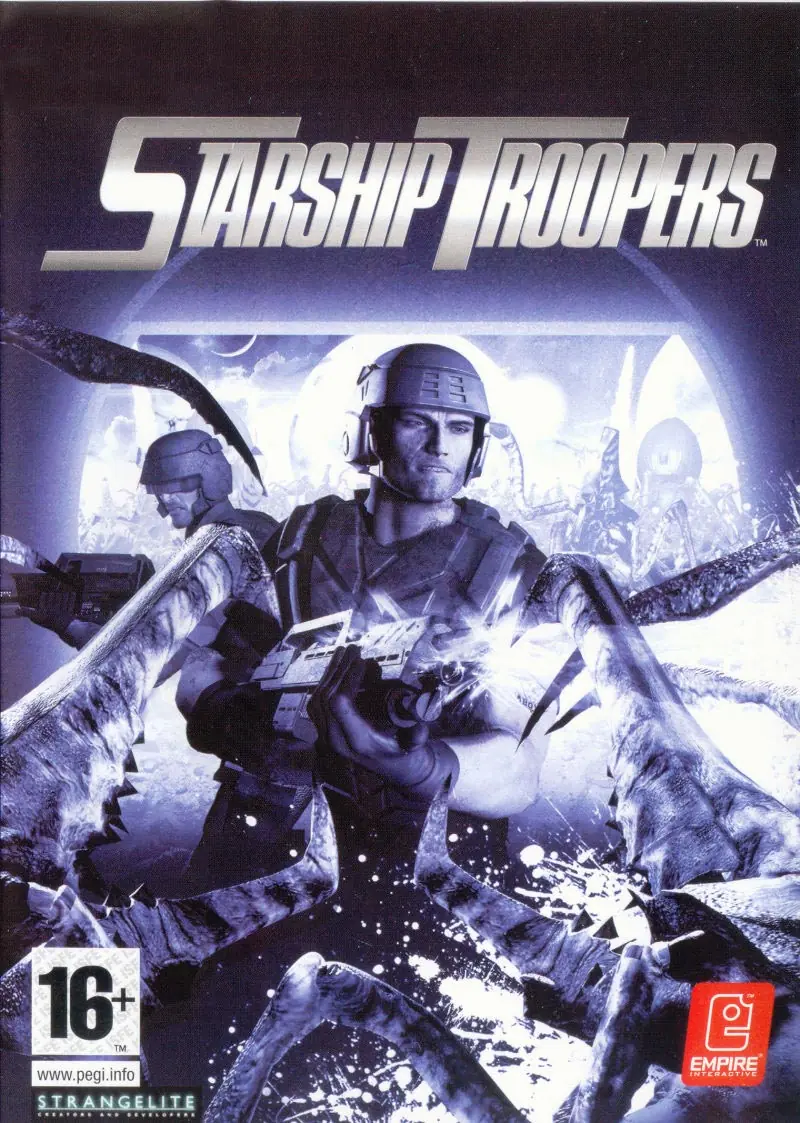
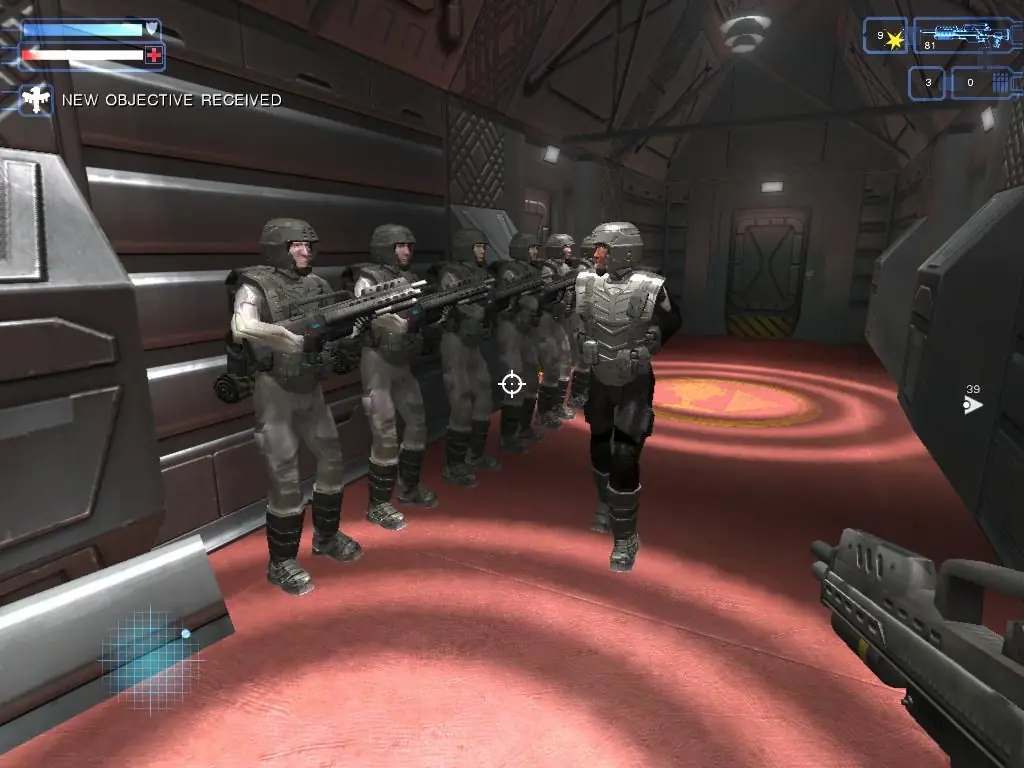
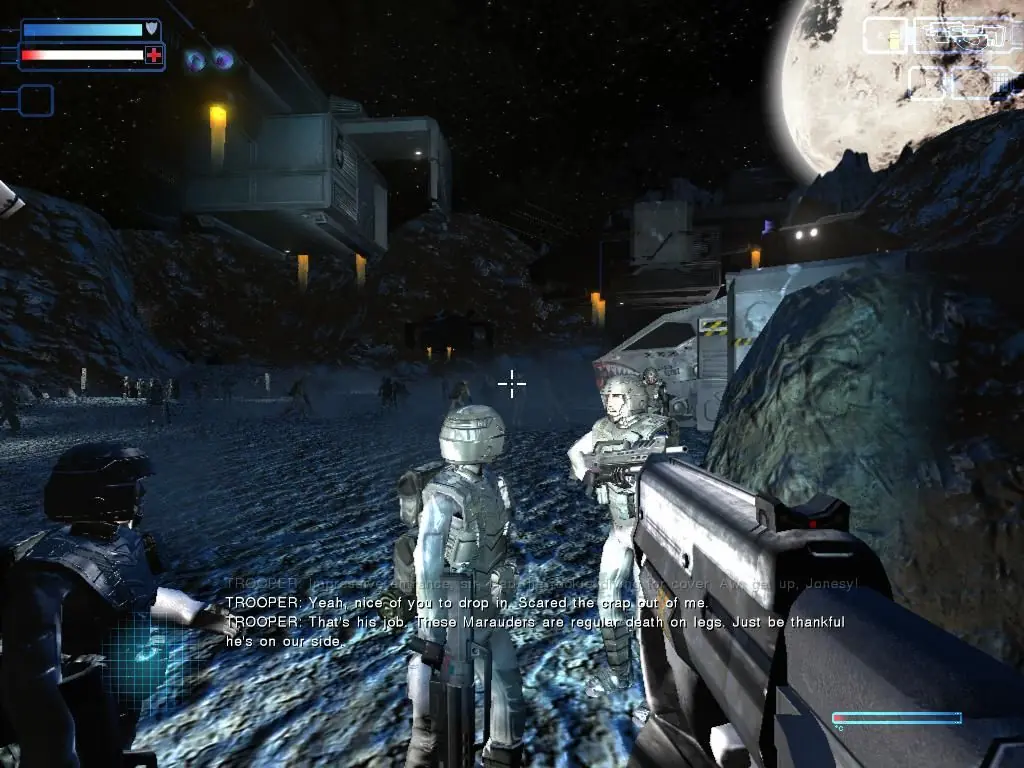
Starship Troopers is similar to the controversial 1959 science-fiction novel by Robert Heinlein, in which troopers don powered armor and use advanced weapons to combat an evil, arachnid-like alien race commonly known as the "bugs." Nineteen types of creepy-crawlies show up in this first-person shooter, each with different strengths and weaknesses. Players battle through 12 indoor and outdoor levels, including a secret laboratory, bug nests, abandoned mines, and outposts, to relieve planet Hesperus from the insect invaders.
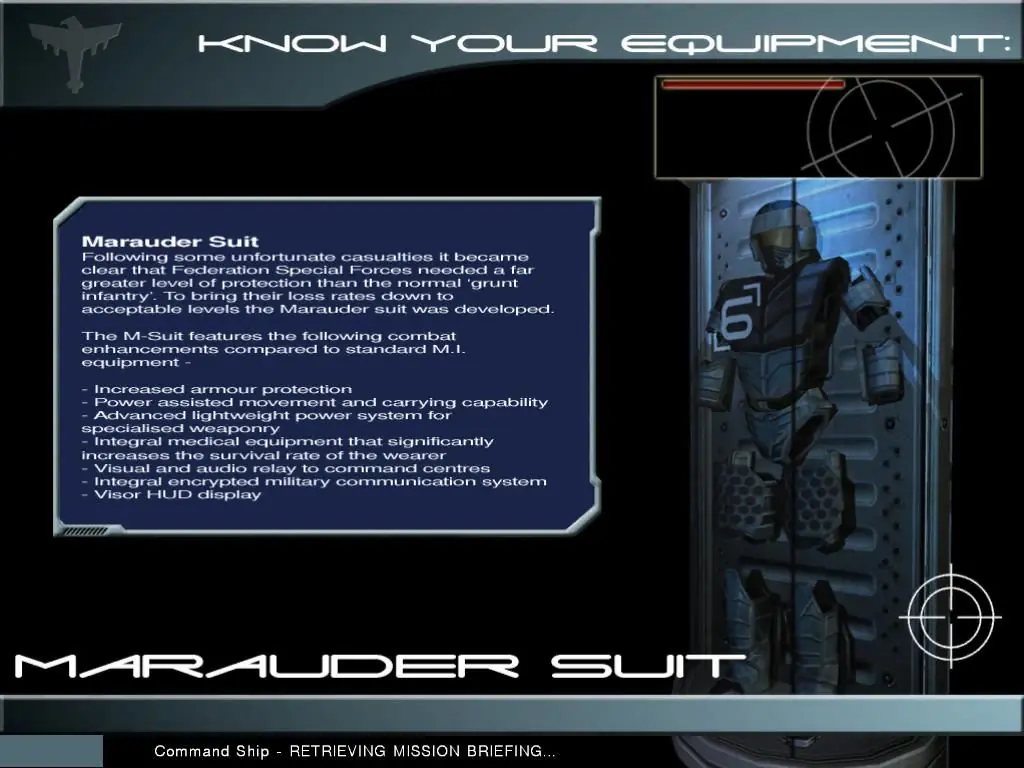
Blast up to 300 enemies at once with one of seven weapons, including a nuke launcher and intelligence grenades. Join the special forces of the mobile infantry as Marauder Zero Six in the single-player campaign mode, or start a bug-killing frenzy on the Internet. Up to eight people can team up online or by LAN and play through three deathmatch, co-op, or team deathmatch levels. After completing a single-player combat mission, the level may be re-played to generate a score and rank according to performance. Bonus items may be unlocked when certain conditions in the game are met.







https://fdossena.com/?p=wined3d/index.frag and select the latest XP
Version from the downloads and copy and paste the files mentioned in the
above PCGaming link. I hope this helps a little.
Starship Troopers Link
Fix:
1) Open the “global.settings” the file is found in DocumentsEmpire InteractiveSSTSettings
2) change the Glow, Glowtrail, PostProcessing & Distort values to 0
To change resolution:
ScreenXRes: { “1920” } (or whatever res)
ScreenYRes: { “1080” }
3) In game: go to optionsgraphics
set Terrain shadows to NONE
set Shader quality to LOW
everything else to maximum
______________________________________
Last Level bug Fix:
go to the Starship Troopers Main Directory, go in the “ST” folder, you will see the level folders of the game.
Find folder called “Level_Brainbug” and rename it like this: “Level_BrainBug”
_________________________
Possible alternative fix (not tested by me):
Change as follows: ForcedFSAA: { “1” } Glow: { “1” } GlowTrail: { “1” } GlobalGlow: { “1” } ParticleGlow: { “1” } Distort: { “0” } and postprocessing also on, PostProcessing: { “1” } Then, to be able to put Model Detail and Effect Quality on max you need to turn off adaptiveperformance, we do this in the same file and we can find it under Performance. AdaptivePerformance: { “0” } By putting this on 0, it’s turned off, and now in the menu in-game we can turn Model Detail and Effect Quality on high instead of it being grayed out on low. Lastly, by putting Shader Quality on Medium, shadows will work! If you set this on medium you can turn on Terrain Shadows and Model Shadows to max.
can you help plz
I cant seem to play the final mission after “offensive”
During the after missions screen (Where they tell you your rank and you can either click next mission or quit to main menu), it just takes me back to the main menu. Any way around this?