Super Solvers: Mission THINK
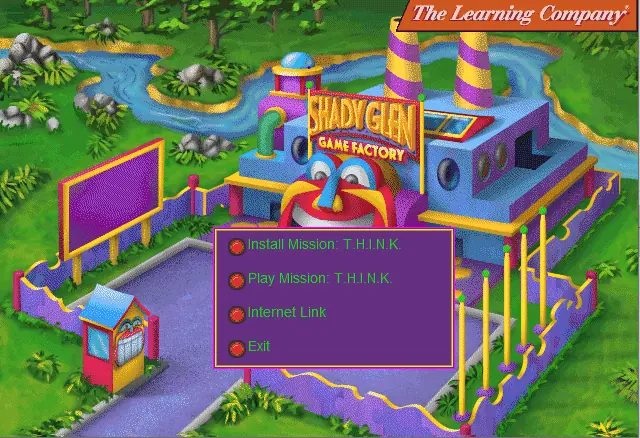
Super Solvers: Mission THINK is a 1997 educational game developed and published by The Learning Company.
Genres
Publishers
Developers
Released
Platforms
Super Solvers: Mission THINK is a 1997 educational game developed and published by The Learning Company.
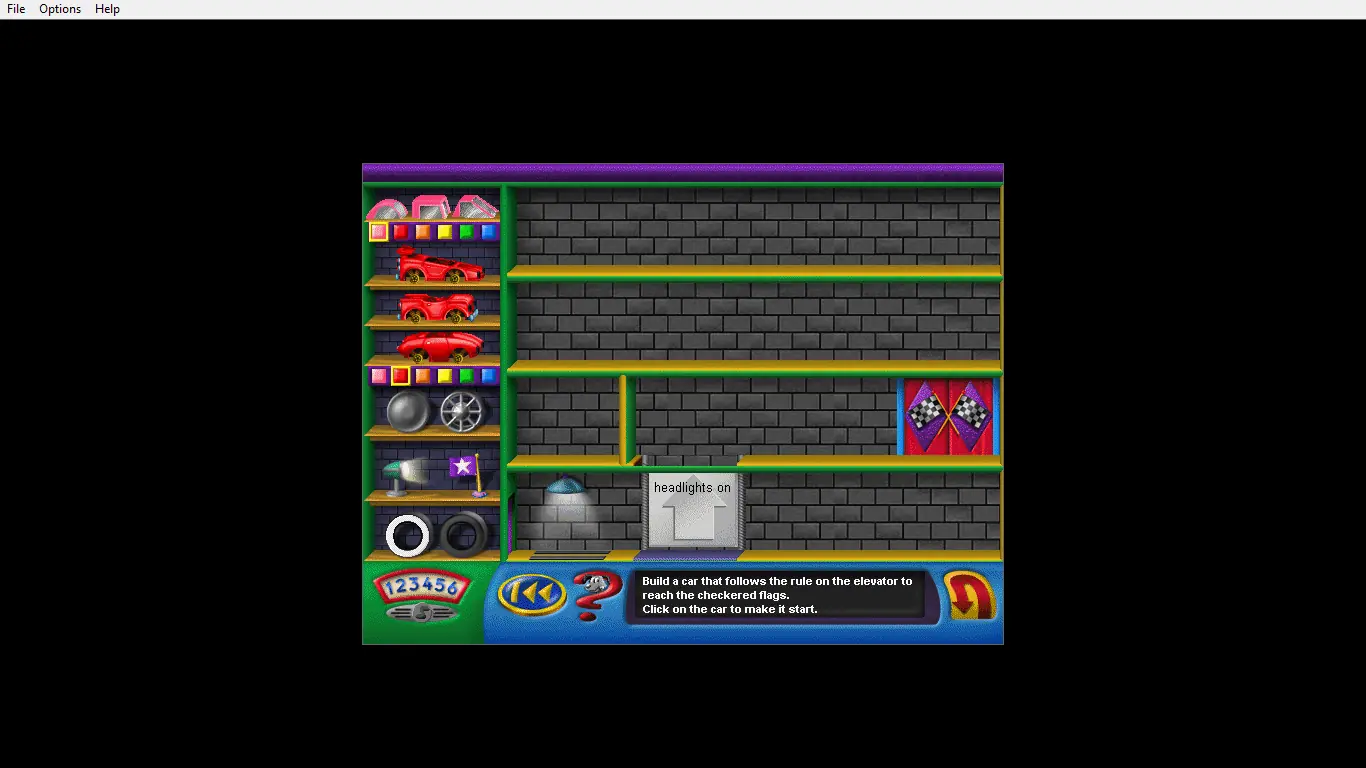
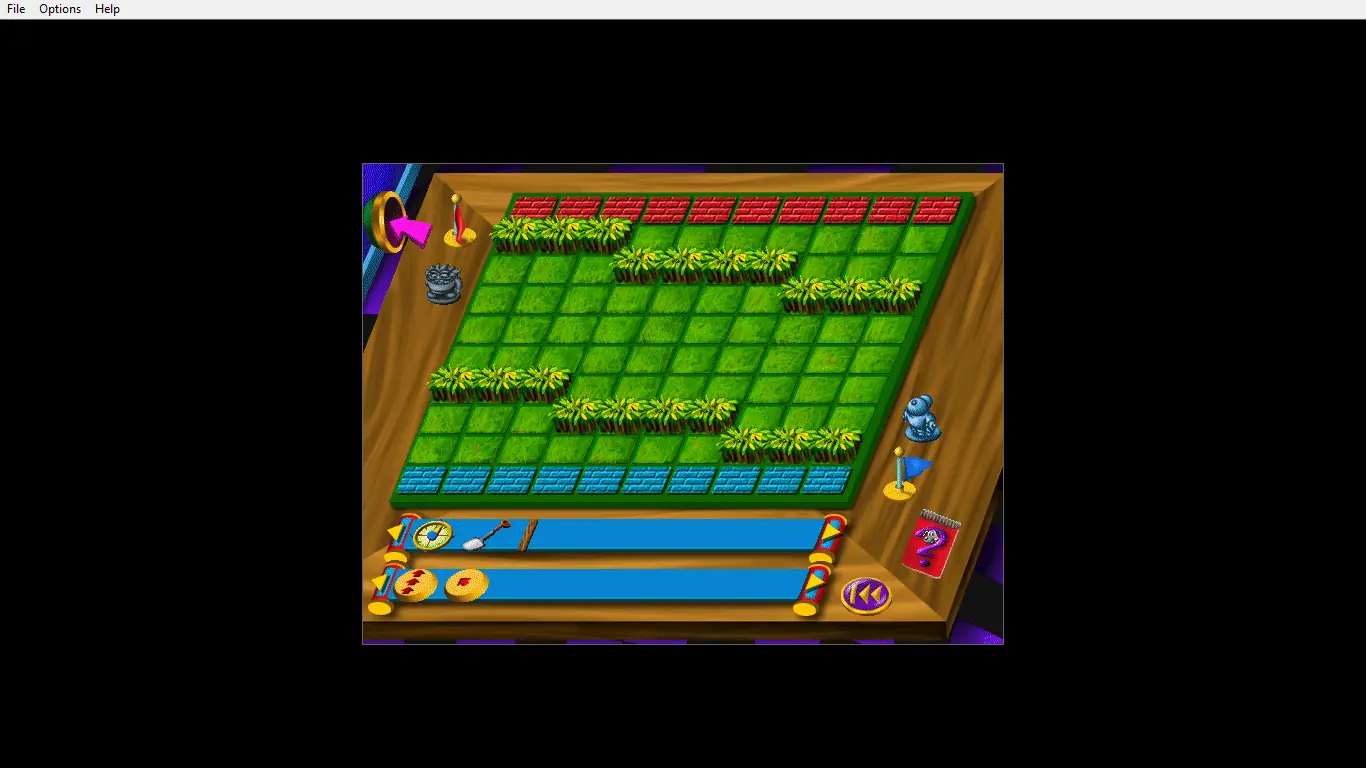
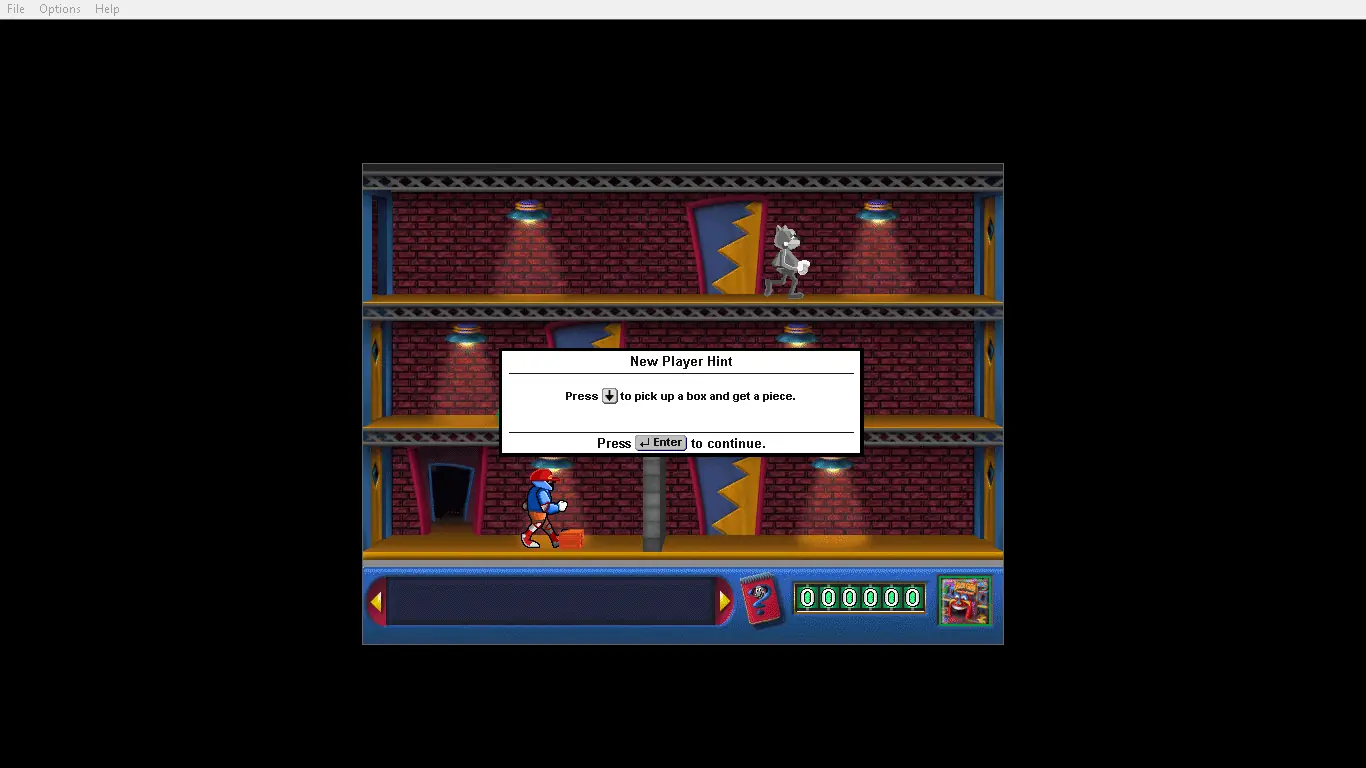
Morty Maxwell, the notorious Master of Mischief, is back! He's returned to Shady Glen in a wild and wacky arcade game that sharpens thinking and problem-solving skills that are fundamental to success in math, science, and everyday life. This time he and his Metal Minions have taken over the Game Factory and are challenging all Super Solvers fans to a duel of wits. And equipped with hundreds of mind-bending puzzles, games, and mazes, Morty's ready to take on the next generation of Super Solvers!
Super Solvers: Mission THINK is abandonware and no longer sold or supported by its publishers. Files are archived here for these platforms:








This doesn’t happen with any other vintage game I have, only mission think. Does anyone know how to fix this?
https://classicreload.com/win3x-super-solvers-mission-think.html
1) go into the virtual drive where you mount the CD image “MISSION_CD”, copy the folder “DATA” into where you installed the game:
“TlcwinSsmwincd”.
2) then in the folder where you installed the game, open up the “Ssmwincd.ini” file and change the path to:
“CDDrive=TlcwinSsmwincdDATA
Doing the above will solve the “Please insert CD” problem and allow you to play.