Taz: Wanted

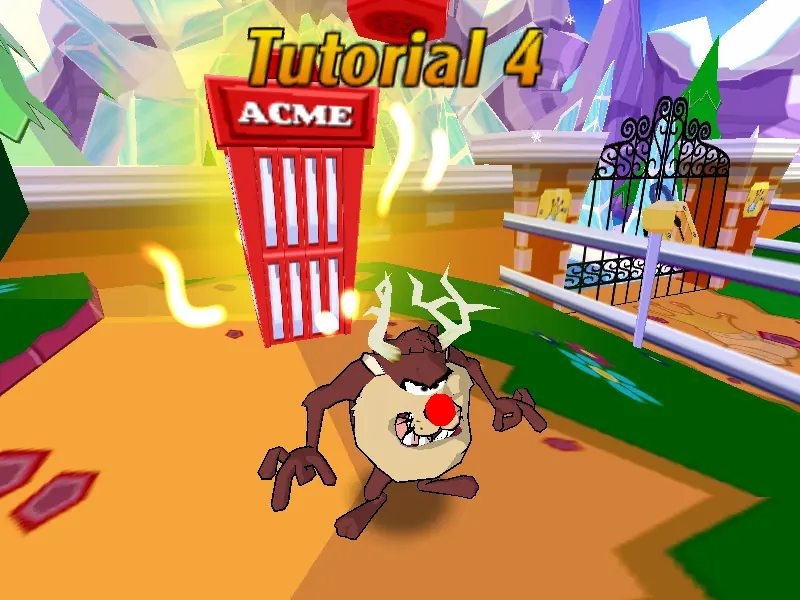
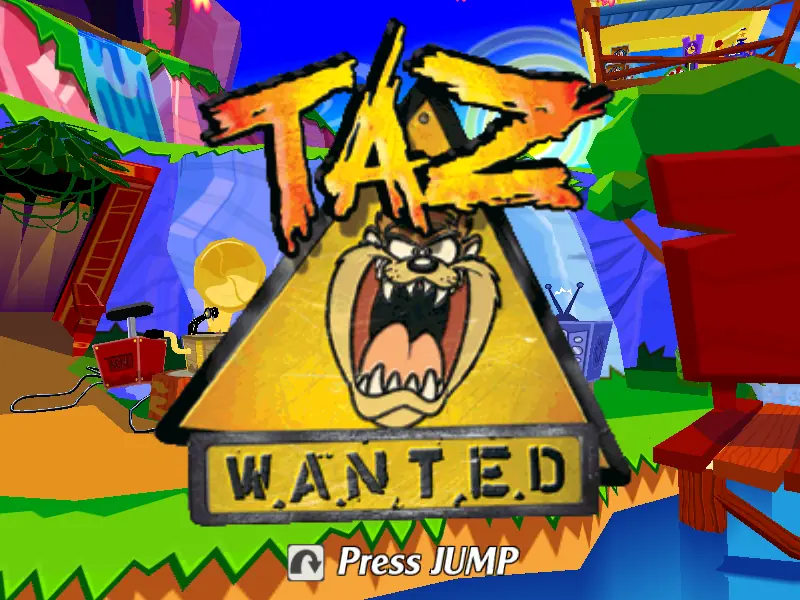
Taz: Wanted is an action-adventure video game released in 2002 by Blitz Games. The game features the Looney Tunes character the Tasmanian Devil.
Publishers
Developers
Released
Platforms
Taz: Wanted is an action-adventure video game released in 2002 by Blitz Games. The game features the Looney Tunes character the Tasmanian Devil.
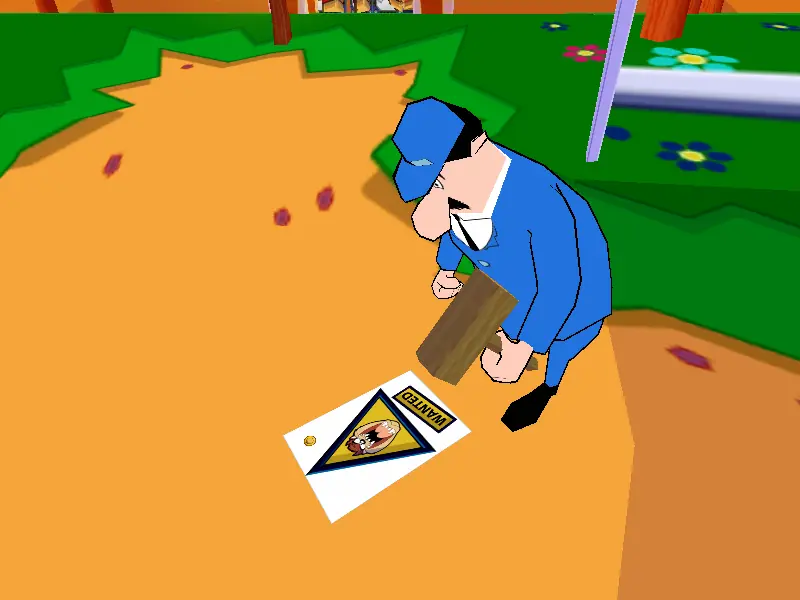
After being captured by Yosemite Sam, you, playing as Taz, must break out of the Sam Francisco Zoo and make your way to Tasmania to rescue the She-Devil and save the world, all the while avoiding Sam's "Taz catchers" and destroying all the "Taz: Wanted Dead or Alive" posters you can find. The game features four enormous action-packed worlds, each with three levels. You must collect the Acme twirls, bonus power-ups, and post cards from She-Devil to help foil Sam's evil plan. The game features special appearances by many Looney Tunes favorites, including Wile E. Coyote, Daffy Duck, Tweety, Sylvester, and more.
Taz: Wanted is abandonware and no longer sold or supported by its publishers. Files are archived here for these platforms:









I’ll link a Virustotal and the patched EXE separately.
virustotal.com/gui/file/519ede8cad4ffd70b3c09c8979140a253936a32a25aacbcce55fb673467bd1c3/
mega.nz/file/9QozjYoC#oUGeY4YTx_WEtW9MUV9u6CimpoOioftdSfqy6nFCzko
1. Download and export the zip and confirm you have a bin and cue file.
2. Using any program that can mount ISOs and the like, e.g.: VCD, PowerISO, CDEmu. Right click your cue file and mount it.
3. Locate the virtual CD drive in explorer and extract/drag everything to a new folder.
4. In this new folder, go to the folder named “Install” and execute “Setup.exe”
5. You are free to direct the actual folder you want the game in. I chose to direct it towards the folder I extracted everything to already.
6. Finally, overwrite the original Taz.exe with the one from NoCD. The game and its launcher both refer to Taz.exe. So just overwrite the original one.
2-Select “File Explorer” as the default application for ISO files.
3-The “Mount” option will now appear in the context menu.
4-You can see on my computer rigth now disk
5-You can see the disk on my computer right now