Home » Games » The Elder Scrolls: Arena

The Elder Scrolls: Arena

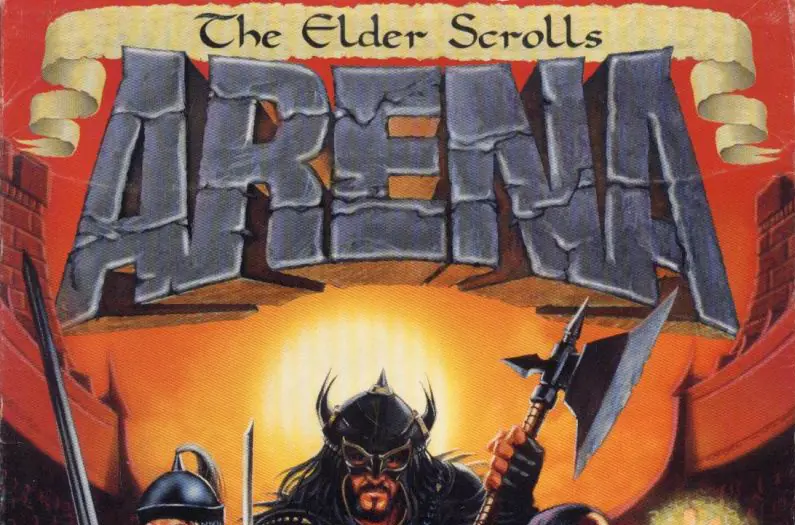
The Elder Scrolls: Arena Game Cover
4.9/5 - 7 votes

The Elder Scrolls: Arena is an epic fantasy open world action role-playing video game developed and published by Bethesda Softworks and released in 1994 for MS-DOS. It is the first game in The Elder Scrolls series.

Other Titles

ArenaThe Elder Scrolls Chapter One: ArenaThe Elder Scrolls Chapter One: The ArenaElder Scrolls 1엘더스크롤: 아레나The Elder Scrolls I: Arenaالدر اسکورولز: آریناذا إيلدر سكرولز: أريناذا ايلدر سكرولز: ارينا上古卷轴:竞技场엘더 스크롤: 아레나

Genres
Publishers
Developers
Released
Platforms
,
Download

About The Elder Scrolls: Arena

The Elder Scrolls: Arena is a 1994 action role-playing game developed and published by Bethesda Softworks. The first game in the Elder Scrolls series, it was released for MS-DOS on March 25, 1994. The game follows the player trying to uncover a conspiracy against Emperor Uriel Septim VII.

Arena takes place on the entire continent of Tamriel, complete with wilderness, towns and dungeons which are procedurally generated. The game features a day/night cycle and includes a spell creation system that allows players to mix various spell effects. Development for Arena was initially planned to have the player travel in towns across Tamriel, fighting other teams in their arenas until the player became "grand champion". As development on the game progressed, side quests took more importance, and the tournament aspect of the game took a back seat. Role-playing elements were added to the game, and the game expanded to include towns outside the arenas and dungeons beyond the cities.
Screenshots

DOS

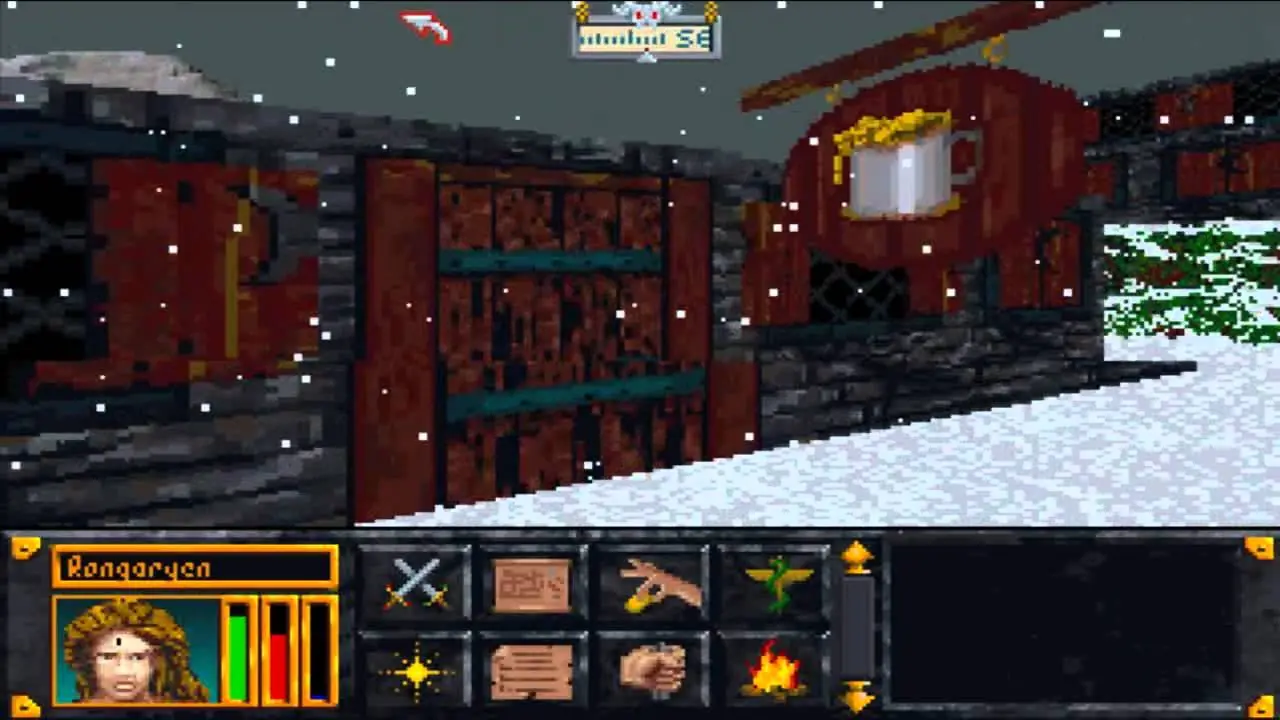
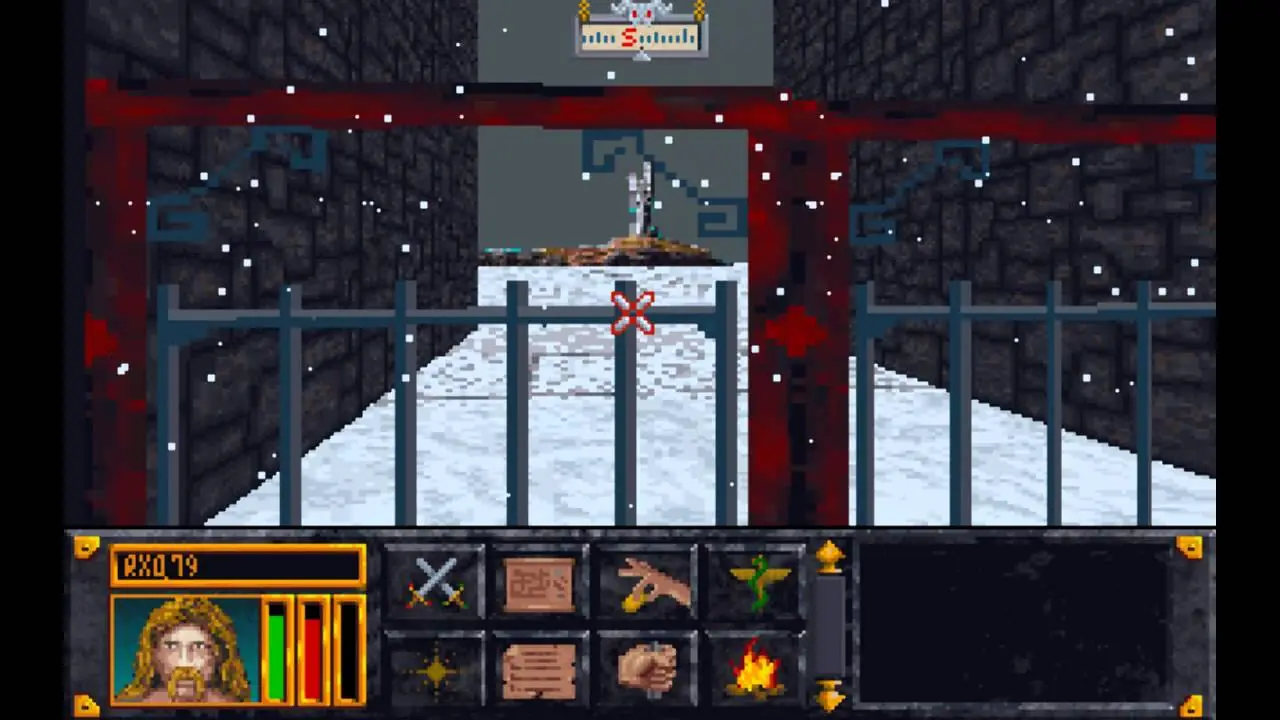
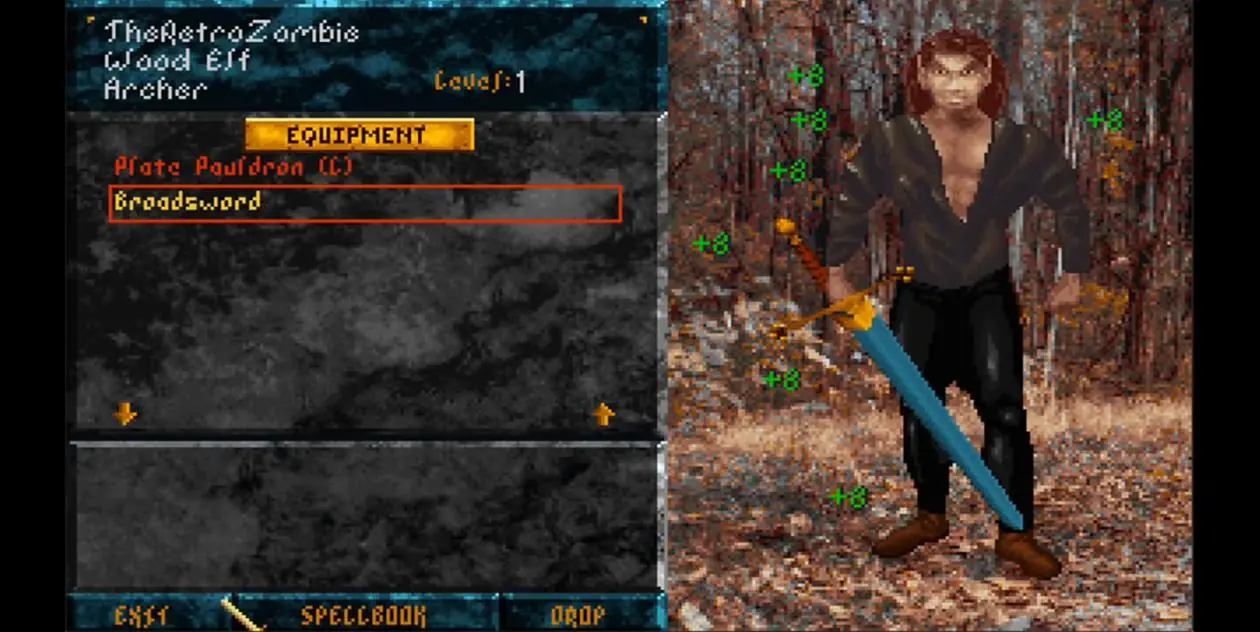
The Elder Scrolls: Arena — DOS screenshot 1The Elder Scrolls: Arena — DOS screenshot 2The Elder Scrolls: Arena — DOS screenshot 3

Download The Elder Scrolls: Arena

The Elder Scrolls: Arena is abandonware and no longer sold or supported by its publishers. Files are archived here for these platforms:

DOS (1994)

  • The_Elder_Scrolls_Arena_Win_Setup_EN.zipEN29.53 MB
  • Instructions The_Elder_Scrolls_Arena_Win_Setup_EN.zip

    How to play on Windows

    1. Download and extract The_Elder_Scrolls_Arena_Win_Setup_EN.zip
    2. Double click on the setup file called “ArenaSetup.exe”. This should run the setup for the game. Just click on “OK”, then “Next” and go through the setup steps.
    3. Finish the installation and when the game is installed, check the box to create a desktop shortcut.
    4. Double click on the game’s shortcut on your desktop.
    5. Enjoy the game!
Tutorial: How to play DOS games on Windows

Windows (1994)

  • The_Elder_Scrolls_Arena_Win_Setup_EN.zipEN29.53 MB
  • Instructions The_Elder_Scrolls_Arena_Win_Setup_EN.zip

    How to play on Windows

    1. Download and extract The_Elder_Scrolls_Arena_Win_Setup_EN.zip
    2. Double click on the setup file called “ArenaSetup.exe”. This should run the setup for the game. Just click on “OK”, then “Next” and go through the setup steps.
    3. Finish the installation and when the game is installed, check the box to create a desktop shortcut.
    4. Double click on the game’s shortcut on your desktop.
    5. Enjoy the game!

Comments