Home » Games » The Movies: Stunts & Effects

The Movies: Stunts & Effects

The Movies: Stunts & Effects Game Cover
4.9/5 - 41 votes

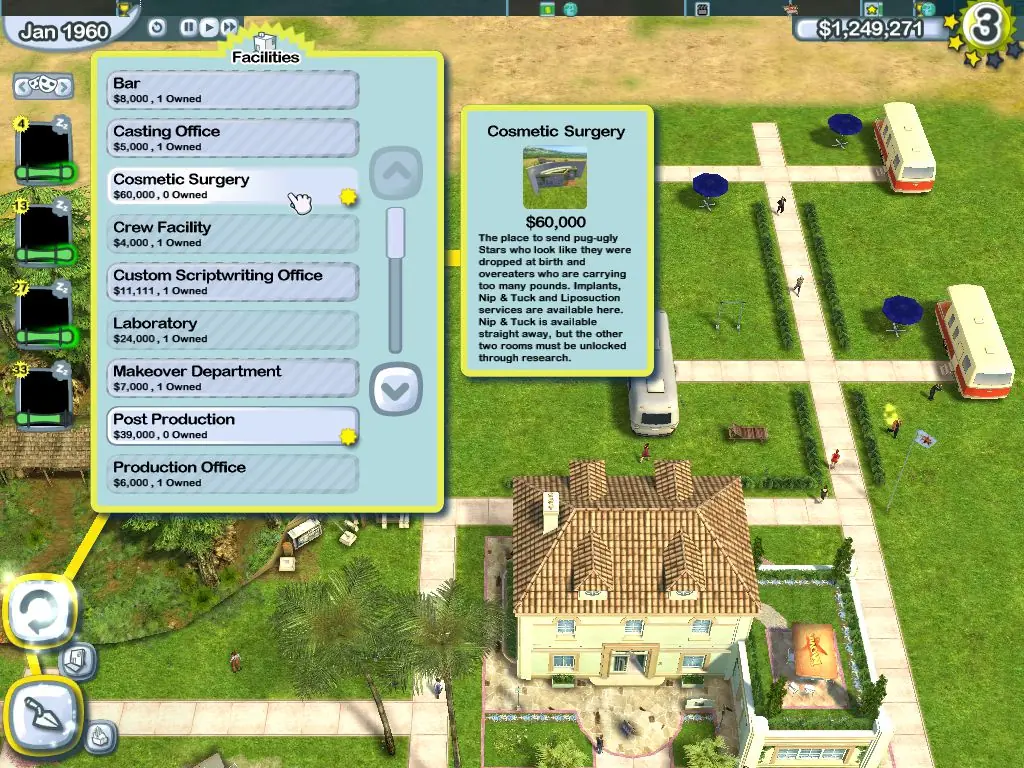
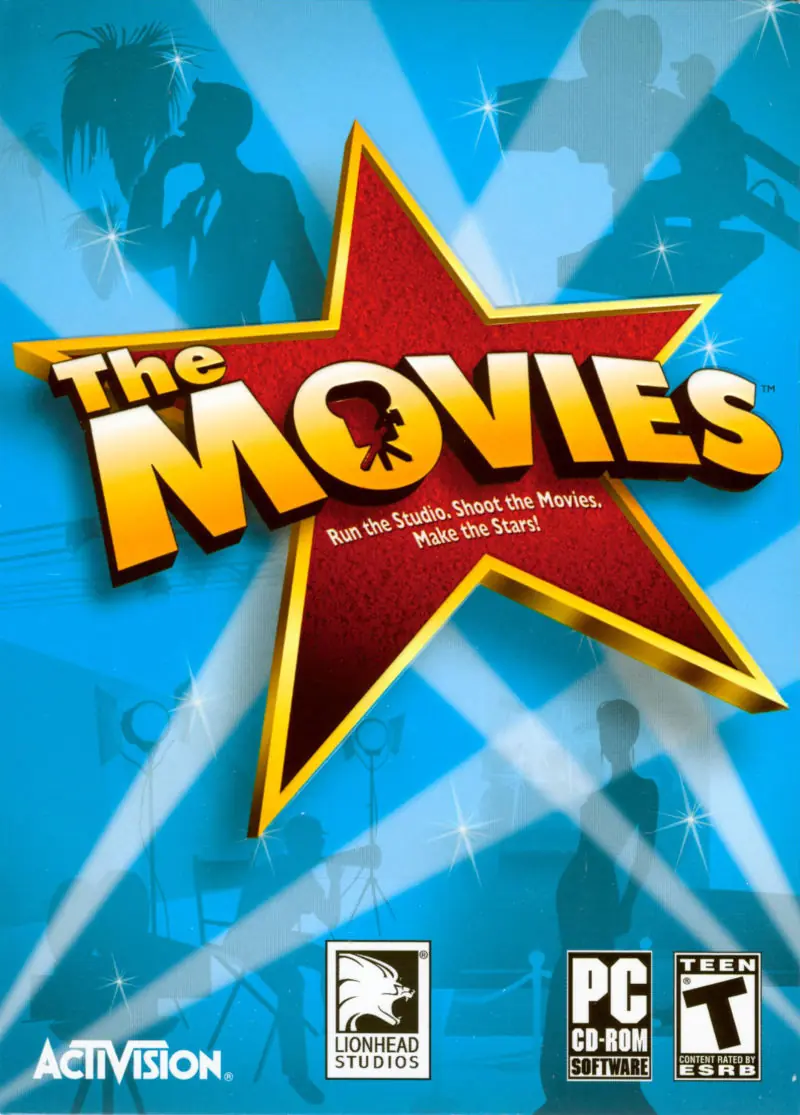
The Movies: Stunts & Effects is a 2005 simulation game developed by Lionhead Studios and published by Activision.
Other Titles

电影:特技与特效The Movies: Stunts & SpezialeffekteThe Movies: Stunts and Effects

Genres
Released
,
Platforms
Download

Screenshots

Windows

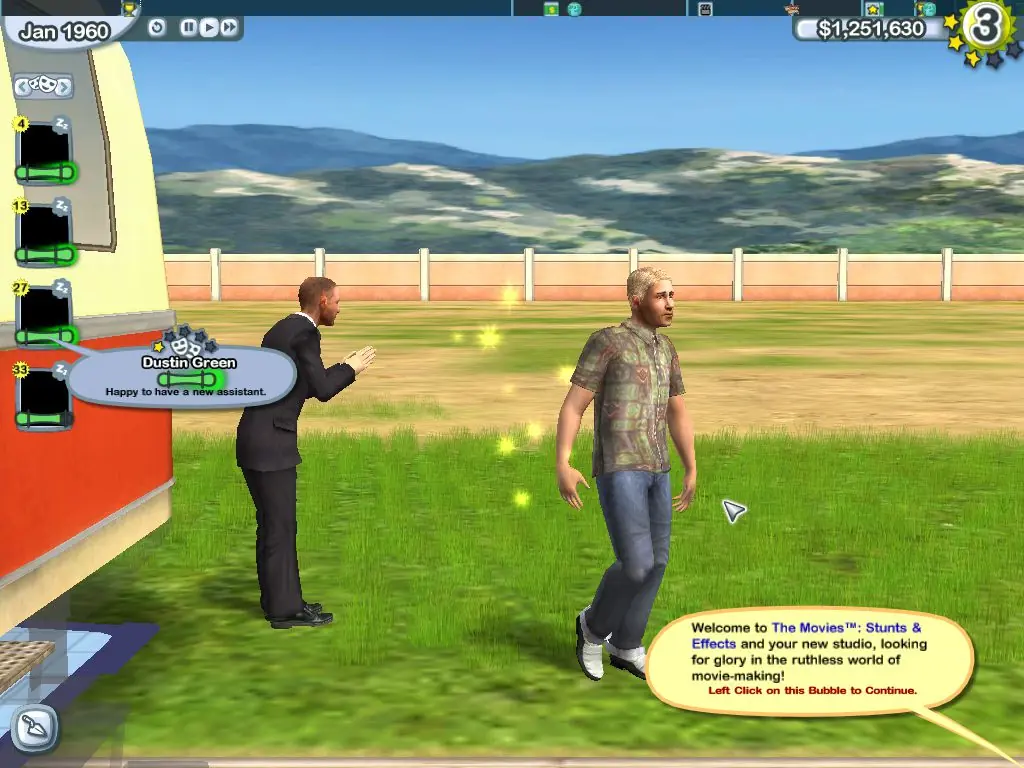
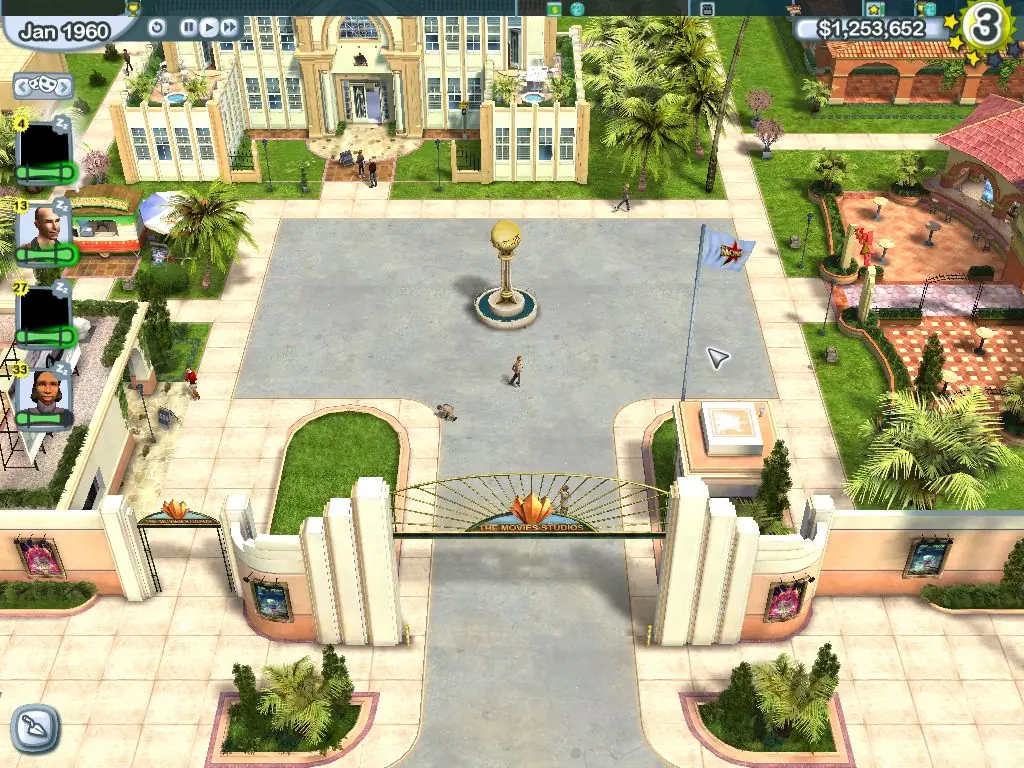
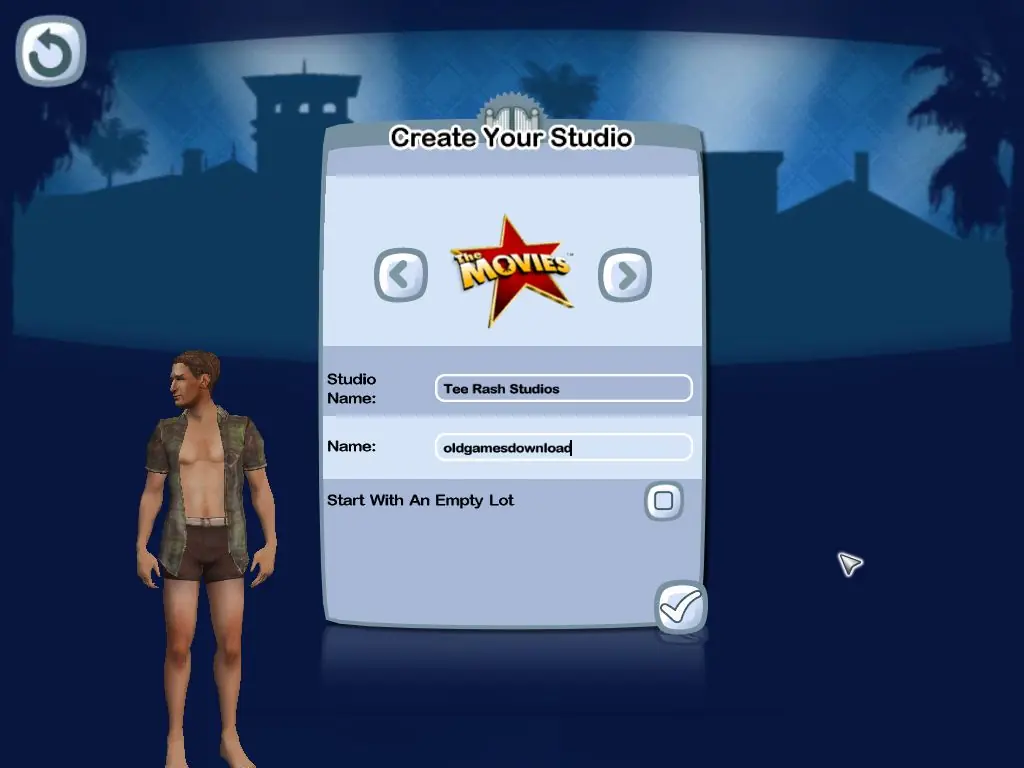
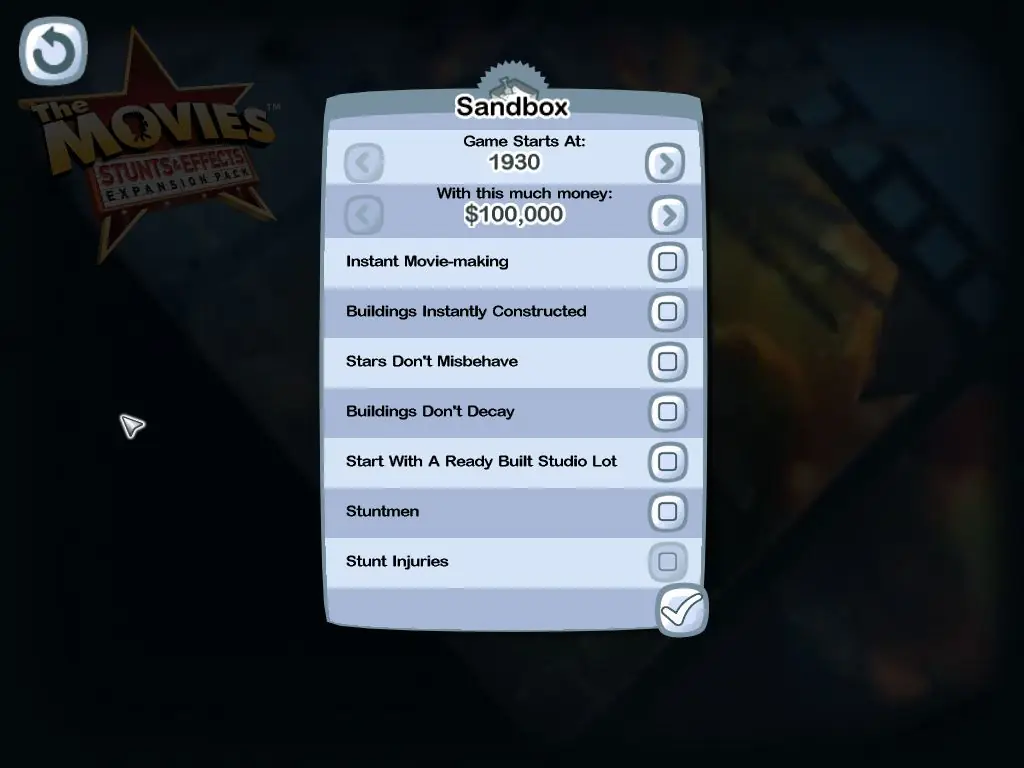
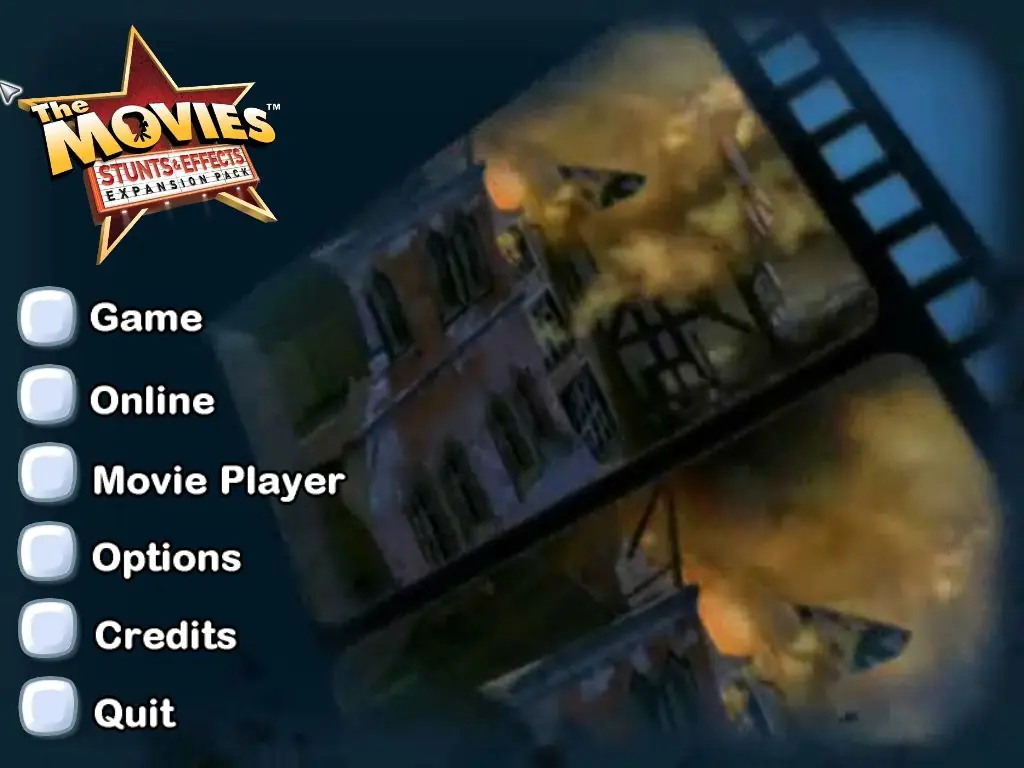
The Movies: Stunts & Effects — Windows screenshot 1The Movies: Stunts & Effects — Windows screenshot 2The Movies: Stunts & Effects — Windows screenshot 3The Movies: Stunts & Effects — Windows screenshot 4The Movies: Stunts & Effects — Windows screenshot 5The Movies: Stunts & Effects — Windows screenshot 6The Movies: Stunts & Effects — Windows screenshot 7

Download The Movies: Stunts & Effects

The Movies: Stunts & Effects is abandonware and no longer sold or supported by its publishers. Files are archived here for these platforms:

Windows (2005)

  • The_Movies_Stunts_and_Effects_Win_Preinstalled_EN.zipEN2.26 GB
  • Instructions The_Movies_Stunts_and_Effects_Win_Preinstalled_EN.zip

    How to play The Movies: Stunts & Effects on Windows 10 (preinstalled)

    1. Download and Extract The_Movies_Stunts_and_Effects_Win_Preinstalled_EN.zip
    2. Open the "Game Files" folder
    3. Run MoviesSE.exe
    4. Play the game
  • The_Movies_Stunts_and_Effects_Win_ROM_EN.zip2006 releaseEN670.57 MB
  • Instructions The_Movies_Stunts_and_Effects_Win_ROM_EN.zip

    How to play on Windows 10 (install method)

    Important: You need to have The Movies installed before you can install this expansion pack.
    1. Download and Extract The_Movies_Stunts_and_Effects_Win_ROM_EN.zip
    2. Open the "Game Files" folder
    3. Mount rld-tmse.cue and run "Setup.exe"
    4. Follow on-screen instructions to install the game. When asked for a CD Key, use:
      KKKK-KKKK-KKKK-KKKK-3473
    5. When prompted to register at the end, select No.
    6. Once the installation is completed, go into the folder you installed the game (Right click desktop shortcut and choose open file location)
    7. Inside the "Game Files" folder, open the "NOCD" folder and copy-paste "MoviesSE.exe" into the folder you installed the game. Confirm you want to replace the files in the destination.
    8. Play the game

Comments

19 thoughts on “The Movies: Stunts & Effects”

  1. 0
    My last comment was wrong, for some reason turning the graphics to low fixed the screen turning black during the splash screens, I don’t think changing the drive location fixed it.
    Reply
  2. 0
    My last comment is wrong, for some reason turning the graphics to low fixed the screen turning black on the splash screens
    Reply
  3. 0
    If your game is just going black after launching, I fixed it by putting the game on the same drive my os is installed on. Idk the reasoning other than it’s an old game.
    Reply
    • 0
      I was wrong here, for some reason turning the graphics to low fixed the screen turning black during the splash screens, I don’t think changing the drive location fixed it.
      Reply
  4. 0
    So, I struggled very hard to install the base game and the expansion through the four ISO files after I tried every single solution in the internet to install the game from my old original DVDs – did not work, always the script error and there is no NOCD Crack for Version 1.2 either. The setup.exe from the ISOs always found an “old version” on my machine, but I could not uninstall it, due to the script error… So I used an unsinstaller, searched the registry for “Lionhead” entries and asked Chat GPT for commands to force the setup.exe to work.

    Nothing worked.

    So thank god there is this preinstalled Version still on Torrent. THANK YOU!

    It worked, but the 4GB Patch by NT Core didnt work (couldnt open the EXE -> black silhouette problem), so I just did it myself: CFF Explorer, Chat GPT and ask the question “32bit exe in 64bit converting, flag for 4GB” – easy: Go to the exe, left menu, file header, click App can handle >2gb address space and safe.

    The German Audio Patch works perfect, just search the internet.

    No need for Patch 1.1

    Go to the registry an change the resolution to your HD Widescreen: Hkey_current_user/software/Lionhead Studios LTD/TheMovies
    Change these values
    GD: Screen Width (1200 for example)
    GD: Screen Height (1920 for example)

    For modding you nee the “Pak Grabber” and go into MISC.pak – you can only mod the INIs of the base game.

    Reply
  5. 0
    No errors but my actors are all just black voids. Like their clothes, faces, everything is jet black. Anyone know of a way to fix it?
    Reply
  6. 0
    Randomly thought of this game, very easy download, no installation, I am so in awe of this game and the features, I used to play nonestop as a child. It runs, but it crashes after a few hours which im not mad about, the first time it crashed about an hour in, then it crashed about 4 hours in, thank goodness for the autosave feature. Thank you for uploading this.
    Reply
  7. 0
    The Preinstalled Version will crash after like 2 minutes of playing. I am on Windows 10. Any fixes for this?
    Reply
    • 0
      I had a similar issue on my end. What worked for me was to download the 4 Gb patch* and run it on the Movies application. This lets the program take full advantage of your computer’s RAM. Then I suggest that you open the game before going to task manager. From there, go to the details tab and right-click on The Movies application. From the drop down menu, select affinities and uncheck all but one CPU core.

      *https://ntcore.com/?page_id=371

      Reply
  8. 0
    Hi – this isn’t working for me. When I install, it launches the game, and allows me through the first two menus all the way to game creation, but as soon as I launch my newly created game the entire window minimizes and won’t open. Any help?
    Reply