The Sims 2

The Sims 2 is a 2004 simulation game developed by Maxis and published by EA Games.
The Sims 2 is a 2004 simulation game developed by Maxis and published by EA Games.
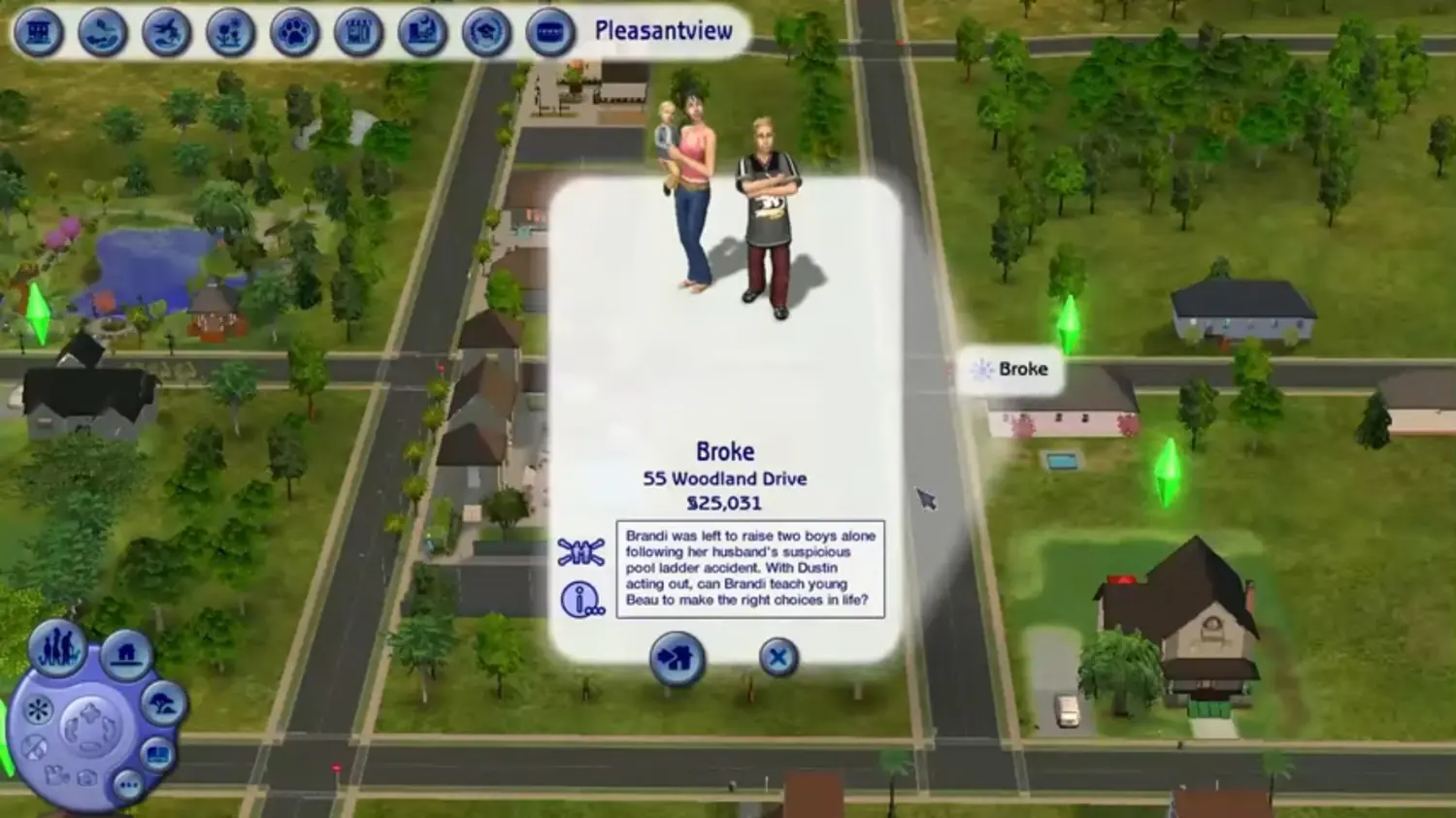
From the neighborhood view, the player selects one lot to play, as in The Sims. While there are both residential and community lots, Sims can only live in residential lots. Sims can travel to community lots in order to purchase things like clothing and magazines, and to interact with NPCs and townies. The player can choose between playing a pre-made inhabited lot, moving a household into an unoccupied pre-built lot, or constructing a building on an empty lot. One novelty from The Sims is foundations. The player switches among the Live mode (default) to control Sims, the Buy mode to add, move, or delete furniture, and the Build mode to rebuild the house and make structural changes. Although the Buy and Build modes cannot be accessed when on a community lot, the lots can be built on by using the neighborhood view. It is also possible to import neighborhood terrains from SimCity 4.
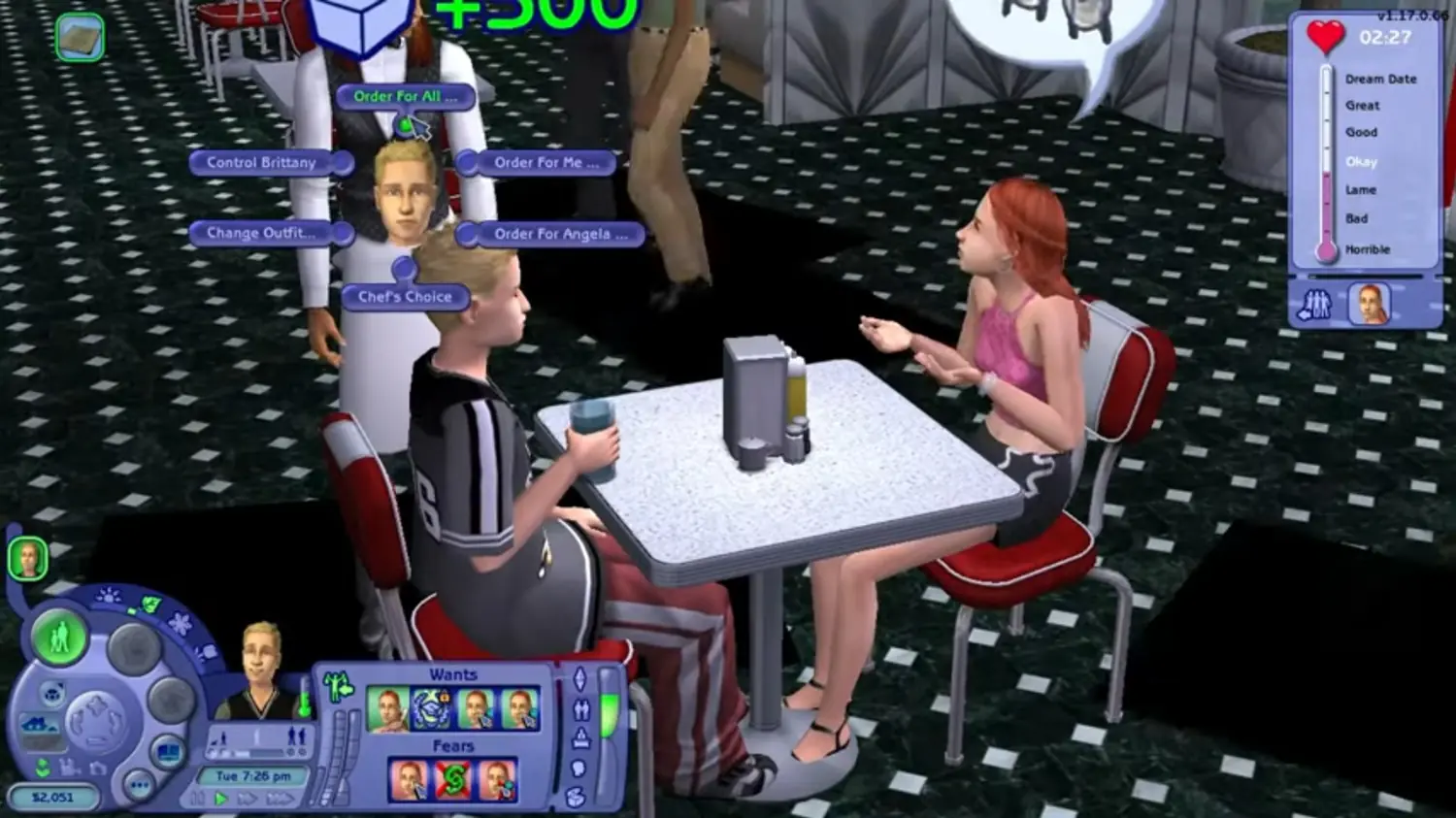
The game contains some time-bound social challenges that provide a reward if successful. Sims can throw parties to gain aspiration points or invite the headmaster over for dinner in order to enroll their children in private school. Some expansion packs have new mini-games like running a Greek house in University, or dating in Nightlife. In Nightlife, each date is a challenge to keep both Sims as happy as possible while accumulating aspiration points. Various other expansion packs introduce supernatural characters which Sims can be turned into, such as Zombies, Vampires, Werewolves, PlantSims, and Witches.
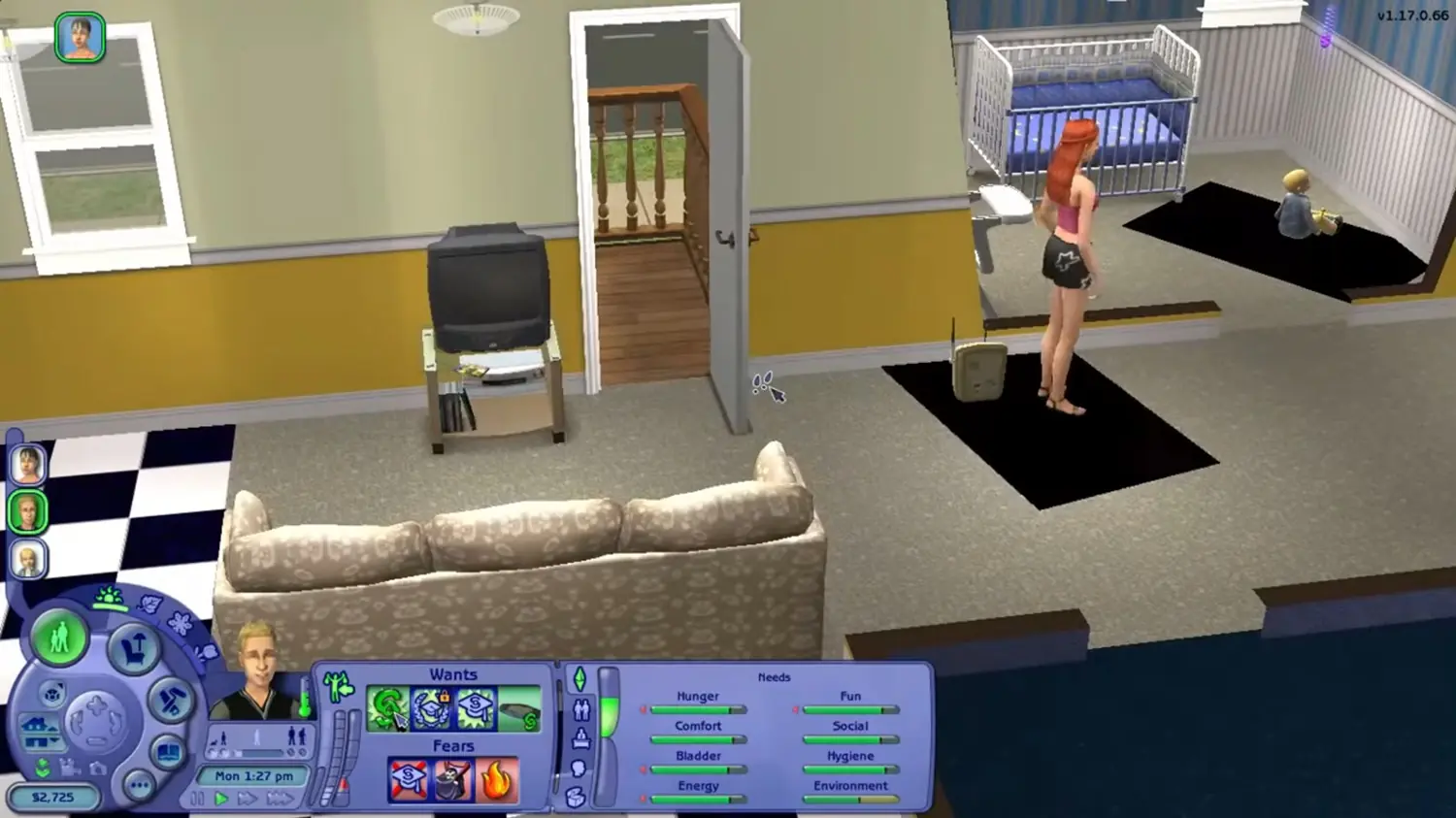
The main part of the game is to lead a Sim from the start of life to death. A Sim will be born when a female Sim and a male Sim try for a baby several times. The mother will spend 3 Sim days (each day lasts 24 minutes though time can be sped-up) pregnant before giving birth to a baby. During Pregnancy, the belly does not expand gradually. Instead, every day, it pops to a bigger size. Players can name the new Sim upon birth. The baby's appearance and personality will be based on the genetics of its parents (though the baby's appearance is hidden until it becomes a toddler). Babies can also be adopted by calling adoption service on the phone, even by single parents, old age sims or same-gender couples. The baby will change into a toddler in 3 days, and 4 more days for the toddler to change into a child. After 8 days, the child grows into a teenager, and will live 15 days before changing into an adult. After 29 days, the Sim will become an elder. An elder will eventually die; the length of this final stage depends on the aspiration bar when they become an elder.
The Sims 2 was re-released and is no longer abandonware. You can purchase the game from:
* We may earn a commission if you buy through these links.










The steps are: This PC (folder) > DVD Drive (E:) Sims2 > Crack (folder) > “Sims2” (application, right click + select ‘Run as Administrator’)
One thing to note is that I didn’t manage to find the TSBin file nor replaced all the files as mentioned in Step 5. What I did was I pasted the “Sims2.exe” into:
Documents (folder) > EA Games (folder) > The Sims 2 (folder)
When I tried to launch the game here, it did not succeed. So, remember to launch from the mounted file 🙂
https://uploads.disquscdn.com/images/b9306be65afecc67a3353af3bd1ca51493f8996ece412edd42c61b195a0a3f17.png
The steps are: This PC (folder) > DVD Drive (E:) Sims2 > Crack (folder) > “Sims2” (application, right click + select ‘Run as Administrator’)
One thing to note is that I didn’t manage to find the TSBin file nor replaced all the files as mentioned in Step 5. What I did was I pasted the “Sims2.exe” into:
Documents (folder) > EA Games (folder) > The Sims 2 (folder)
When I tried to launch the game here, it did not succeed. So, remember to launch from the mounted file.
Faied to find any diretX9.0c compatible graphics adapters in this system! Pleas emake sure you have DirectX 9.0c compatible graphics adapters and hav einstalles the lastst drivers provided by th emanufacturer.
I can’t download direct 9.0 because it’s only for Windows 98 and XP
Have any suggestion ?
then when you find out that there such thing, then click right on the iso file or the zip file called the sims 2, and click open with window explorer. then the new part will appear below the local disk. then try open the game again. remember select run as administrator when you want to play the game.