The Sims 2: Ultimate Collection

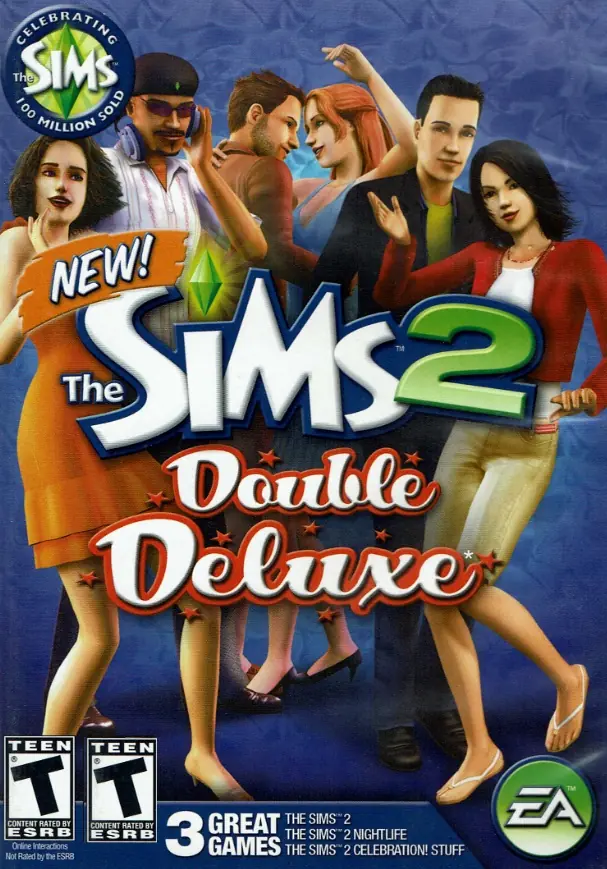
The Sims 2: Ultimate Collection includes the original game along with all expansion and stuff packs.
The Sims 2: Ultimate Collection includes the original game along with all expansion and stuff packs.
The Sims 2: Ultimate Collection was re-released and is no longer abandonware. You can purchase the game from:
* We may earn a commission if you buy through these links.










I can’t find the garden and mansion folder to change resolution, I’ve looked at the notes but I don’t seem to have the folder, any ideas? Everything else works fine.
“Open the folder where u have installed Sims 2 Ultimate Collection. Open ‘The Sims 2 Mansion and Garden Stuff’ folder present in it. Open ‘TSData’ present in it. Open ‘Res’ folder present in it. Open ‘Config’ folder present in it. Open ‘Graphics Rules.sgr’ using notepad.
I have other files like pet breeds, logs, neighbourhood’s etc
After changing the resolution in game, delete the -w on shortcut, then launch again the game. Hope this works!
This is the path to find it:
This PC > Documents > EA Games > The Sims 2 > Downloads
Refer to this article for modding info and help: https://personalreflections2014.wordpress.com/2014/07/19/tutorial-installing-cc-and-mods-in-the-sims-2-ultimate-collection/
Happy simming!
this is very frustrating especially given i’m trying to stream this game on twitch; having this issue happen and having to fix it on stream is embarassing and i need help fixing this so this issue is no longer there, or at least less frequent. any help is appreciated
refer to this to see if you gpu is compatible with TS2: https://www.simsnetwork.com/tools/graphics-rules-maker
Also, refer to this forum for further help: https://modthesims.info/t/604096