The Sims 2: Ultimate Collection

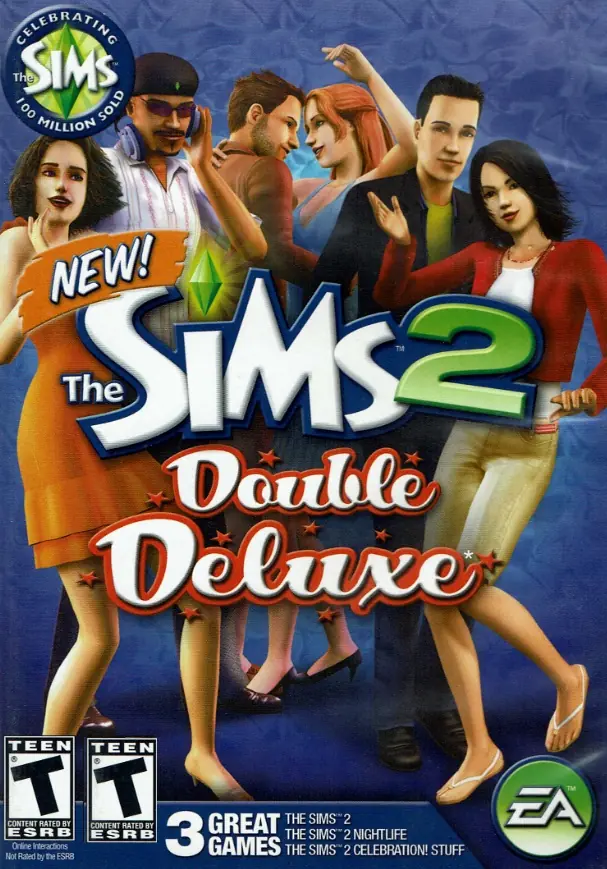
The Sims 2: Ultimate Collection includes the original game along with all expansion and stuff packs.
The Sims 2: Ultimate Collection includes the original game along with all expansion and stuff packs.
The Sims 2: Ultimate Collection was re-released and is no longer abandonware. You can purchase the game from:
* We may earn a commission if you buy through these links.










You need to run the game in windowed mode. To get windowed mode, right click the shortcut on the desktop, select properties and at the end of the target add a -w. So the target should be this, “C:Program Files (x86)Mr DJThe Sims 2 Ultimate CollectionThe Sims 2 Mansion and Garden StuffTSBinSims2EP9.exe” -w
If the target is different, just add a -w after the quotation marks
I was able to get the game to launch to the loading screen. Unfortunately, it then crashed at about 60% loaded….. 🙁
1. It seems people don’t care about scrolling through comment, and looking for solution. Why u do that guys?
2. In Graphics Rules Maker you need to change the directory to Mr DJ one.
3. Error code – 11 means that you haven’t extract them. Use Winrar to extract it before running setup.exe
4. Alternatively, if you can’t use Graphics Rules Maker, then just run the game in Windowed Mode.
But the rar file is all white and non interactable. When I try to open it, there’s no app to do it, and there’s no option to extract it (mind you, the file downloaded like this, I havent done any extracting beforehand). So what can I do?
ERROR: file write operation failed.
Help!
To get windowed mode, right click the shortcut on the desktop, select properties and at the end of the target add a -w. So the target should be this, “C:Program Files (x86)Mr DJThe Sims 2 Ultimate CollectionThe Sims 2 Mansion and Garden StuffTSBinSims2EP9.exe” -w
If the target is different, just add a -w after the quotation marks
Now here in the downloads folder add your mods and cc. If there is not a downloads folder make one that is named Downloads
Exactly that way with D being uppercased and the rest lower cased.