The Sims 2: Ultimate Collection

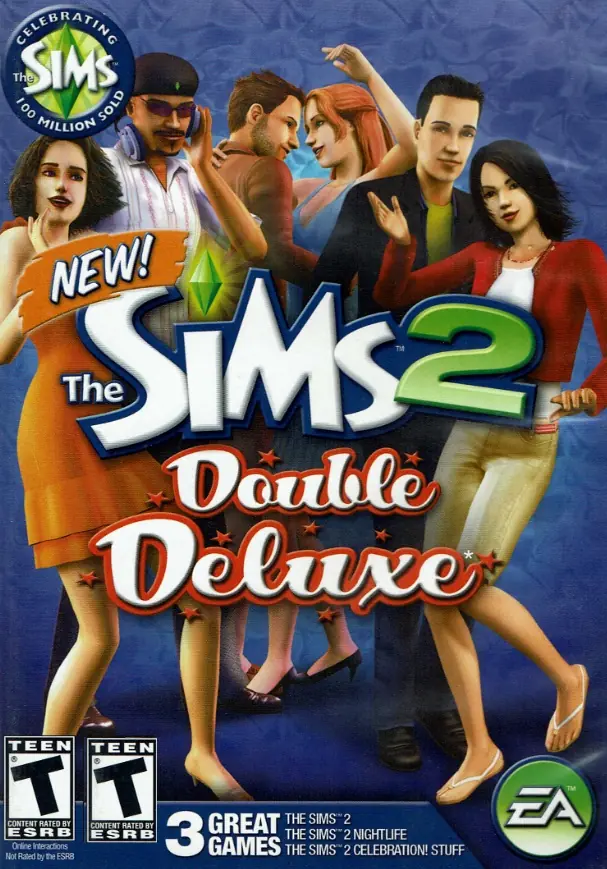
The Sims 2: Ultimate Collection includes the original game along with all expansion and stuff packs.
The Sims 2: Ultimate Collection includes the original game along with all expansion and stuff packs.
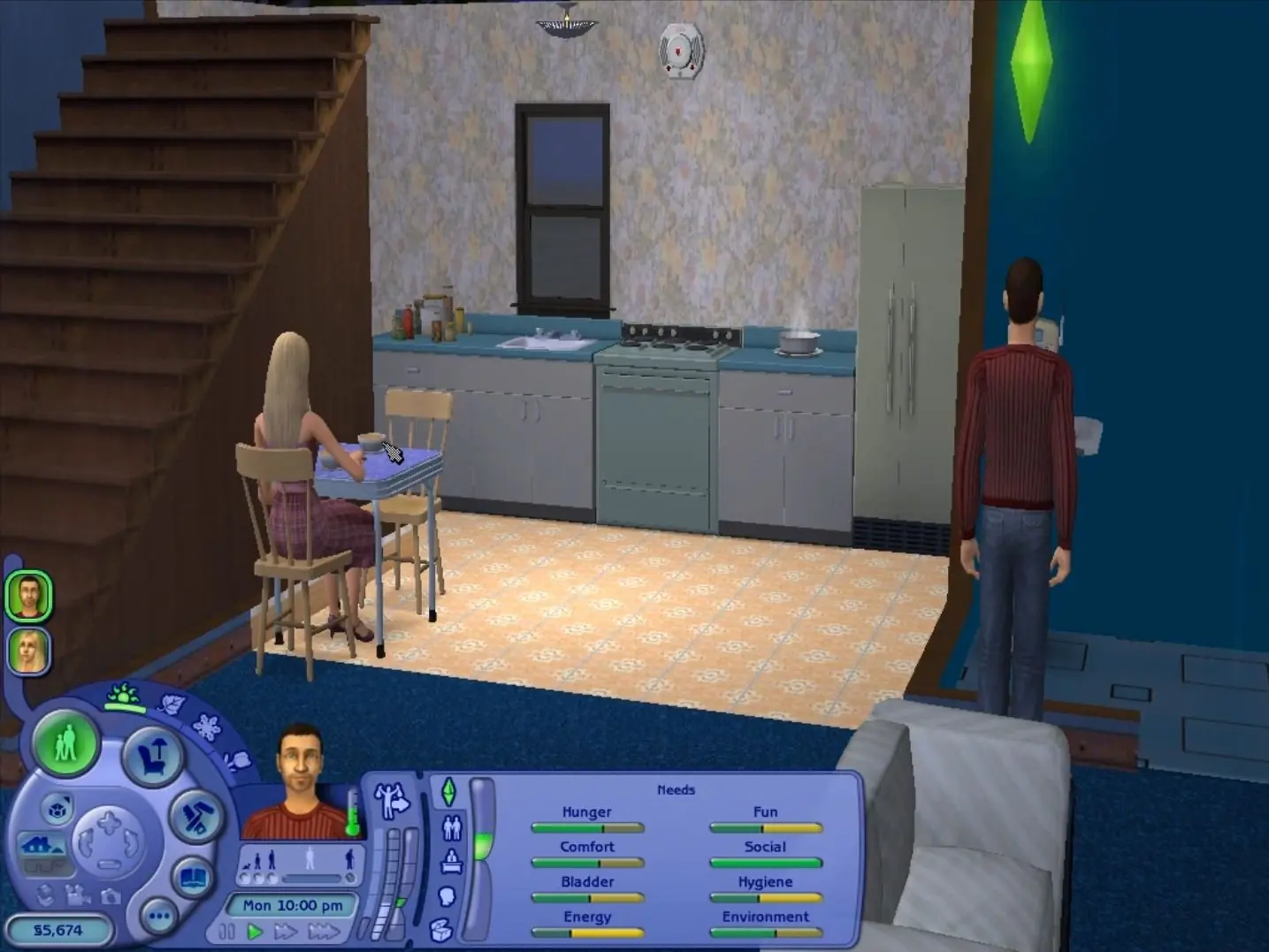
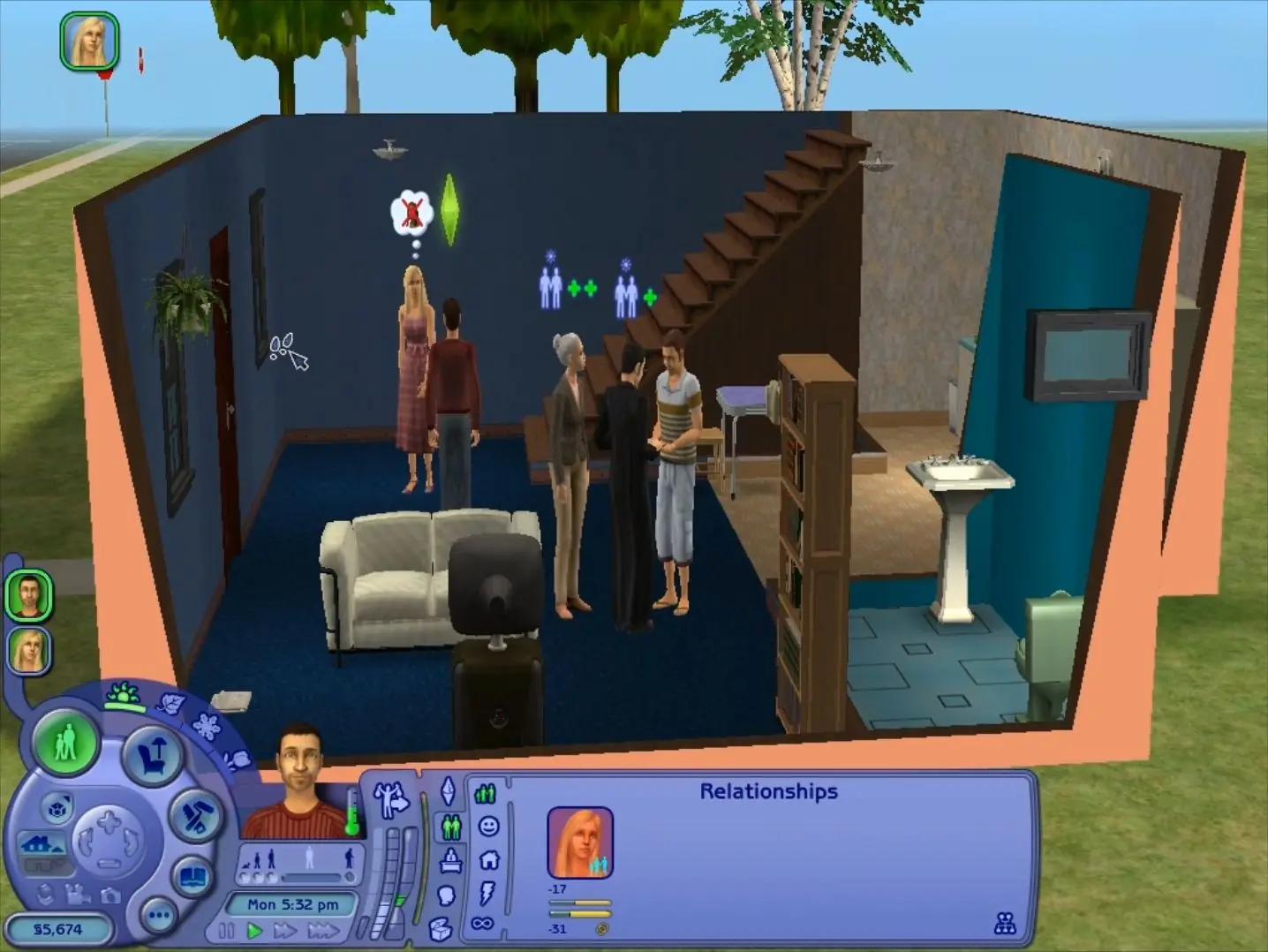
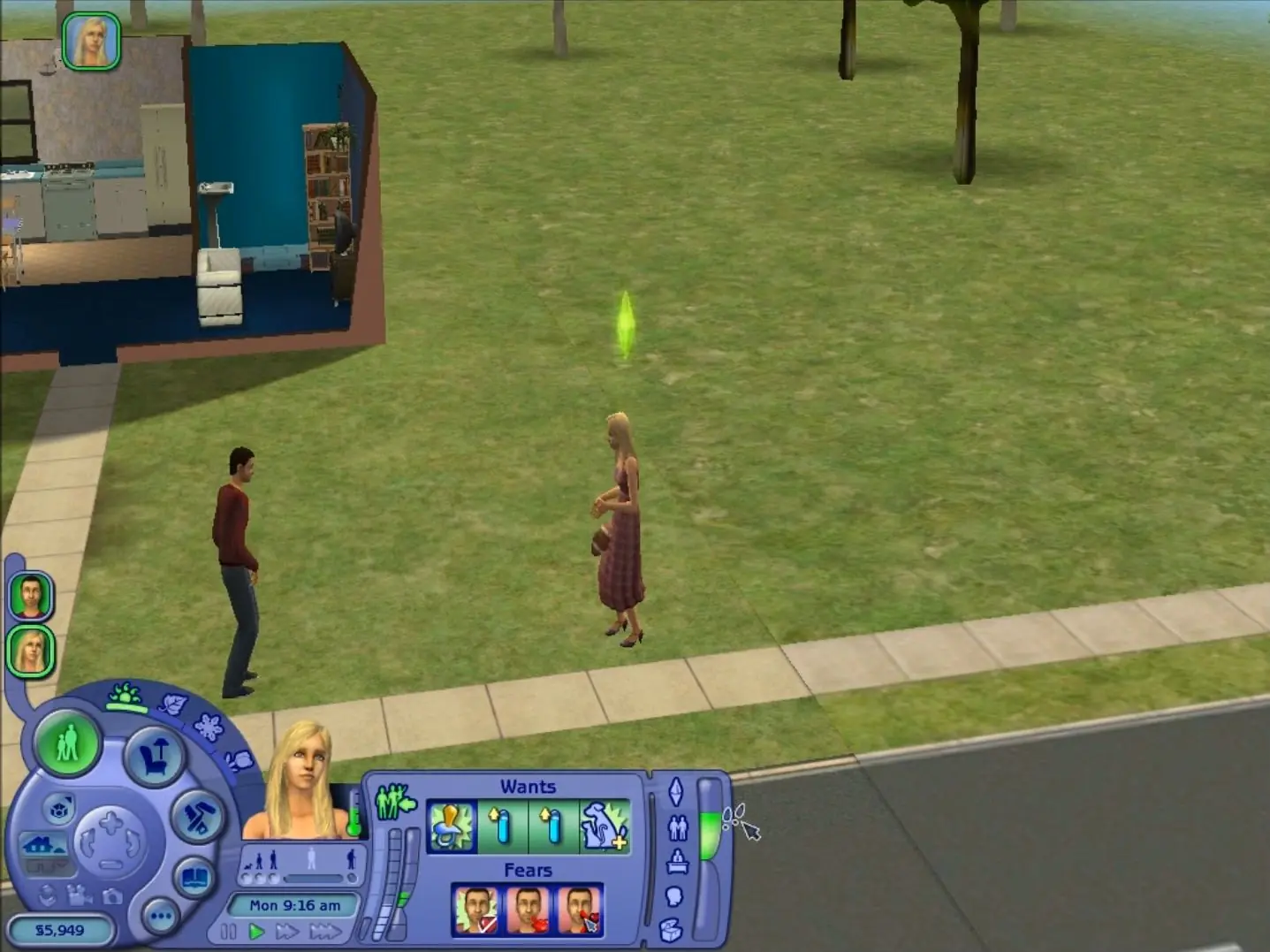
The Sims 2: Ultimate Collection was re-released and is no longer abandonware. You can purchase the game from:
* We may earn a commission if you buy through these links.










1. I Create a new folder in the D: drive eg D:/The Sims 2 UC
2. Move the contents of C:Program Files (x86)Mr DJThe Sims 2 Ultimate Collection to the new folder I made on step 1 in drive D:
3. Delete the original “The Sims 2 Ultimate Collection” folder in Mr DJ folder, which should be empty now, from C:Program Files (x86)Mr DJ
4. Open cmd (Comand Promp) and Run as administrator
5. In the Command Prompt window enter these commands:
cd C:Program Files (x86)Mr DJ
mklink /D “The Sims 2 Ultimate Collection” “D:The Sims 2 UC”
6. If you go to C:Program Files (x86)Mr DJ now, you should see a new The Sims 2 Ultimate Collection folder and it will have a little symbol beside the folder icon to show it’s a symbolic link. When you open it, it will open the D: drive folder if you linked it correctly.
I hope it helps some of you who want to move The Sims 2 to another drive (I move from drive C: to drive D:)
help
Open the folder
open the game folder (not the redsist one)
Find the app file (Should be something like “sims.exe” or something close to that”)
It should install and run right after
i see i’m not the only one with this problem, why hasn’t it been addressed? what’s wrong?