Home » Games » The Sims Castaway Stories

The Sims Castaway Stories

The Sims Castaway Stories Game Cover
4.6/5 - 307 votes

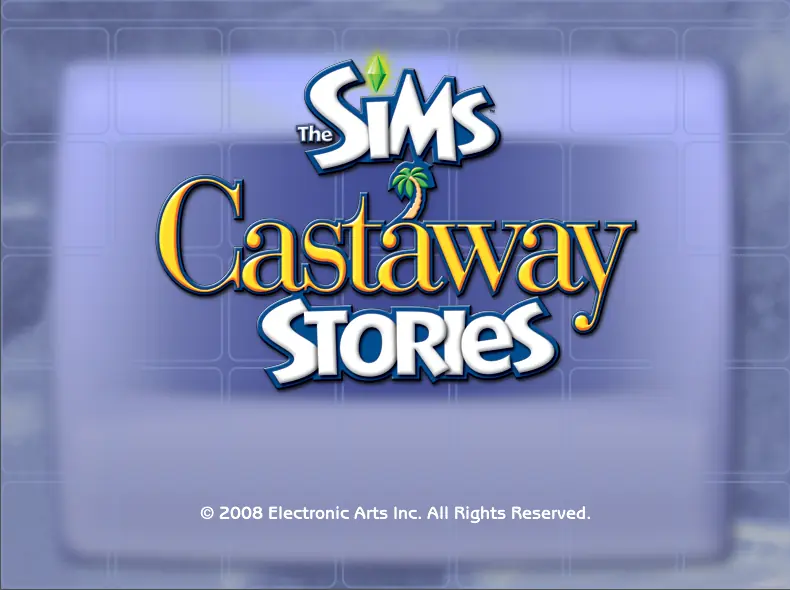
The Sims Castaway Stories is the third and final game in The Sims Stories. It was released on January 29, 2008, with a port for Mac OS X released by Aspyr on March 17, 2008.

Other Titles

The Sims: Castaway StoriesDe Sims EilandverhalenLes Sims : Histoires de naufragésLos Sims historias de náufragosThe Sims Historie: Z bezludnej wyspyThe Sims Historier från en öde öThe Sims: Histórias de Náufragosداستان‌های سیمز رانده‌شده

Genres
Developers
Released
Platforms
Download

About The Sims Castaway Stories

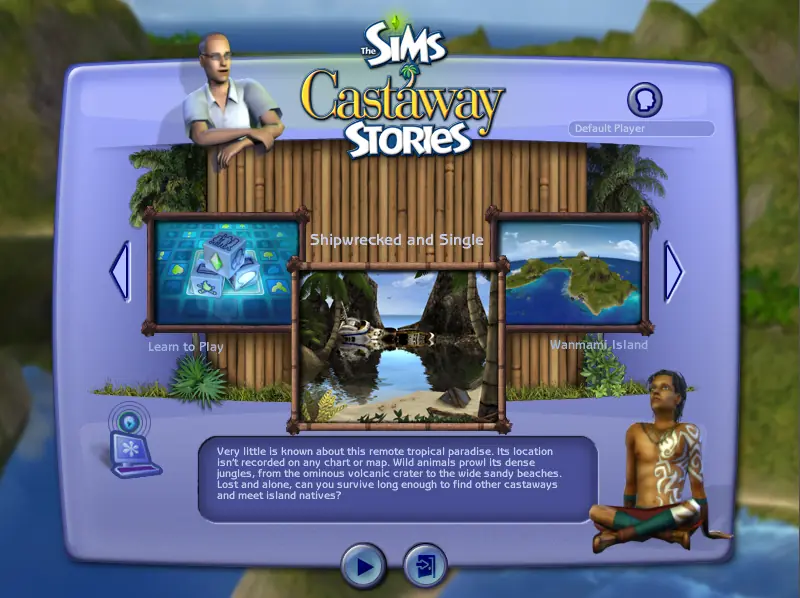
Castaway Stories features the choice of either playing in a story-driven mode titled "Shipwrecked and Single" or a more sandbox oriented mode "Wanmami Island".

In the "Shipwrecked and Single" mode, the player is subjected to a semi-linear scenario-driven style of gameplay. The player must choose whether to play as David Bennett, Jessica Knight, or a customized Sim, who boards a cruise ship for singles named Solomon Queen, only to have it crash and leave them drifting on the ocean clinging to a crate. The crate happens to float onto land, after which the player is left to help the Sim survive.

Gameplay on Wanmami Island is much more open-ended, enabling gameplay reminiscent of more traditional Sims games. The player is allowed to design their own Family and start Jobs.
Screenshots

Windows

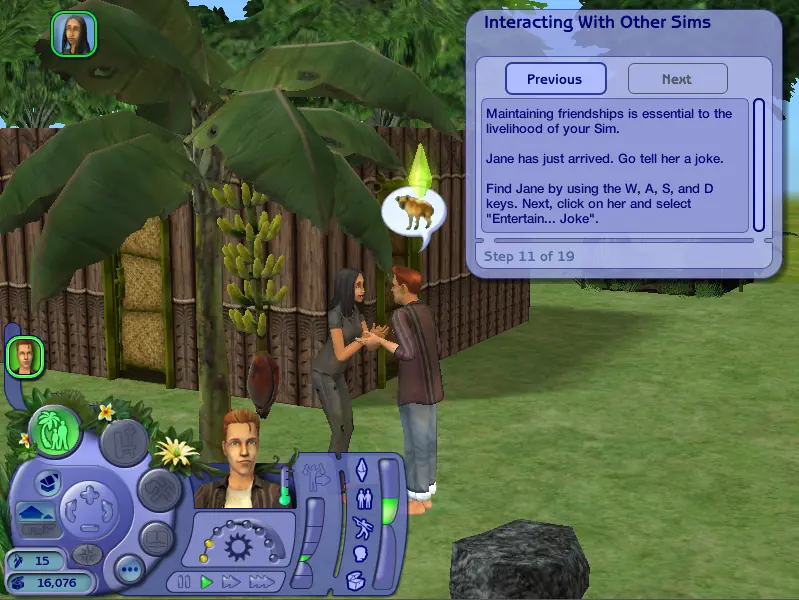
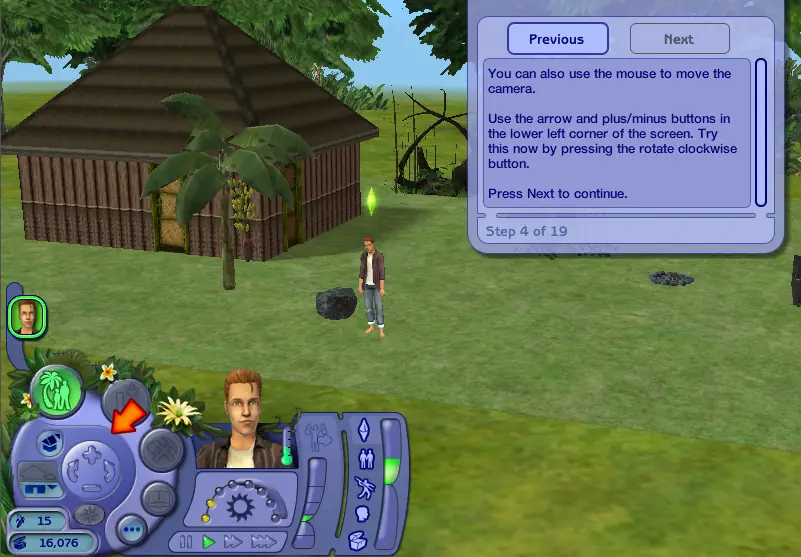
The Sims Castaway Stories — Windows screenshot 1The Sims Castaway Stories — Windows screenshot 2The Sims Castaway Stories — Windows screenshot 3The Sims Castaway Stories — Windows screenshot 4

Download The Sims Castaway Stories

The Sims Castaway Stories is abandonware and no longer sold or supported by its publishers. Files are archived here for these platforms:

Windows (2008)

  • The_Sims_Castaway_Stories_Windows.zipEN2.22 GB
  • Instructions The_Sims_Castaway_Stories_Windows.zip

    Instructions for running on Windows 10

    1. Download the "The_Sims_Castaway_Stories.zip" file from the link above. Make sure you download the file properly and that your internet does not disconnect while downloading.
    2. Open the downloaded .zip file and extract the "The_Sims_Castaway_Stories_Windows" folder to your desktop. You will need to use a software such as WinRAR to do this.
    3. Open the extracted "The_Sims_Castaway_Stories_Windows" folder and then open the "Game Files" folder.
    4. Double click on the file called "AutoRun.exe" and the game setup should start. Go through the setup steps - at one point they will ask you to insert a CD-key. Use the following Serial Code: N78Q-RZKW-7428-DB09-DVTY
    5. When they prompt you to register, choose "Register Later". When your installation completes, they will ask if you want to launch the game. Make sure that you do not launch the game and select "Quit" instead.
    6. Open the "Crack" folder inside the "Game Files" folder.
    7. Drag & drop (or copy) the "SimsCS.exe" file in there to the folder where you installed the game to. By default this would be: C:\Program Files (x86)\Electronic Arts\The Sims Castaway Stories\TSBin
    8. When prompted, choose "Replace existing file" or "Copy and replace".
    9. You can now launch the game using the shortcut on your desktop.
    10. Enjoy the game!

Comments

172 thoughts on “The Sims Castaway Stories”

    • 0
      Do you remember the crack you had to replace in C:Program Files (x86)Electronic ArtsThe Sims Castaway StoriesTSBin ? Go there, right click the SimsCS file, and send to desktop, that will make a shortcut, it will look and work exaclty the same way, except it will say SimsCS . Thats how i did it.
      Reply
    • 0
      idk if you’re still trying to fix this but if you are then you can right-click the game icon and go to “Properties”, then where it shows the file name (it should be .exe” with the quotation mark), then type -w after the quote mark. click apply and run the game as administrator, and it will run, albeit in windowed mode! it’s a fix for windows 10 users since the DirectX downloads are glitched for us.
      Reply
  1. 0
    I have a problem and need your help if you can help me…
    I can’t install this game and the other (sims 2 stories) every time I get after the license confirmation, a message pops up asking for directX 9.0c but I have DirectX 11
    Reply
  2. 0
    When the game launches and has loaded the main screen, I can only select Learn to Play. The arrows won’t work and if I do select Learn to play, the game crashes… no idea what’s wrong with the file
    Reply
  3. 0
    The game starts just fine but its in a really small windowed mode. I tried turning the windowed mode off but it just zooms in so far that all I can see is the left corner of the screen.. 🙁 Anything else I could try?
    Reply
  4. 0
    Does anyone know how I could play this in full-screen? I installed it but it’s only letting me play it windowed and alt + enter won’t work 🙁
    Reply
    • 0
      Well as far as full screen goes, i looked in the “Options” in the graphics section and saw where you can turn “Windowed mode” On and off. I turned it off and the game went full screen. Hope that helps 🙂
      Reply

Similar games