Home » Games » The Sims Life Stories
The Sims Life Stories

The Sims Life Stories Game Cover
4.5/5 - 247 votes

The Sims Life Stories is a 2007 simulation game developed by The Sims Division and published by Aspyr Media.

Other Titles

The Sims: Life StoriesDe Sims LevensverhalenLes Sims : Histoires de vieLos Sims historias de la vidaThe Sims Historie: Z życia wzięteThe Sims Kertvárosi KrónikákThe Sims Livets Historierداستان‌های زندگی سیمز模擬市民趴趴走:人生大冒險

Genres
Developers
Released
Platforms
Download

About The Sims Life Stories

The Sims Life Stories is the first game in The Sims Stories series. The pack bears similarities to the console ports of The Sims games. In Story mode, it begins with the problems of Riley Harlow and Vincent Moore. Rewards are unlocked as set goals are achieved. In the open-ended Classic mode, the player creates Sims and then chooses how they will live their life, akin to typical The Sims gameplay. Life Stories was released for Microsoft Windows in February 2007, and Mac OS X by Aspyr Media later in 2007.

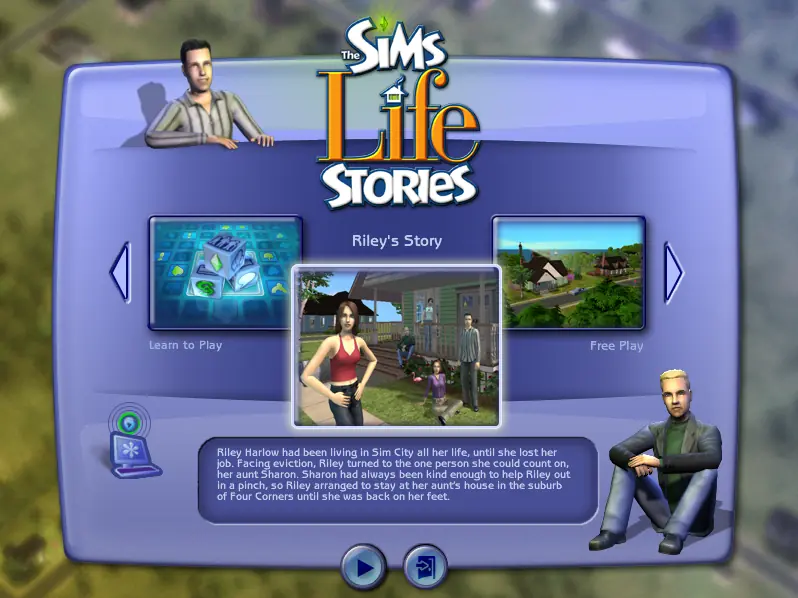
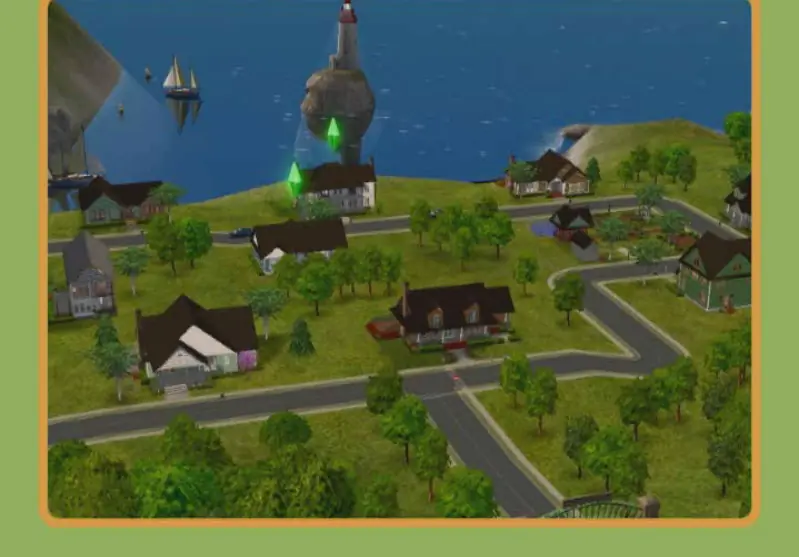
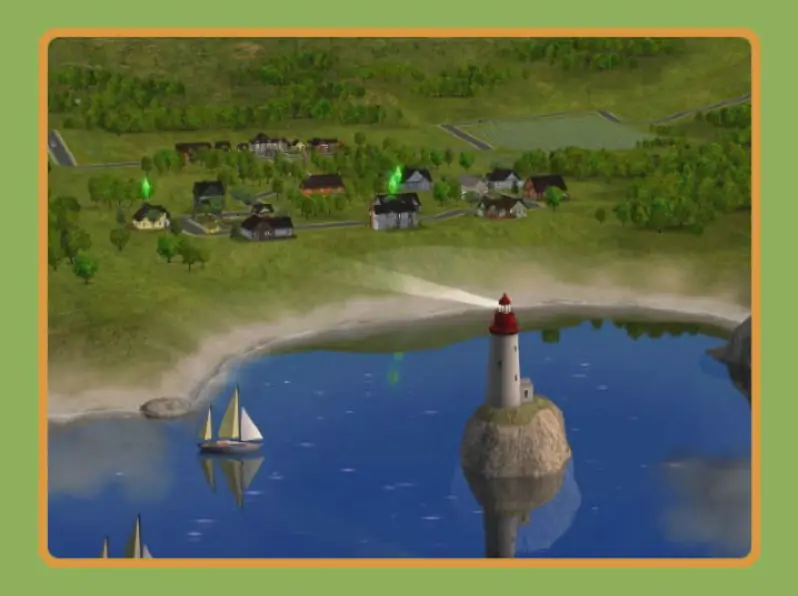
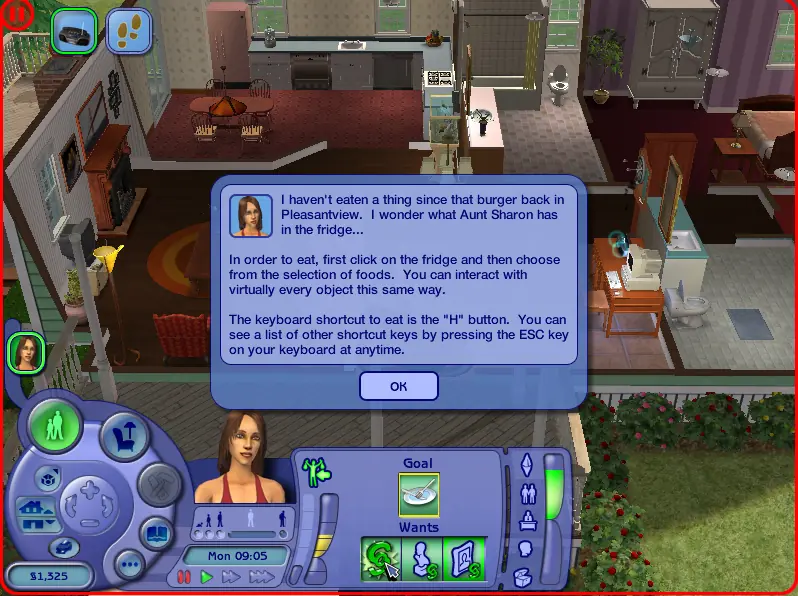
The game begins in Story Mode with Riley's life story as she moves from SimCity to Four Corners to start a new life with her Aunt Sharon. A second story follows the life of Vincent, a millionaire who is searching for true love. After both stories are completed the gameplay continues in the open-ended Classic mode, which is similar to The Sims 2. The towns in which Riley and Vincent live are also available to play when their stories are finished.

Life Stories uses the same engine and gameplay mechanics as The Sims 2. In addition to the open-ended freeplay mode from The Sims 2, Life Stories features two pre-defined scenarios. In each scenario the player takes control of one of two protagonists and is tasked with accomplishing various goals in that character's life. The game features significant use of scripted sequences to create pre-defined dramatic events and situations. There are three neighborhoods to play – one for each of the two stories, as well as a freeplay neighborhood. Several objects from various The Sims 2 packs are made available in Life Stories, such as the bowling alley from The Sims 2: Nightlife and pool table from The Sims 2: University.
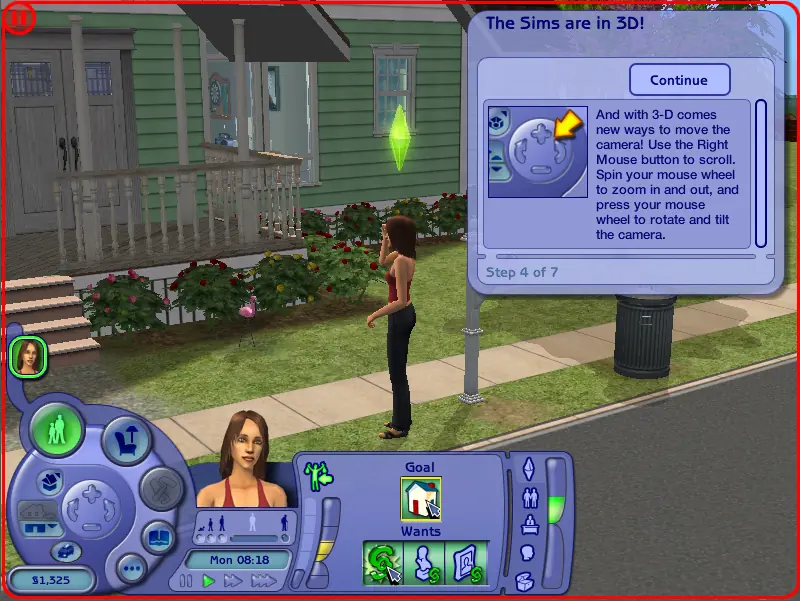
Screenshots

Windows

The Sims Life Stories — Windows screenshot 1The Sims Life Stories — Windows screenshot 2The Sims Life Stories — Windows screenshot 3The Sims Life Stories — Windows screenshot 4The Sims Life Stories — Windows screenshot 5

Download The Sims Life Stories

The Sims Life Stories is abandonware and no longer sold or supported by its publishers. Files are archived here for these platforms:

Windows (2007)

  • The_Sims_Life_Stories_Windows.zipEN2.15 GB
  • Instructions The_Sims_Life_Stories_Windows.zip

    Text instructions (how to play on Windows)
    1. Download the "The_Sims_Life_Stories_Windows.zip" file from the link above. Make sure you download the file properly and that your internet does not disconnect while downloading.
    2. Open the downloaded .zip file and extract the "The_Sims_Life_Stories_Windows" folder to your desktop. You will need to use a software such as WinRAR to do this.
    3. Open the extracted "The_Sims_Life_Stories_Windows" folder and then open the "Game Files" folder.
    4. Double click on the file called "AutoRun.exe" and the game setup should start. Go through the setup steps - at one point they will ask you to insert a CD-key. Use the following Serial Code: NZ33-TZCW-J9WD-LJ9N-GRLD
    5. When they prompt you to register, choose "Register Later". When your installation completes, they will ask if you want to launch the game. Make sure that you do not launch the game and select "Quit" instead.
    6. Open the "Crack" folder inside the "Game Files" folder.
    7. Drag & drop (or copy) the "SimsLS.exe" file in there to the folder where you installed the game to. By default this would be: C:\Program Files (x86)\Electronic Arts\The Sims Life Stories\TSBin
    8. When prompted, choose "Replace existing file" or "Copy and replace".
    9. You can now launch the game using the shortcut on your desktop.
    10. Enjoy the game!

Comments

147 thoughts on “The Sims Life Stories”

  1. 0
    Hi, I get the error message “Please insert the correct DVD-ROM, select OK and restart application”. Does it have something to do with having Windows 11?
    Reply
  2. 0
    HELP! Vincent got stuck cuddling Naomi in the hot tub, and since it’s life series, THE CHEATCODE BAR DOESN’T WORK! ahhhh i don’t know what to do, please help, I put so many hours into this story ;_;
    Reply

Similar games