The Sims: Livin’ Large
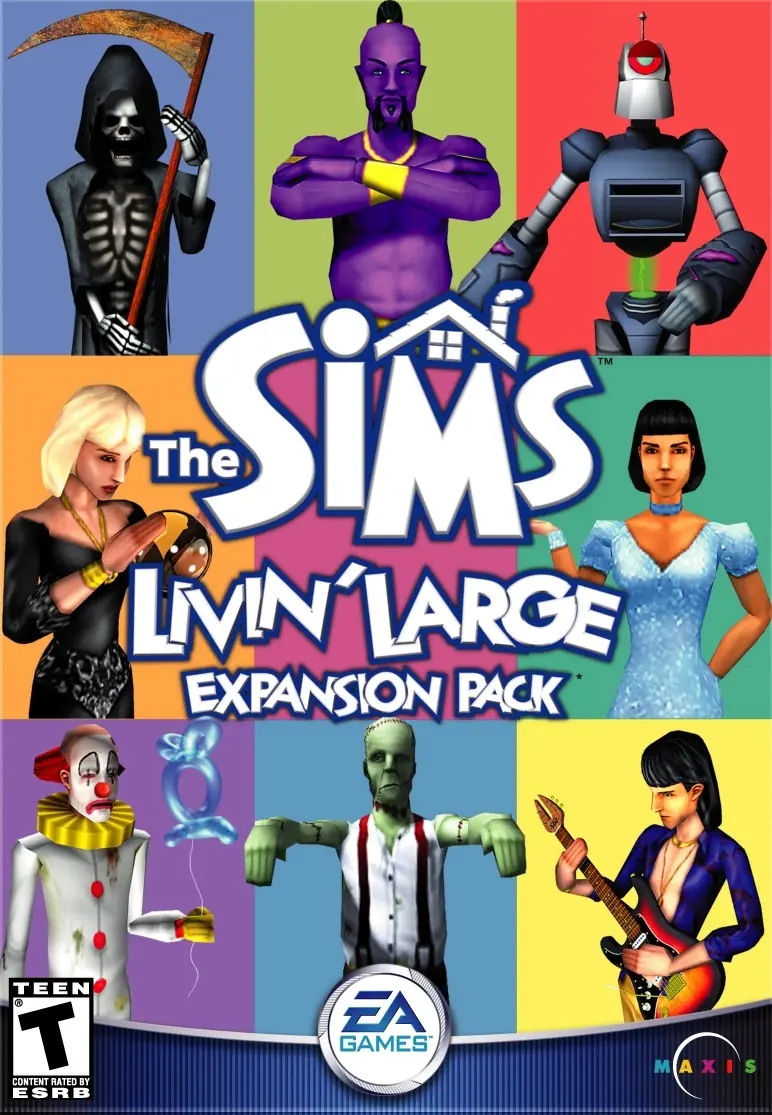
The Sims: Livin’ Large is a 2000 simulation game developed by Maxis and published by Aspyr Media.
The Sims: Livin’ Large is a 2000 simulation game developed by Maxis and published by Aspyr Media.
The Sims: Livin' Large (known as The Sims: Livin' It Up in the UK and FI) is the first expansion pack released for the computer simulation game, The Sims. The pack includes new characters, careers, items, and features.
The game features new NPCs, such as Servo, the Tragic Clown, and the Grim Reaper. Santa Claus will come if the Sim leaves some cookies beside a Christmas tree, and a fireplace. Santa will leave presents under the tree. The Tragic Clown visits depressed Sims who own the Tragic Clown painting. The Game also includes the Guinea Pig Painting, and the guinea pig disease that sims can obtain if the player places both the painting, and guinea pig cage in the house together. The Grim Reaper performs the final rites for deceased Sims. Living Sims can plead with the Reaper to save a deceased Sim. The plea has one of three outcomes: the Sim remains dead, is resurrected, or returns as a zombie. Servo is a buyable NPC that can be purchased for 15000 simoleons. Servo can clean, garden, repair objects, and serve meals.
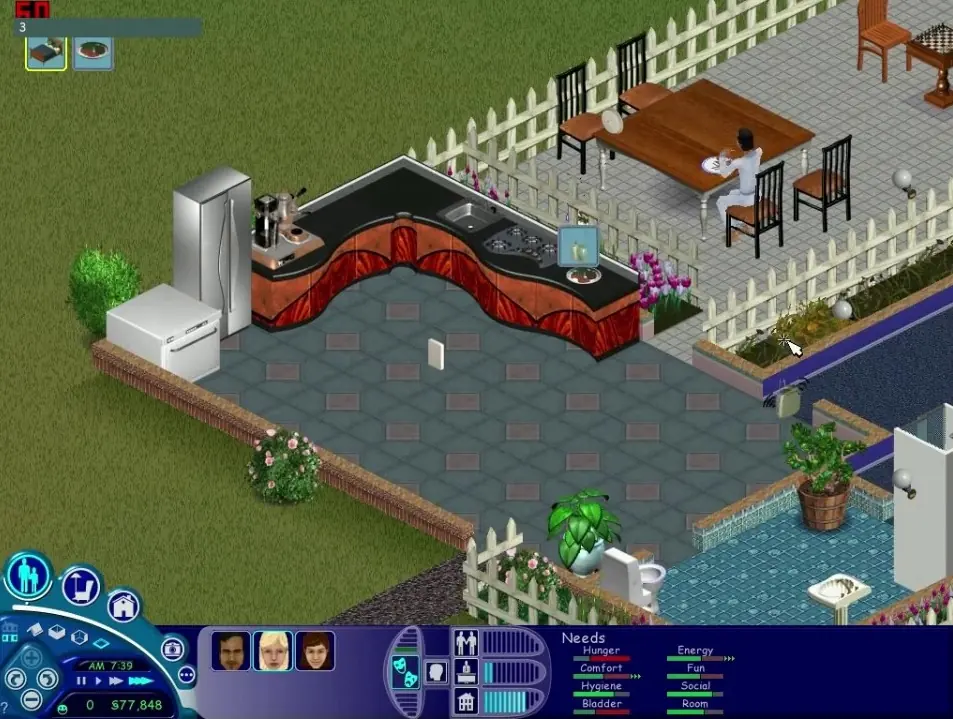
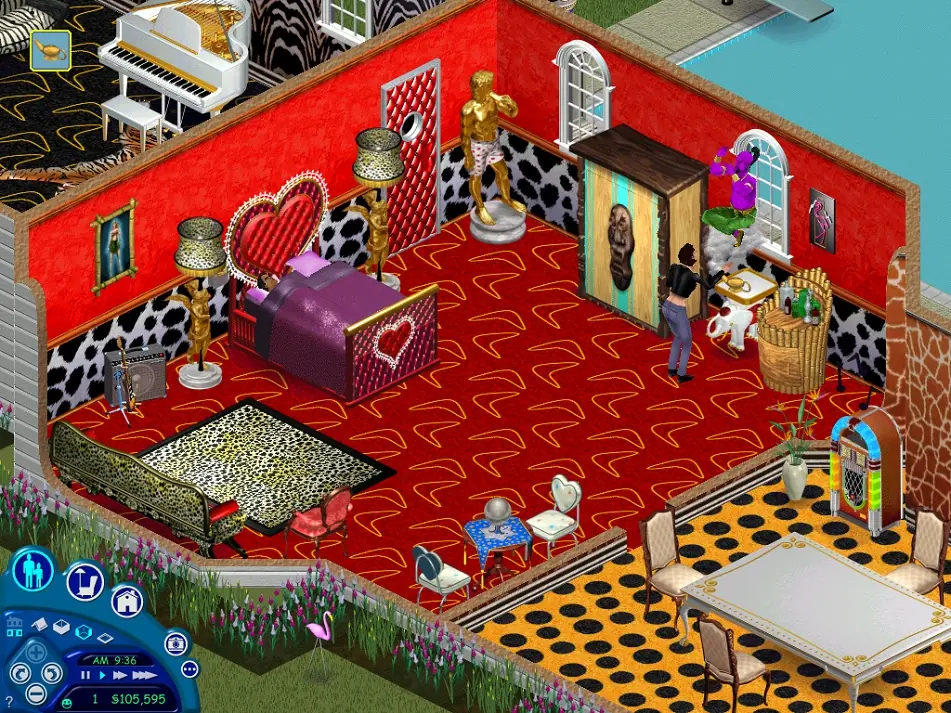
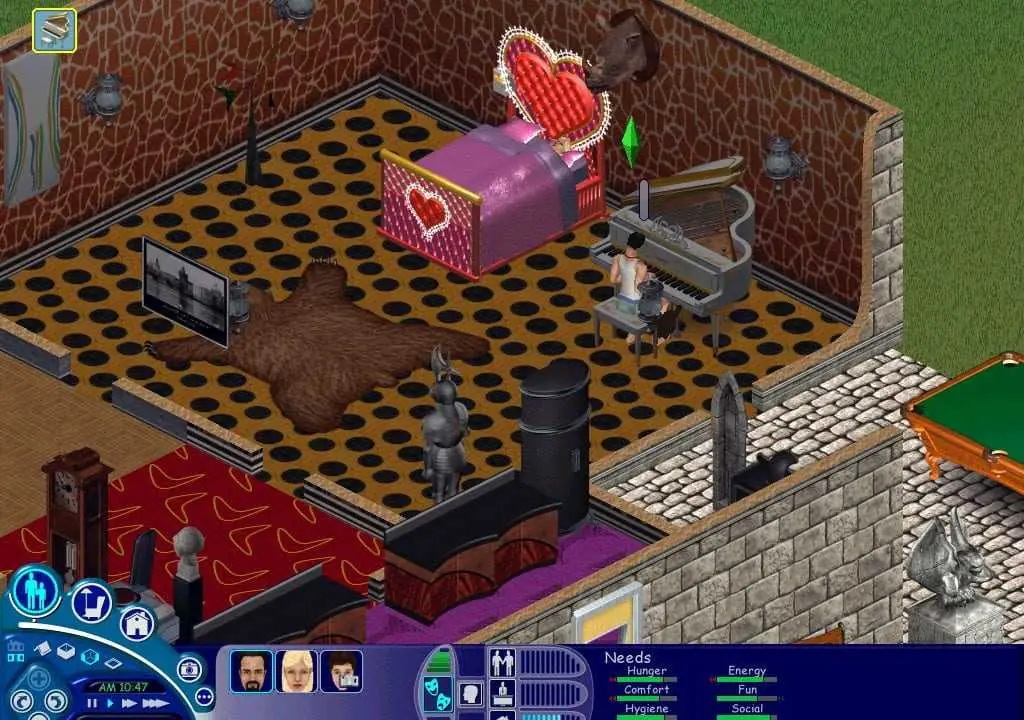
Livin' Large comes with many new objects, such as a crystal ball, electric guitar, chemistry set, and magic lamp. Some of the objects had new NPCs associated with them.
Multiple neighborhoods were introduced in this expansion pack, allowing the player to have up to five new ones.
The Sims: Livin’ Large was re-released and is no longer abandonware. You can purchase the game from:
* We may earn a commission if you buy through these links.




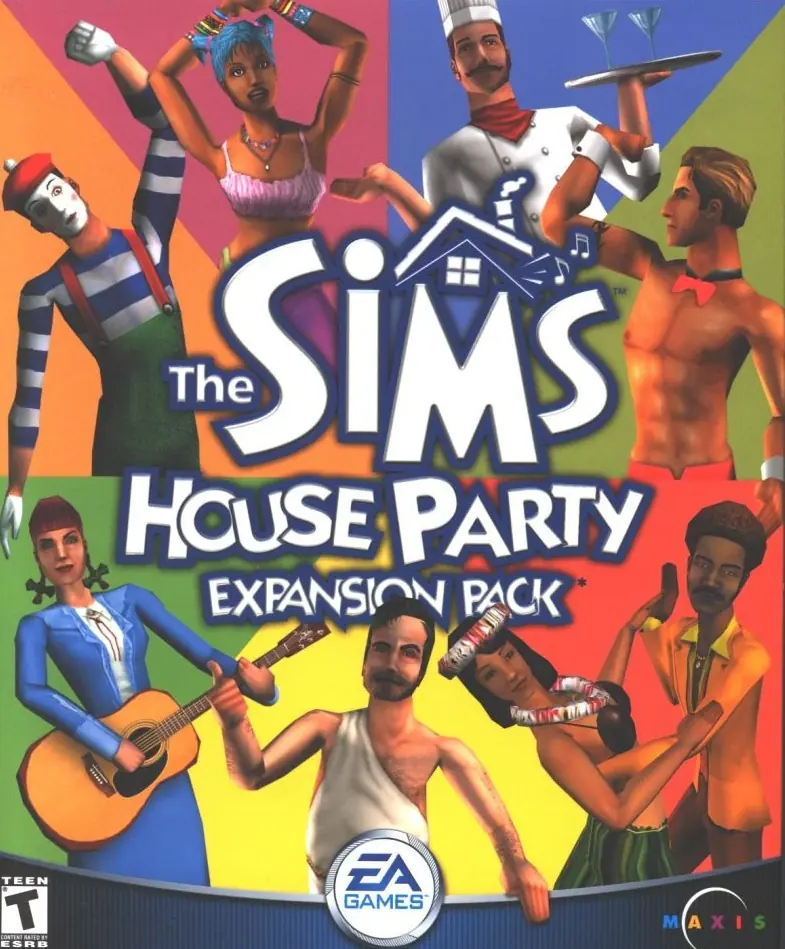
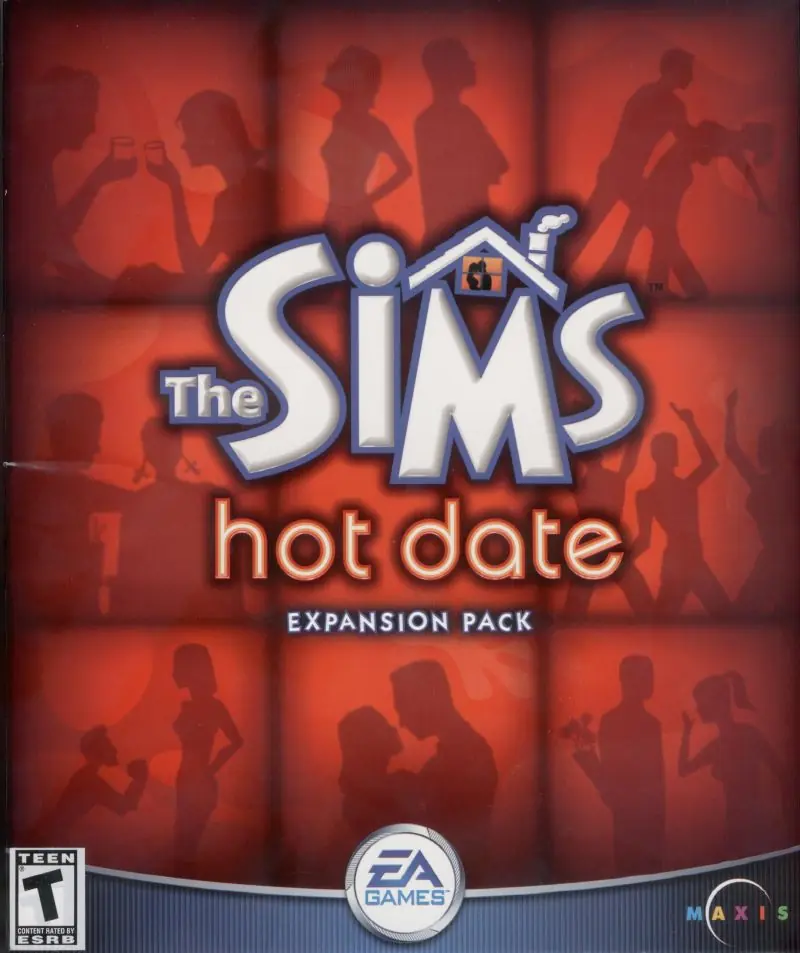






Steps:
1: Create Sims Folder in a location you can get to easily on your c or d drives, don’t use their default paths it will be a hassle. Make a new Folder called Games or something, Put all things sims in that same location.
2: Download both original Sims folder and Livin Large folders off this website from Archive
3: Download Daemon https://filehippo.com/download_daemon-tools-lite/
4: Extract original Sims folder with 7zip or whatever unzipping program you love to your New sims Game folder. I suggest creating a sub folder called SIMS 1 so that you can separate things
5: Open that unzipped folder, find the setup application, click it. With Windows, it will mount a virtual disc drive without Daemon this time, and you can install like normal. DO NOT USE THE NOCD CRACK IN THIS STEP. Find the serial number at top of folder where it says crack though.
6: With Sims done installing(after clicking the virtual drive and clicking setup), go to Sims livin large zipped file, extract it to your sims game folder
7: Open sims livin large unzipped folder and open the B6T file with Daemon. YOU WILL NOT BE ABLE TO MOUNT AND OPEN THIS WITHOUT DAEMON unless you’re very tech savvy.
8: It will mount a virtual disc drive. Click on new virtual drive, scroll to bottom, click start icon. It will detect sims 1 and begin the install of the expac.(all files will be added to the sims 1 folder) Here are two serial numbers you can use: 8663-4966712-3945768-1934
4512-7926876-8244751-3752
9: Once this finishes, you will need to go to https://www.gameburnworld.com/gp/gamefixes/simslivinlarge.shtml and download the 1.21 mb file off their website. Unzip this file to the sims folder(not the sims 1 sub folder).
10: Once unzipped, you will need to again unzip the .rar file inside of that folder, giving you a SIMS application.(IF you cracked your sims download and replaced the setup file with the NOCD Sims.exe, you will need to go into the SIMS folder that is above the .rar file, copy the SIMS application there(the original you replaced) and copy it back to the Sims 1 game file or none of this will ever work)
11: Take the new unzipped .rar .exe Sims application, go to your sims1 folder, paste this application over the original that is there.
12: Go back to the unzipped file where you found the .rar, take the ICD file underneath that, and paste it in the Sims 1 folder to replace the one there as well.
13: You are finally done. Double click the Sims.exe application in your sims 1 file and enjoy playing Living Large.
WARNING: IF YOU EJECT or delete the virtual drives created, everything gets funky. If when you restart your comp those virtual drives aren’t present, simply go back into the unzipped sims download and re-open it, then go to the livin large unzipped file and re-open it with daemon. This fixes things.
https://thesims.neoseeker.com/wiki/The_Sims:_Livin'_Large
Here is the link.
https://filehippo.com/download_daemon_tools/
Then open the disc image or folder (depending on how you mounted it) and scroll all the way down, you will find an .exe file called ”Start”, run it.
It will ask you for the serial code, you can google them or try this two i’ve found:
8663-4966712-3945768-1934
4512-7926876-8244751-3752
Good luck!
https://filehippo.com/download_daemon_tools/
Los serials: (se encuentran en busquedas de google tambien)
8663-4966712-3945768-1934
4512-7926876-8244751-3752