Home » Games » The Sims Pet Stories

The Sims Pet Stories

The Sims Pet Stories Game Cover
4.6/5 - 97 votes

The Sims Pet Stories is the second game released in The Sims Stories series. Following The Sims Life Stories, The Sims Pet Stories was released on June 19, 2007.

Other Titles

The Sims: Pet StoriesDe Sims DierenverhalenLes Sims : Histoires d'animauxLos Sims historias de mascotasThe Sims Historie: Ze świata zwierzątThe Sims Historier om husdjurداستان‌های حیوانات خانگی سیمز

Genres
Developers
Released
Platforms
Download

About The Sims Pet Stories

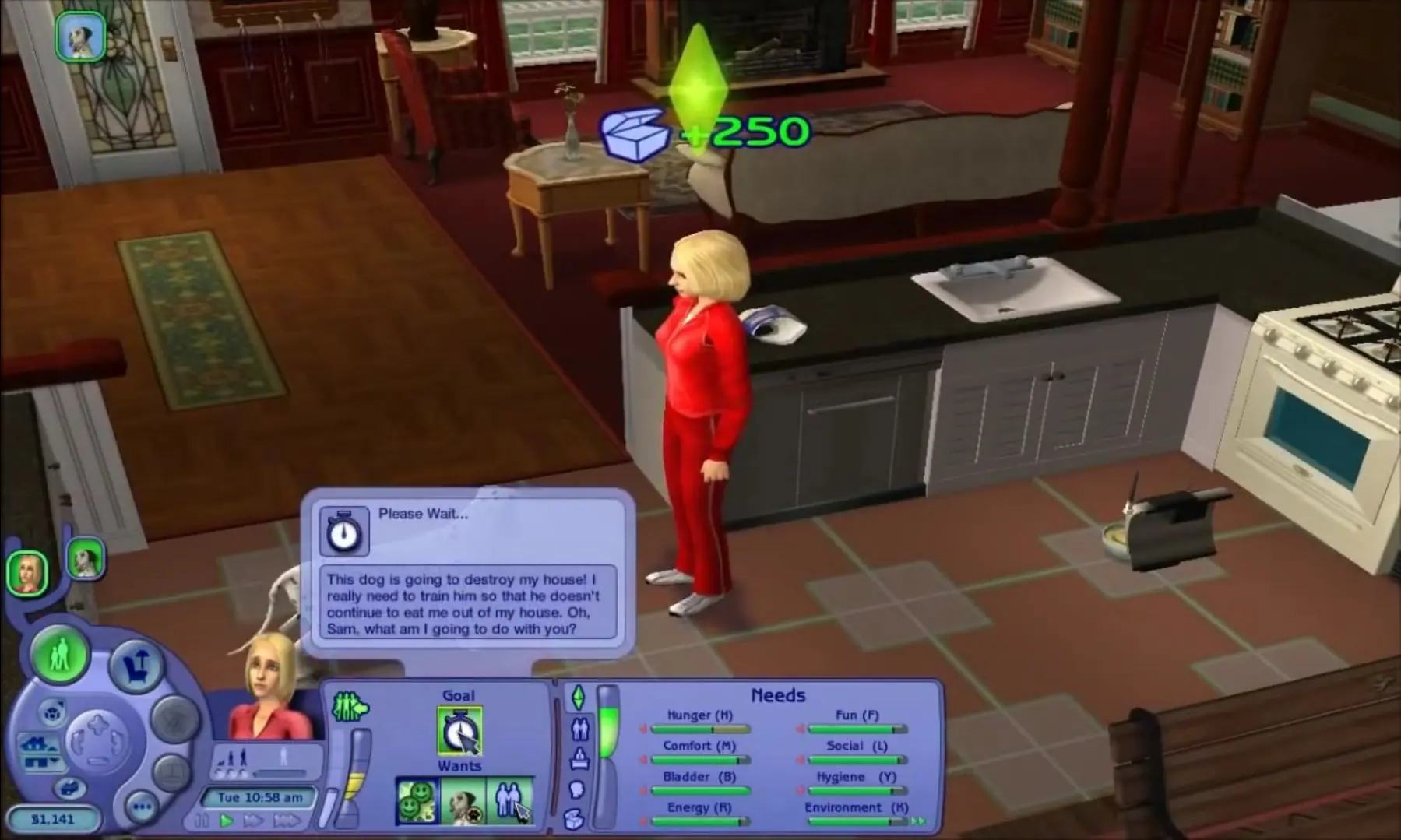
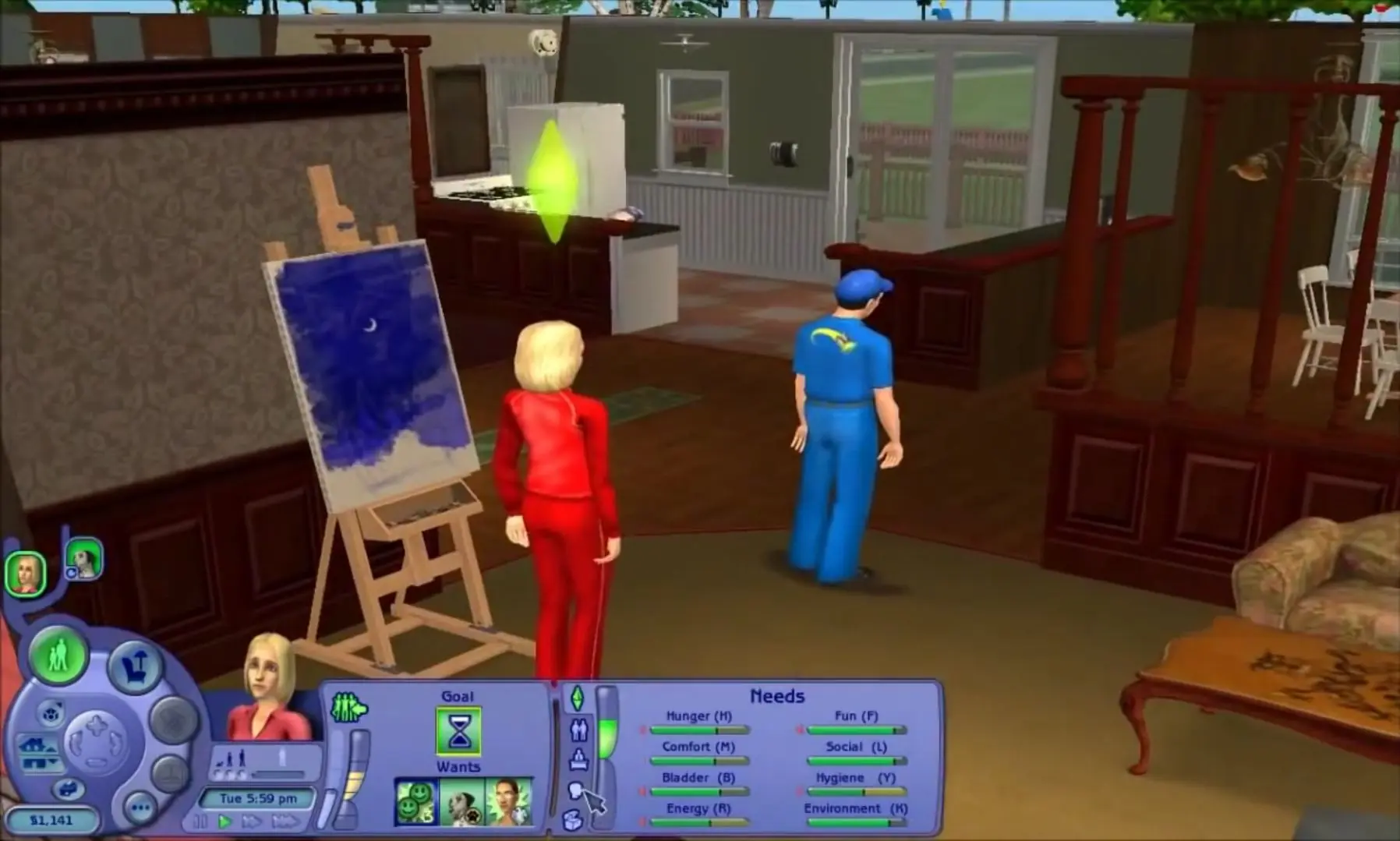
Pet Stories challenges Sims to care for and train pets, similar to The Sims 2: Pets. Much like its predecessor, this game is optimized for laptops and features both story and free play modes. Players can also raise and train pets in the game like The Sims 2.

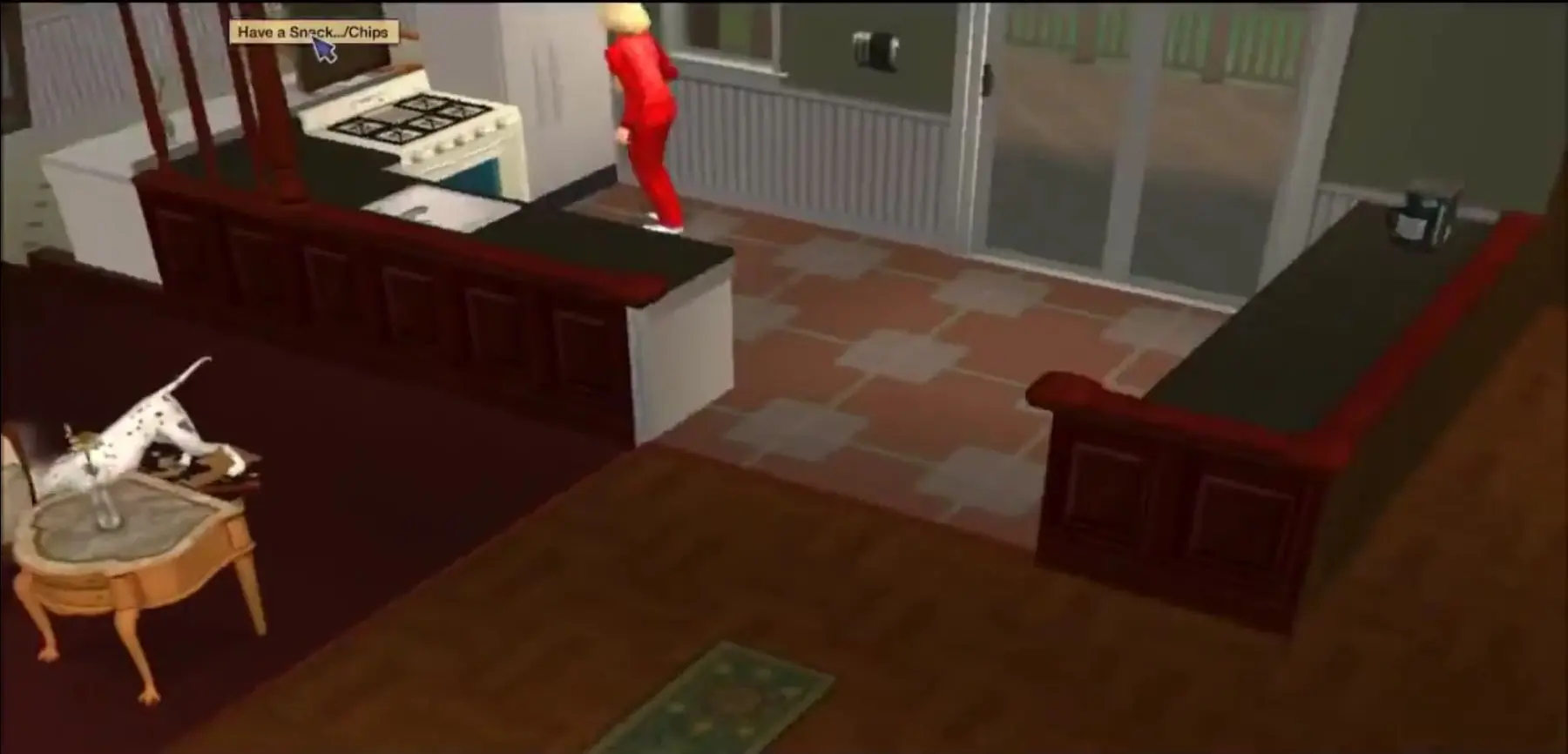
In this game, two new stories are introduced, Best in Show and Midnight Masquerade. The first story features Alice, a woman who faces financial problems and is about to lose her home. So she enters her pet Dalmatian into a local dog show to try to earn enough money to save her house. The second story is about a successful executive chef named Stephen, whose world is turned upside down when an obnoxious cat comes to live with him.

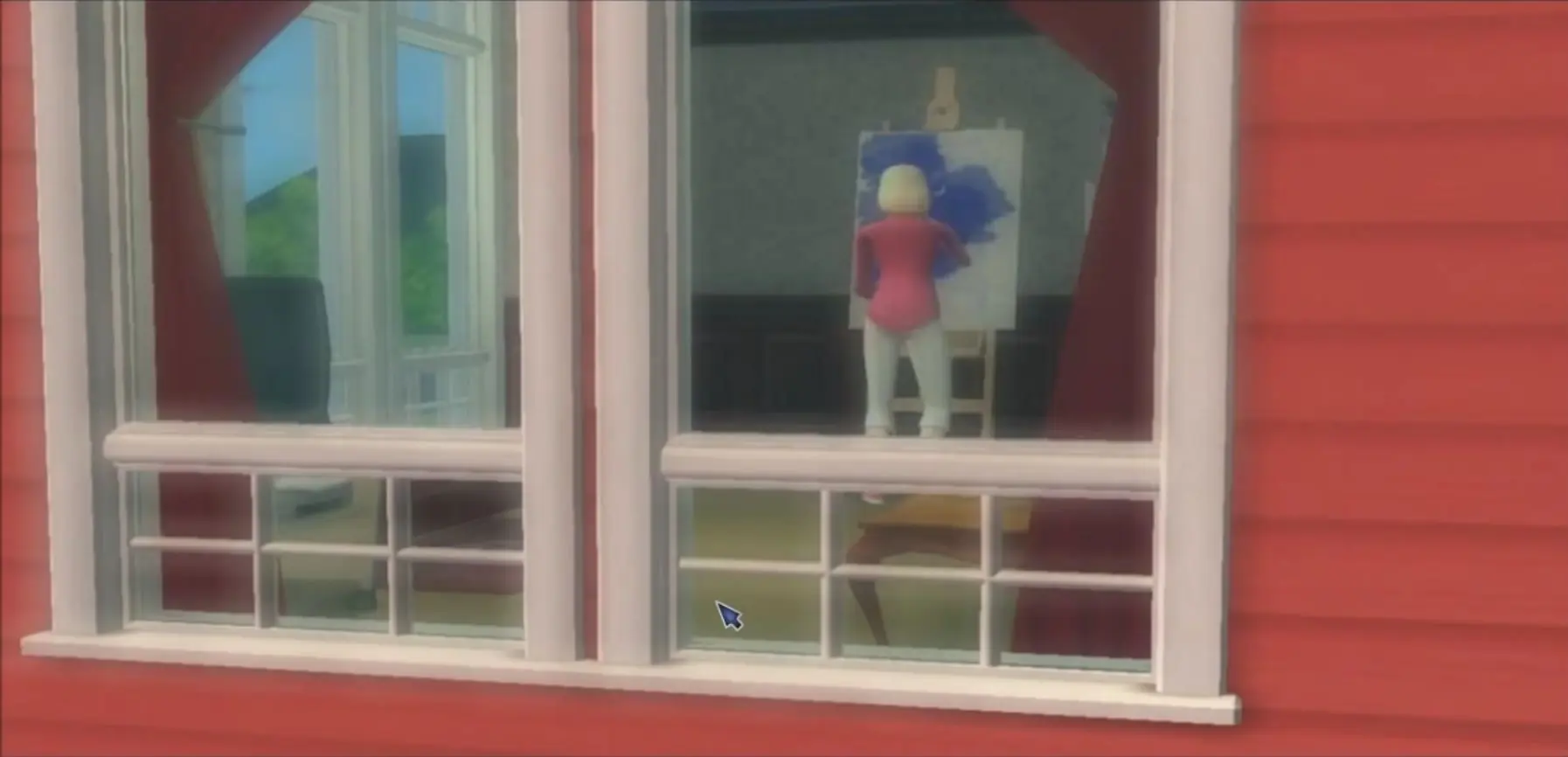
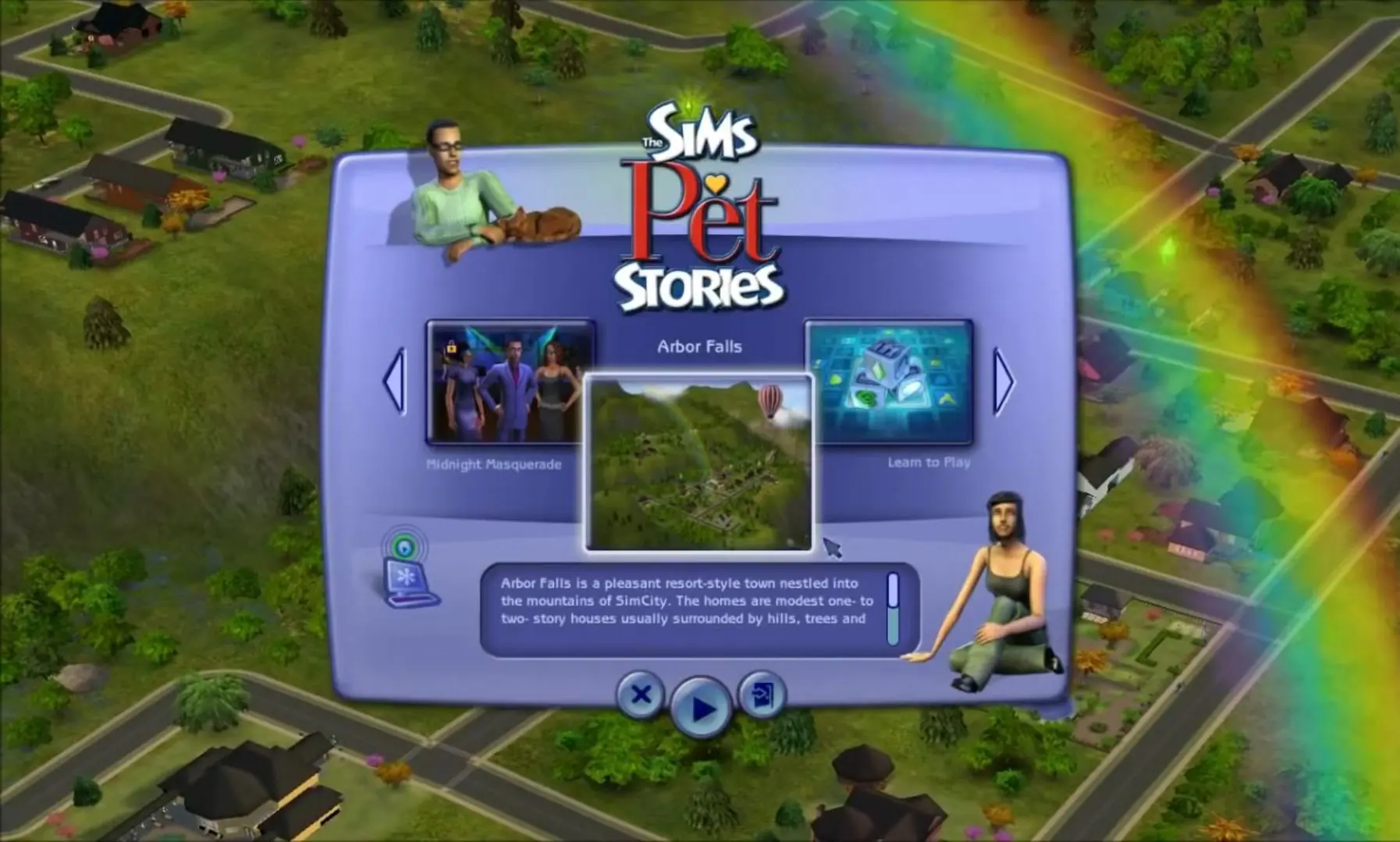
There is a neutral town titled Arbor Falls, where the player can play in Free Mode and does not have to follow a story line. Free Mode is similar to the regular The Sims 2, allowing players to raise a family, buy pets, go out, and date, which was previously a feature in The Sims 2: Nightlife. Pet Stories also introduced new objects, such as games for pets and musical instruments, and building opportunities including new paintings and floor patterns.

Screenshots

Windows

The Sims Pet Stories — Windows screenshot 1The Sims Pet Stories — Windows screenshot 2The Sims Pet Stories — Windows screenshot 3The Sims Pet Stories — Windows screenshot 4The Sims Pet Stories — Windows screenshot 5

Download The Sims Pet Stories

The Sims Pet Stories is abandonware and no longer sold or supported by its publishers. Files are archived here for these platforms:

Windows (2007)

  • The_Sims_Pet_Stories_Win_Setup_EN.7zEN2.1 GB
  • Instructions The_Sims_Pet_Stories_Win_Setup_EN.7z

    How to play on Windows

    1. Download and Extract The_Sims_Pet_Stories_Win_Setup_EN.7z
    2. Open the "Game Files" folder
    3. Double click on Autorun.exe to install the game. When prompted to enter a CD-key, use:
      8VDD-2TCR-17ML-C7F4-IVTY
    4. When the installation is finished, open the "Crack" folder and copy-paste the "SimsPS.exe" file into the game installation directory (where you installed the game). By default, this is:
      C:\Program Files (x86)\Electronic Arts\The Sims Pet Stories\TSBin
    5. When prompted, confirm that you want to replace the file in the destination
    6. Play the game!

Comments

40 thoughts on “The Sims Pet Stories”

    • 0
      honestly recommend turning shadows off because this isnt the full sims 2 game so its not worth going through the process of shadows working. If you have the full sims 2 game (apart from this one) I would look up on Youtube how to fix it… or turn them off!
      Reply
    • 0
      This problem happens to me when I changed the language of the game to English try deleting the game and try to choose a language other than English I chose German and its worked
      Reply
  1. 0
    mine douse not come up with an win rar thing it downloads as a file and i cannot open it with anything help
    Reply
    • 0
      I had to open mine with 7-zip instead of WinRAR. Download 7-zip, then open 7-zip file manager from your start menu, find the download to this game in the folder you downloaded to through this program, right click it and hover your mouse over to the 7-zip option and in that list that shows up select extract here. It will extract the folder with all the files you need to continue with the steps listed in this page.
      I hope my explanation was clear. If not, google how to open 7z files, and I’m sure there are guides with better step by steps.
      Good luck!
      Reply
  2. 0
    It works. At first it says “No disc inserted”. But then I made all the files into .ISO and mount it then it works just fine.
    Reply
  3. 0
    I get a notification saying: ” No disc inserted. Please insert the original DVD.” I already tried going into properties and target and adding -w behind the .exe that usually solves the issue but it keeps showing up.
    Reply
  4. 0
    The only mode it gives me to select is the “Learn To Play” mode, and no matter which I pick (building a house, interactions, etc.) the game crashes during the loading screen.
    Reply

Similar games