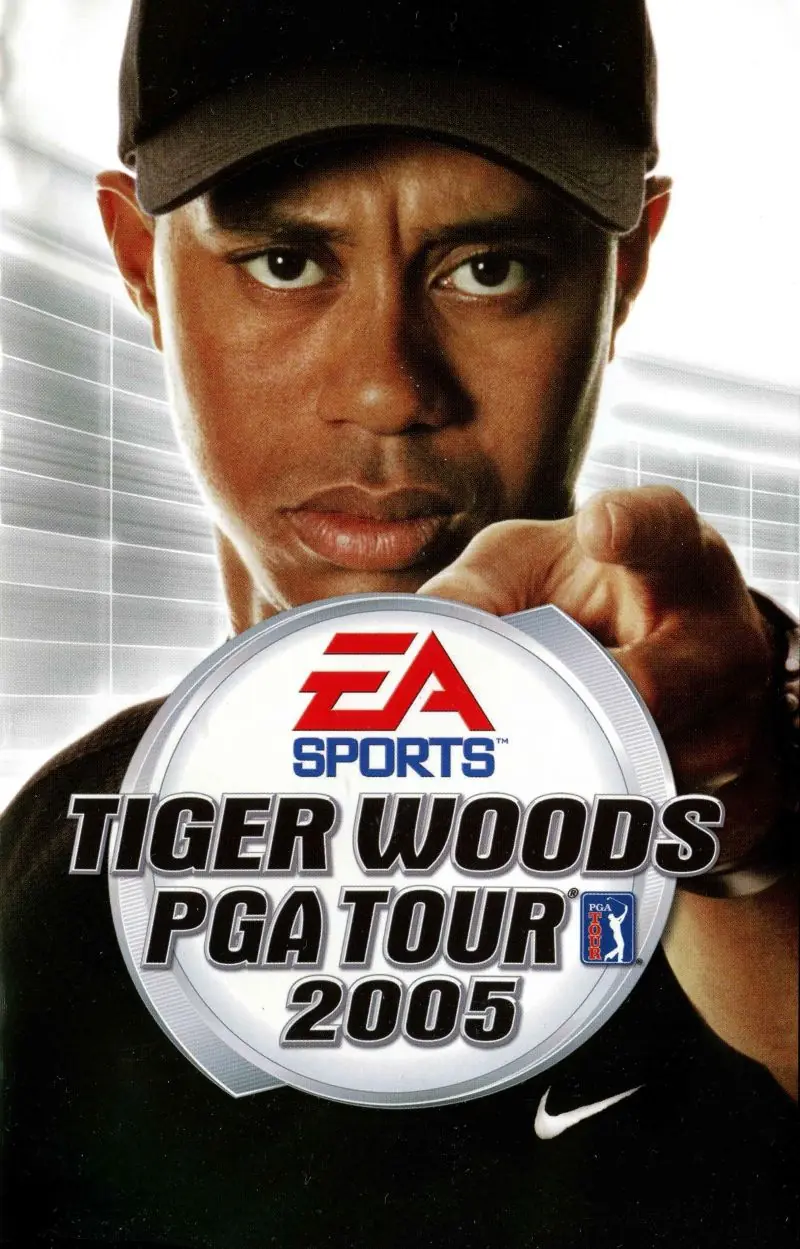
About Tiger Woods PGA Tour 2005
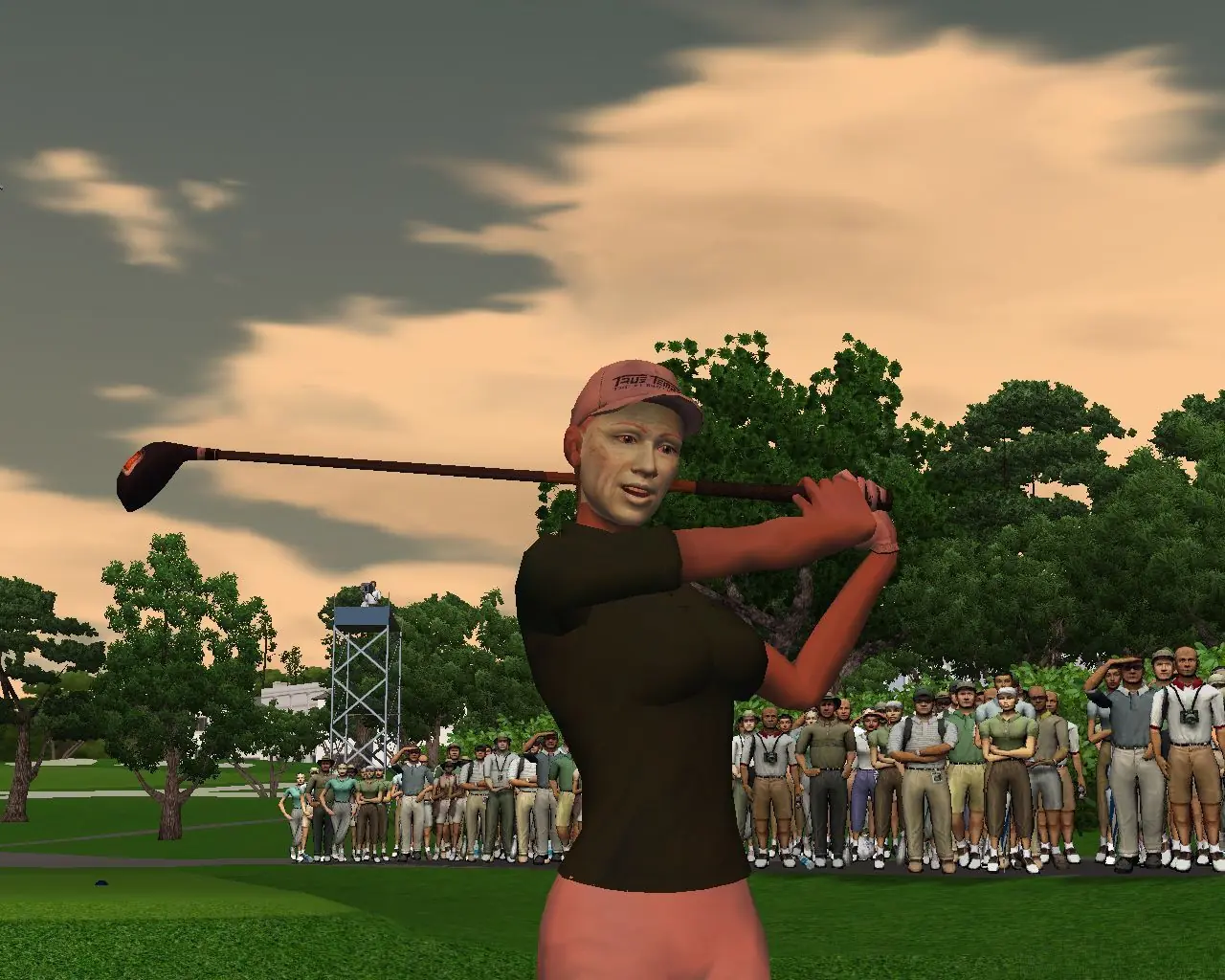
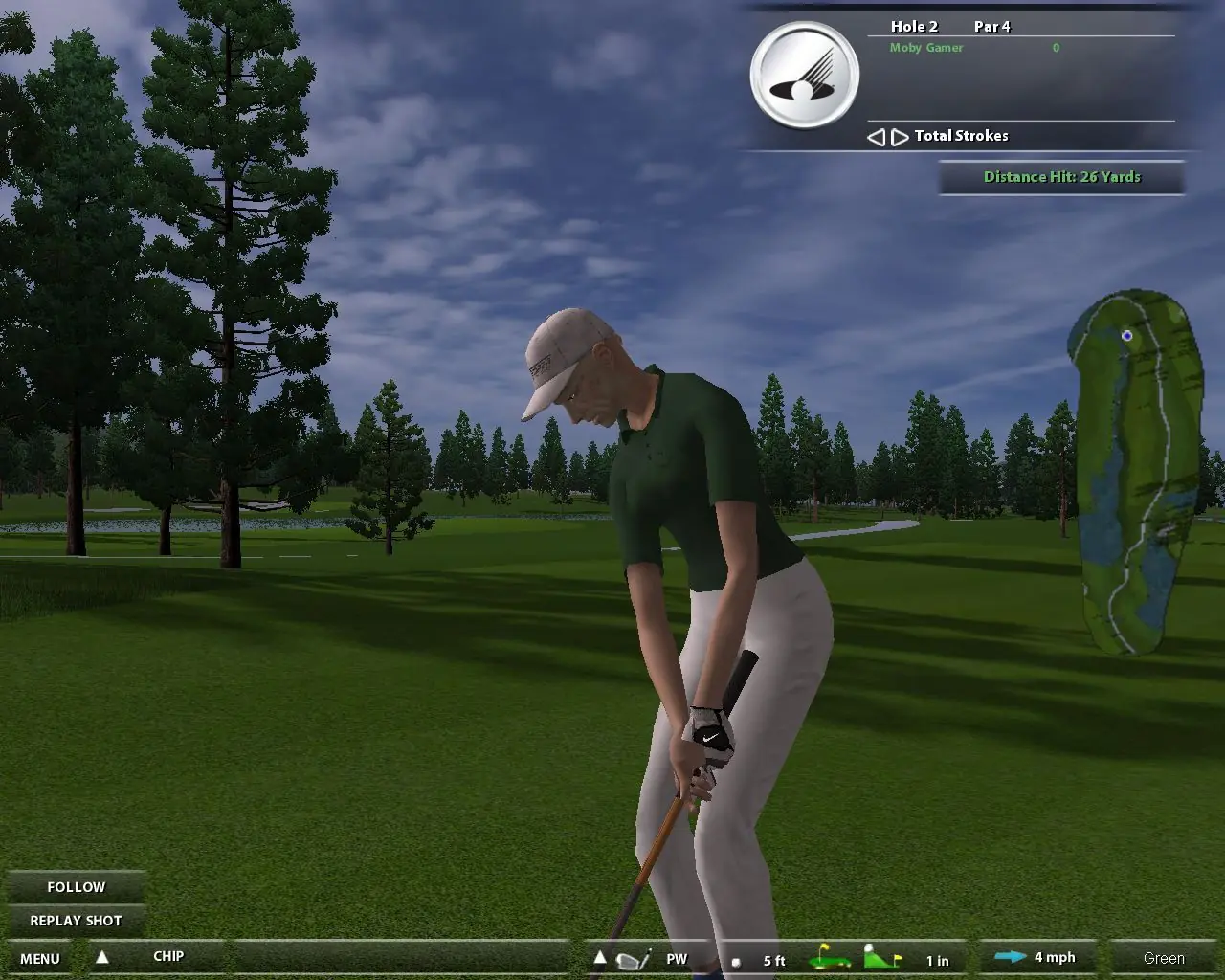
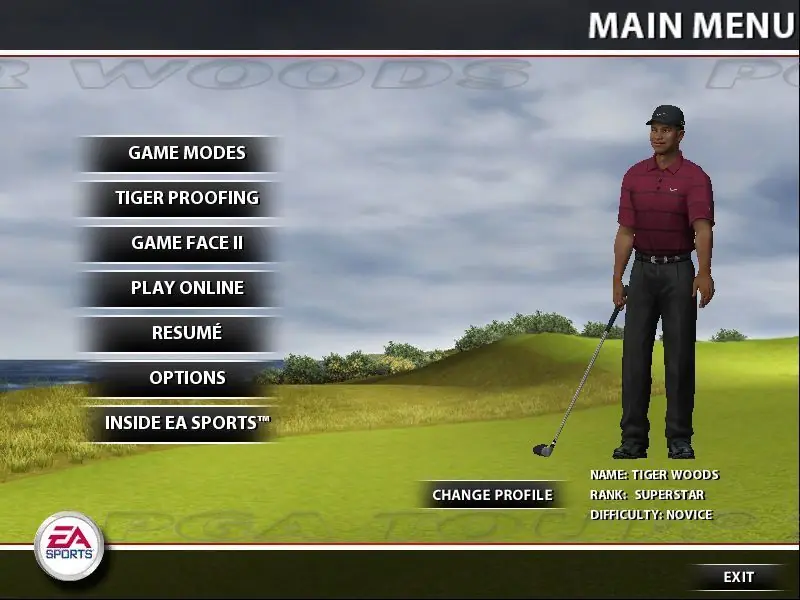
Take on the man who has changed golf forever - Tiger Woods. The revolutionary new Tiger-Proofing course alteration technology will change the way golf is played. Create the most challenging course you've ever dreamed of, modify course dynamics and add lengthier tees, tighter fairways, dramatic undulations on the green, higher rough, and more. Take on the legends of golf including Arnold Palmer, Jack Nicklaus and Ben Hogan and become a legend yourself! Build up your GameFace created character by completing challenges, working your way up to competing with the legends themselves! 8 new licensed courses and 2 new fantasy courses have been added for a total of 14 courses. Compete as or against 15 PGA Tour players including Tiger Woods, Vijay Singh, Charles Howell III, and others. Play online with anyone across the country & compete in online tournaments!










Any help?
copy and paste over the game exe
use dgvoodoo, open it and change its directory to appdataroaming listed there, uncheck dgvoodoo watermark under DirectX tab, apply and close, go to MSx86 copy all files and paste in the game bin directory
change compability mode to XP SP3 and run the game as and admin
a “could not initialize the selected course” problem could accur sometime in-game, it means the save files are corrupt, just delete the save folder under documents.