Home » Games » Timon & Pumbaa’s Jungle Games

Timon & Pumbaa’s Jungle Games

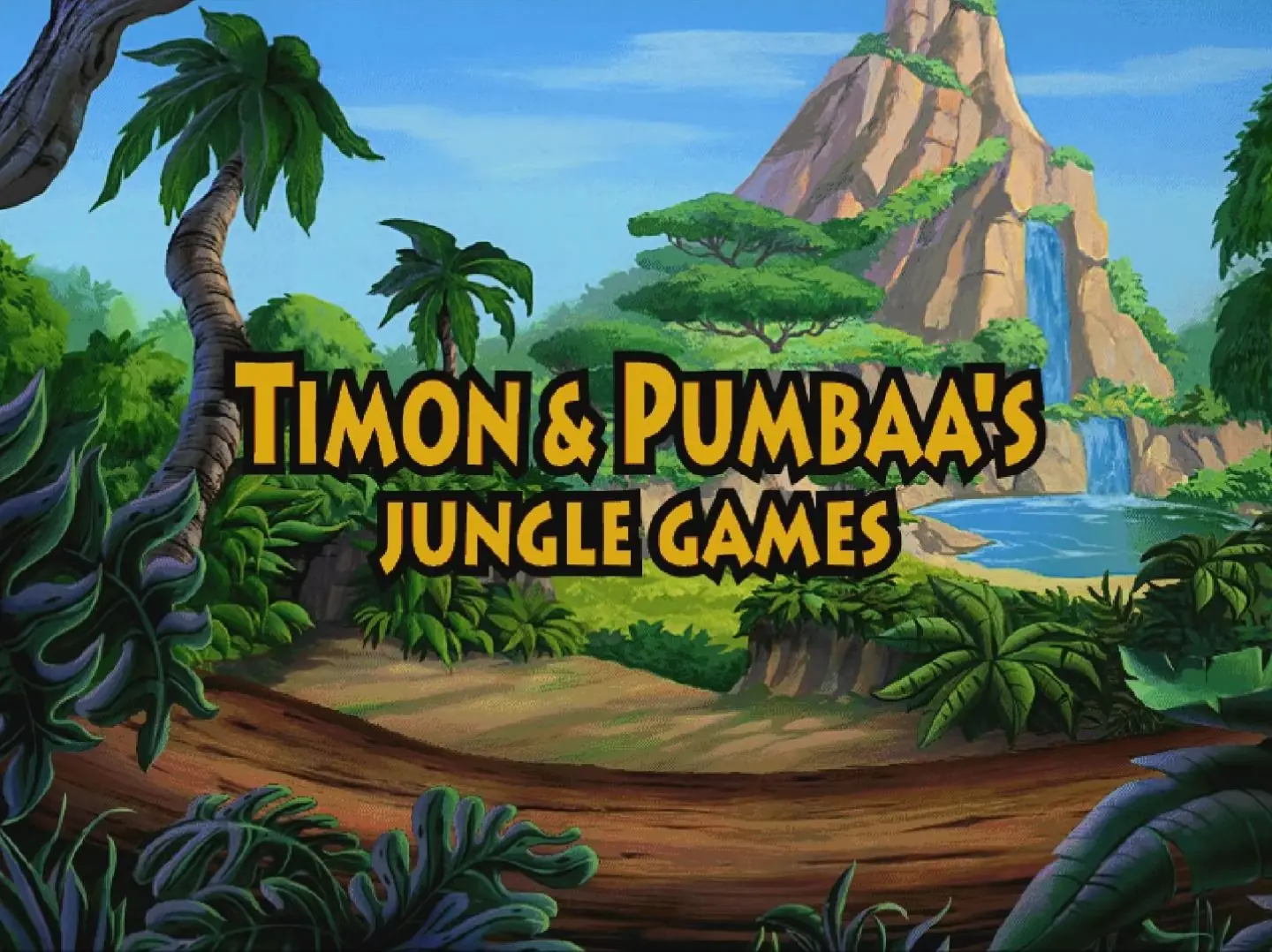
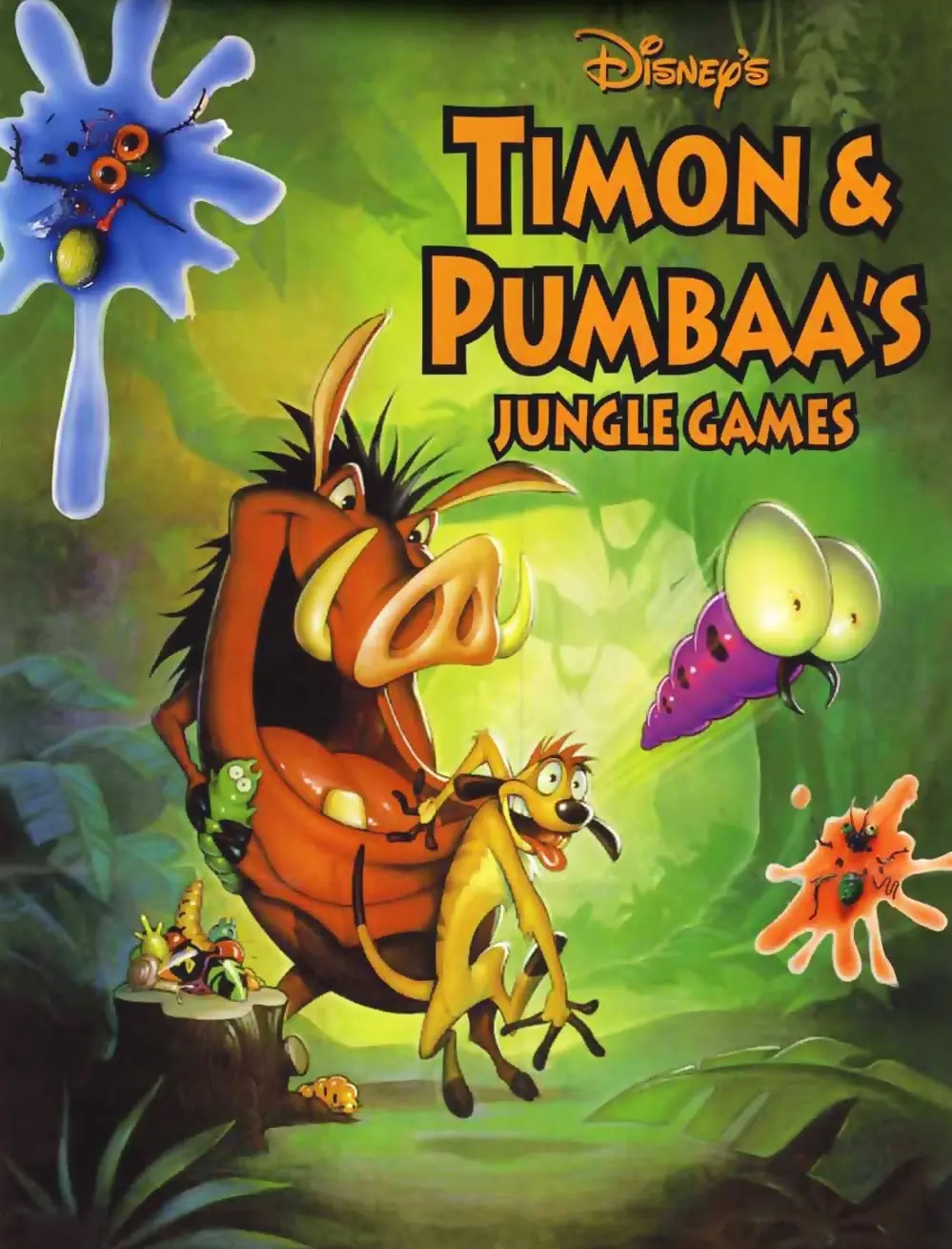
Timon & Pumbaa's Jungle Games Game Cover
4.7/5 - 40 votes

Timon & Pumbaa's Jungle Games is a 1995 party video game developed by 7th Level and published by Disney Interactive Studios. The game was released in 1995 for Microsoft Windows under the "Disney Gamebreak" brand.

Other Titles

Disney's Timon & Pumbaa's Jungle GamesТимон и Пумба. Вечеринка в джунгляхטימון ופומבה: בואו נשחקDisneys Timon & Pumbaas SpielesammlungMulti-Jeux de Disney : Timon et Pumbaa s'éclatent dans la jungleTimon ve Pumbaa: Bo'u NesahekTimon & Pumbaa: Giochi nella giunglaتيمون وبومبا جانجل جيمزتيمون وبومبا جانغل جيمزティモンとプンバァのジャングルゲーム

Genres
Publishers
,
Released
Platforms
Download

About Timon & Pumbaa’s Jungle Games

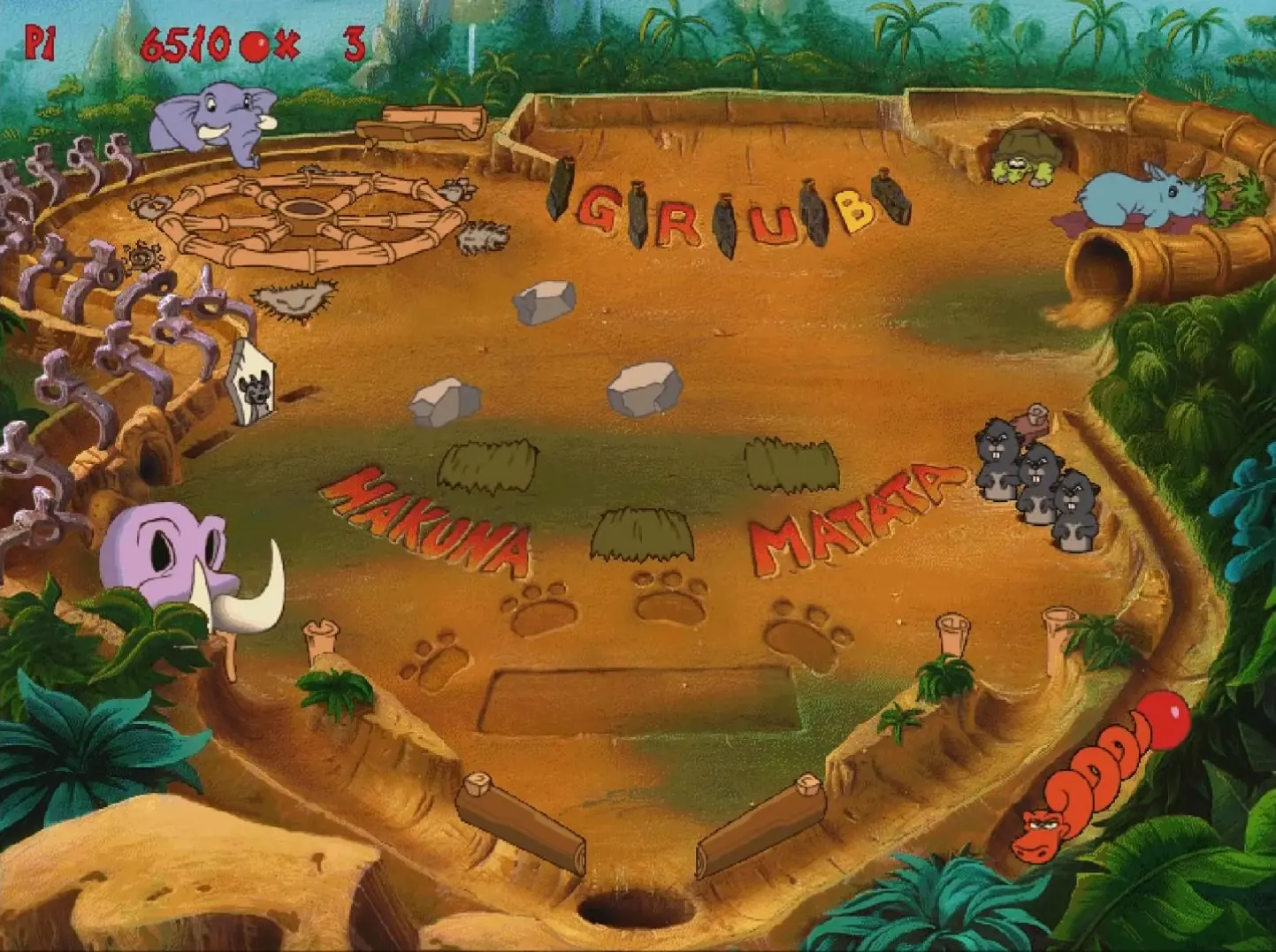
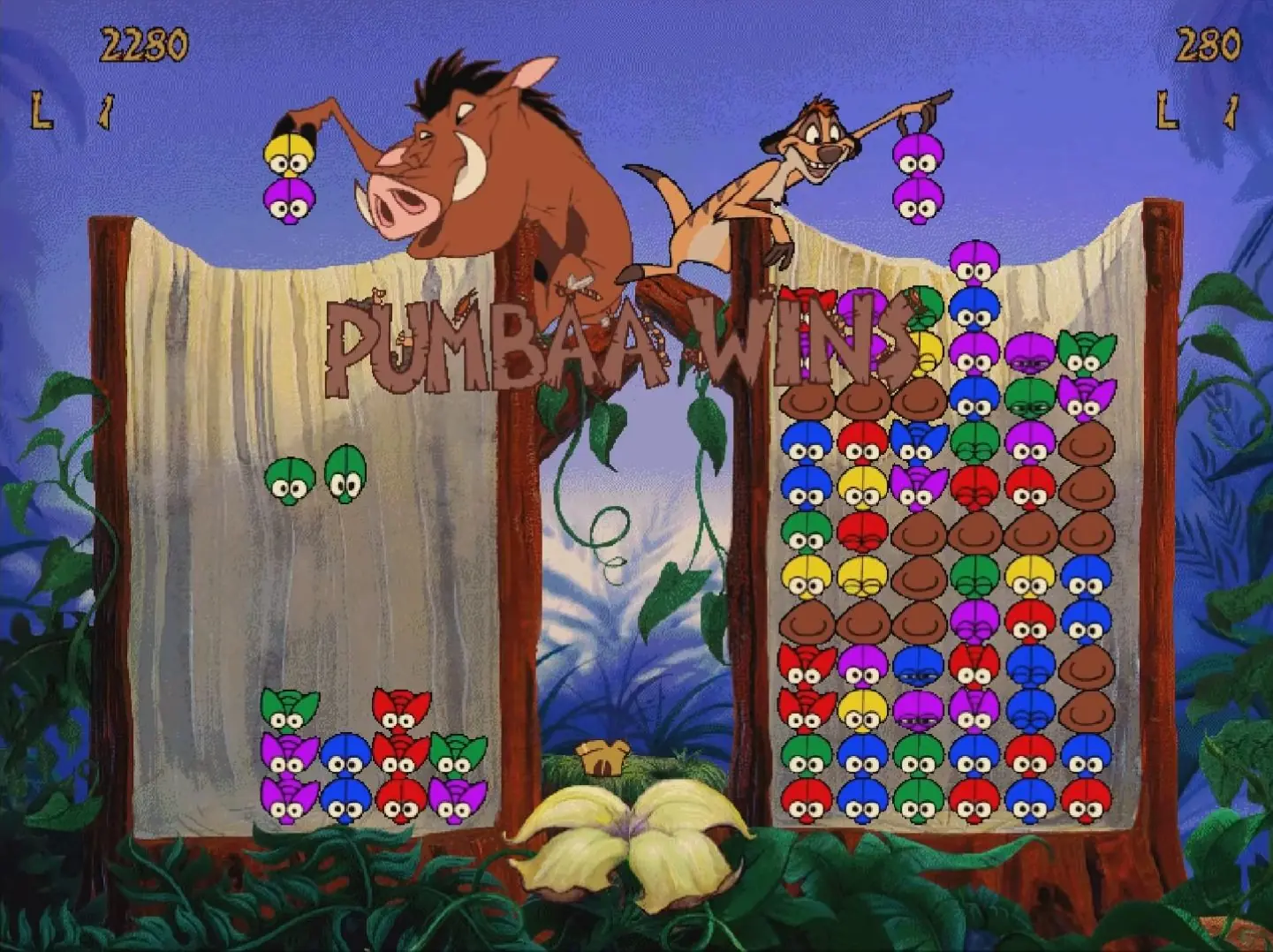
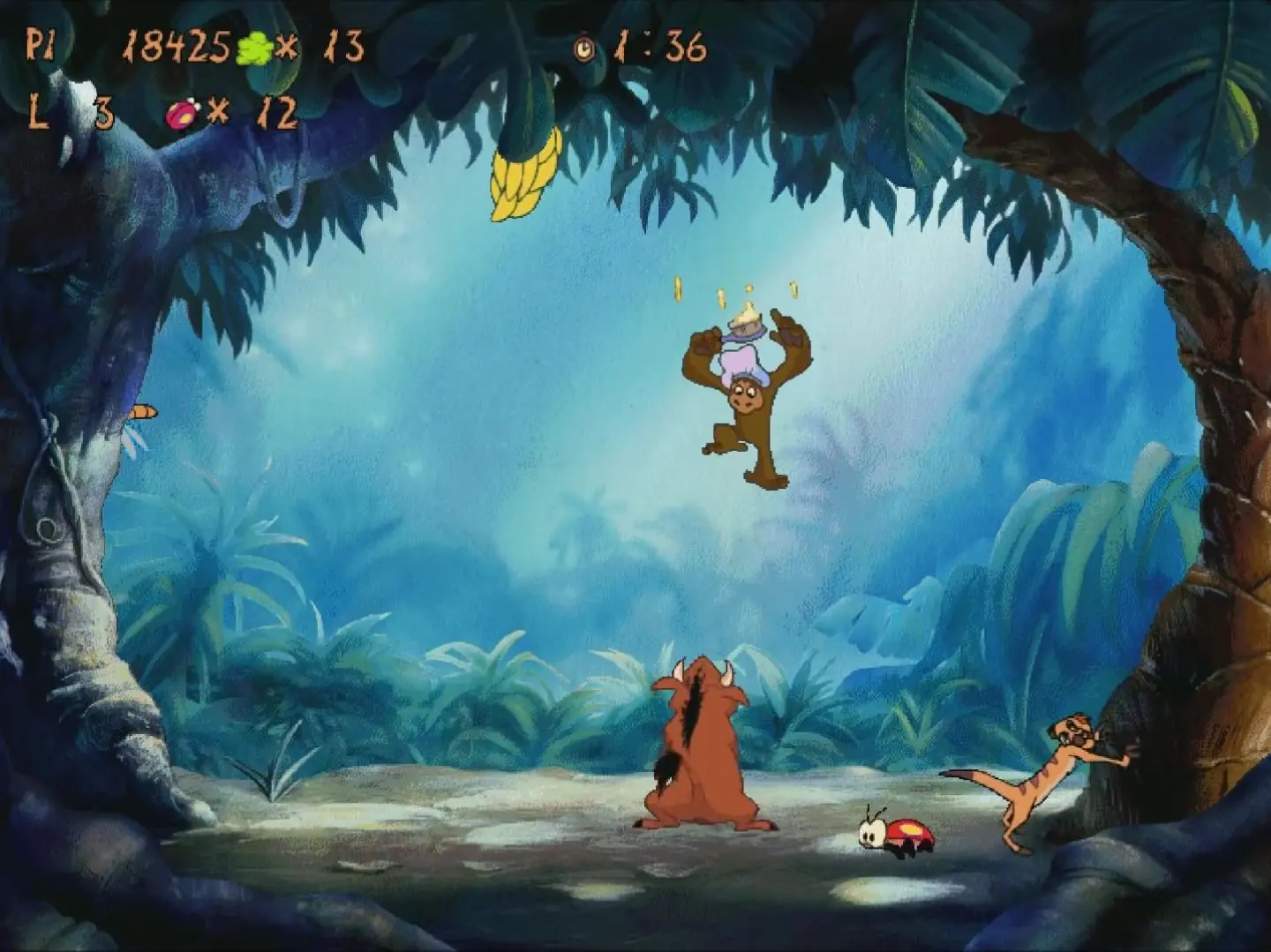
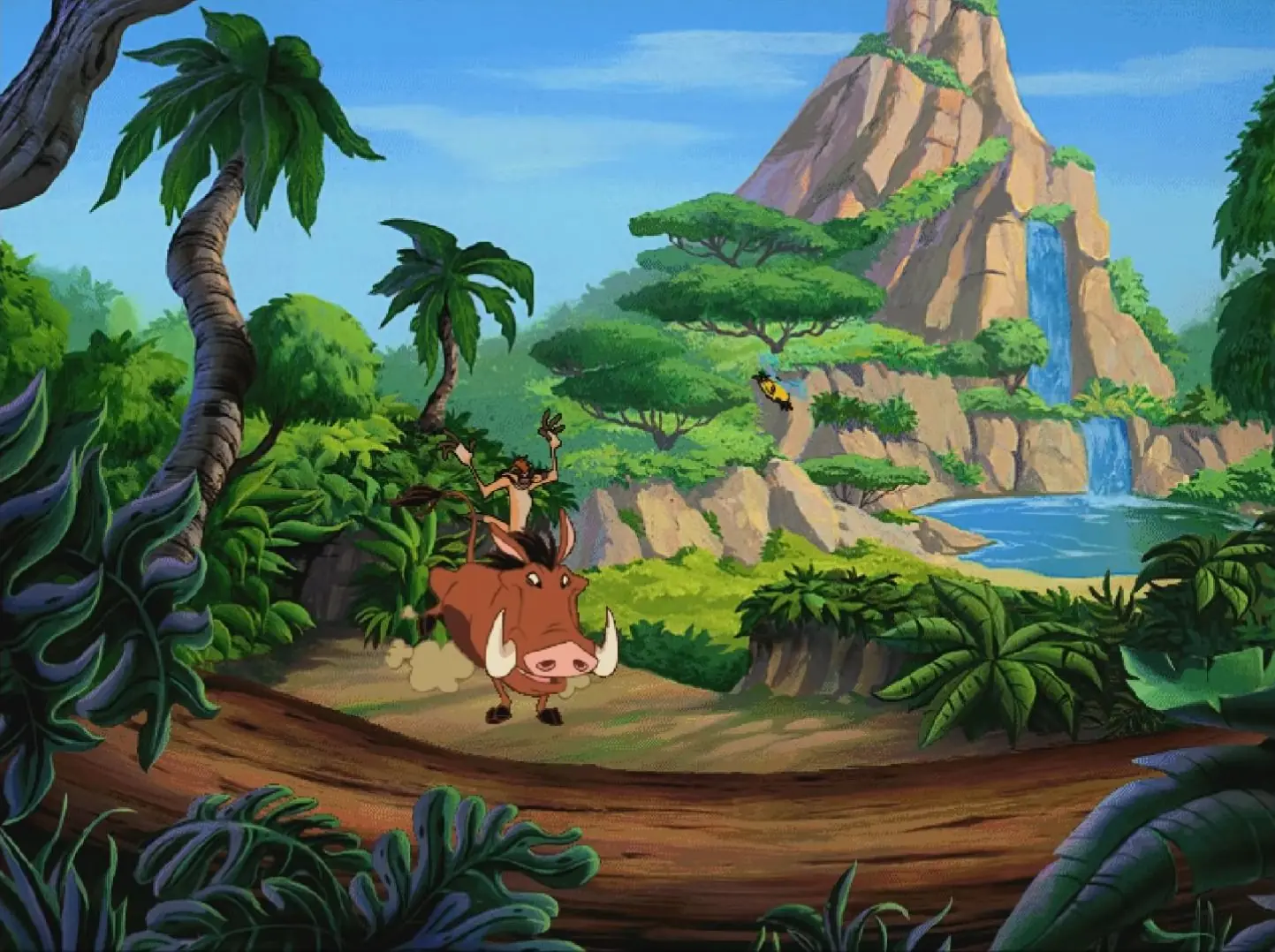
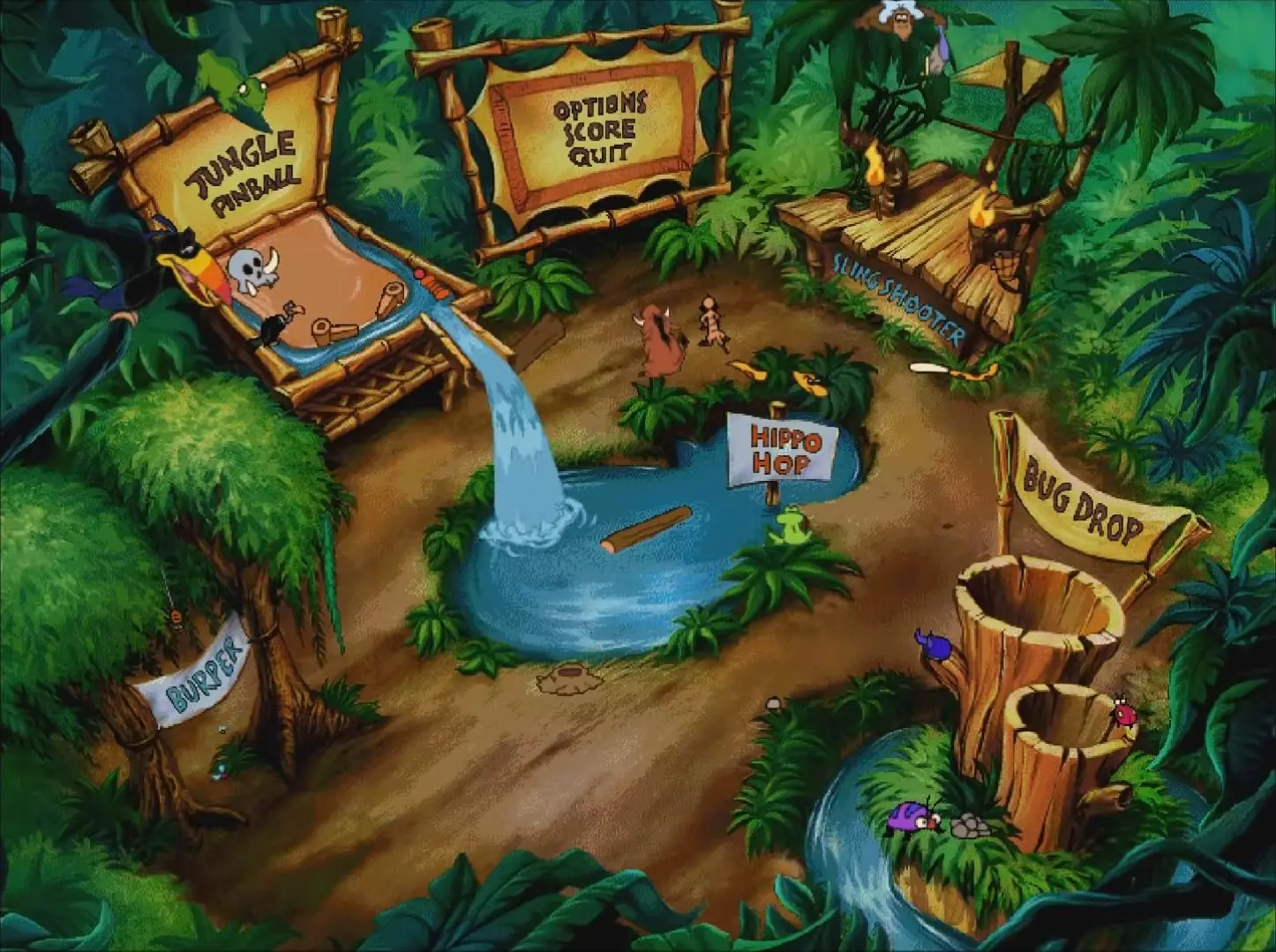
Timon and Pumbaa's Jungle Games consists of five mini-games featuring Timon and Pumbaa (respectively voiced by Kevin Schon and Ernie Sabella), as well as other jungle animals from The Lion King. The games are Jungle Pinball (a pinball game where the board is filled with animals instead of bumpers), Burper (a shooter type game, using Pumbaa to belch gas), Hippo Hop (concept similar to Frogger), Bug Drop (based on Puyo Puyo), and Slingshooter (a slingshot game) accessible directly from the menu. The mini-games are endless where players try to top their high scores. Bug Drop is omitted from the SNES version, since the system has its own port of Puyo Puyo in the form of Kirby's Avalanche.
Screenshots

Windows

Timon & Pumbaa’s Jungle Games — Windows screenshot 1Timon & Pumbaa’s Jungle Games — Windows screenshot 2Timon & Pumbaa’s Jungle Games — Windows screenshot 3Timon & Pumbaa’s Jungle Games — Windows screenshot 4Timon & Pumbaa’s Jungle Games — Windows screenshot 5Timon & Pumbaa’s Jungle Games — Windows screenshot 6

Download Timon & Pumbaa’s Jungle Games

Timon & Pumbaa’s Jungle Games is abandonware and no longer sold or supported by its publishers. Files are archived here for these platforms:

Windows (1995)

  • Timon_Pumbaas_Jungle_Games_Win_Files_EN_DOSBox.7zEN49.02 MB
  • Instructions Timon_Pumbaas_Jungle_Games_Win_Files_EN_DOSBox.7z

    How to play on Windows - Method 1

    Note this download has been configured to work with the DOSBox emulator

    1. Download and Extract Timon_Pumbaas_Jungle_Games_Win_Files_EN_DOSBox.7z
    2. Open the "Game Files" folder and double click "START THE GAME.bat"
    3. Play the game
  • Timon_Pumbaas_Jungle_Games_Win_ROM_EN.7zEN46.06 MB
  • Instructions Timon_Pumbaas_Jungle_Games_Win_ROM_EN.7z

    How to play on Windows - Method 2

    Note: this method will not work on 64-bit Windows 10 computers, use an earlier Windows operating system or a 32-bit system to play the game.

    1. Download and Extract Timon_Pumbaas_Jungle_Games_Win_ROM_EN.7z
    2. Open the "Game Files" folder and mount JUNGLE_ADVENTURE.bin
    3. Run setup.exe and follow on-screen instructions to install the game
    4. Play the game

Other resources

Comments

1 thought on “Timon & Pumbaa’s Jungle Games”