TOCA Race Driver

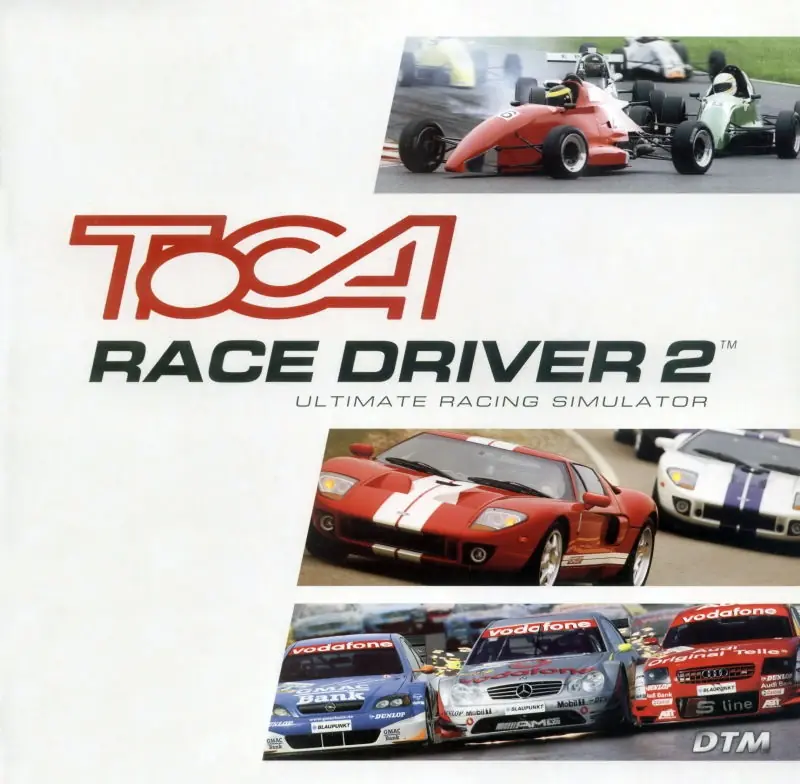
TOCA Race Driver is a 2002 racing game developed and published by Codemasters.
Genres
Publishers
Developers
Platforms
TOCA Race Driver is a 2002 racing game developed and published by Codemasters.
Following hot on the heels of the PlayStation 2 version, Pro Race Driver is now coming to the PC. Pro Race Driver promises the most absorbing racing experience ever, by allowing players to race as a touring car professional in a gaming experience packed with 13 championships, 38 real-life, internationally renowned, race circuits and 42 real touring and sports cars. It features detailed high-impact collision damage on the world's most expensive touring cars. With Internet and local-area-network capabilities, players can challenge racers around the world to tear up the track.
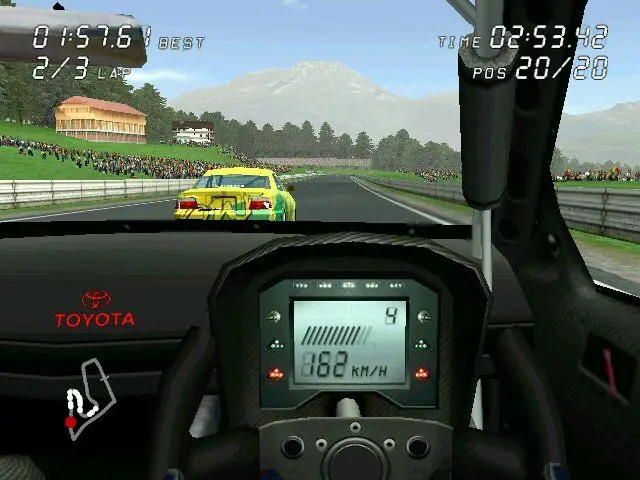
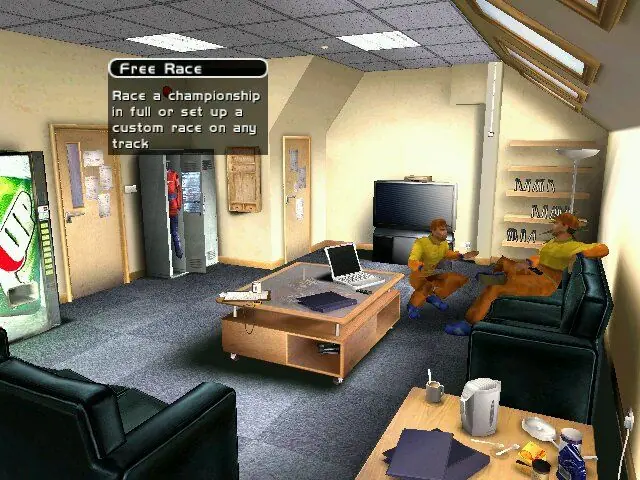
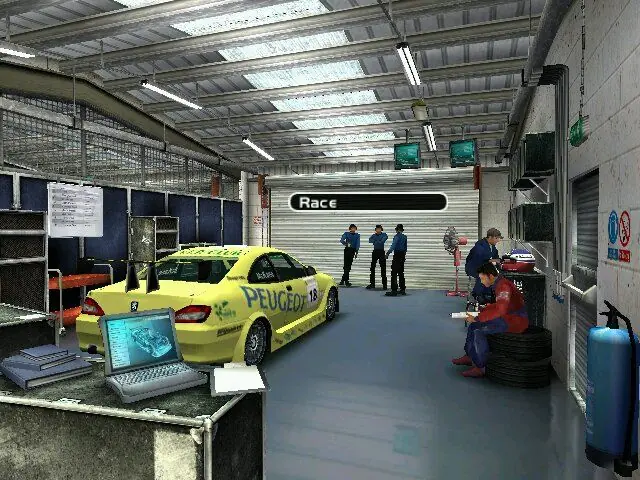
TOCA Race Driver is abandonware and no longer sold or supported by its publishers. Files are archived here for these platforms:










1- Extract the file containing the two CDs in ISO format. Use NanaZip to extract the contents of CD1 to a folder. Then extract the contents of CD2 to the CD1 folder and replace the existing files.
2- Install using autorun.exe. Avoid installing GameSpy, DirectX 8, or any additional components.
3- Copy the Toca Race Driver Update v11.120.exe file to the root folder where you installed the game (for example, I installed it in a folder called TocaRaceDriver on my D: drive). Run and install the update. 4- Copy the “magic” contents to the root folder where you installed the game and replace the existing files.
5- Copy the contents of the MX/x86 folder from the Voodoo .zip file that I asked you to download earlier to the root folder where you installed the game. Then copy the executable file inside that same .zip file, called “dgVoodooCpl.exe”, to the game’s root folder, and you’re done.
Use the AI to learn how to use the program. With this, you can run the game at maximum quality without compatibility issues and at 60 FPS.
Blessings! ♥
If you had, please reply to me, thanks
Can we get this as a complete working file instead of a ISO?