Home » Games » Tony Hawk’s Underground 2

Tony Hawk’s Underground 2

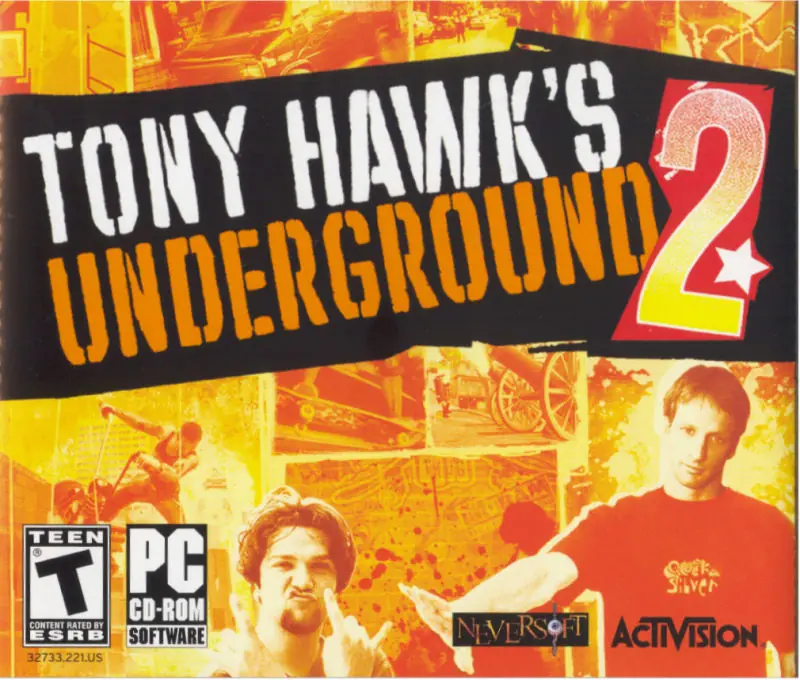
Tony Hawk's Underground 2 Game Cover
4.7/5 - 277 votes

Tony Hawk’s Underground 2 is a 2004 sports game developed by Neversoft and published by Activision.

Other Titles

托尼霍克地下滑板2THUG 2

Genres
Publishers
Developers
Released
Platforms
Download

About Tony Hawk’s Underground 2

You paid your dues in Tony Hawk Underground. Now it's time to prove yourself in Tony Hawk Underground 2. You've been chosen by Tony Hawk to take on Bam Margera as your teams go on a World Destruction Tour. It's time to go globetrotting on an insane road trip. THUG 2 grinds in with a hilarious story mode, an unprecedented level of customization, and more moves that the Skate Gods could think of. Grab your board, an arsenal of spray paint...jump into the tour van and wreak havoc across the globe.
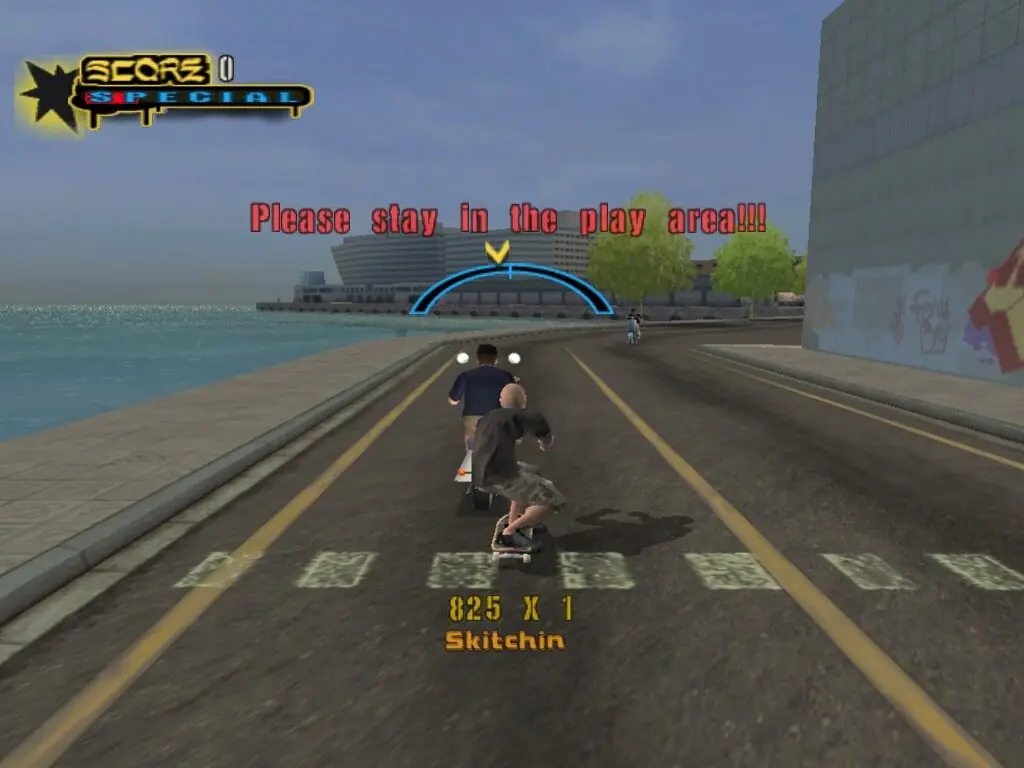
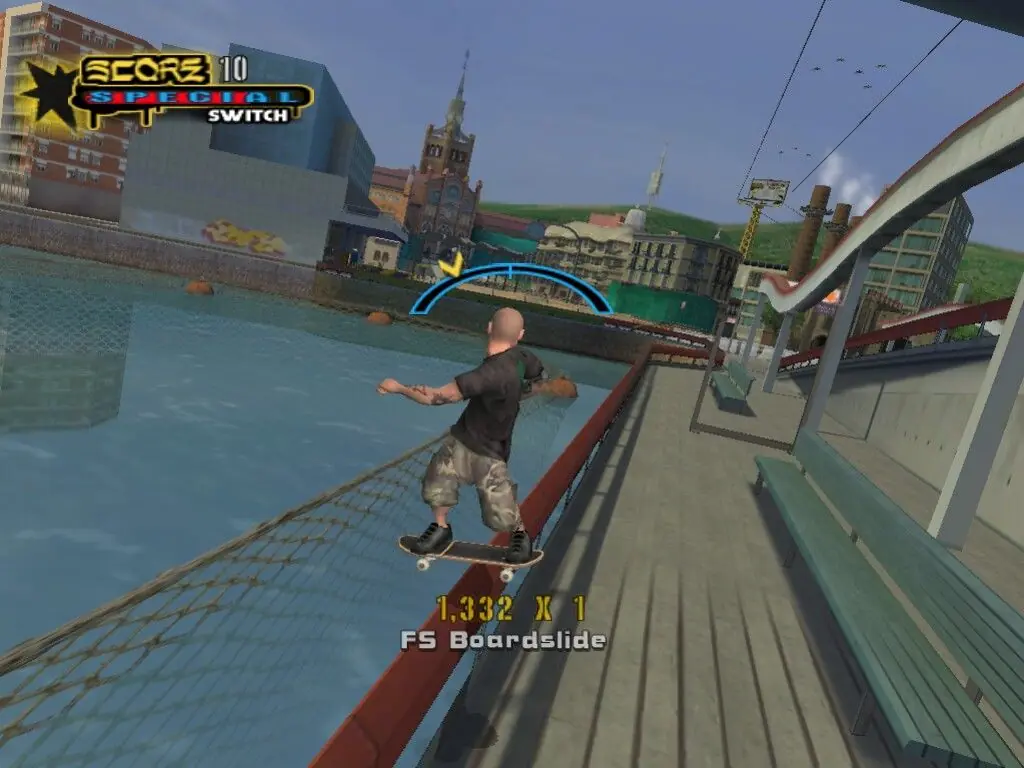
Screenshots

Windows

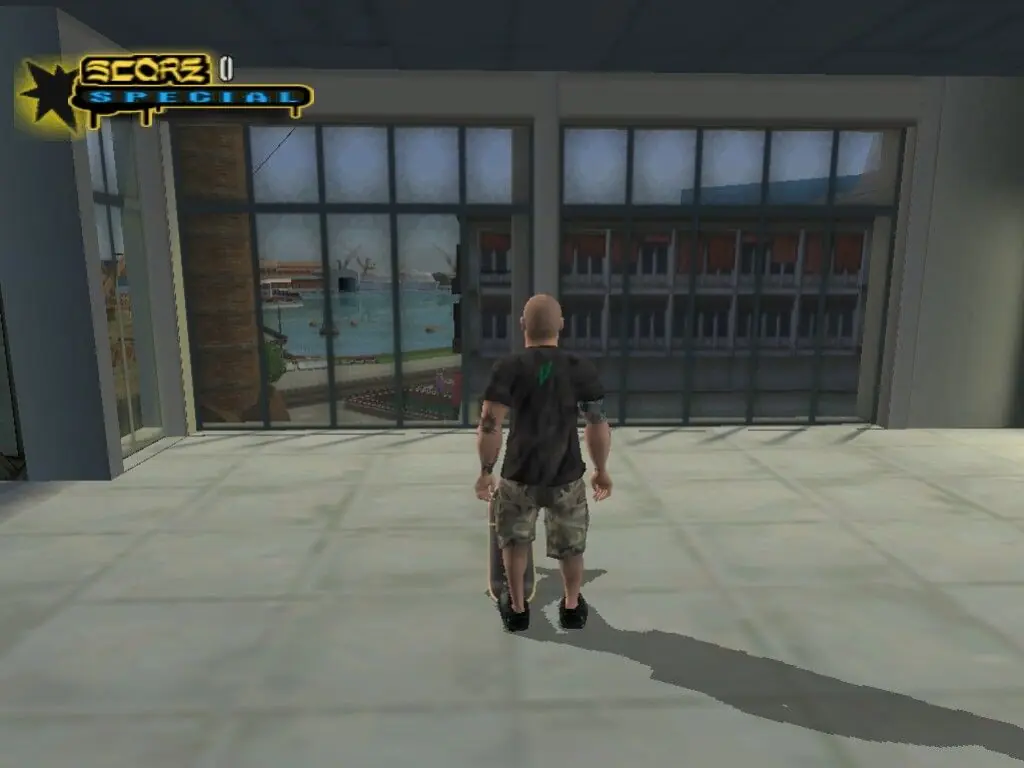
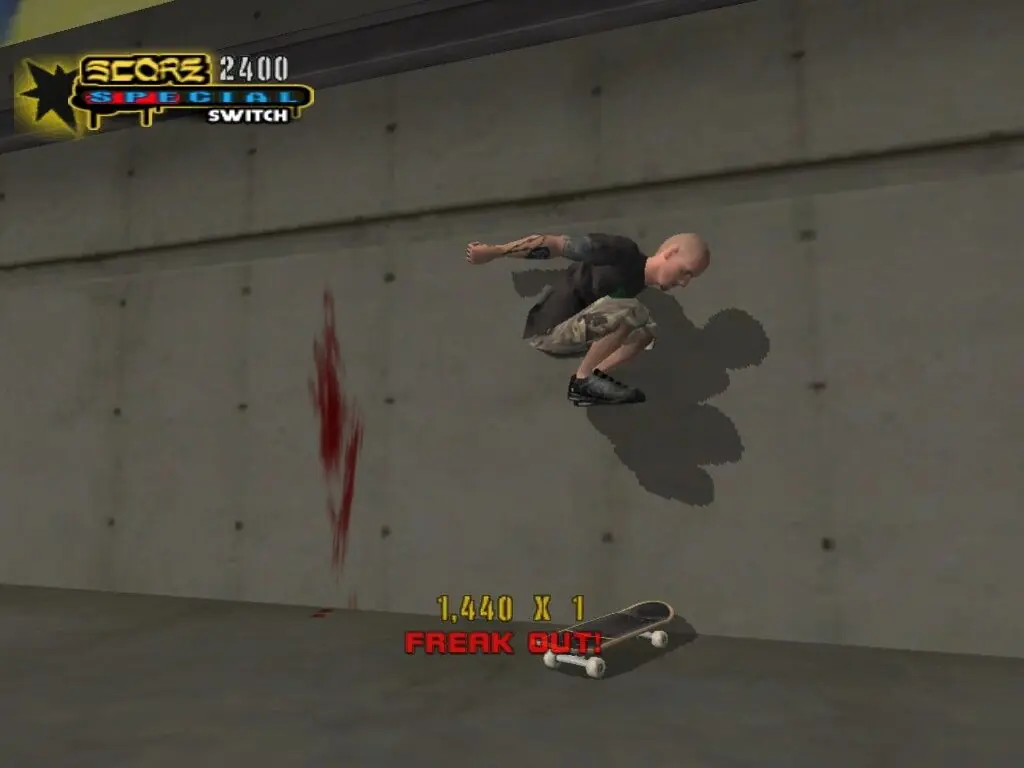
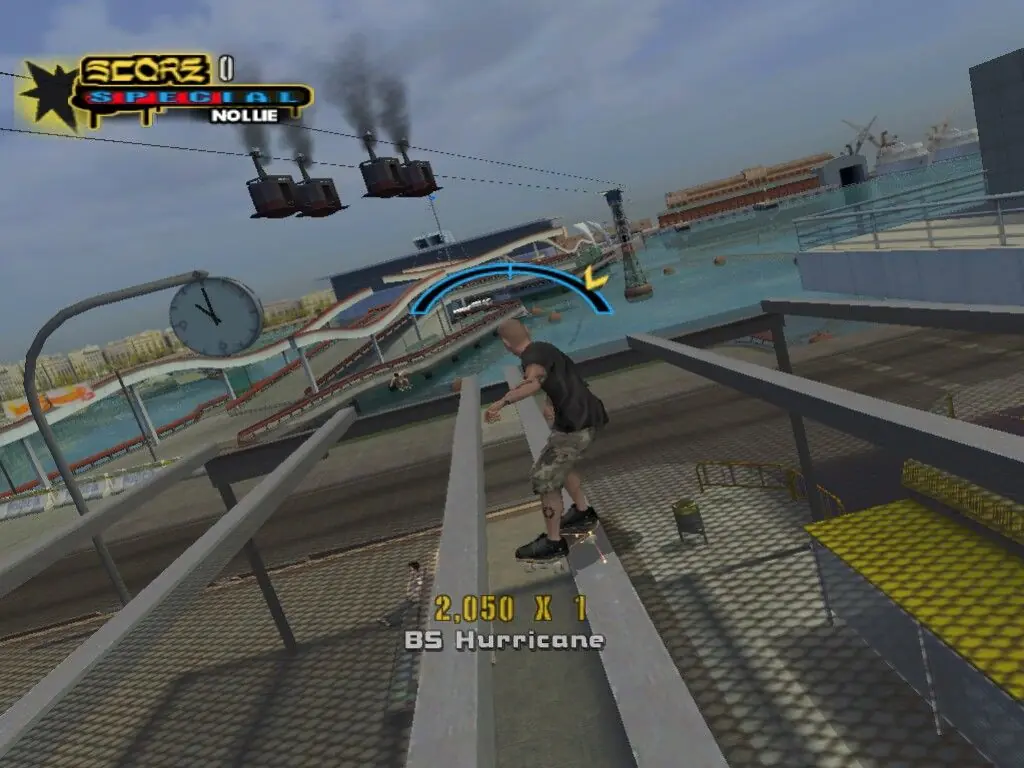
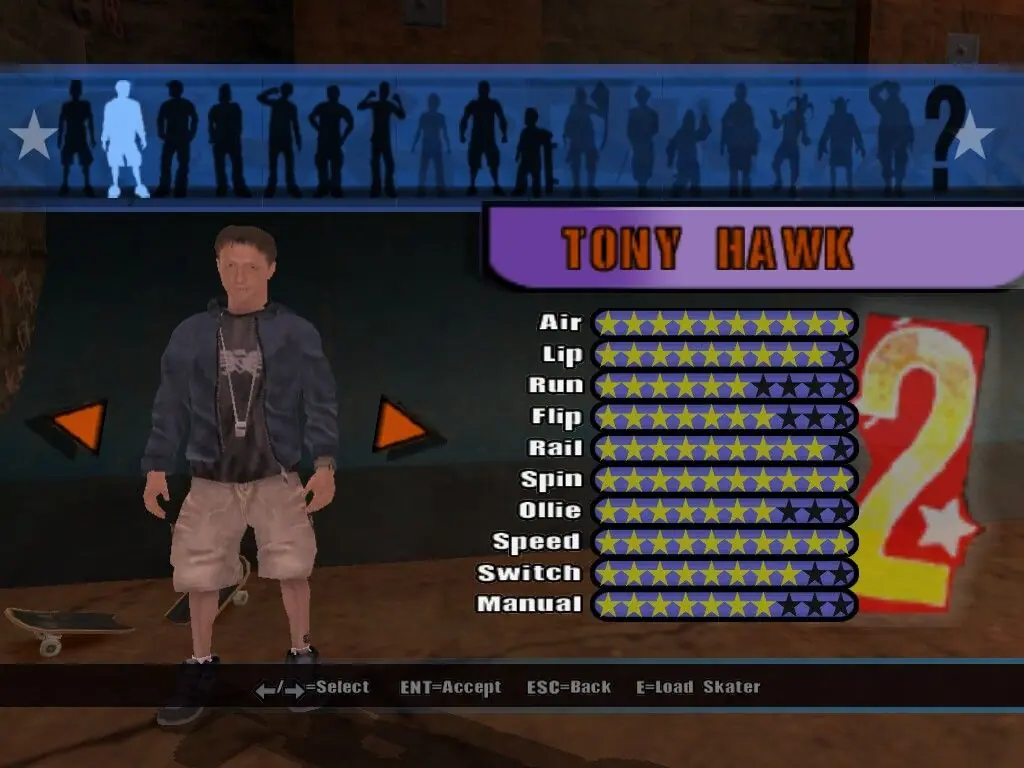
Tony Hawk’s Underground 2 — Windows screenshot 1Tony Hawk’s Underground 2 — Windows screenshot 2Tony Hawk’s Underground 2 — Windows screenshot 3Tony Hawk’s Underground 2 — Windows screenshot 4Tony Hawk’s Underground 2 — Windows screenshot 5Tony Hawk’s Underground 2 — Windows screenshot 6Tony Hawk’s Underground 2 — Windows screenshot 7

Download Tony Hawk’s Underground 2

Tony Hawk’s Underground 2 is abandonware and no longer sold or supported by its publishers. Files are archived here for these platforms:

Windows (2004)

  • THUG2_Win_ROM_EN.zipEN2.08 GB
  • Instructions THUG2_Win_ROM_EN.zip

    How to play on Windows

    1. Download the "THUG2_Win_ROM_EN.zip" file from the link above.
    2. Open the downloaded .zip file and extract the "THUG2_Win_ROM_EN" folder to your desktop. You will need to use a software such as WinRAR to do this.
    3. Open the extracted "THUG2_Win_ROM_EN" folder and then open the "Game Files" folder.
    4. Open the "CD1" folder and then mount the "rld-thua.bin" file to an empty disc drive. To do this, you will need to download a software such as PowerISO or Daemon Tools (right click on the file and there you should see your options to mount the file).
    5. Open the mounted disc drive and then run "Setup.exe". The setup for the game should now launch.
    6. When prompted, mount the .bin file found in the "CD2" folder into an empty drive, and when prompted again do the same for the .bin file found in the "CD3" folder.
    7. Go through the game setup and finish installing the game.
    8. Launch the game using the desktop shortcut.
    9. Enjoy the game!

Comments

95 thoughts on “Tony Hawk’s Underground 2”

  1. 0
    Need help, when I mount the CD1 folder into PowerISO and open the setup.exe file it gives me an error “Incorrect function.”;
    Reply
  2. 0
    Need help, when I mount the CD1 folder into PowerISO and open the setup.exe file it gives me an error “Incorrect function.”;
    Anyone knows a fix?
    Reply
    • 0
      Try going to properties of the .exe file and under compatibility settings, set it to run this program in Windows XP (Service Pack 2) or Windows 7
      Reply
  3. 2
    Tony Hawk Underground 2

    KYGK-F223-88GF-ATB3-2A48
    F8GM-TMXG-YCTG-AMFG-8012
    35XG-YF55-TC8A-5U38-84A5
    KRF5-MRG5-X2KB-TFAB-EAB1
    58YT-C85Y-YXRK-KFFX-BB5E
    XRM5-F8BK-CK8B-XYX3-F5AF
    XY5K-UYYA-AACK-MXXM-9D2C
    YKK2-5XXY-YRK8-G33A-E7A7
    T5Y5-CU2X-FMB5-YM53-B2BF
    T8KU-2Y5R-8XK3-AKCA-87A7

    Reply
  4. 0
    Consegui configurar achando uma licenca na internet. Porem na hora de jogar da acesso negado e fala que tenho que entrar em uma conta com acesso de administrador. A conta que estou logada ja tem esse acesso. Nao esta funcionando
    Reply
    • 0
      Dentro do cd 3 tem uma pasta chamada “crack” Aí é só copiar o arquivo de la e substituir o arquivo exe do jogo
      Reply
    • 0
      Dentro do cd 3 tem uma pasta chamada “crack” Aí é só copiar o arquivo de la e substituir o arquivo exe do jogo. É isso…..
      Reply

Similar games