Home » Games » Tony Hawk’s Underground

Tony Hawk’s Underground

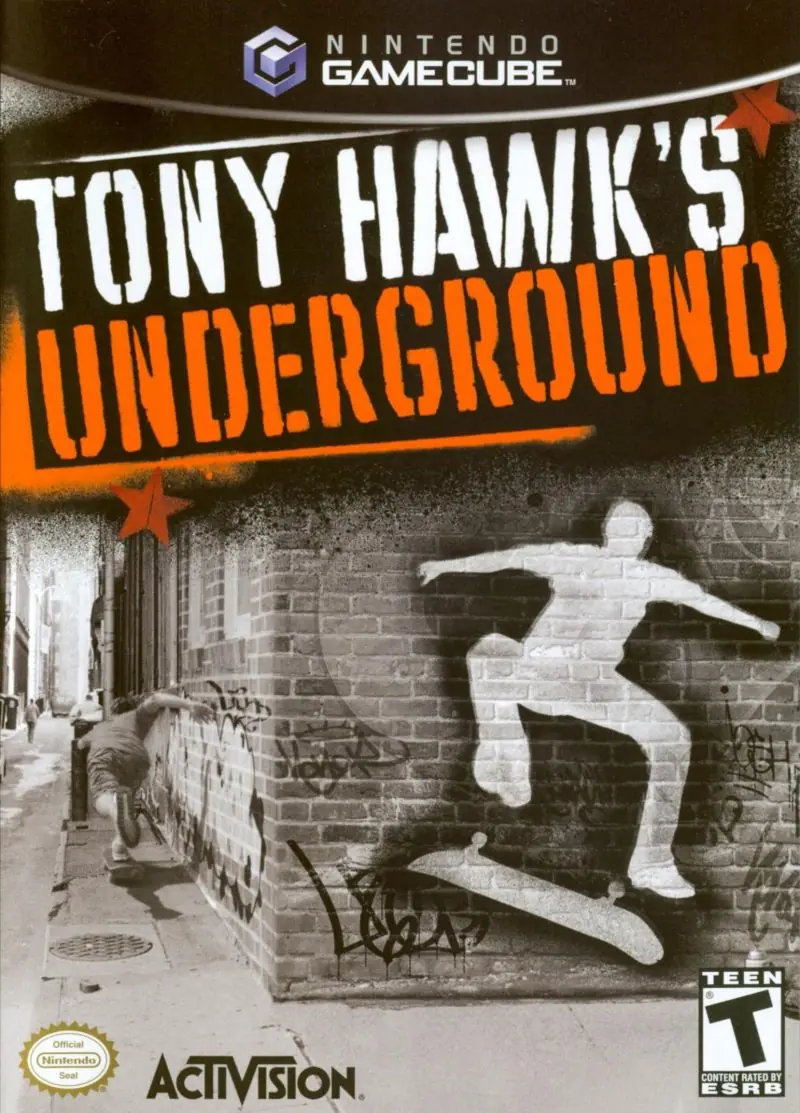
Tony Hawk's Underground Game Cover
4.6/5 - 75 votes

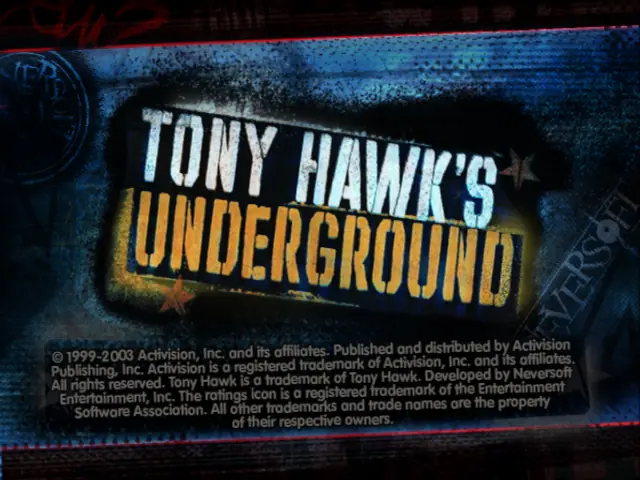
Tony Hawk’s Underground is a 2003 sports game developed by Neversoft and published by Activision.

Other Titles

托尼霍克地下滑板THUGTony Hawk 5

Genres
Publishers
Developers
Released
,
Platforms
Download

About Tony Hawk’s Underground

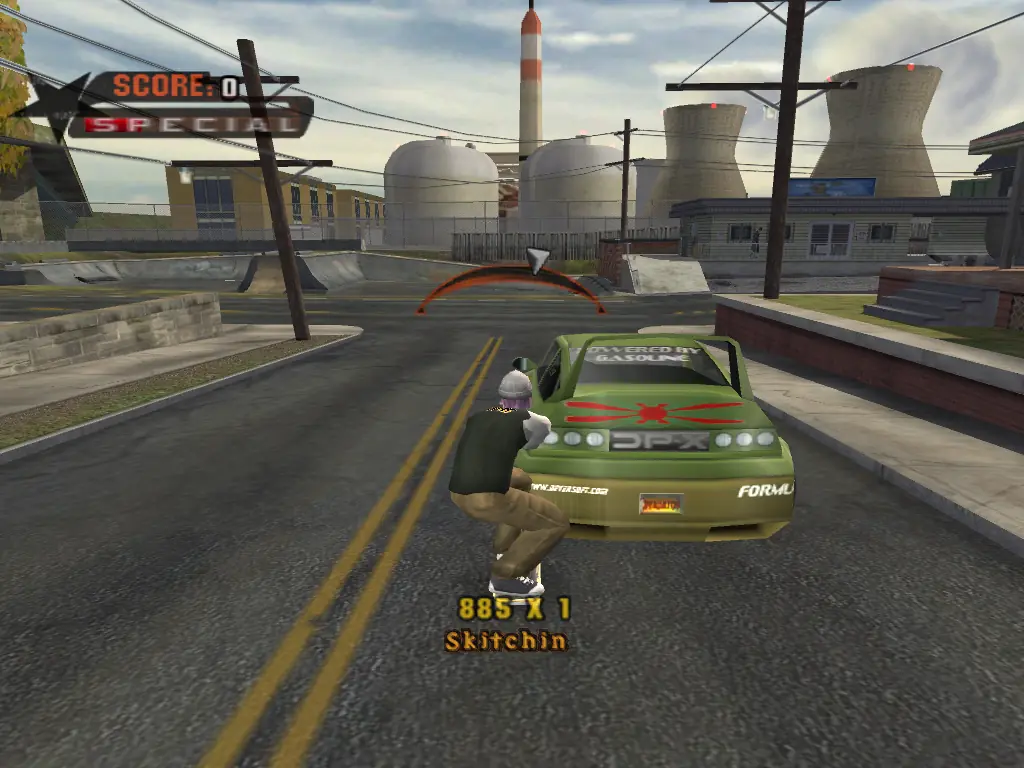
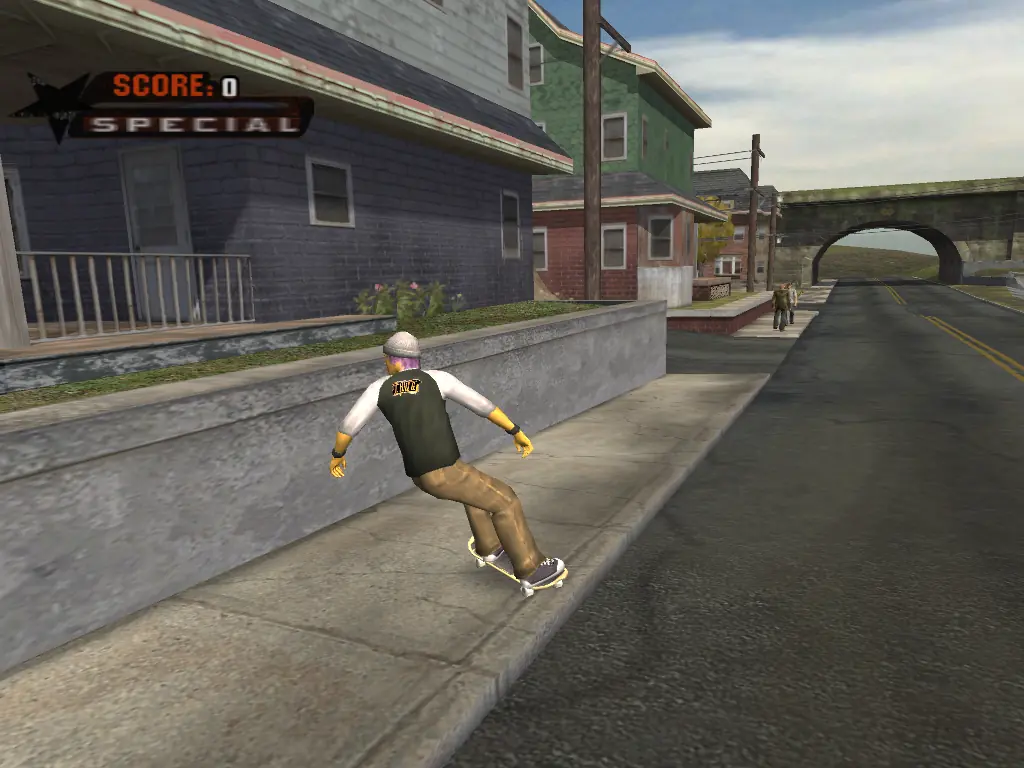
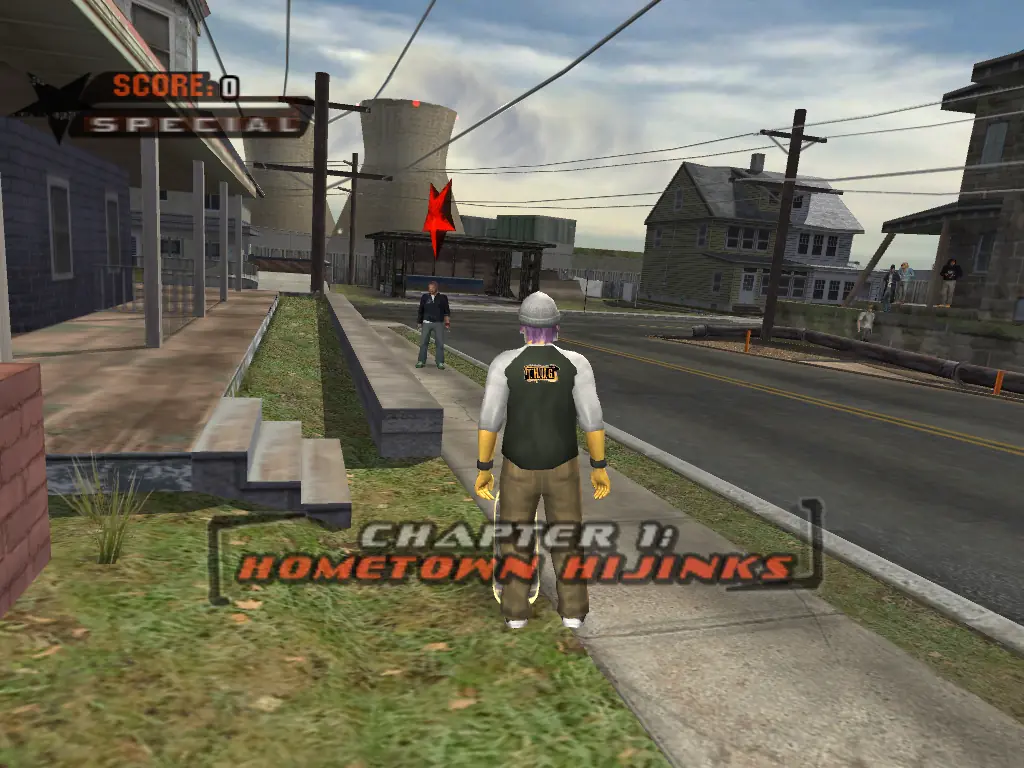
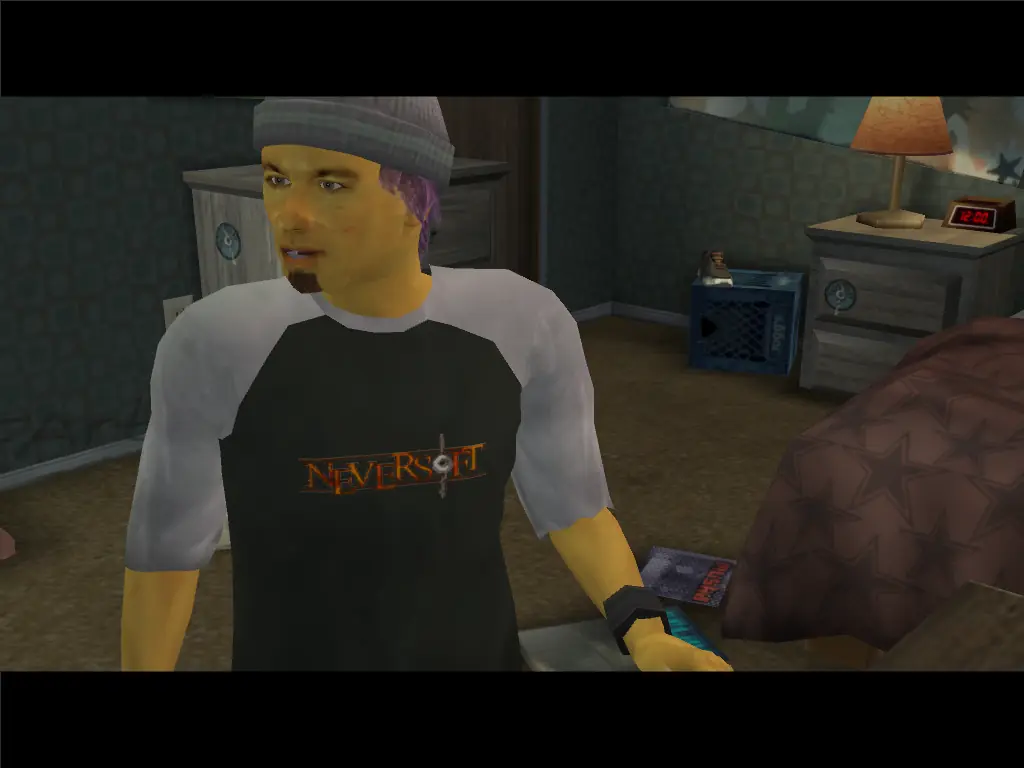
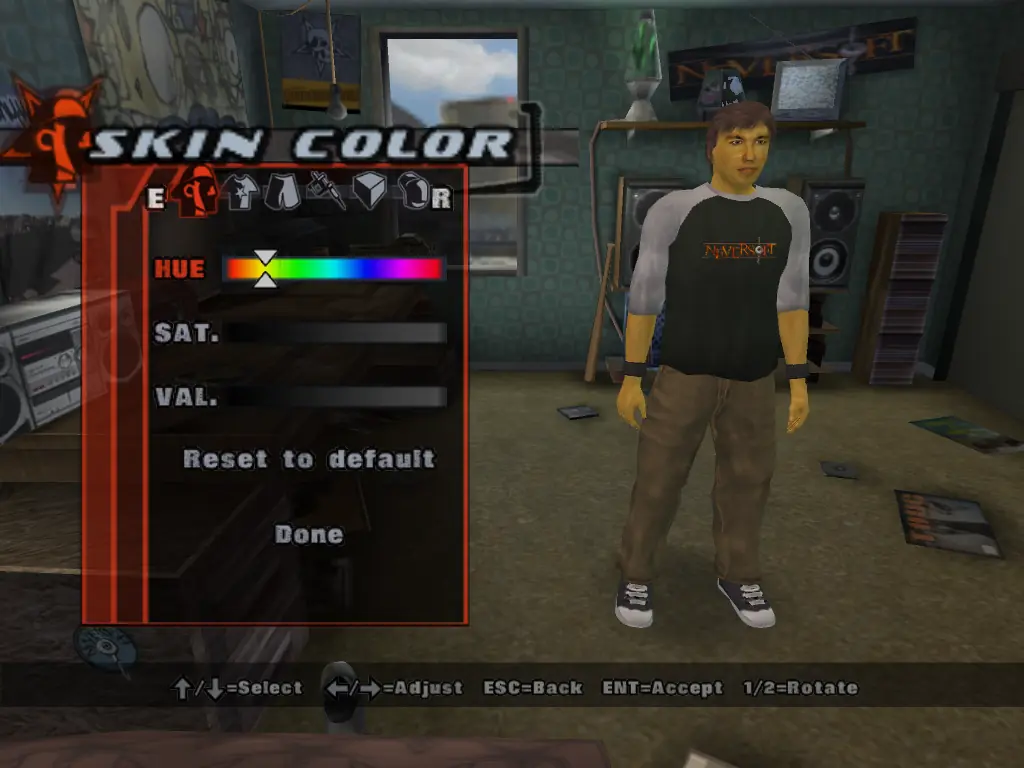
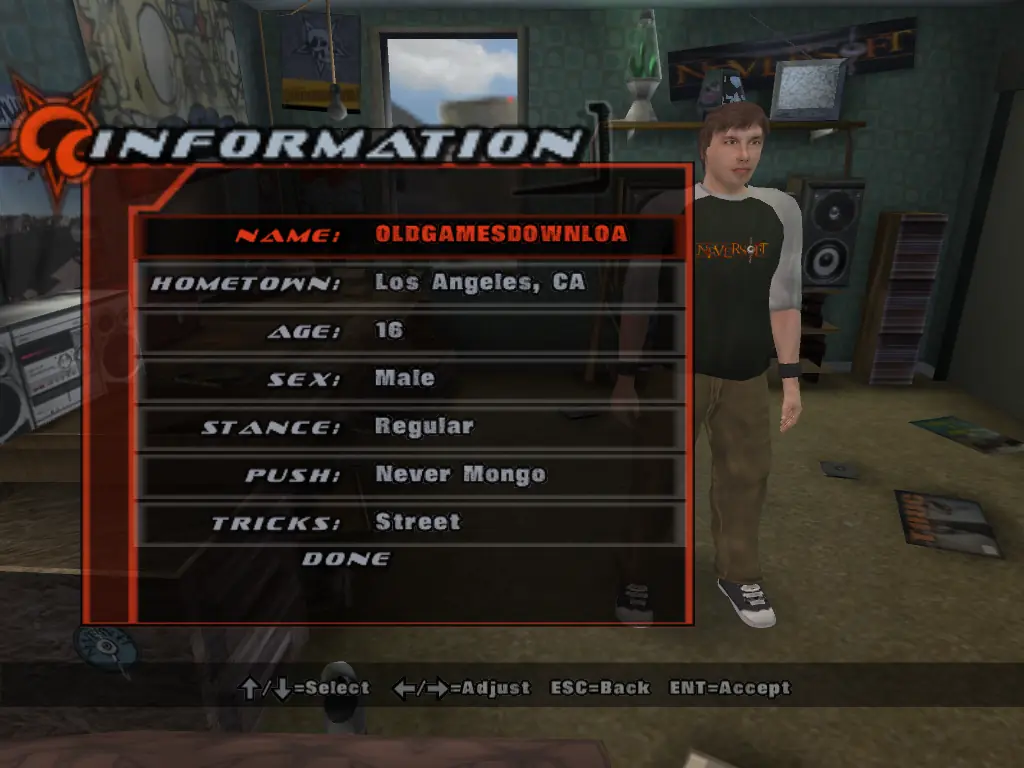
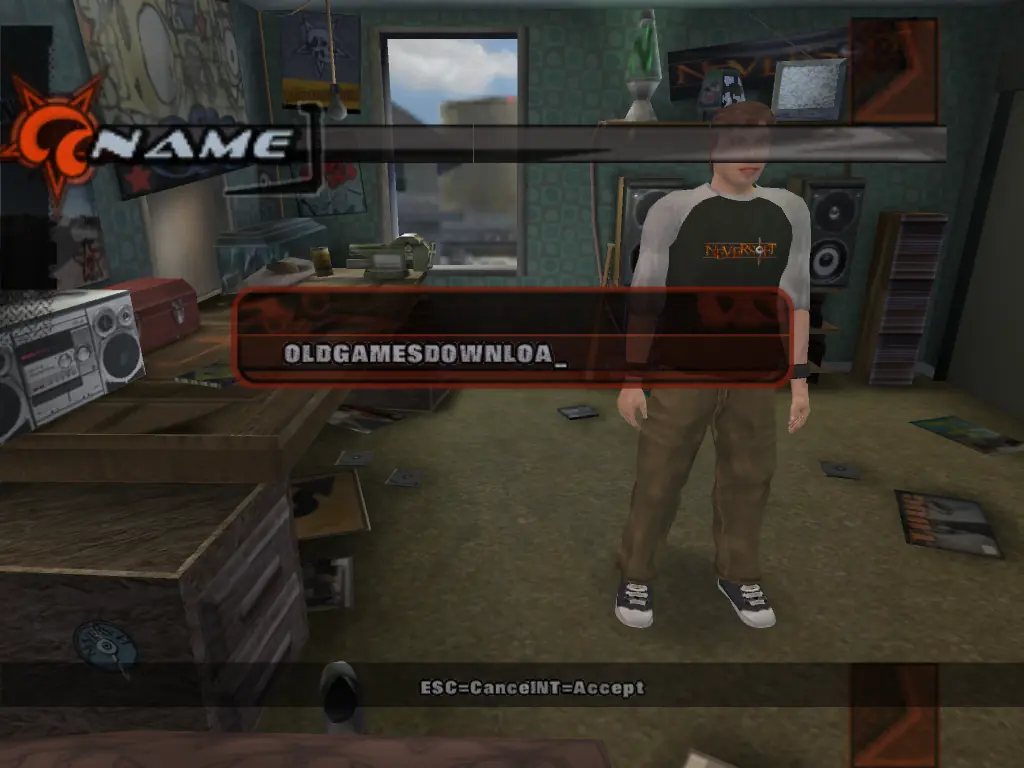
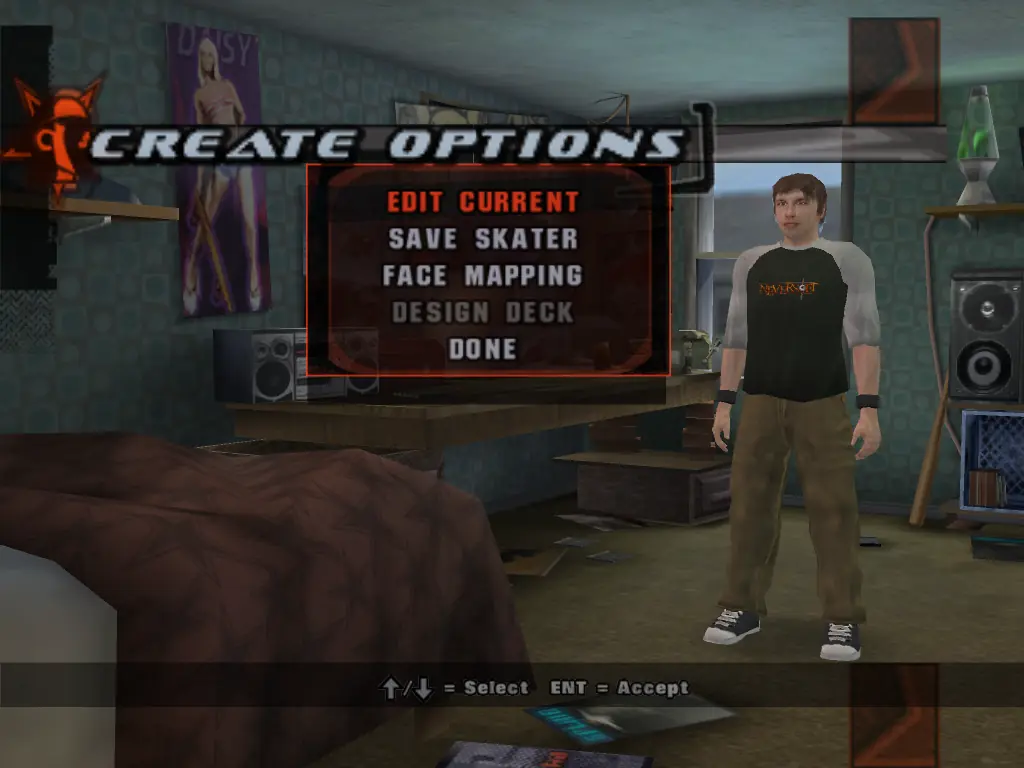
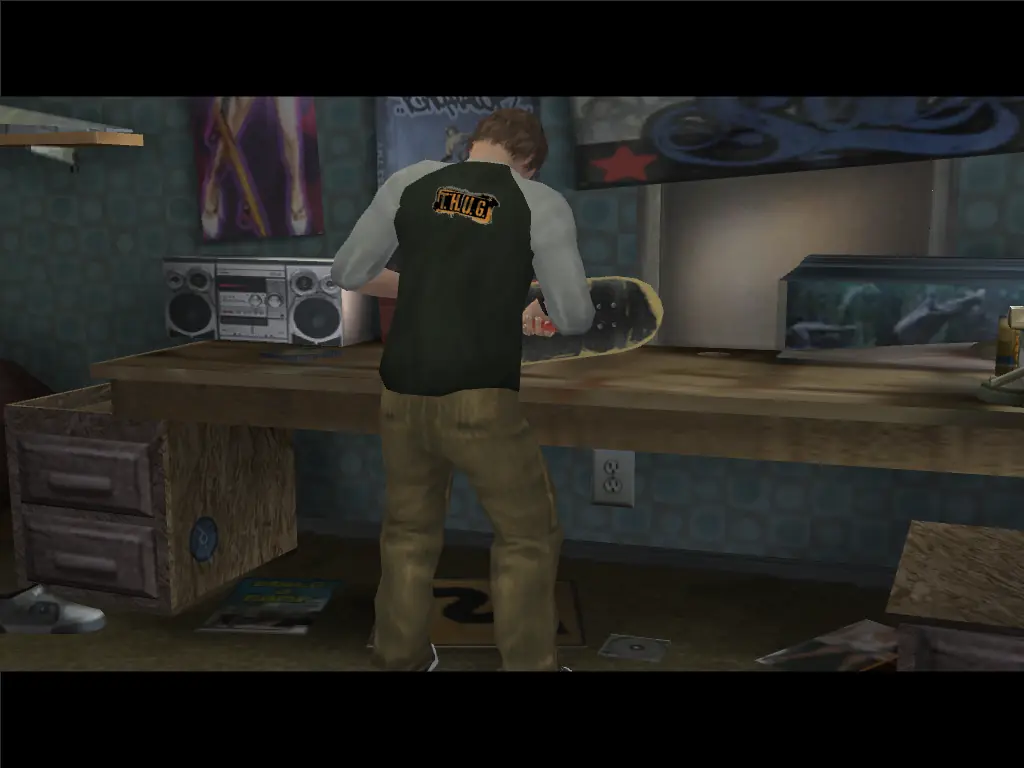
Underground is built upon the skateboarding formula of previous Tony Hawk's games: the player explores levels and completes goals while performing tricks. It features a new focus on customization; the player, instead of selecting a professional skater, creates a custom character. Underground adds the ability for players to dismount their boards and explore on foot. The plot follows the player character and their friend Eric Sparrow as the two become professionals and grow apart.

Underground was developed with a theme of individuality which was manifested in the extensive character customization options, the presence of a narrative, and the product's characterization as an adventure game. Real world professional skateboarders contributed their experiences to the plot. Underground was a major critical and commercial success, with reviewers praising its wide appeal, soundtrack, customization, multiplayer, and storyline. The graphics and the controls for driving vehicles and walking were less well received. Underground's PlayStation 2 version had sold 2.11 million copies in the United States by December 2007. A sequel, Tony Hawk's Underground 2, followed in 2004.
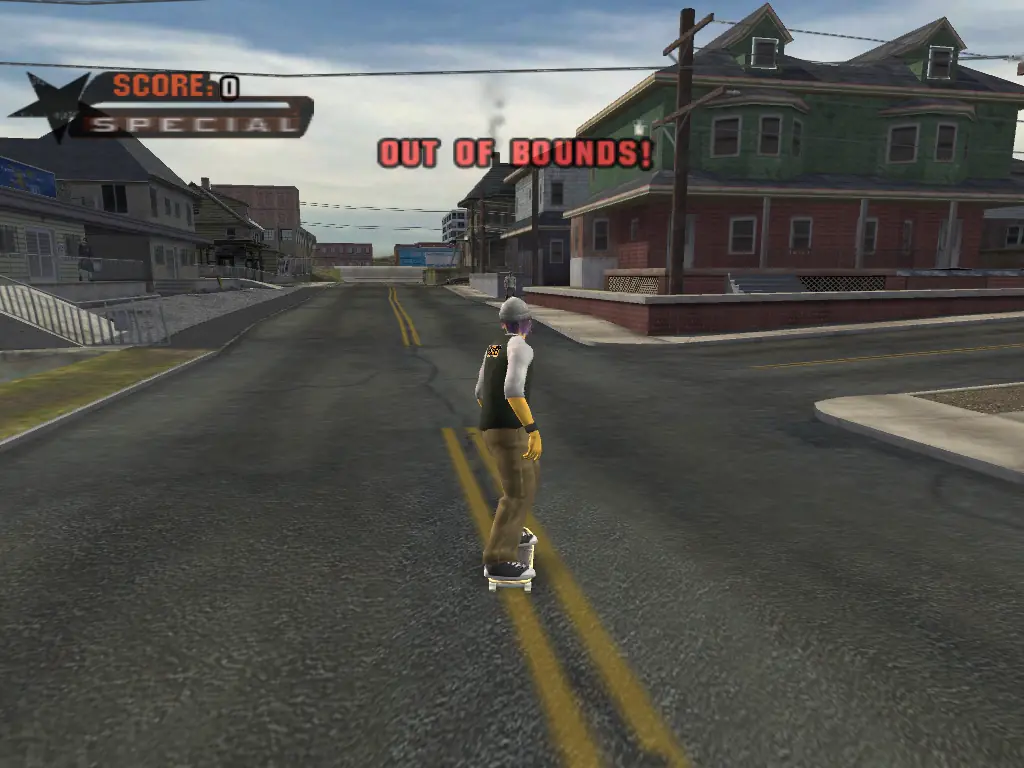
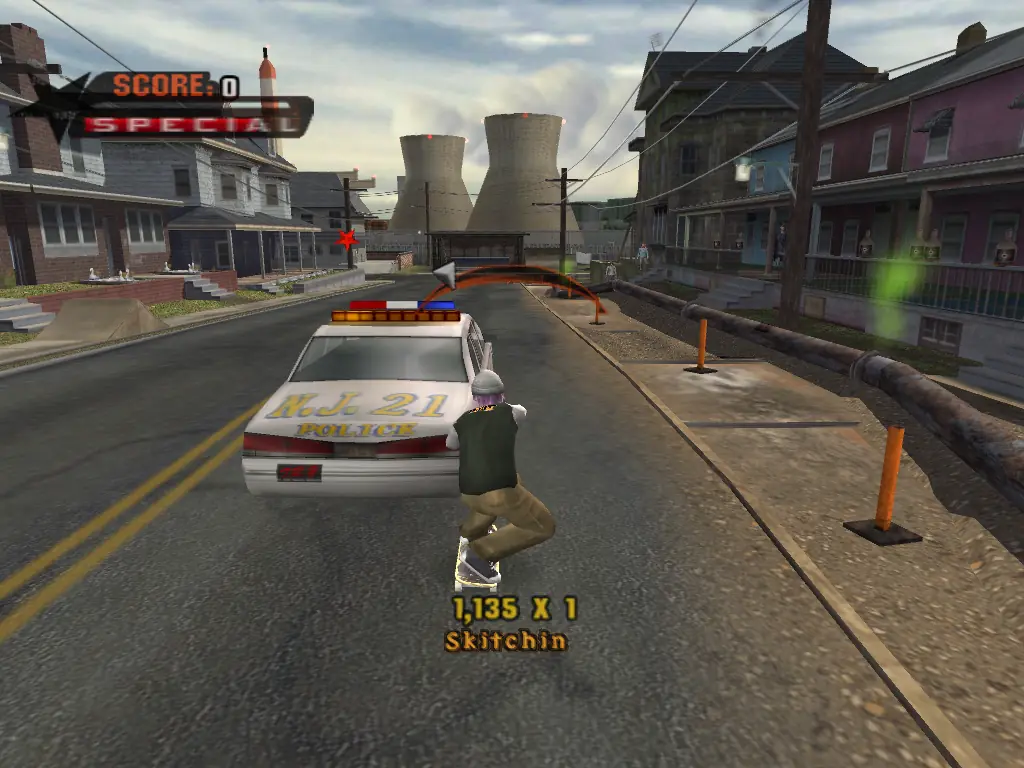
Screenshots

Windows

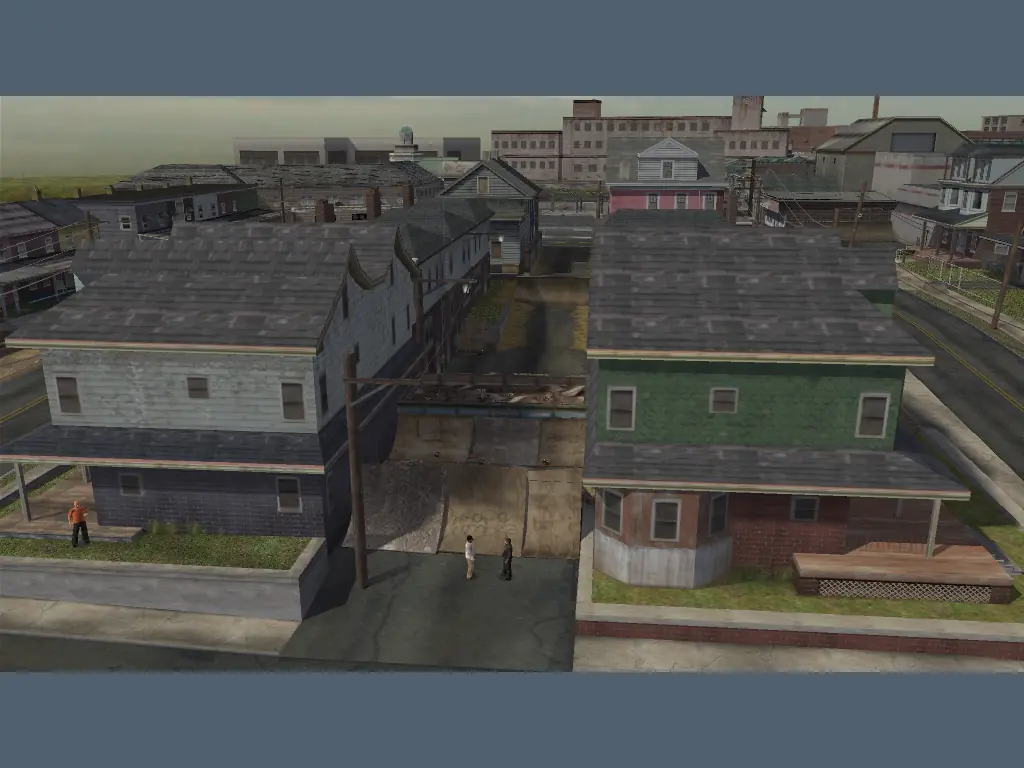
Tony Hawk’s Underground — Windows screenshot 1Tony Hawk’s Underground — Windows screenshot 2Tony Hawk’s Underground — Windows screenshot 3Tony Hawk’s Underground — Windows screenshot 4Tony Hawk’s Underground — Windows screenshot 5Tony Hawk’s Underground — Windows screenshot 6Tony Hawk’s Underground — Windows screenshot 7Tony Hawk’s Underground — Windows screenshot 8Tony Hawk’s Underground — Windows screenshot 9Tony Hawk’s Underground — Windows screenshot 10Tony Hawk’s Underground — Windows screenshot 11Tony Hawk’s Underground — Windows screenshot 12Tony Hawk’s Underground — Windows screenshot 13Tony Hawk’s Underground — Windows screenshot 14Tony Hawk’s Underground — Windows screenshot 15

Download Tony Hawk’s Underground

Tony Hawk’s Underground is abandonware and no longer sold or supported by its publishers. Files are archived here for these platforms:

Windows (2005)

  • THUG_Win_ROM_EN.zipEN814.01 MB
  • Instructions THUG_Win_ROM_EN.zip

    How to play on Windows

    1. Download the "THUG_Win_ROM_EN.zip" file from the link above.
    2. Open the downloaded .zip file and extract the "THUG_Win_ROM_EN" folder to your desktop. You will need to use a software such as WinRAR to do this.
    3. Open the extracted "THUG_Win_ROM_EN" folder and then open the "Game Files" folder.
    4. Open the "Game" folder - to launch the game, double click on the "Launcher.exe" file.
    5. Enjoy!

Other resources

Comments

25 thoughts on “Tony Hawk’s Underground”

  1. 0
    When I go to THUG launcher under games folder, it plays but i cant see it. All I see is a zoomed in corner of my desktop. Is there a fix for this?
    Reply
  2. 0
    Anybody issues with saving the game (impossible = “warning, failed trying to save” it says within the game). Anybody a fix for it ?? Thanks !

    Because otherwise it’s useless and that would be a shame!

    Reply
  3. 0
    Hi guys, sorry for asking but when i launch the file launcher.exe it says “directory name is invalid” .
    Can somenone help me pls thank you
    Reply
  4. 0
    Is anyone else having problems with the save file? it won’t let me load my save data even though it shows a file to load. the screen just flashes back to the same load game screen.
    Reply
  5. 0
    yo.. i got it working 🙂 nice, my favourite game of all time, only bug is the spine transfer control.. i managed to figure out if i press two RL buttons it works..
    Reply
  6. 0
    I’m having 2 issues in the launcher: it doesn’t launch the game (i’m using the THUG on Game folder) and I can’t add a custom face at the launcher. How can I fix it?
    Reply
  7. 0
    When I click Play! it says the directory name is invalid, and yes, I went to device manager, selected the unallocated disk, labeled it as a new simple volume – I tried it again and it still didn’t work. Any help would be appreciated. Thanks.
    Reply
    • 0
      I’m able to run the game by directly running THUG.exe from the folder labeled “Game”. Settings from the launcher still work when I select “Save and Quit” in it, I just can’t run the game directly from the launcher program.
      Reply