Home » Games » Turok: Evolution

Turok: Evolution

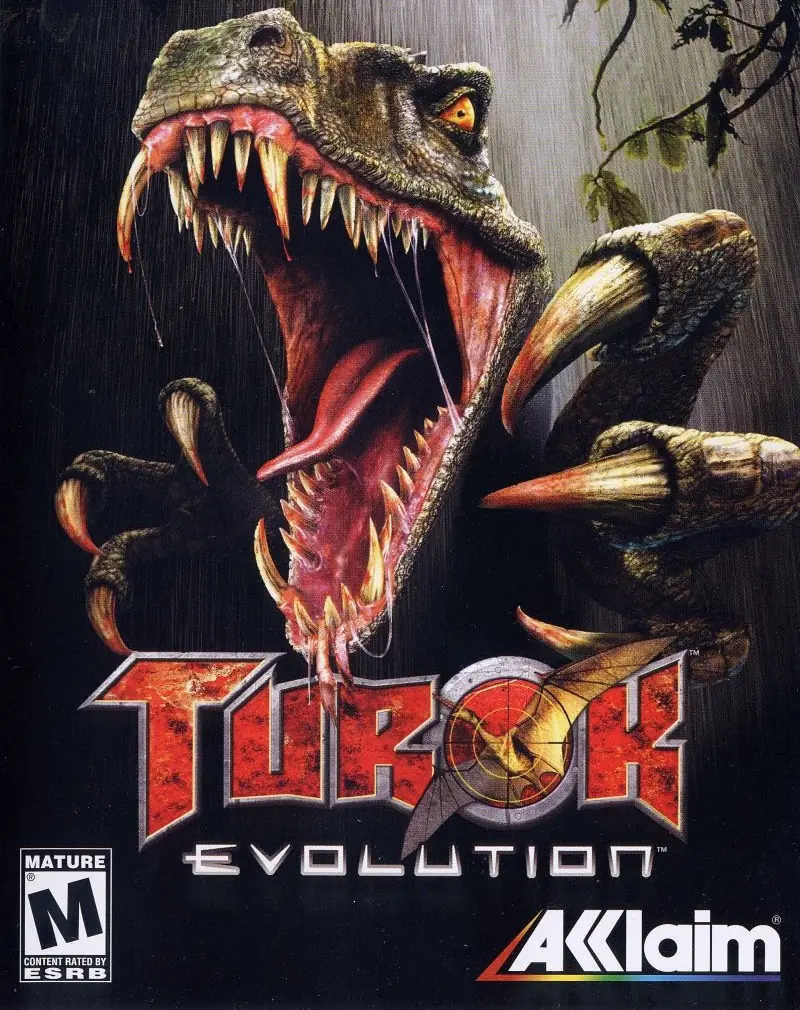
Turok: Evolution Game Cover
4.6/5 - 36 votes

Turok: Evolution is a 2002 shooter game developed by Acclaim Studios Austin and published by Acclaim Entertainment.

Other Titles

Turok 4Turok Evolution恐龙猎人:进化

Genres
Released
Platforms
Download

About Turok: Evolution

Turok: Evolution is a first-person shooter video game released for the Game Boy Advance, PlayStation 2, Xbox and GameCube in 2002. A port for Microsoft Windows was released in 2003 for the European market. It is a prequel to Turok: Dinosaur Hunter and was the last to follow in the series before it was rebooted by a 2008 entry in the series, called Turok.
Screenshots

GameCube

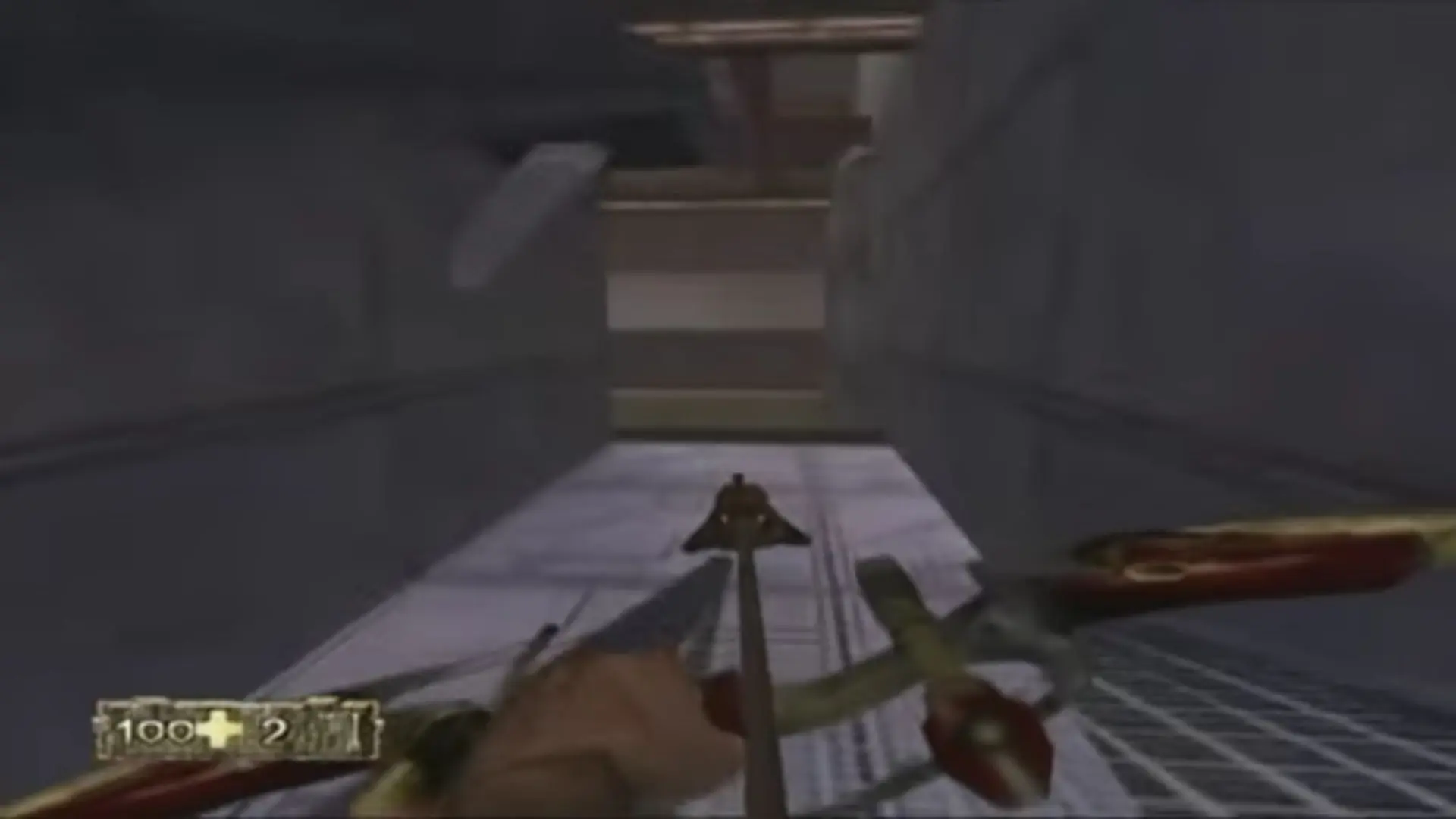
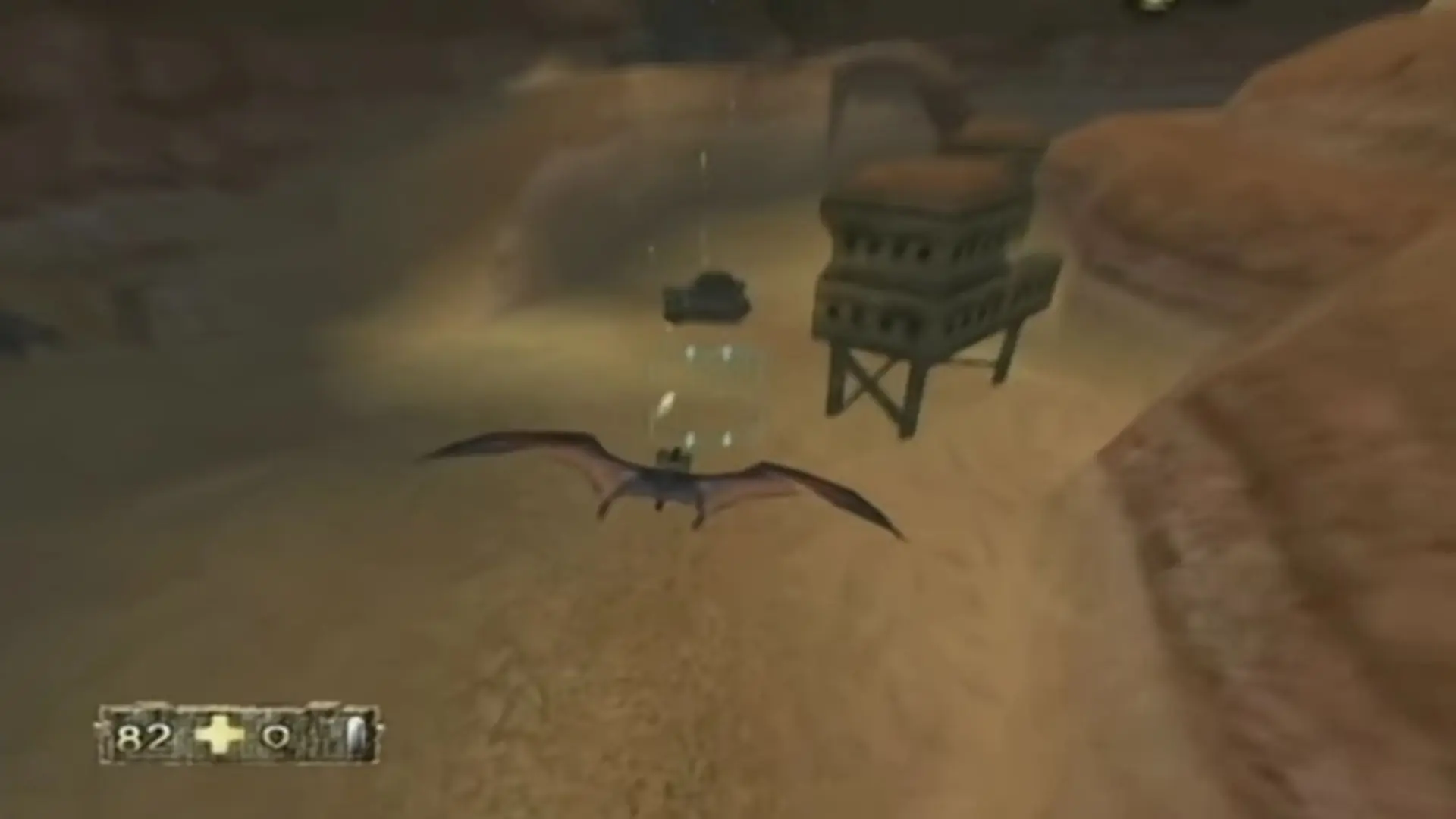
Turok: Evolution — GameCube screenshot 1Turok: Evolution — GameCube screenshot 2Turok: Evolution — GameCube screenshot 3

Download Turok: Evolution

Turok: Evolution is abandonware and no longer sold or supported by its publishers. Files are archived here for these platforms:

Windows (2002)

  • Turok_Evolution_Win_ROM_EN.zipEN1.52 GB
  • Instructions Turok_Evolution_Win_ROM_EN.zip

    How to play on Windows

    1. Download and Extract Turok_Evolution_Win_ROM_EN.zip
    2. Mount CD1 and run "setup.exe". Follow on-screen instructions to install the game
    3. Mount CD2 and complete setup
    4. Play the game

Other resources

Comments

9 thoughts on “Turok: Evolution”

  1. 0
    I love this game, i have it on GameCube. 10000/10 recommend! multiplayer and story mode are great plays!
    Reply
  2. 0
    works fine. thanks [windows 10/1080p]
    how to install
    1.Open file with WinCDemu Mount CD1 First > install
    2.When it popup insert CD2 > EjectCD1 and mount CD2 > install
    3.After installed Copy Crack from https://www.myabandonware.com/download/ilu-turok-evolution
    4.Paste Crack to Turok4.exe file in game folder
    5.Change resolution to 1980*1080 in Turok4 Config.exe
    6.Change compatibility in Turok4.exe to XPService pack3 and Run by admin
    7.In game Mouse invert change in advanced menu tab
    Reply
  3. 0
    This is unusable. I mounted both images with winCDemu and installed the game. I ignored all install errors and afterwards copied over the required fires from ‘program filesAcclaim EntertainmentTurok Evolutiondata’ to where I installed the game just to make sure I had everything. However after trying to run the game, it did nothing. I unmounted both images and it gave me a ‘no CD rom’ error. Instructions were non-existent and I’m angry that I can only play this on a gamecube emulator.
    Reply
  4. 0
    me again. i solved the installation problem, if u want to “isnert dic 2” go to disc2 folder rightclick the .BWS file and nothing else and start with winCDEmu mounter or daemontool. then u can select ok in setup and it keeps going. BUT i had the problem that some files couldnt be accessed through the installer wich ment i had to “ignore” this files and keep on installing what led to Turok beeing unnable to get opened or even beeing realized in the taskmanager!(not even the autorun will make it work) i will try arround some more maybe i can start it at some point with some trick but for now i guess i cant play.
    Reply
  5. 0
    hey thanks for providing this download=)
    one queston! i have downloaded it and i did run the installer, but cd2 came out as .btw/bws/bwi/bwa-data wich i cant read nor open via this setup. ive even tried to create an iso image( wich worked) but didnt get the result i expectet to get. so how can i propper mount these btw/bwa/bws/bwl files?
    Reply