Home » Games » Walt Disney World Quest: Magical Racing Tour
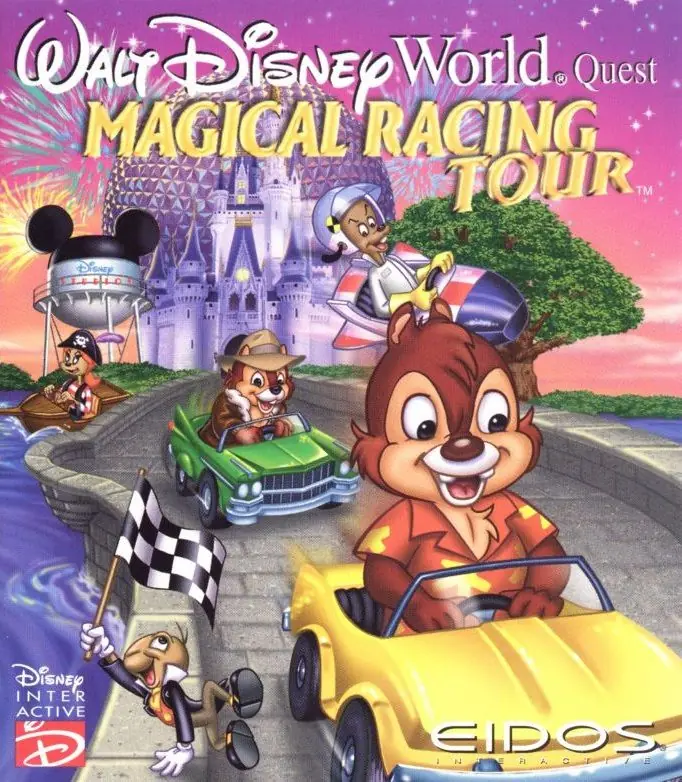
Walt Disney World Quest: Magical Racing Tour

Walt Disney World Quest: Magical Racing Tour Game Cover
4.8/5 - 56 votes

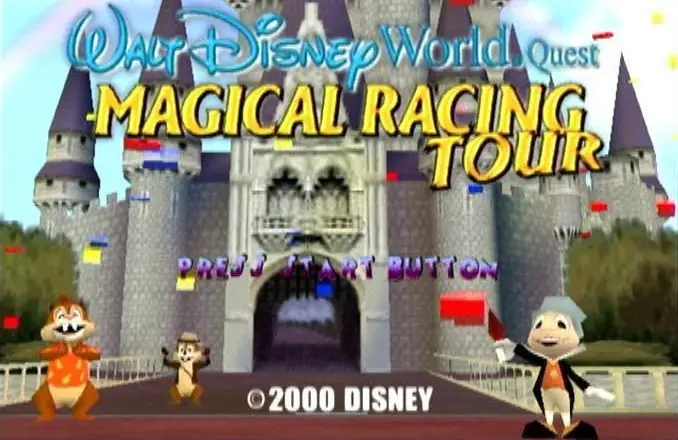
Walt Disney World Quest: Magical Racing Tour is a 2000 racing game developed by Crystal Dynamics and published by Eidos Interactive.

Other Titles

Disney Kolorowy RajdDisney: Kouzelné závodyГонки в Диснейлендеوالت ديسنى ورلد كويست: ماجيكال راسينج تور

Genres
Publishers
Released
,
Download

About Walt Disney World Quest: Magical Racing Tour

The delight of Disney World's theme parks and water parks are the background as you race on speedways based on thrilling Disney attractions! Ages 6 & up A multivehicle racing romp, Walt Disney World Quest: Magical Racing Tour takes players on a high-speed tour through 13 fantasy tracks based on popular Walt Disney World Resort theme park attractions and water parks, such as Space Mountain, Pirates of the Caribbean, Rock 'n Roller Coaster, and Typhoon Lagoon. Charged with finding all the pieces of a giant fireworks machine, gamers play as their favorite Disney friends, including Chip 'n Dale, Jiminy Cricket, and 11 additional characters. Around every turn there are secret treasures, hidden tracks, and speedy power-ups to help players stay far ahead of the competition. Gamers can launch a variety of fun objects at the competition, such as frog spells, teacup mines, and flying acorns to spin them out of control and gain an advantage.
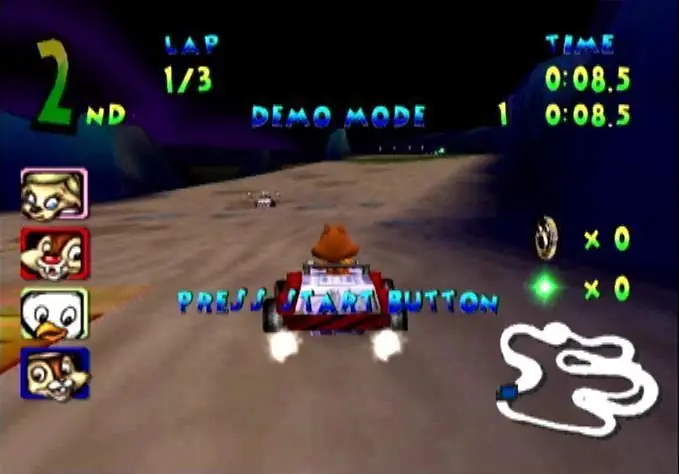
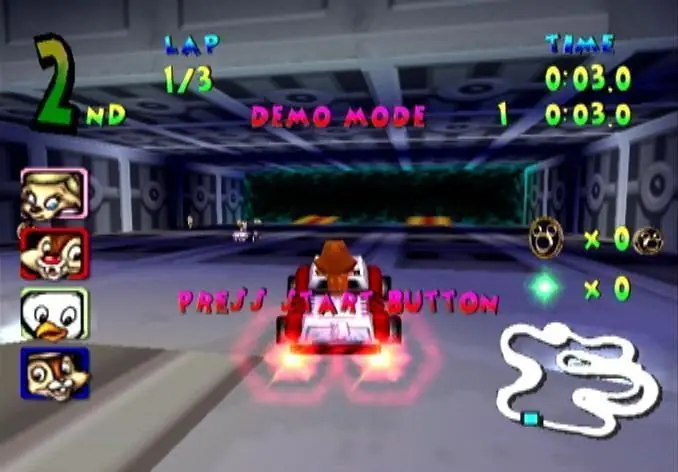
Screenshots

Dreamcast

Walt Disney World Quest: Magical Racing Tour — Dreamcast screenshot 1Walt Disney World Quest: Magical Racing Tour — Dreamcast screenshot 2Walt Disney World Quest: Magical Racing Tour — Dreamcast screenshot 3

Download Walt Disney World Quest: Magical Racing Tour

Walt Disney World Quest: Magical Racing Tour is abandonware and no longer sold or supported by its publishers. This game was preserved thanks to a community donation - see our missing games page for credits and titles we're still looking for.
Dreamcast (2000)

Tutorial: How to play Dreamcast games on Windows

PlayStation (2000)

Tutorial: How to play PlayStation games on Windows

Windows (2001)

Comments

23 thoughts on “Walt Disney World Quest: Magical Racing Tour”

  1. 0
    guys when I tried the method from my friend here and it worked but I got another problem , whem I open the game it give me a messege which that it need a windows 95 or whatever and then when I press okay anyway it give me black screen and then closes any one got solution ?
    Reply
  2. 0
    am having a problem with the game when i open the game and i try to go on adventure mode the game just crashes but the time trials work just fine anybody know how to fix it??
    Reply
  3. 0
    So when I open Setup it opens and I can click on install but nothing happens and the window closes again. What am I supposed to do? Would appreciate some help.
    Reply
  4. 0
    does anyone know how to get the music working ingame? It works at start menu and some sound effects play when racing but no music 🙁 all sound files are there in .sd3 format but no music
    Reply
  5. 0
    For those having problem _SETUP.DLL try this method. found on internet.

    On Windows 7/8/10/11 64bits I had to do the following to be able to start the installer:
    Create a folder named C:WindowsSysWOW64InstallShieldsetupdir809
    Copy “setup/setupdir/0809/_setup.dll” from the ISO to the folder that was created in the previous line.

    Reply
    • 0
      Where do I create this folder? On the same place the game is? Because he’s not yet installed so I guess it should be under the “ISO” folder? Could you be a little more precise please? Or maybe you recall where you found the info? Thanks in advance
      Reply
      • 0
        Thank Biskut for the help, It worrked. But I am going to give more specific solution as I had difficult time following your instruction. what you should do, is going to the drive where you have windows folder (let’s say it‘s C). So you go to C:\Windows\SysWOW64\InstallShield\Setupdir
        after that you create a folder and name it 0809 (be careful, you should name it exactly like that for the Installation to work). Now after you created the 0809 folder in that specific location, you should copy (_Setup.DLL) file from another 0809 folder located in Game Installation folder to the 0809 folder you created. (That another 0809 folder located exactly in Game Installation Folder then: Setup\setupdir\0809). after that you should be ready to go. I hope this helped. ^_^
        Sorry for any inconvenience as English is not my first language.
        Reply
  6. 0
    Hi there! This game for Windows is missing the _SETUP.DLL file, giving me an Error 103. My antivirus isn’t deleting it, it just doesn’t exist.
    Reply
  7. 0
    Getting an un able to find _SETUP.DLL error (103). I tried all the compatibility options, making sure my anti-virus is off when dl and installing c++ …, none of those changed the porblem. Any gueses?
    Reply