Warcraft II: Beyond the Dark Portal
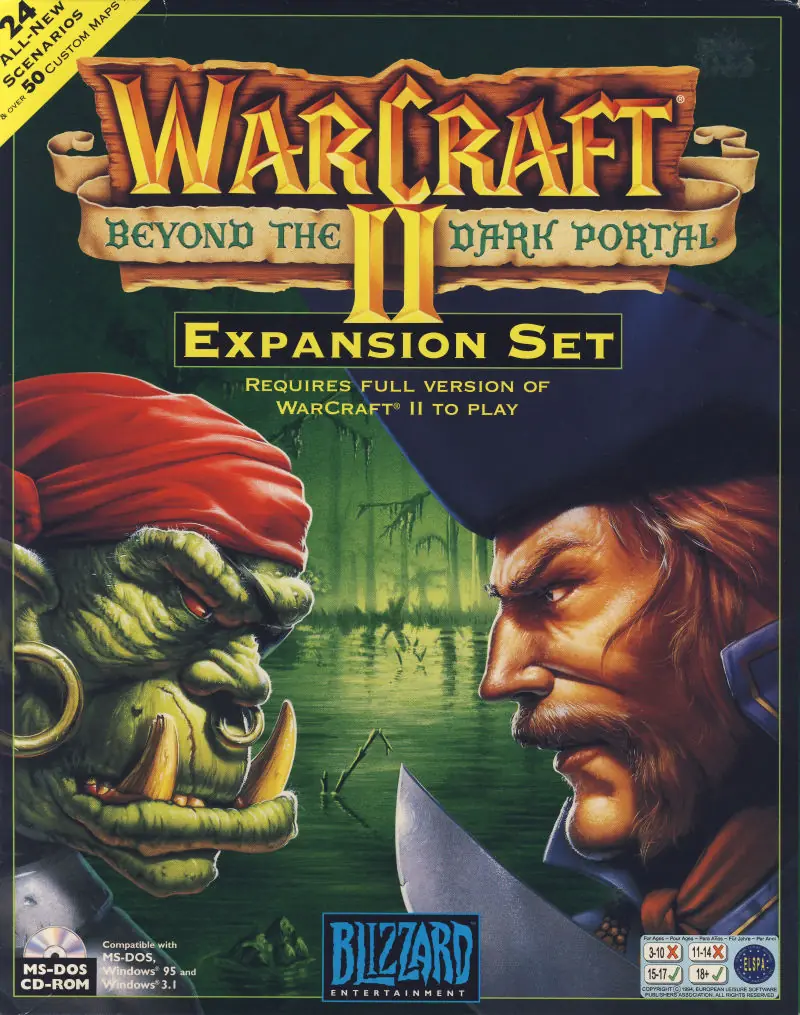
Warcraft II: Beyond the Dark Portal is a 1996 strategy game developed by Cyberlore Studios and published by Blizzard Entertainment.
Warcraft II: Beyond the Dark Portal is a 1996 strategy game developed by Cyberlore Studios and published by Blizzard Entertainment.
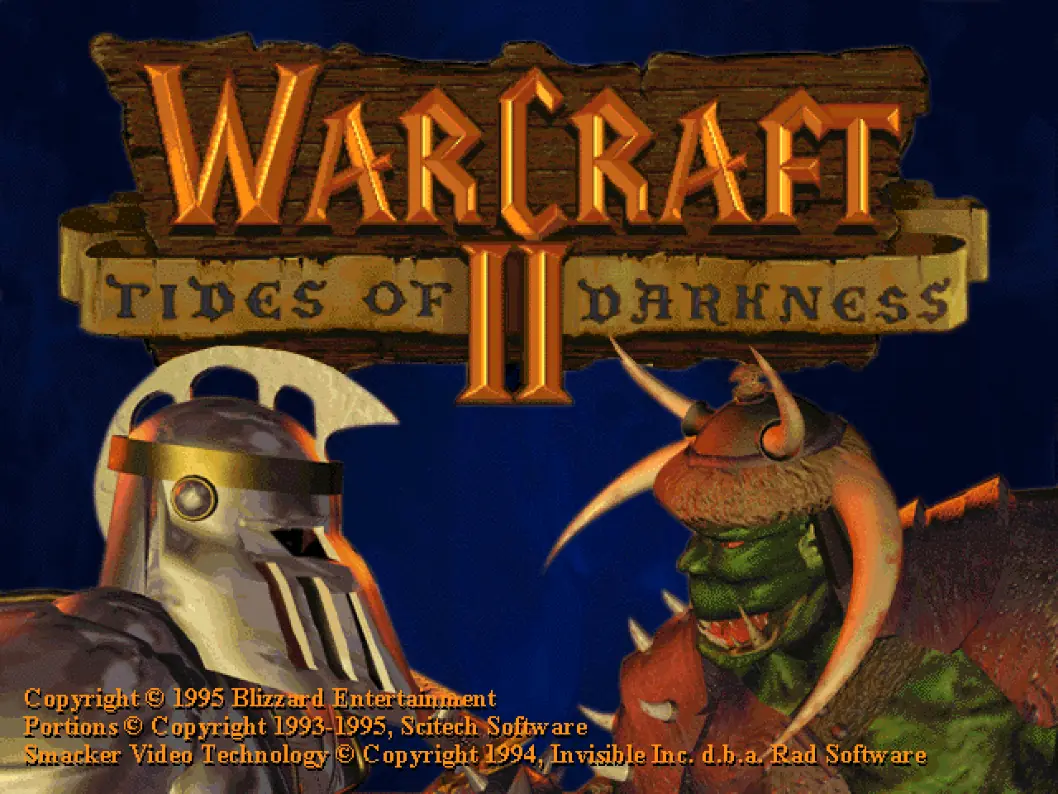
Warcraft II: Beyond the Dark Portal is an expansion pack to the game Warcraft II: Tides of Darkness, by Blizzard Entertainment. The storyline is recounted in the Invasion of Draenor as well as in the novel Beyond the Dark Portal co-written by Aaron Rosenberg and Christie Golden.
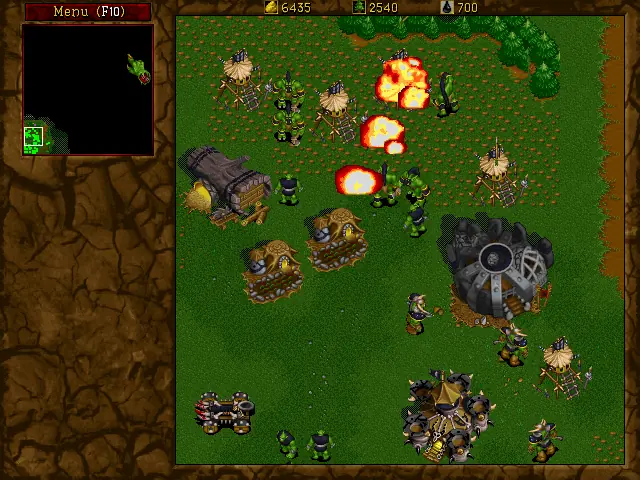
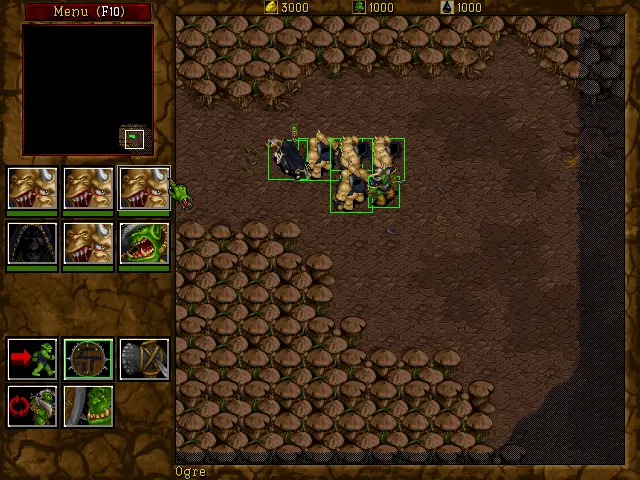
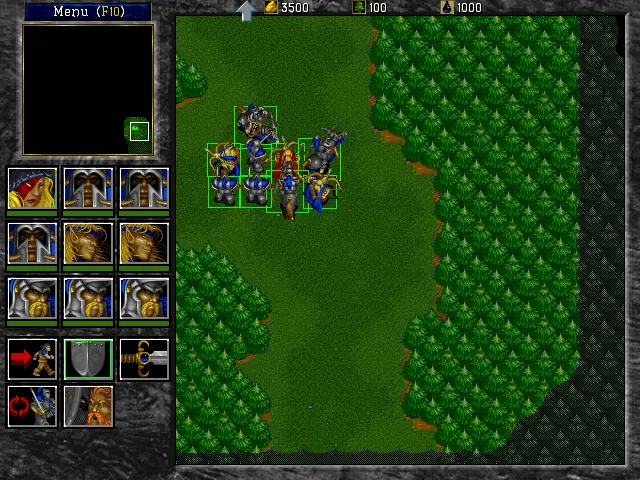
The gameplay was left almost unaffected, with the exception of the introduction of hero units. The hero units were present in the core game, but played a minor role, while in this expansion they played a large role. The heroes have all upgrades researched and superior stats to normal troops, but have the disadvantage that if they die, the player loses the mission.
Besides the introduction of heroes, there were 24 new missions, various new cinematics and nearly 50 multiplayer scenarios. The new scenarios are harder than the core game scenarios and even exclude tutorial levels like Tides of Darkness.
Players also visit new areas in Azeroth, such as Nethergarde Keep, the city of New Stormwind, and the island nation of Kul Tiras.
After destroying the mystic gate into Azeroth, the humans discover that the rift which allows the orcs passage into their world still exists. Human forces must now venture beyond the Dark Portal into orcish lands to put an end to the threat of yet another invasion by the Horde. At the same time, Ner'zhul - Chieftain of the Shadow Moon clan - has seized control of the Orcish Hordes of Draenor, and is gathering his forces in an attempt to open portals to other worlds, while bringing the nations of Azeroth to their knees.
Warcraft II: Beyond the Dark Portal was re-released and is no longer abandonware. You can purchase the game from:
* We may earn a commission if you buy through these links.






Also to get the sound working you will need to run the “War.exe” file first (Within DOSBox) and then setup the top two buttons (at least I did and sound started working fine)
This IS the expansion pack it shows at the bottom right corner when you enter the game.
James was correct with the given info i would like to detail them. To bypass the cd problem you have to edit the “War2.ini” file. In the first line you have to put another dot to the cdpat: “cdpath=..” make it to look like this.
Maybe relevant, rename the “Game Files” folder to “war2”.
Simple solution:
Drag and drop the “setup.exe” file from “Game Files” to “DOSBox.exe” file and it will open the music fixer. Setup the first 2 buttons then save and exit. Then open the game and you have music.
See detailed solution for more info!
Detailed solution:
For the music you have to go to the DOSBox folder and edit the “dosbox_single.conf” file.
You have to add another line before the “mount c .\war2” line and this is it “mount c .\setup” and also at the bottom at 30th line type “setup” before the “war2” line but do NOT remove any line just add new ones to it. Save it.
After everything finished start the bat file which is coming with any other retro game to launch the dosbox correctly.
If you dont have it create a .bat file with this text in it
{
.DOSBOXDOSBox.exe -conf “.DOSBOXdosbox.conf” -conf “.DOSBOXdosbox_single.conf” -no
}
this will run the correct dosbox files and game. It start with .DOS and ends with -no beetween the 2 brackets. Put the .bat file where you have the DOSBox folder and now war2 folder, outside of them. So you see 2 folders and a .bat file.
So finally when you start the .bat file the setup file will come up, the first 2 button which are “Digital Setup and Music setup” James already mentioned always go with the auto setup and locator and just click Ok no Test. After both first and second buttons were setup save and exit then cmd will open up the game and you have sound. 🙂
DO NOT FORGET!!! to remove all the added lines from the dos config file becouse it will always launch the music fixer at every start of the game.
You only need it once then it will work later.
Hope it helped and makes sense. Have a nice retro gaming! 🙂
– Dave