Home » Games » Wolfenstein

Wolfenstein

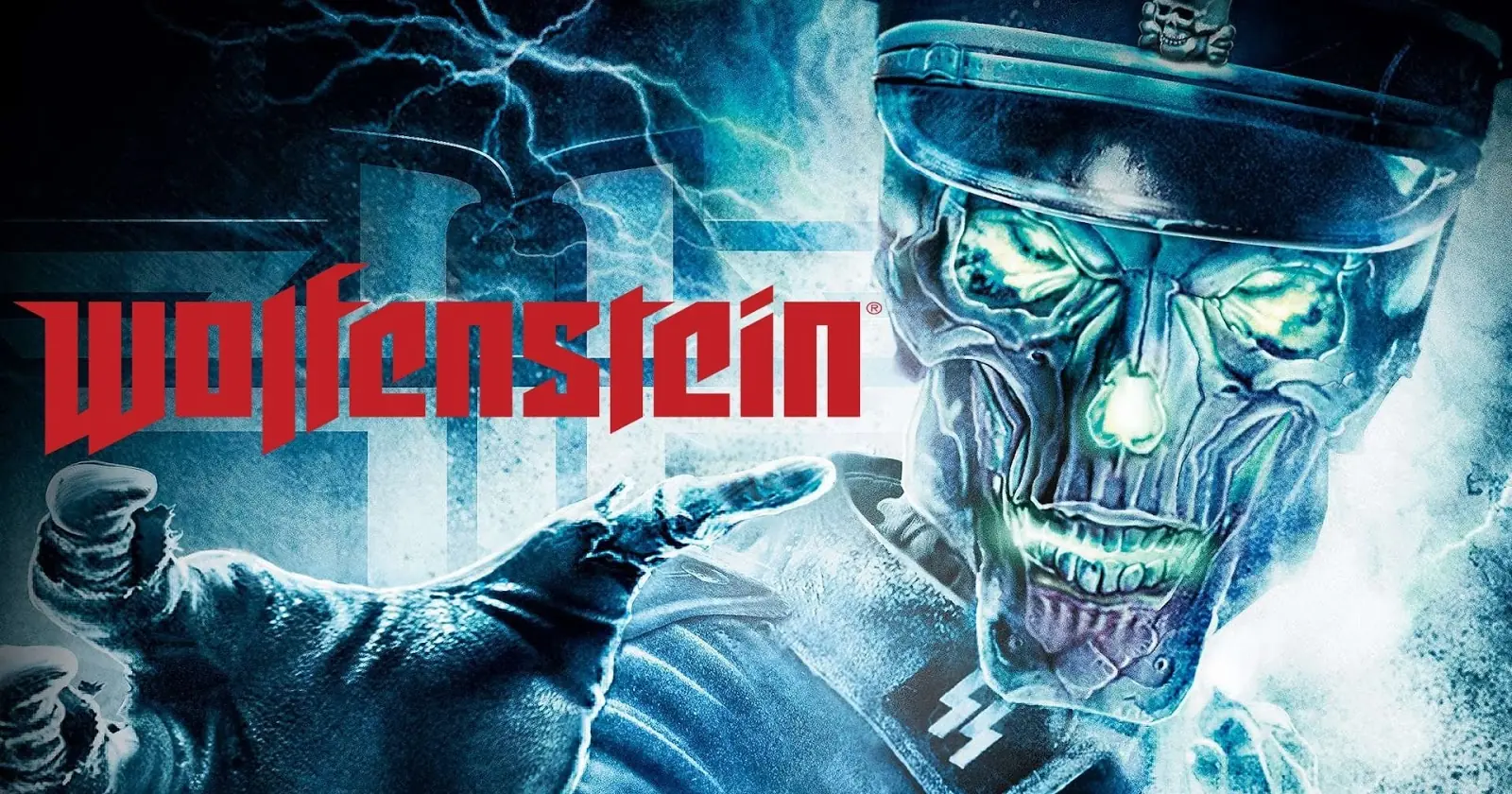
Wolfenstein Game Cover
4.3/5 - 82 votes

Wolfenstein is a first-person shooter video game developed by Raven Software and published by Activision, part of the Wolfenstein video game series. It serves as a sequel to the 2001 entry Return to Castle Wolfenstein, albeit loosely; and uses an enhanced version of id Software's id Tech 4.

Other Titles

Wolf 2Wolfenstein 2德軍總部:黑曜陰謀울펜슈타인ولفنشتاینولفينستينولفينشتاين

Genres
Publishers
Developers
Released
Platforms
Download

About Wolfenstein

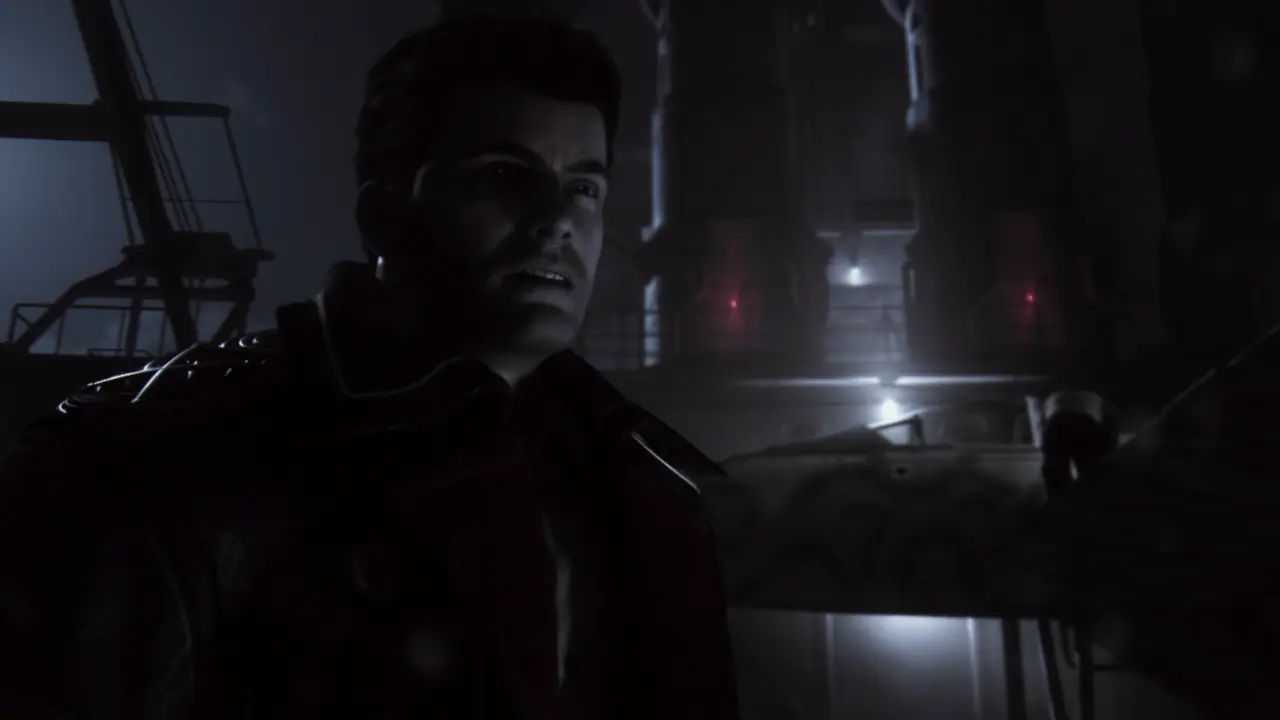
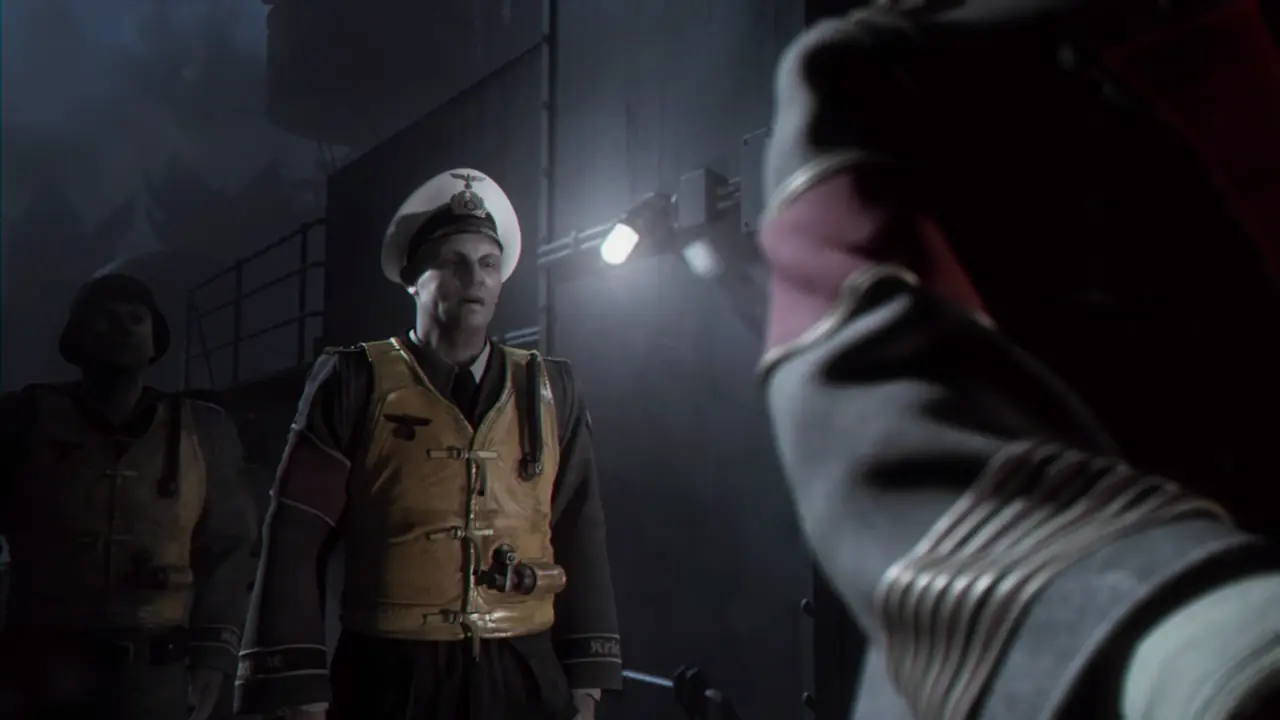
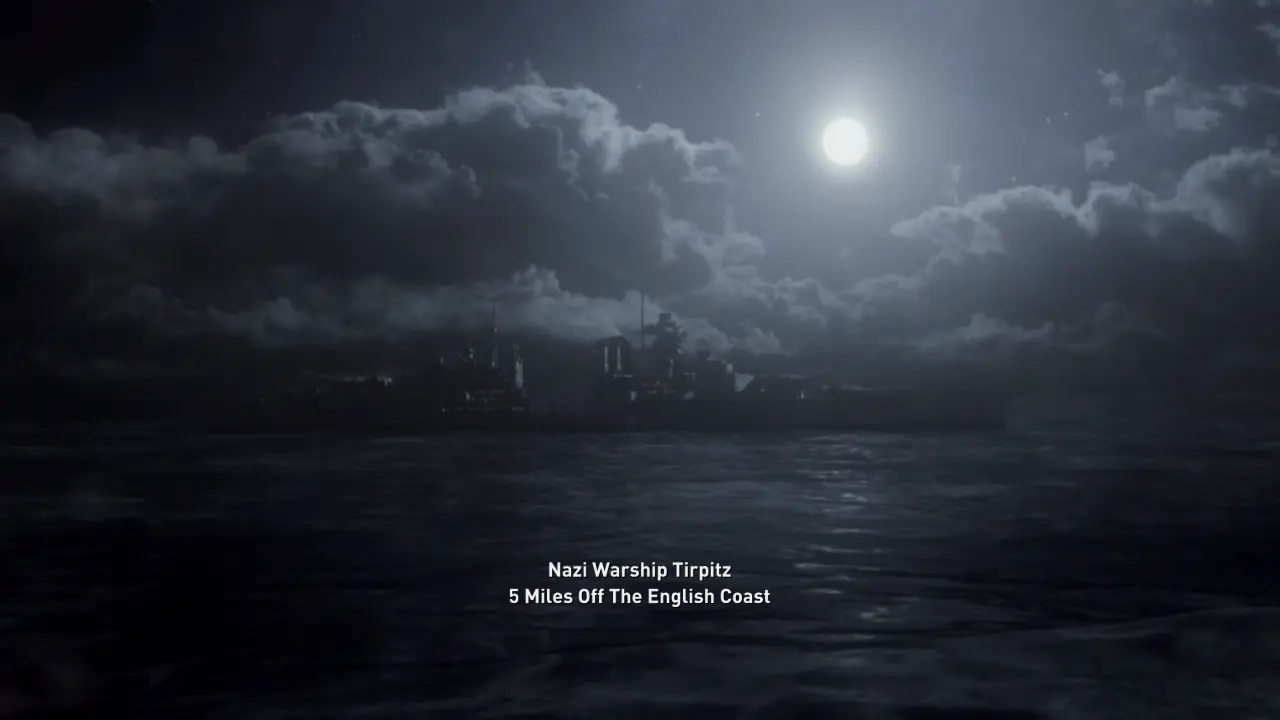
Classic Wolfenstein multiplayer with an occult twist reminiscent of the heart-pounding and award winning class and objective based multiplayer of Return to Castle Wolfenstein. Amazing enemies the Nazis throw at you next as they bring their dark fantasies to life. Epic combat moments that unfold in movie-like action sequences as you fight to prevent the Nazis from unleashing the power of the Black Sun, a war-ending weapon of supernatural mass destruction. Unique environments overlapping this world and the Veil, a world between our reality and the occult underworld that offers you combat advantages but also new supernatural threats. The ability to battle with a diverse collection supernatural 'Veil Powers,' as well as Allied and Axis conventional weapons, all up-gradable via an in-game black market.
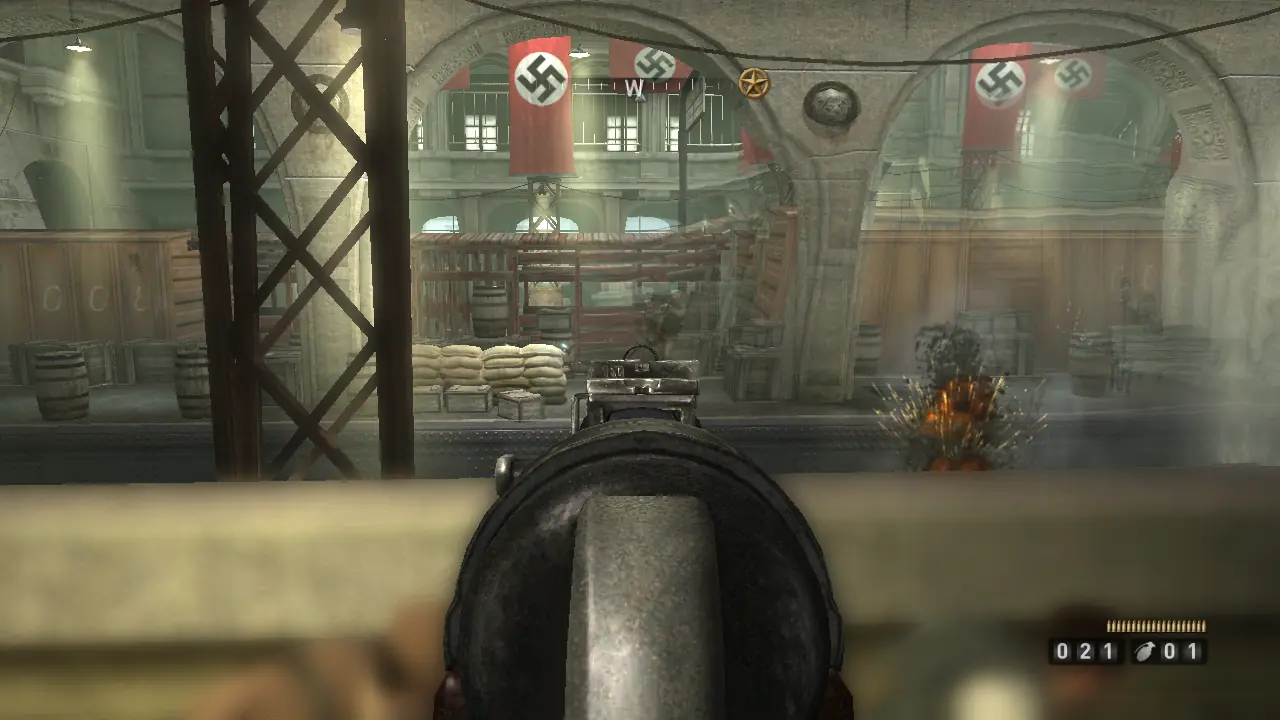
Screenshots

Windows

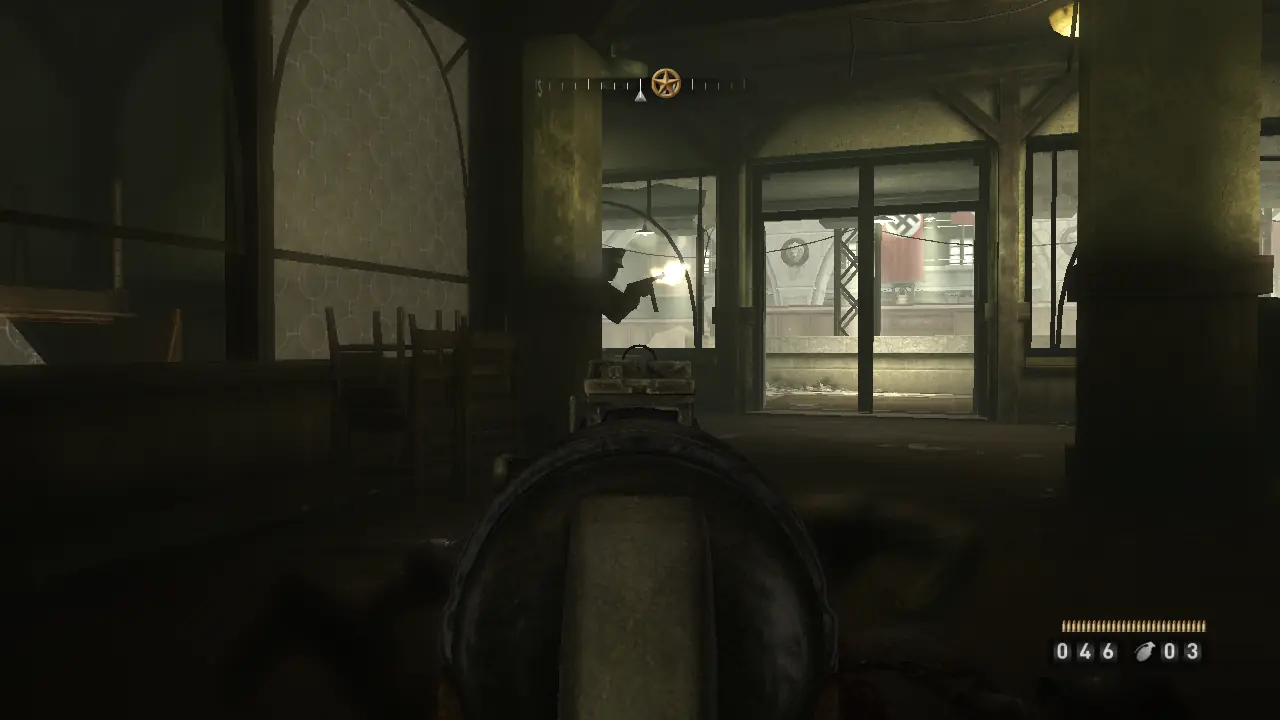
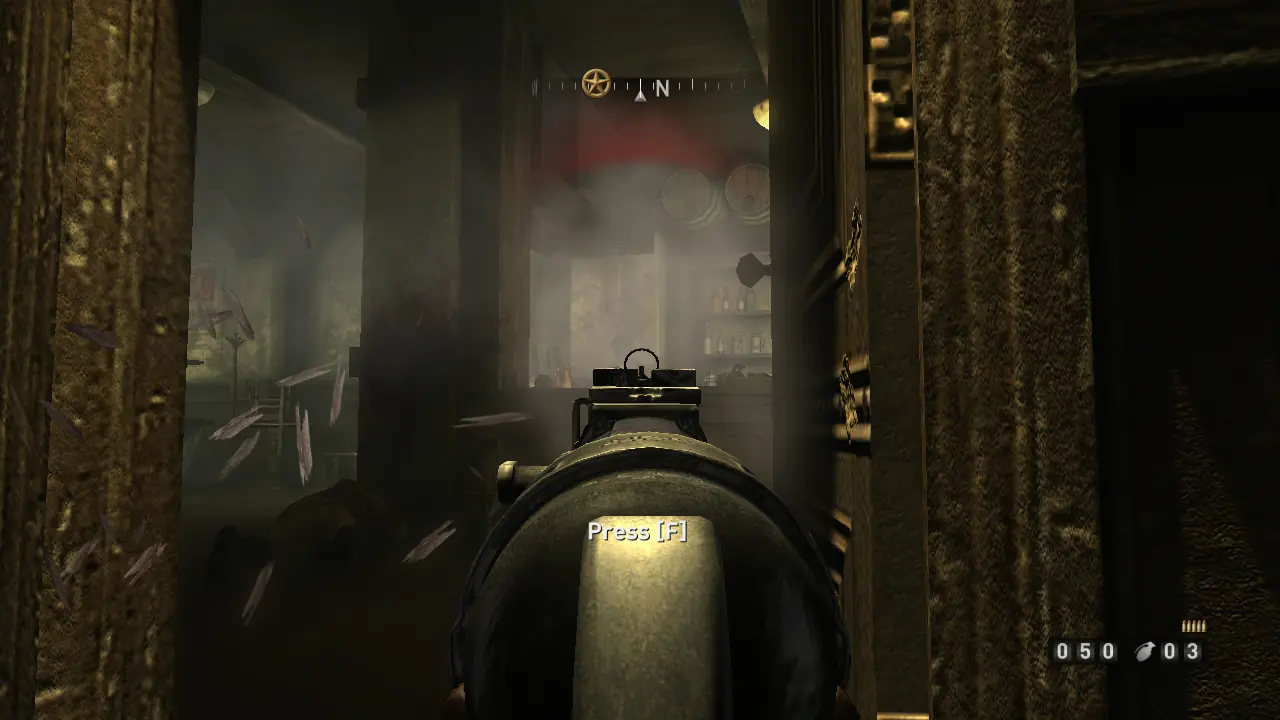
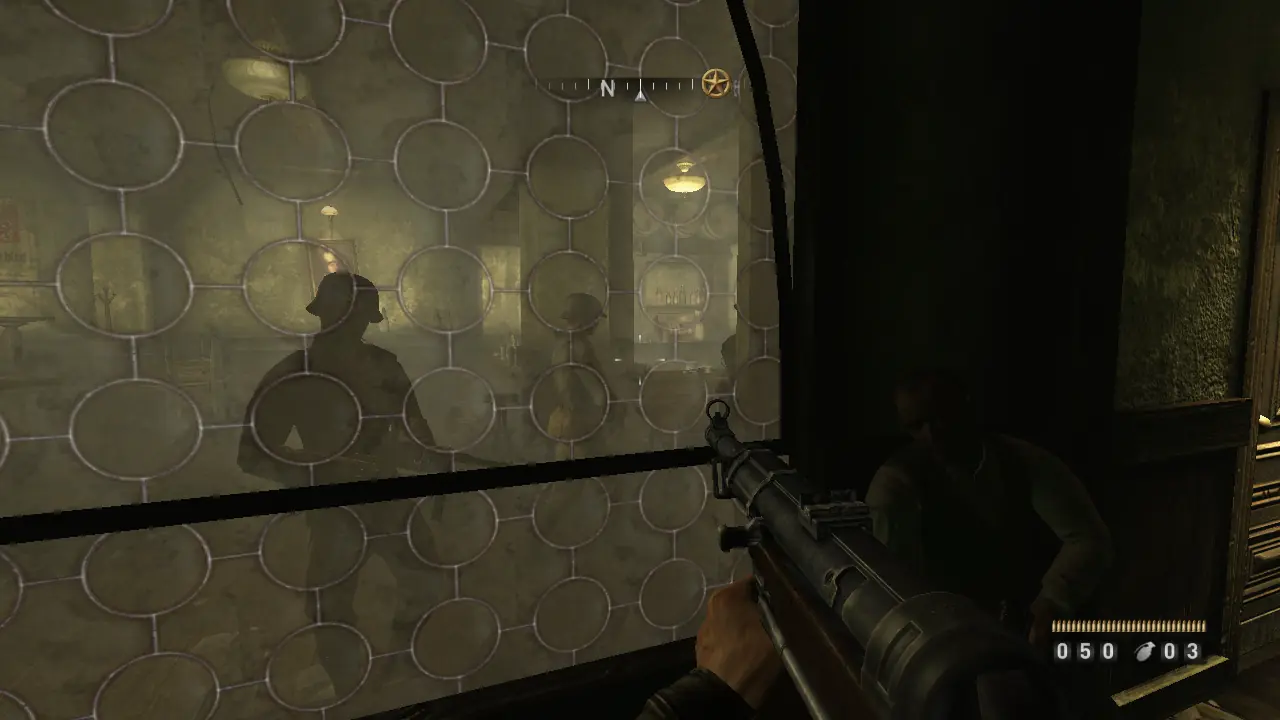
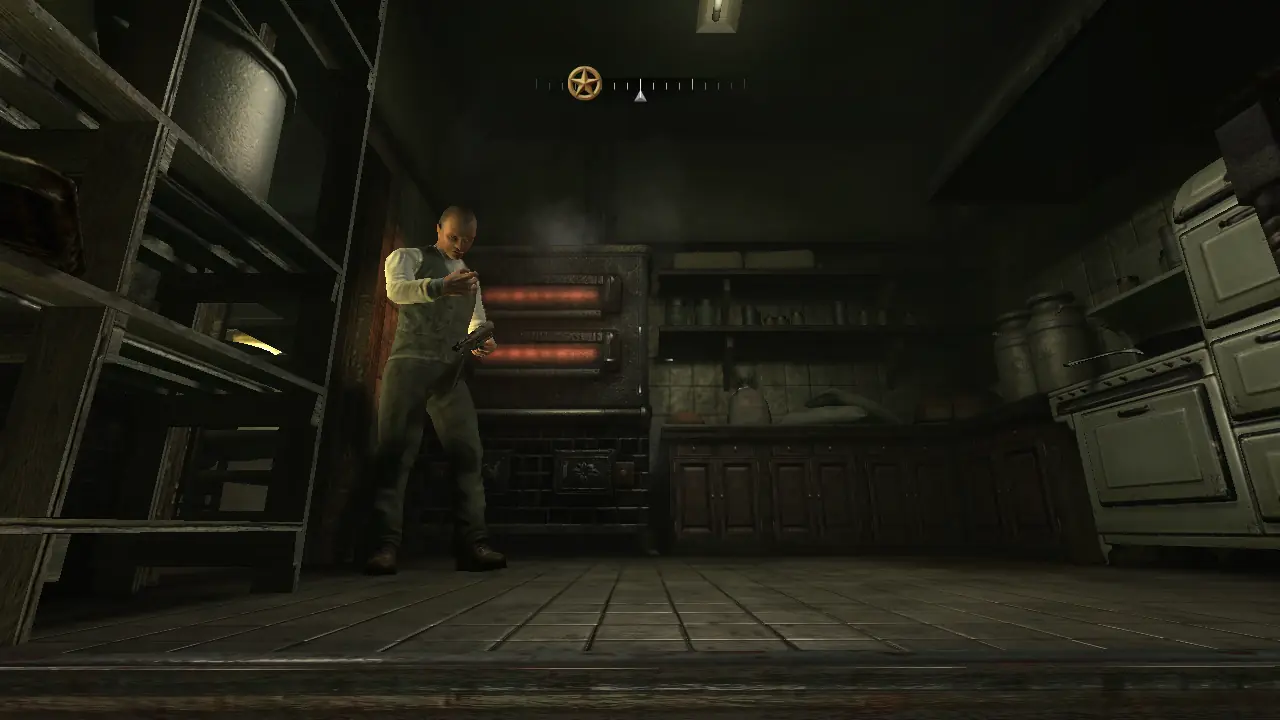
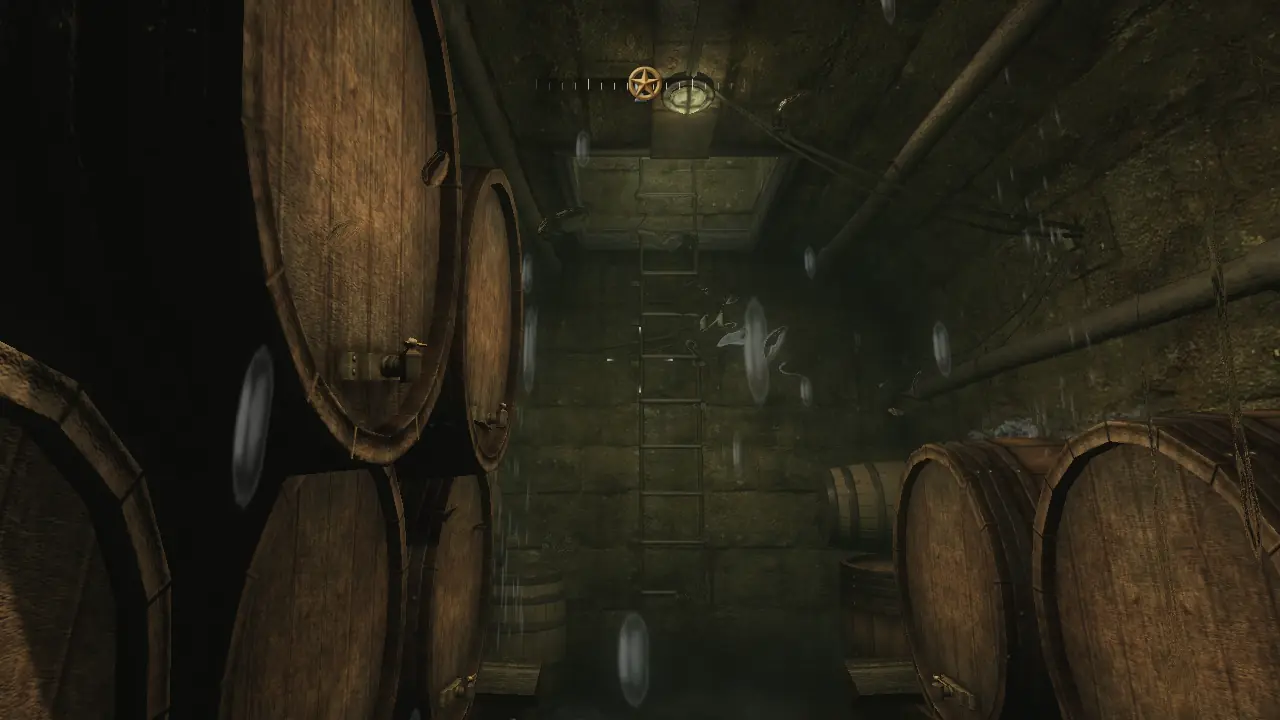
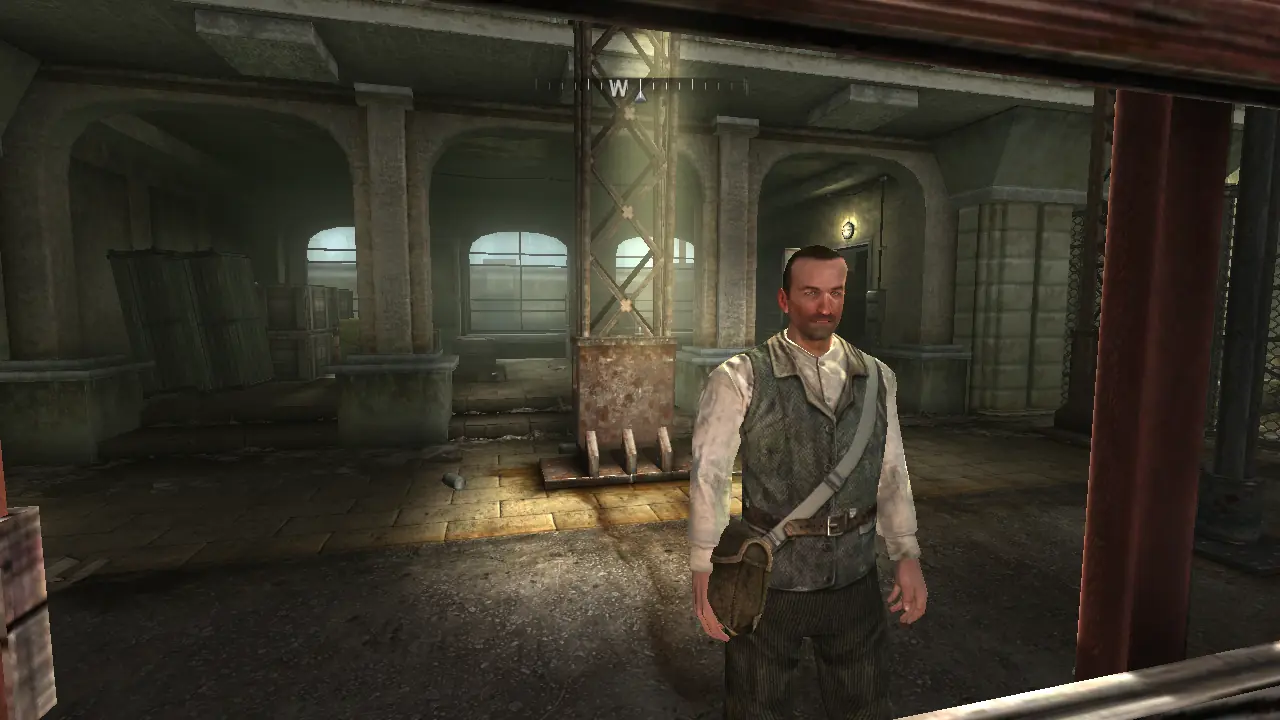
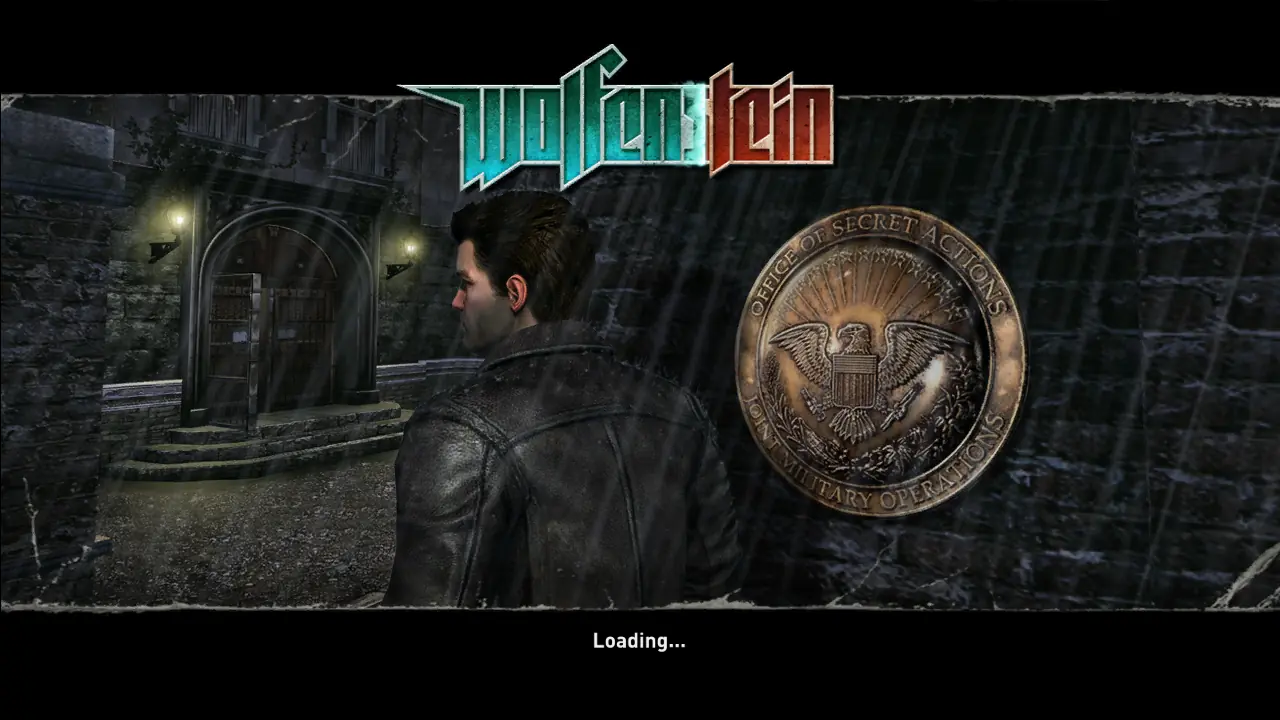
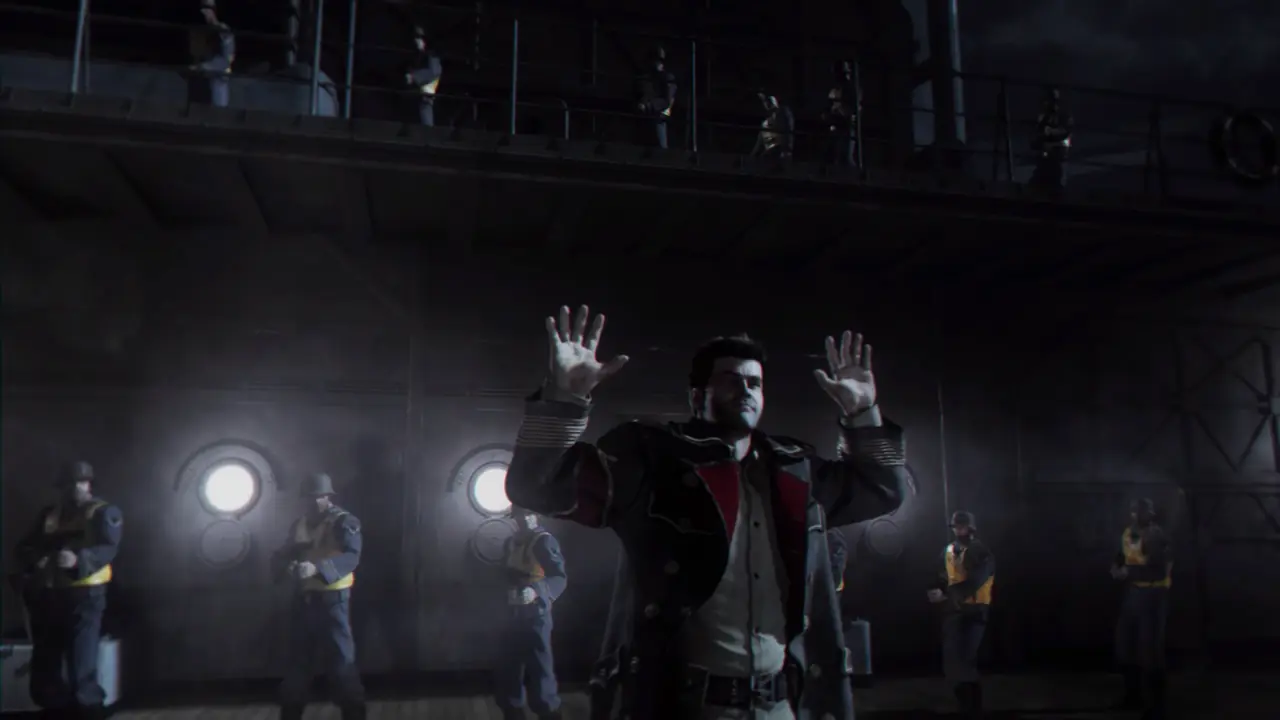
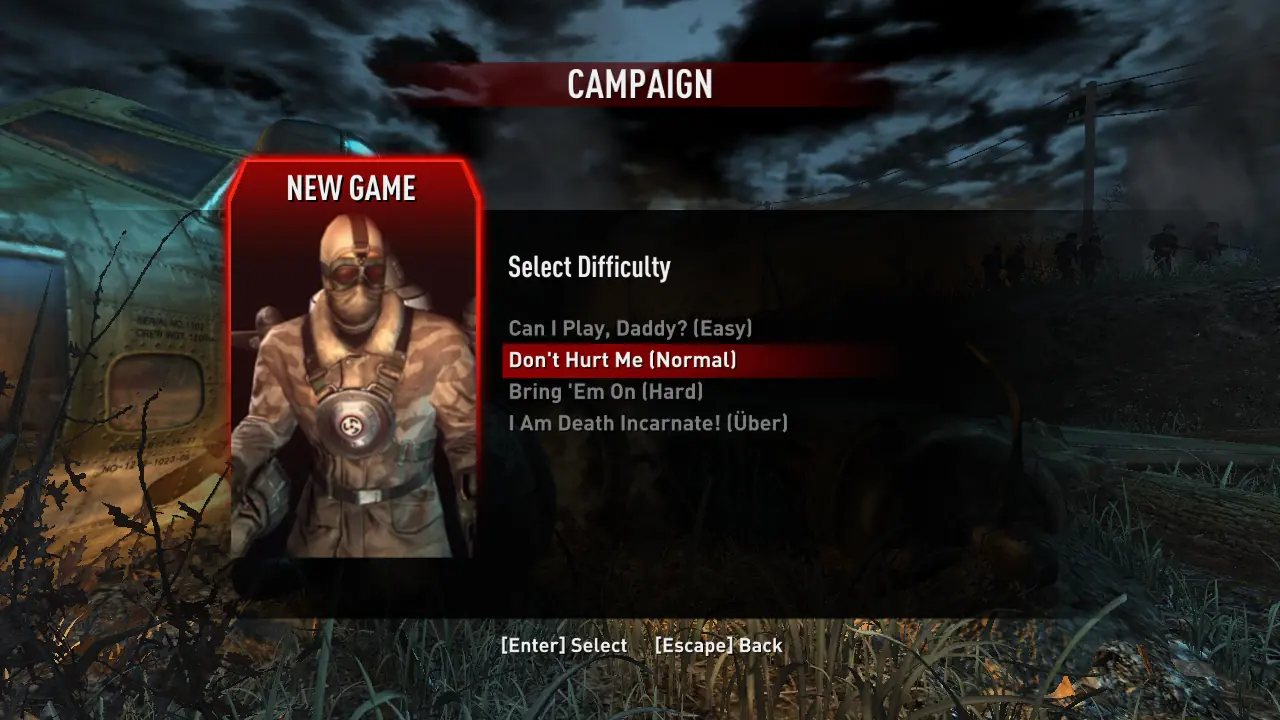
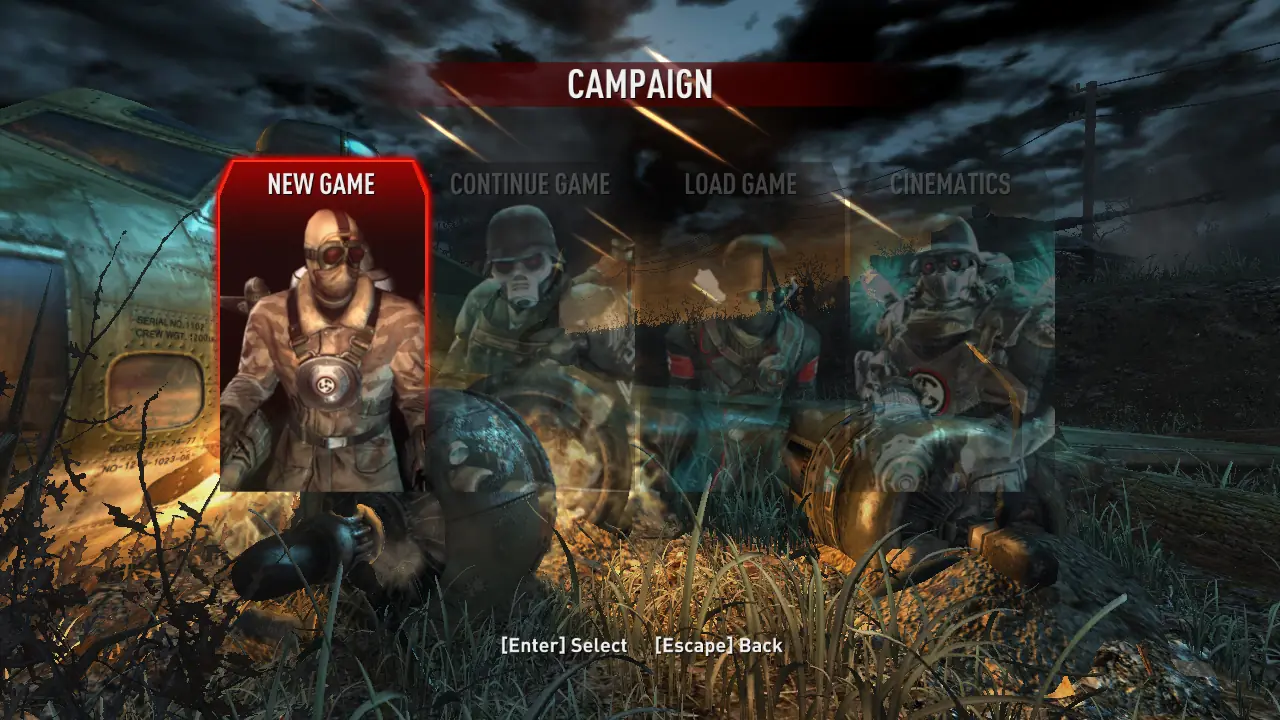
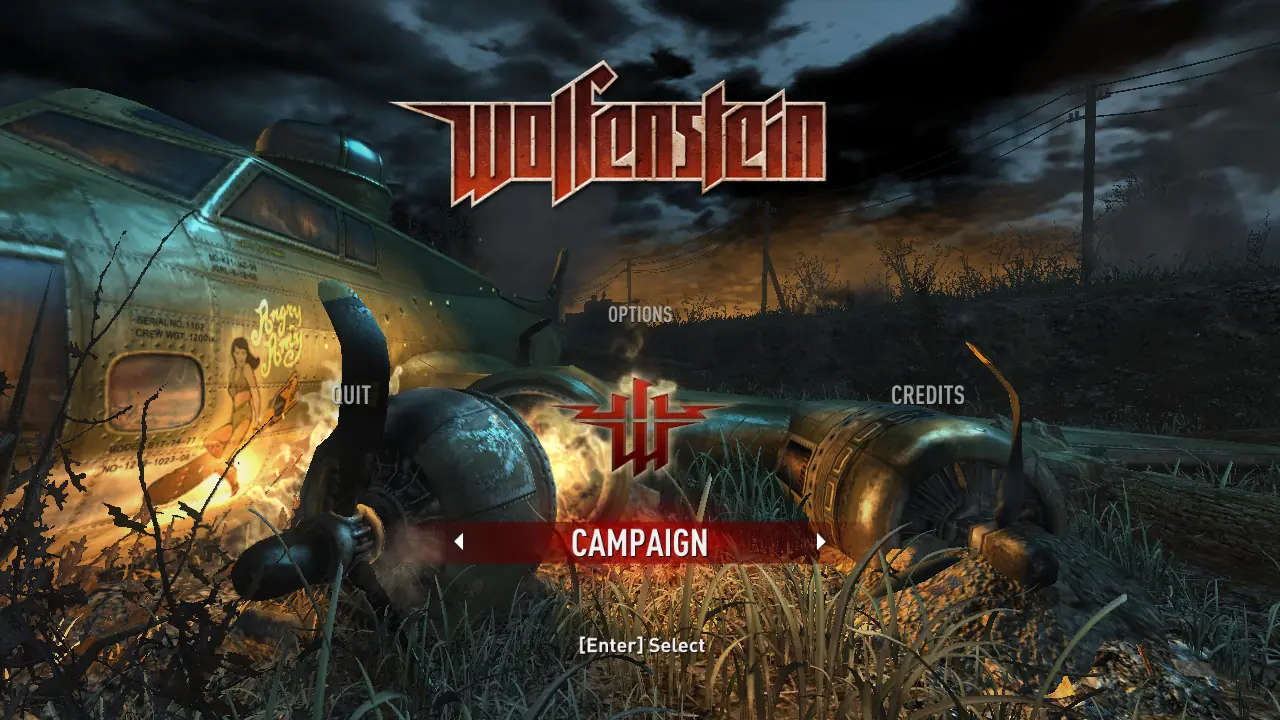
Wolfenstein — Windows screenshot 1Wolfenstein — Windows screenshot 2Wolfenstein — Windows screenshot 3Wolfenstein — Windows screenshot 4Wolfenstein — Windows screenshot 5Wolfenstein — Windows screenshot 6Wolfenstein — Windows screenshot 7Wolfenstein — Windows screenshot 8Wolfenstein — Windows screenshot 9Wolfenstein — Windows screenshot 10Wolfenstein — Windows screenshot 11Wolfenstein — Windows screenshot 12Wolfenstein — Windows screenshot 13Wolfenstein — Windows screenshot 14Wolfenstein — Windows screenshot 15Wolfenstein — Windows screenshot 16

Download Wolfenstein

Wolfenstein is abandonware and no longer sold or supported by its publishers. Files are archived here for these platforms:

Windows (2009)

  • Wolfenstein_2009_Win_Setup_En.zipEN3.25 GB
  • Instructions Wolfenstein_2009_Win_Setup_En.zip

    Instructions for Wolfenstein_2009_Win_Setup_En.zip (how to play on Windows)

    1. Download the "Wolfenstein_2009_Win_Setup.zip" file from the link above. Make sure you download the file properly and that your internet does not disconnect while downloading.
    2. Open the downloaded .zip file and extract the "Wolfenstein_2009_Win_Setup" folder to your desktop. You will need to use a software such as WinRAR to do this.
    3. Open the extracted "Wolfenstein_2009_Win_Setup" folder and then open the "Game Files" folder.
    4. Double click on the file called "setup.exe" and the game setup should start. You can keep everything at default but importantly, at some point they will give you an option to choose your language. You want to select English out of the 2 options. Finish installing the game.
    5. Once the installation is completed, you can now launch the game using the "Wolfenstein 2"shortcut on your desktop (or "Wolf2.exe" in the folder which you chose to install the game in).
    6. Enjoy the game!

Manuals and readmes

Comments

12 thoughts on “Wolfenstein”

  1. 1
    Game works fine on my Windows 11, don’t need anything just make sure u have Unicode language is on to run it, and updated ur DirectX to play it.
    Reply
  2. 0
    In Windows 10, after installing, I went to the installation folder and right clicked on ‘Wofl2.exe”, selected ‘Properties’, then clicked the ‘Compatibility’ tab, then ticked ‘Run this program in compatibility mode for’ and selected ‘Windows 98/Windows Me’, and it runs fine. Otherwise, double clicking ‘Wolf2.exe’ changes the cursor to a larger, pixellated one, for about ten seconds, and then nothing. I also clicked on ‘Change settings for all users’ and repeated what I had just done with Compatibility Mode in the previous window, just in case. Runs beautifully.
    Reply
    • 0
      I’ve just tried to run Wolfenstein on my laptop, which has Windows 11, but no luck. After using the method I used on Windows 10, double clicking Wolf2.exe displays a Wolfenstein loading banner for about ten seconds, then it vanishes and nothing else happens. My solution is to install Windows 10 on my Windows 11 laptop, as I’m sure more old games will work on Windows 10 than on Windows 11.
      Reply
  3. 0
    I have a problem with the sound. Game works fine, but there is no sound and I can’t find solution anywhere. I tried changing it from Stereo to 5.1 or 7.1 in game settings, but it is still the same, no sound at all. Please help <3
    Reply