| Publishers | Infogrames Europe SA |
| Developers | Artech Studios Ltd. |
| Release date | 1998 |
| Genre | Adventure |
| Game rating |
Game Description
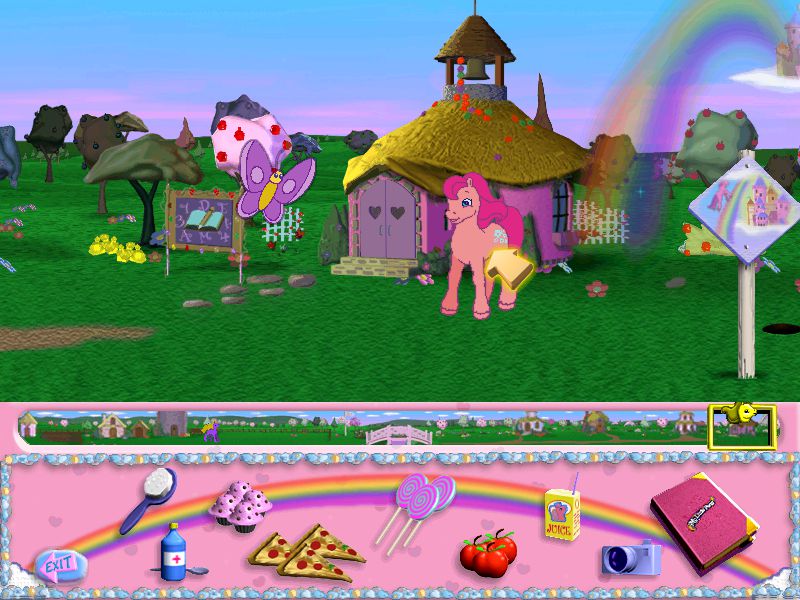
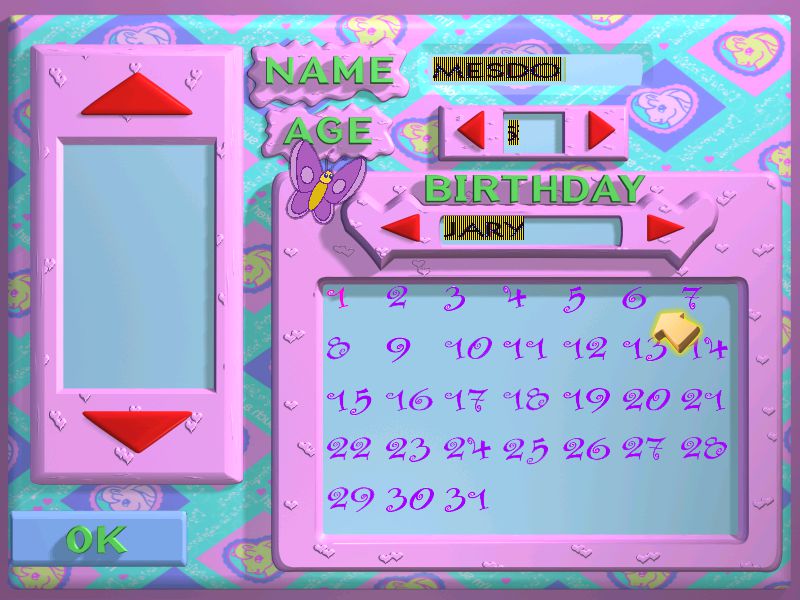
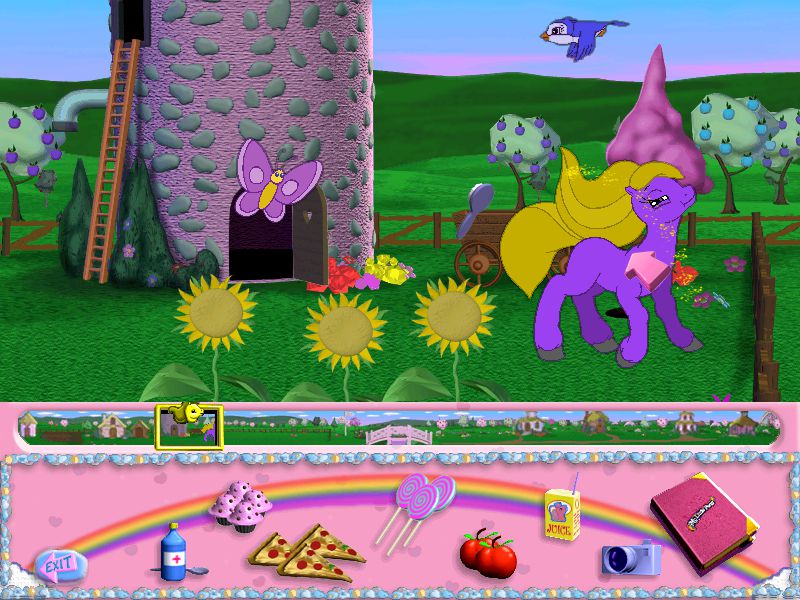
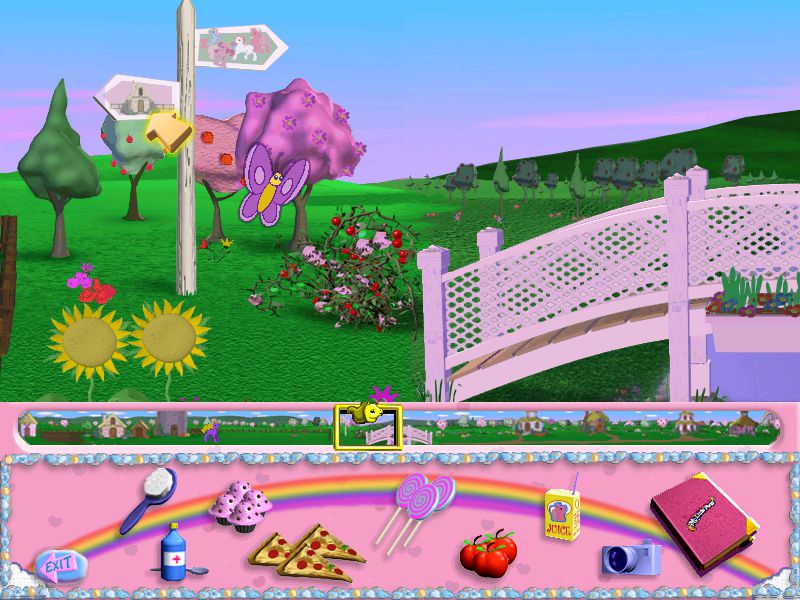
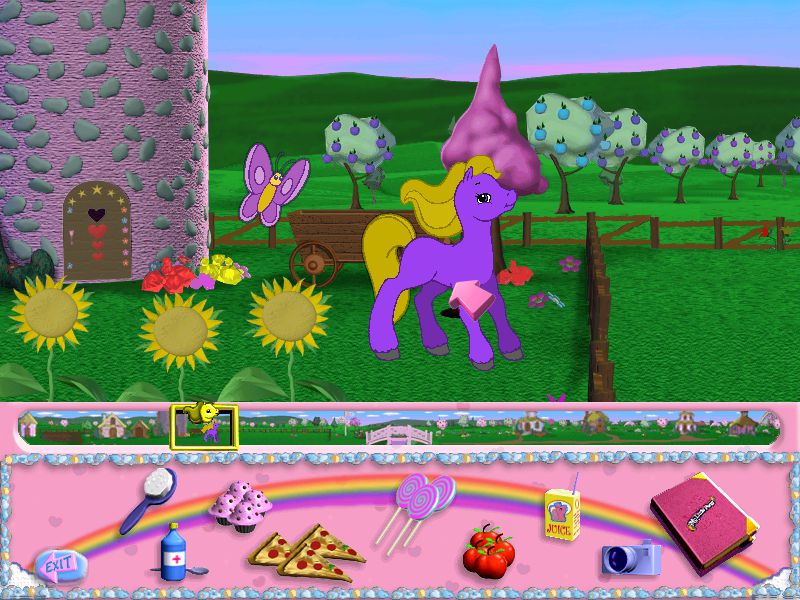
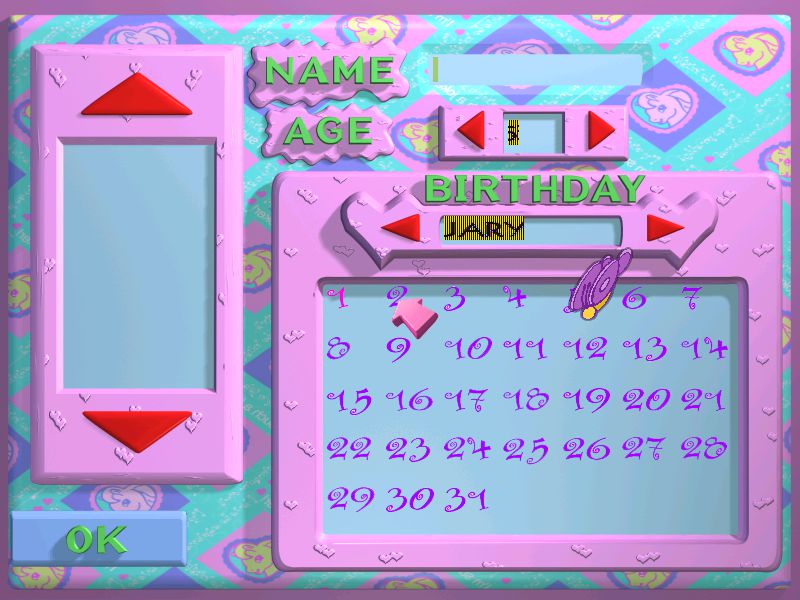
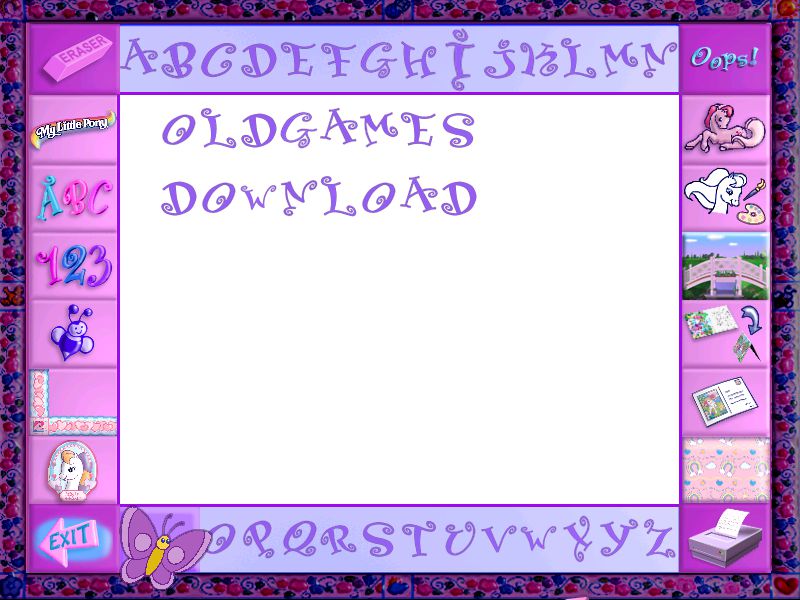
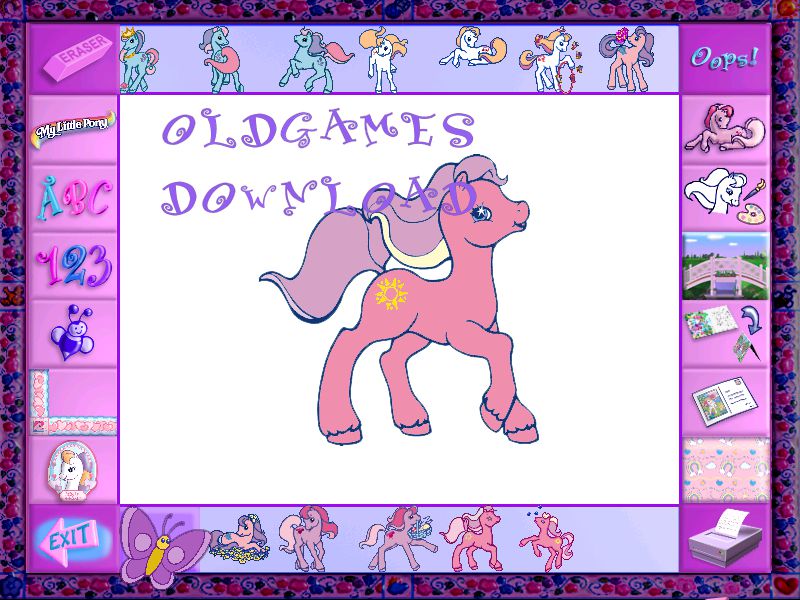
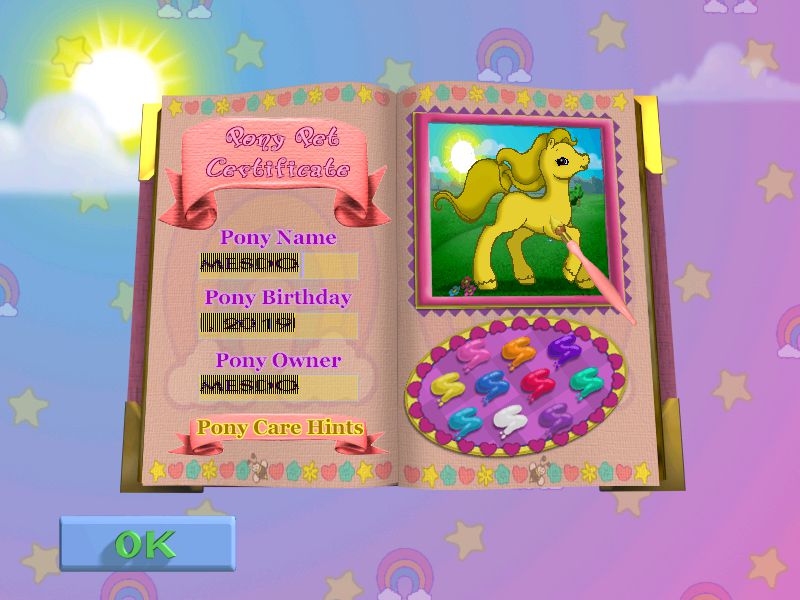
My Little Pony: Friendship Gardens is a game for young children that is based on the ‘My Little Pony’ franchise. It was originally developed in 1998 and has been re-issued a number of times. The game starts with the player creating their own pony using a paint box screen to change the colours to their liking. Then the pony is given a name and the player is taken to Ponyland where the game begins. The game starts at a bridge. To the left is the farm where the player gets to know and train their pony. To the right is the pony village. The player starts on the farm where they feed, groom and train their pony. There is a limited supply of food in the inventory to start with and more can be grown or picked from trees. When the pony has grown she will be confident enough to enter the village and have fun with other ponies.
Download My Little Pony: Friendship Gardens
We might have the game available for more than one platform. My Little Pony: Friendship Gardens is currently available on these platforms:
Windows (1998)
My_Little_Pony_Friendship_Gardens_Win_ISO_EN.7z (366MB)
How to play on Windows
- Download and Extract My_Little_Pony_Friendship_Gardens_Win_ISO_EN.7z
- Open the “Game Files” folder and mount OGD.My.Little.Pony.iso (if you’re not sure how to do this, please refer to this help article: https://oldgamesdownload.com/wiki/install-games-on-windows/)
- Run the game “SETUP.EXE” as an administrator (Right Click > Run as administrator) and follow on-screen instructions to install the game
- Double click on “Play My Little Pony” in the window which pops up when installation is finished
- Play the game
Additional files, patches and fixes
My Little Pony: Friendship Gardens Screenshots
Windows




0
0
0
0
0
I left a long comment explaining how I got it to work! 🙂
0
0
0
0
0
long comment about how I got the game to run properly! 🙂
0
0
0
0
0
0
0
0
0
0
0
0
0
0