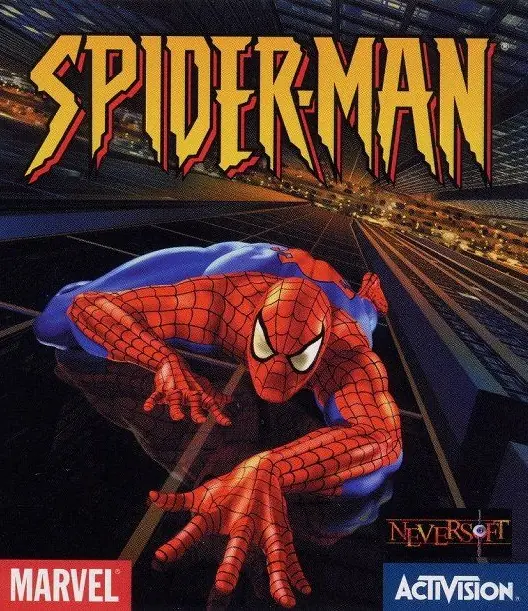
Spider-Man

Publishers Activision
Developers Neversoft, Vicarious Visions (GBC), Edge of Reality (N64)
Release date 2000
Genre Action, Adventure, Platformer
Game rating
4.6/5 - 1,044 votes

Game Description

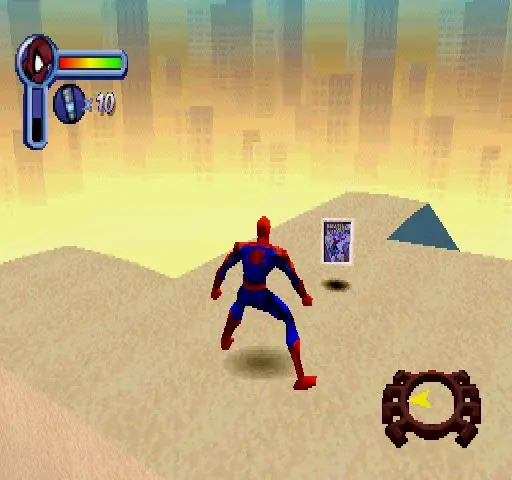
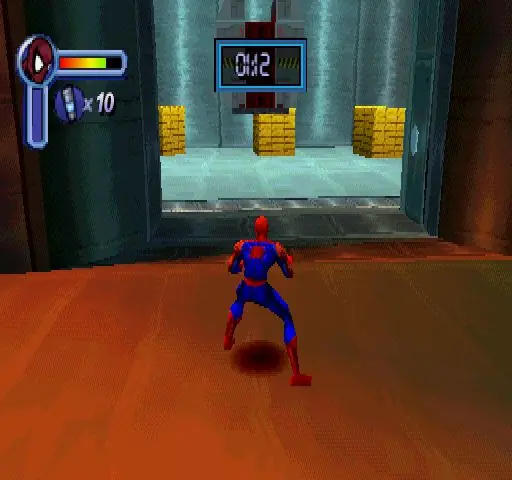
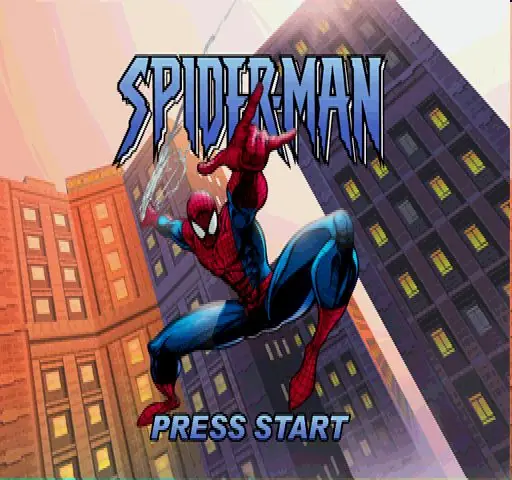
Spider-Man is an action-adventure video game based on the Marvel Comics comic book series The Amazing Spider-Man, which features the fictional superhero Spider-Man. The game follows Spider-Man as he is framed by a doppleganger for stealing a device created by a supposedly reformed Dr. Otto Octavius.

Download Spider-Man

We might have the game available for more than one platform. Spider-Man is currently available on these platforms:

PlayStation (2000)

Spider_Man_2000_PS_ROM_EN.7z (374.5MB)

Windows (2001)

Spider_Man_2000_Win_Files_EN.7z (106.4MB)

Spider_Man_2000_Win_ROM_EN.7z (520.8MB)

Spider_Man_Win_ISO_EN.zip (476.4MB)

Spider_Man_Win_Setup_EN.zip (467.5MB)

Spider_Man_dgVoodoo_Win_RIP_EN.zip (425.5MB)

Spider_Man_MagiPack_Repack_Win_Setup_EN.zip (411.1MB)

How to play on Windows (Method 1)

  1. Download and Extract Spider_Man_2000_Win_Files_EN.7z
  2. Open the “Game Files” folder and launch “SpideyPC.exe”
  3. Enjoy!

How to play on Windows (Method 2)

  1. Download and Extract Spider_Man_2000_Win_ROM_EN.7z
  2. Open the “Game Files” folder and mount the .mdf file (see our wiki section if unsure how)
  3. Run the game setup and finish installing the game
  4. Crack the game using the file inside the “Crack” folder
  5. Launch the game using the desktop shortcut or by double clicking on “SpideyPC.exe”
  6. Enjoy!

How to play on Windows (Method 3 – credits to lightsritual)

GUIDE TO MAKE GAME RUN ON WINDOWS:

Install:
Under (Windows)
– Spider_Man_Win_Setup_EN.zip (467.5MB) (MAIN GAME)

Under “Additional files, patches and fixes”
– Spider-Man Windows NoCD (English) (CRACKED FIX)

  1. Extract *MAIN GAME* to a preferred folder of your choice. I have it under C:\OldGames… OR you can simply drag the folder “Spider-Man 2000” into C:\OldGames…
  2. In Spider-Man 2000 open Setup folder…
  3. Open Spider-Man Windows NoCD (English) Separately then navigate C:\OldGames\Spider-Man 2000\Spider_Man_NoCD_Win_EN.zip\Game Files\Crack…
  4. Copy SpideyPC
  5. Paste it into the ‘SETUP’ MAIN GAME FOLDER (my example: C:\OldGames\Spider-Man 2000\Setup)
  6. Replace file in destination..
  7. To launch the game click SpideyPC (Application)
  8. CONGRATS NOW YOU CAN PLAY! Send a shortcut to desktop for easier access
  9. *Highly recommend you look up a resolution fix to play at your monitors native resolution!*

Mac (2002)

Spider_Man_Mac_SIT_EN.FR.DE.zip (451.2MB)

Additional files, patches and fixes

Spider-Man Windows NoCD (English)

Spider-Man Mac NoCD (English)

Spider-Man Mac Patch v1.02 (English)

Spider-Man Windows Manual (English)

Spider-Man (2000) Windows Manual (English)

Spider-Man (2000) Windows ReadMe (English)

Spider-Man (2000) Nintendo 64 Manual (English)

Spider-Man (2000) PlayStation Manual (English)

Spider-Man (2000) Windows Manual (Spanish/Italian)

Spider-Man (2000) Windows Manual (French)

Spider-Man Screenshots

PlayStation

119 thoughts on “Spider-Man”

  1. 0
    when i reach the building where spiderman automatically chases venom inside. venom jumps but spiderman still moves on his own and i can’t control him and causes me to lose every time not letting me proceed. please if anyone knows a solution help.

    Reply
    • 0
      the game shouldnt surpass 30 FPS. lock your framerate to 25-30 and you won’t have any more bugs. The PS1/N64/Dreamcast versions don’t have these type of problems because they can 30 FPS max

      Reply
  2. -1
    when i get to the building in chasing venom the cutscene glitches and then i go out the window and die does anybody have a solution

    Reply

Leave a Comment