The Hobbit
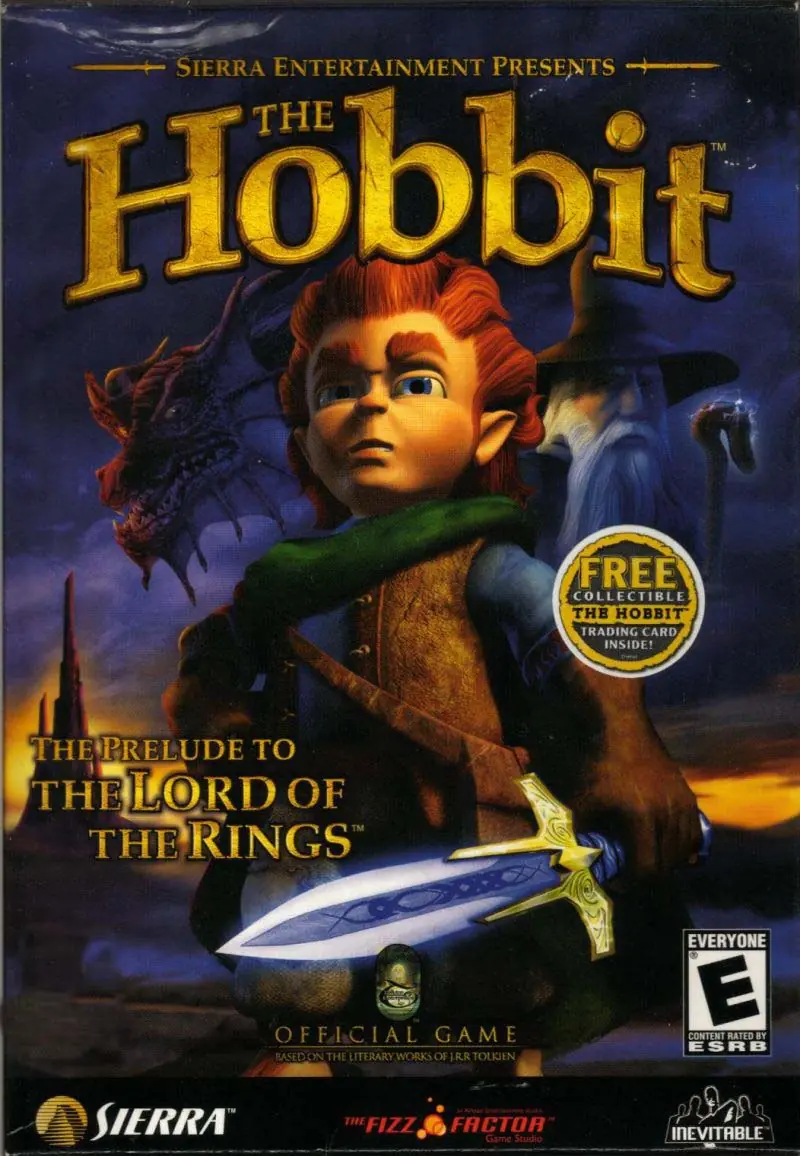
The Hobbit is a 2003 platformer game developed by Inevitable Entertainment and published by Sierra Entertainment.
Genres
Publishers
Developers
Released
Platforms
The Hobbit is a 2003 platformer game developed by Inevitable Entertainment and published by Sierra Entertainment.
The game is based on the 1937 novel of the same name by J. R. R. Tolkien, and has no relationship with the Peter Jackson-directed The Lord of the Rings film trilogy. At the time, Vivendi, in partnership with Tolkien Enterprises, held the rights to the video game adaptations of Tolkien's literary works, whilst Electronic Arts held the rights to the video game adaptations of the New Line Cinema films. The game sticks very closely to the plot of the novel, although it does feature some minor characters not found in Tolkien's original.
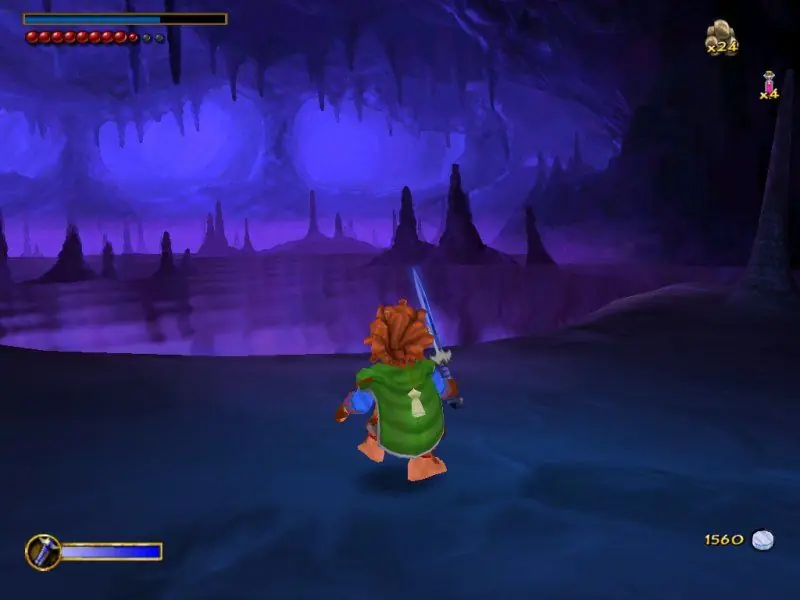
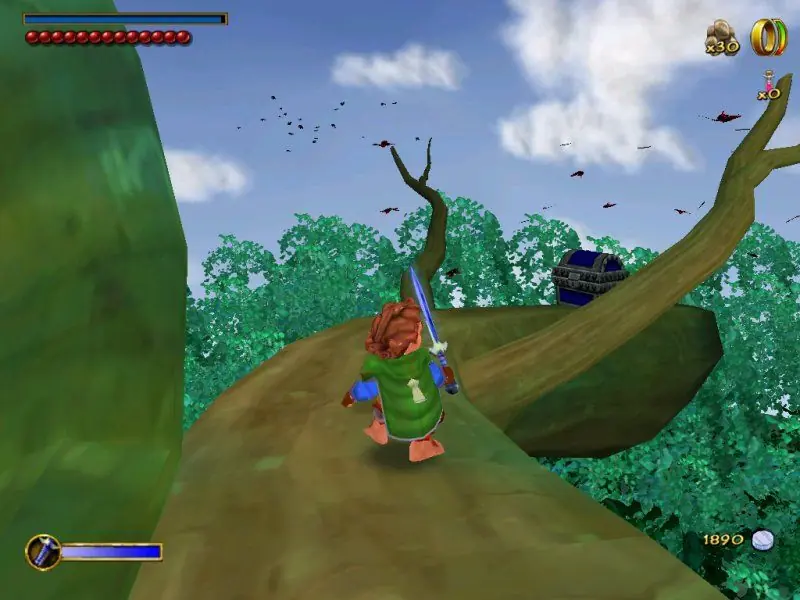
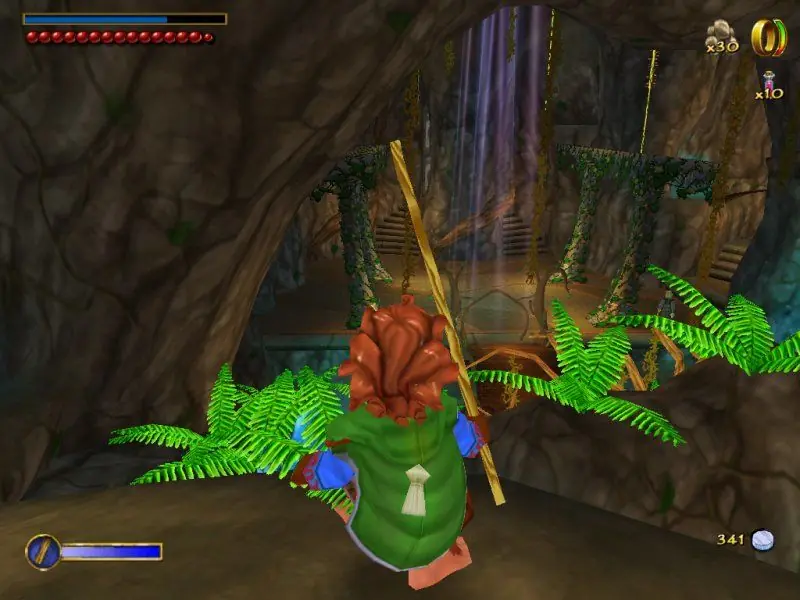
The Hobbit is abandonware and no longer sold or supported by its publishers. Files are archived here for these platforms:








decided to run it on a windows 10 computer, played it, got halfway through and realized the game was just constantly trying to kill itself.
I Genuinely love this little old game but it was not released in a good condition, just a functional one. now running it on windows 11 may seem like shooting yourself in the foot since the games degraded state has only worsened on new hardware.
Play this game on an older computer or skip out on it, the game is decent quality wise and can be fun. But the game is not worth it in the long run.
If i decide to come back ill figure out how to force it to work like i did on windows 10, with a CPAP machine and a Heart monitor attached to its piss stained bed.
-Download and unzip the file above.
-Navigate to the unzipped The_Hobbit_Win_ISO_EN\Game files\CD1 file.
-Right click and mount the iso file, Windows 11 can do this natively but if you need to get software for it winCDEmu is free and should work.
-if it doesn’t autorun enter the mounted drive from This PC and launch autorun.exe.
-Install till it asks for disk 2.
-Navigate to the The_Hobbit_Win_ISO_EN\Game files\CD2 file.
-Mount the iso file.
-finish instalation.
-if the application asks for disk 1 to be inserted navigate to The mounted disk 1 and enter the folder Razor1911.
-copy Meridian.exe.
-navigate to C:\Program Files (x86)\Sierra\The Hobbit(TM).
-paste Meridian.exe and replace the file.
You shouldn’t need the virtual disks mounted to run the game. That worked for me I hope this helps!
When I press the resolution option of 1920×1080, it does not let me confirm it, it automatically returns to the previous resolution.
any solution please? I would really appreciate it, thank you <3