Disney’s Tarzan
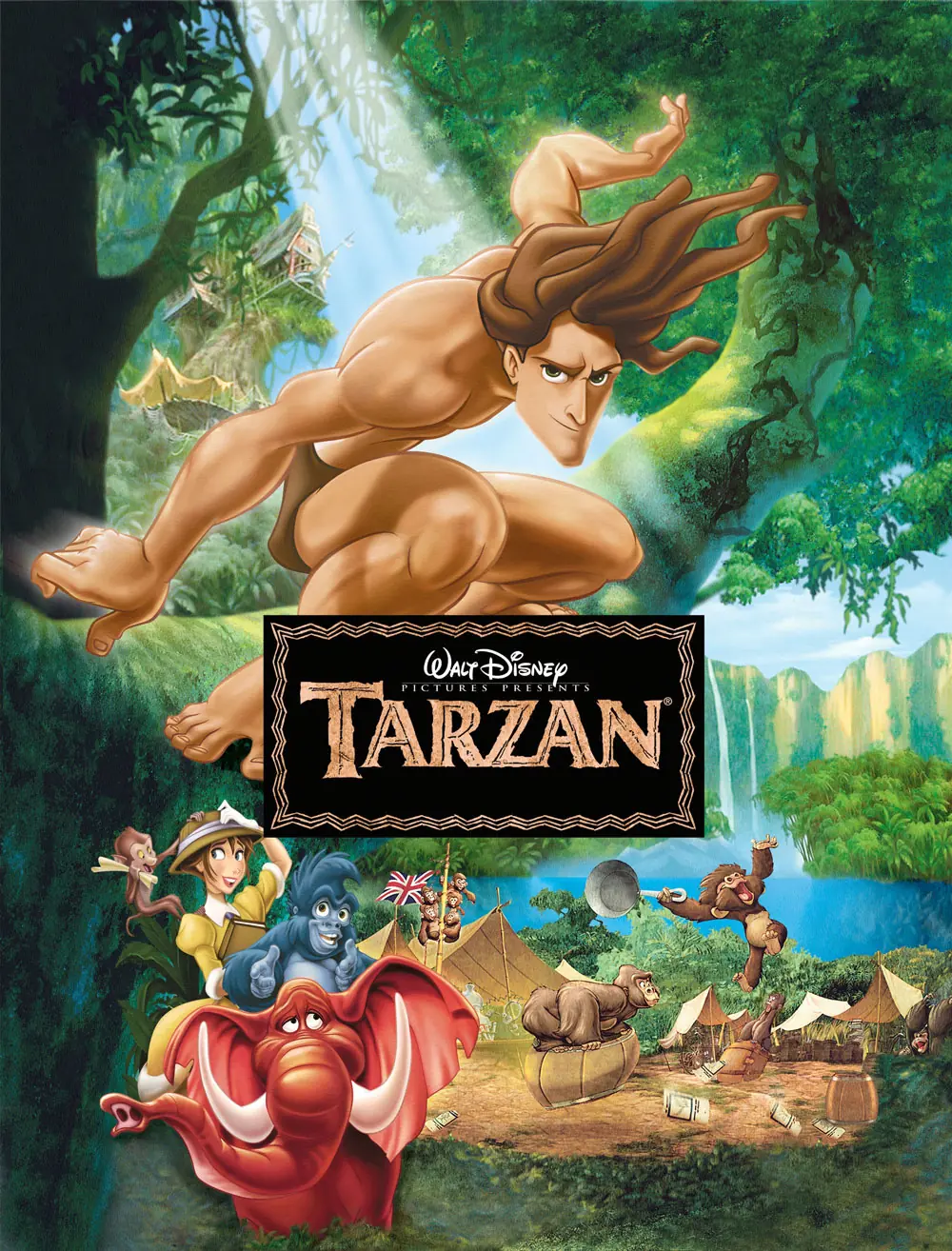
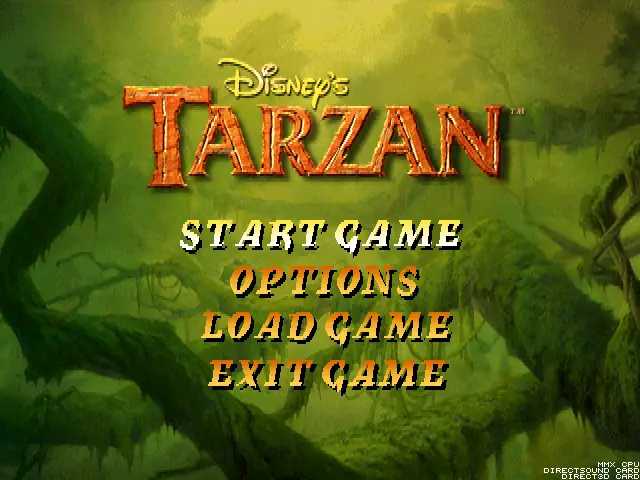
Disney’s Tarzan is a 1999 action game developed by Digital Eclipse and published by Disney Interactive.
Genres
Publishers
Developers
Released
Platforms
Disney’s Tarzan is a 1999 action game developed by Digital Eclipse and published by Disney Interactive.
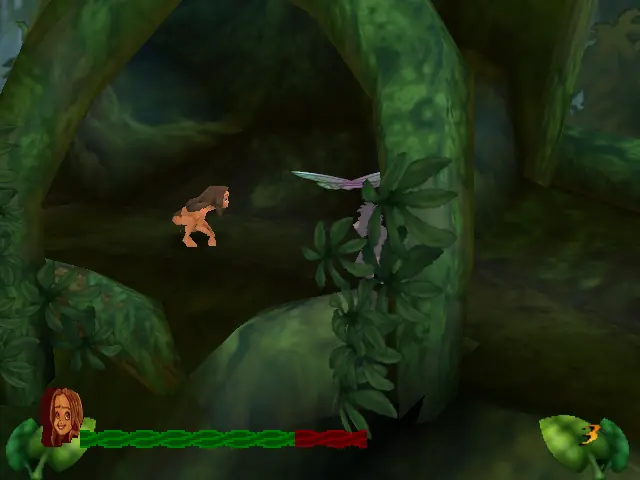
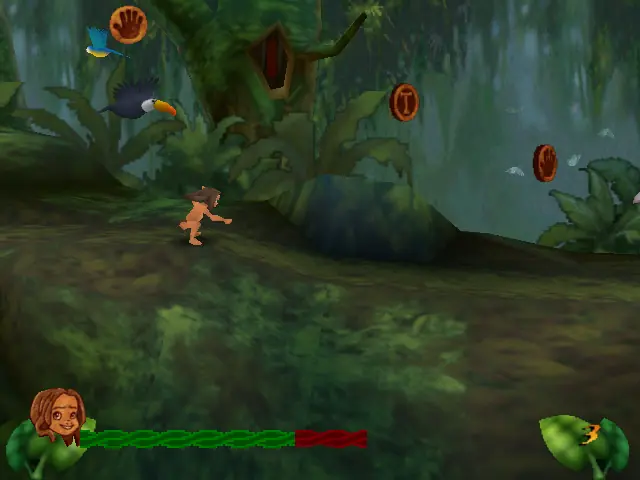
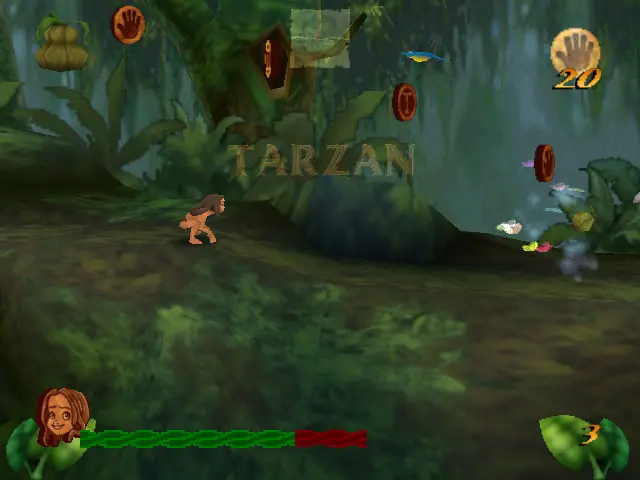
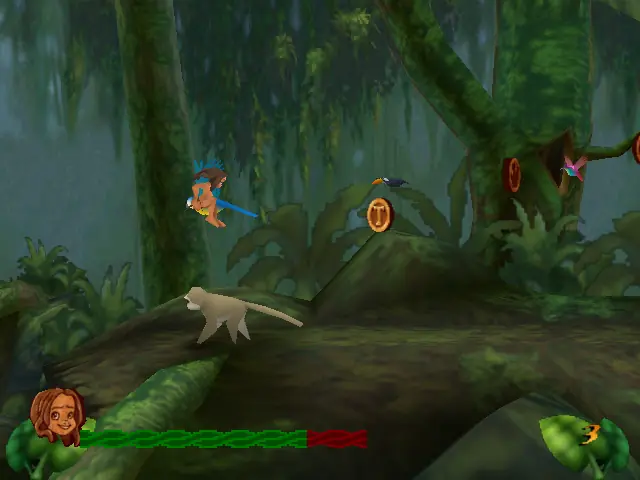
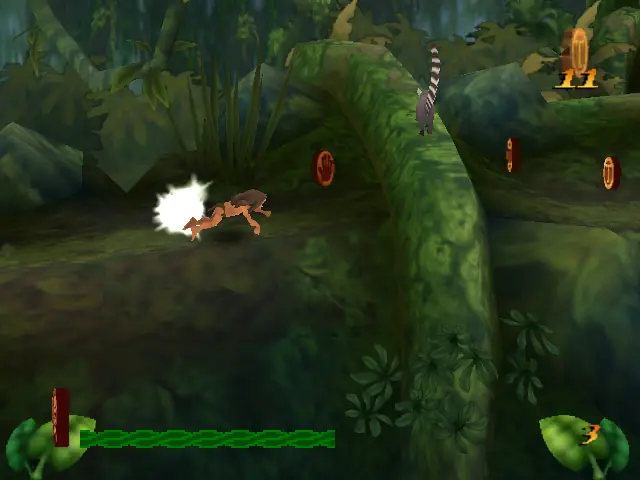
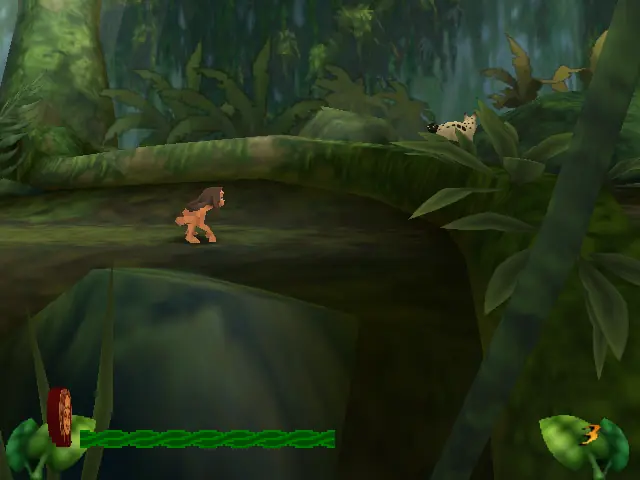
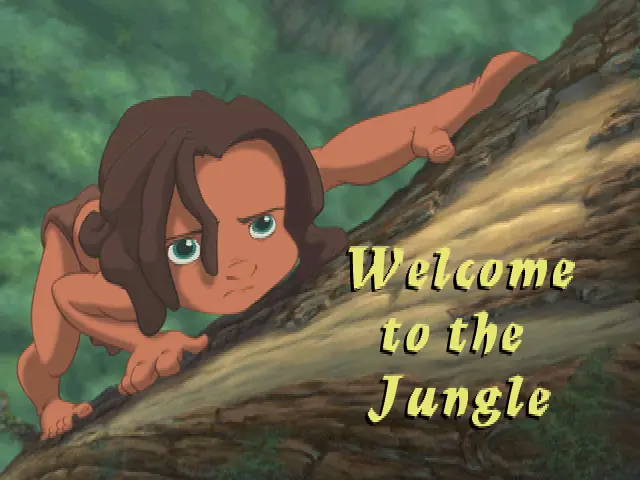
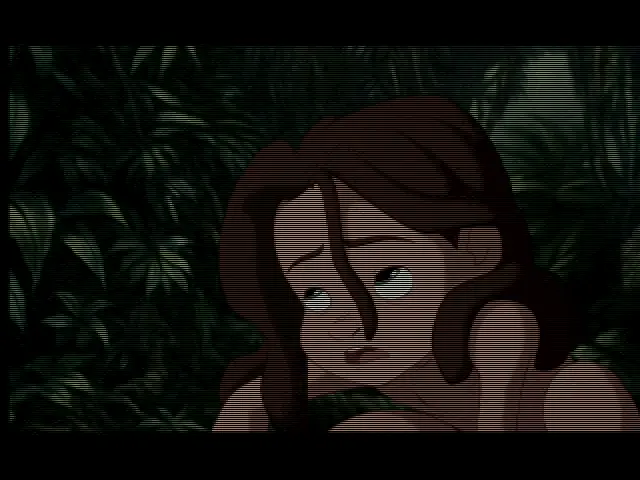
Disney's Tarzan (also known as Tarzan Action Game) is an Action platformer developed by Eurocom and published by Sony Computer Entertainment for the PlayStation console in 1999. Konami published the game for its Japanese release. It was also released on the PC and Game Boy Color in 1999, and Nintendo 64 in 2000. The player takes control of the eponymous Tarzan who ultimately has to save his home, the jungle, from Clayton, a hunter for gorillas. Tarzan starts up as a child learning the skills of the apes. The game has 3 difficulties: easy, medium and hard. In the easy and medium difficulties, little Tarzan gets tips from his friend Terk. Tarzan's enemies are monkeys, baboons, eagles, and different animals such as snakes and bushpigs, and some humans and Clayton.
Disney’s Tarzan is abandonware and no longer sold or supported by its publishers. Files are archived here for these platforms:
How to play on Windows







Anyway, here’s what I did to solve it, hope it’s helpful:
1. toward Game Files/BatmanJU.bin click mouse left key, click show more to find PowerISO, set the numbers of virtual disks, select 1 virtual disk
2. go to the virtual disk and toward it click mouse left key, click show more to find PowerISO, set the .bin files to the virtual disk(this is called mounted to)
3. go to Tarzan file, you can set the shortcut of tarzan.exe to your desktop, it is quite important cuz the game will save data on the shortcut you create(Tarzan/kanga/data/tarzan.exe)
4. now click the shortcut tarzan.exe, then you should see it playing the animation of the game