Home » Games » Disney’s Tarzan

Disney’s Tarzan

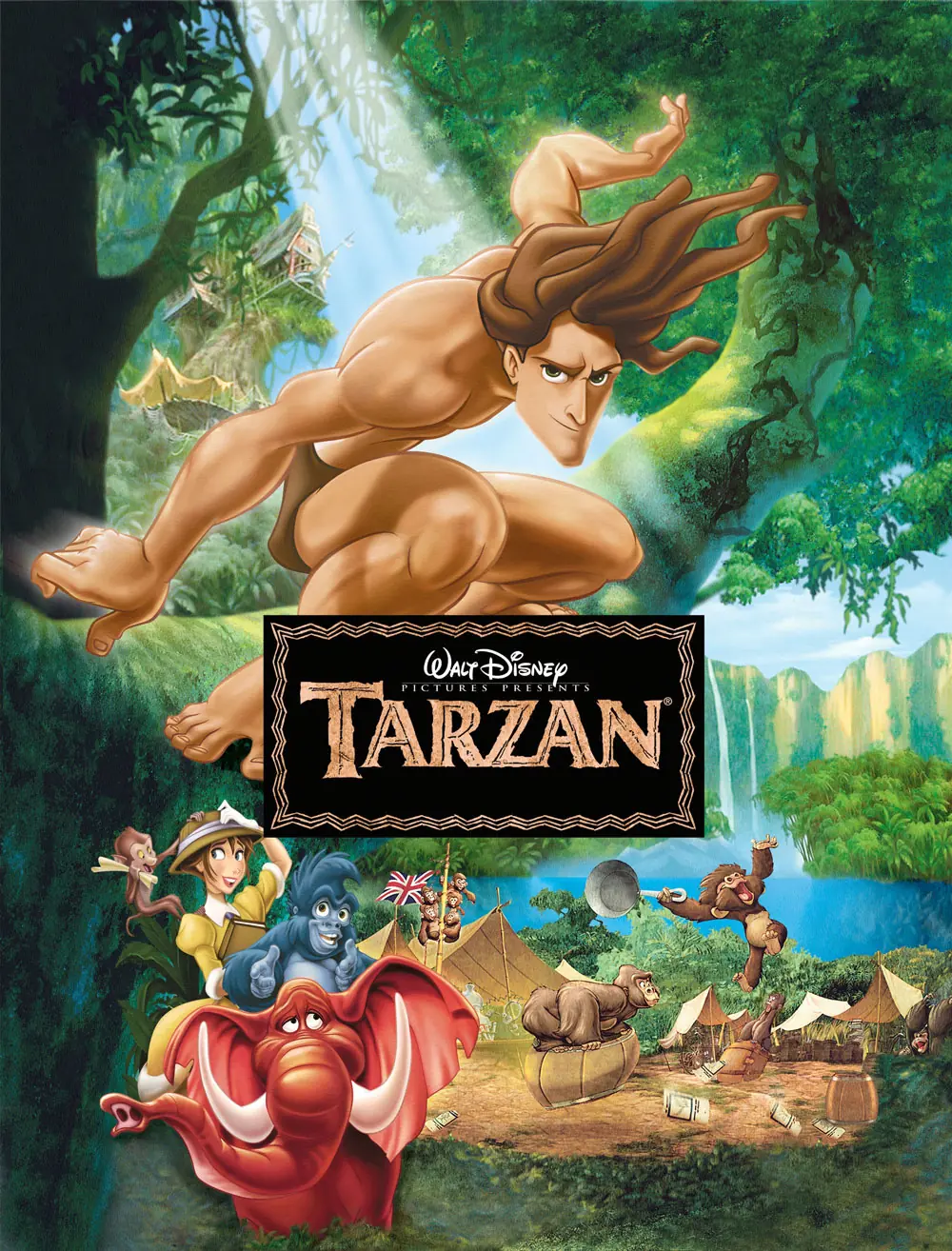
Disney's Tarzan Game Cover
4.6/5 - 384 votes

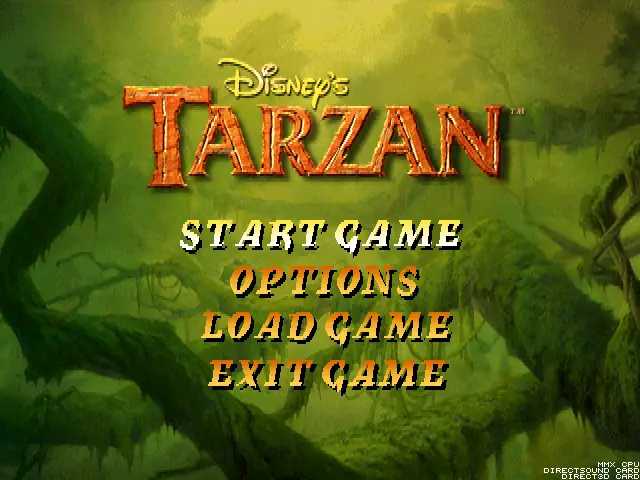
Disney’s Tarzan is a 1999 action game developed by Digital Eclipse and published by Disney Interactive.

Other Titles

Disney's Tarzan 액션 게임ТарзанターザンDisney Tarzan Jeu d'ActionDisney's Tarzan ActionspilDisneys Tarzan Action-SpielDisney's Tarzan Dobrodružná hraDisney's Tarzan: Action GameDisney's Tarzan: Juego de AccionDisneys Tarzan: Action-SpielTarzanטרזןتارزانديزنى طرزانديزني طرزان

Publishers
Released
Platforms
Download

About Disney’s Tarzan

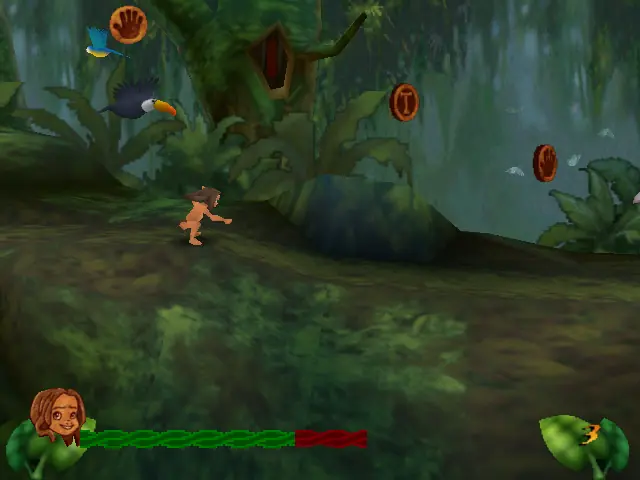
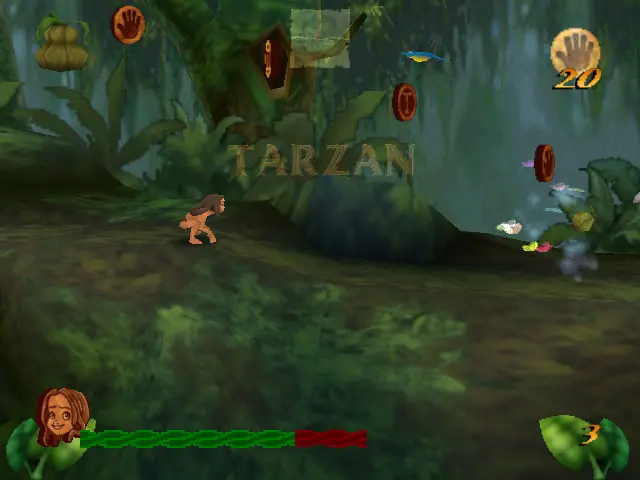
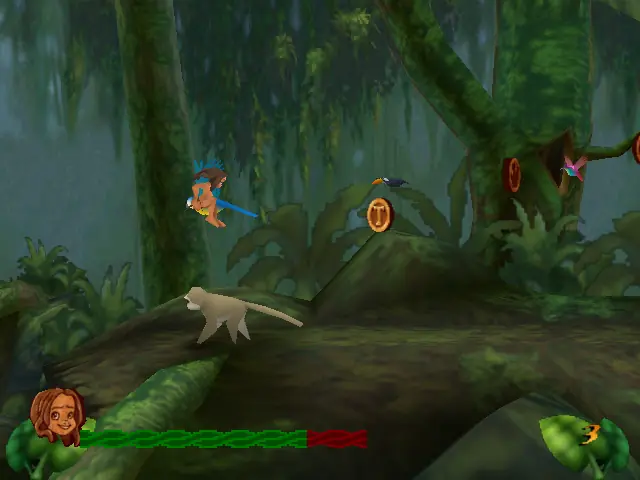
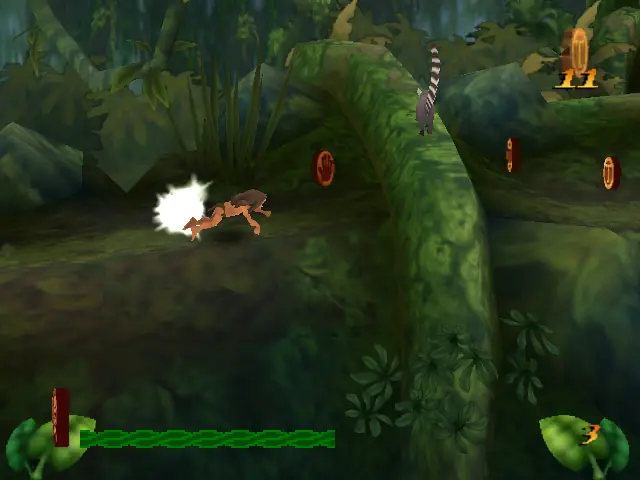
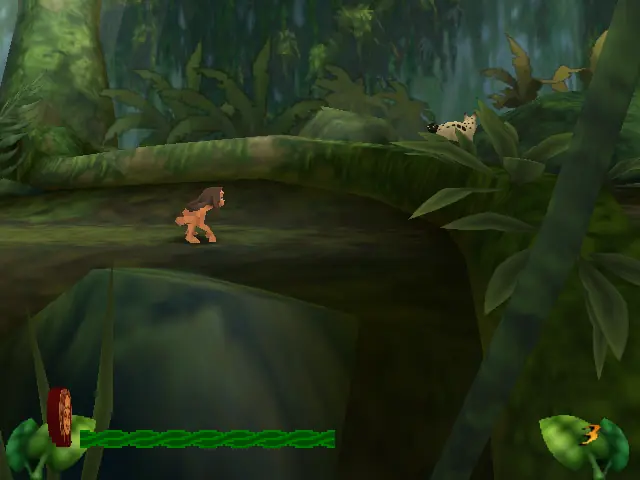
Disney's Tarzan (also known as Tarzan Action Game) is an Action platformer developed by Eurocom and published by Sony Computer Entertainment for the PlayStation console in 1999. Konami published the game for its Japanese release. It was also released on the PC and Game Boy Color in 1999, and Nintendo 64 in 2000. The player takes control of the eponymous Tarzan who ultimately has to save his home, the jungle, from Clayton, a hunter for gorillas. Tarzan starts up as a child learning the skills of the apes. The game has 3 difficulties: easy, medium and hard. In the easy and medium difficulties, little Tarzan gets tips from his friend Terk. Tarzan's enemies are monkeys, baboons, eagles, and different animals such as snakes and bushpigs, and some humans and Clayton.
Screenshots

Windows

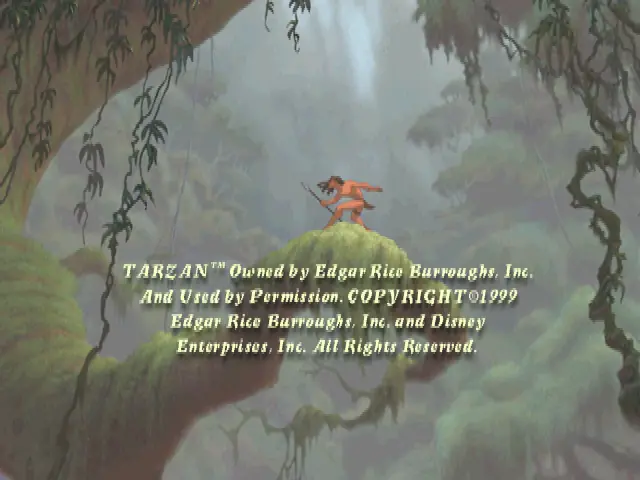
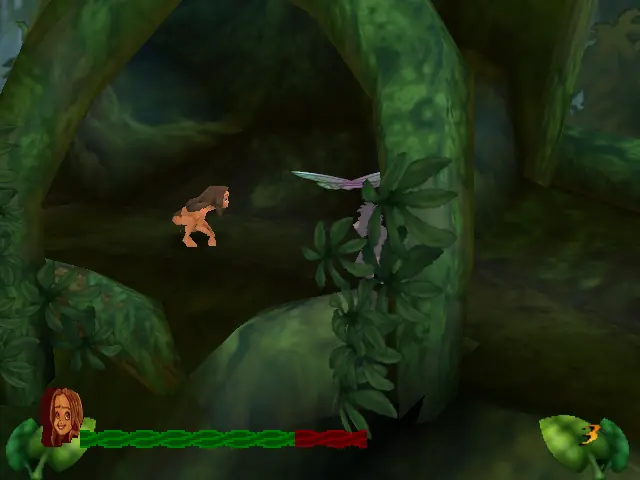
Disney’s Tarzan — Windows screenshot 1Disney’s Tarzan — Windows screenshot 2Disney’s Tarzan — Windows screenshot 3Disney’s Tarzan — Windows screenshot 4Disney’s Tarzan — Windows screenshot 5Disney’s Tarzan — Windows screenshot 6Disney’s Tarzan — Windows screenshot 7Disney’s Tarzan — Windows screenshot 8Disney’s Tarzan — Windows screenshot 9Disney’s Tarzan — Windows screenshot 10Disney’s Tarzan — Windows screenshot 11Disney’s Tarzan — Windows screenshot 12

Download Disney’s Tarzan

Disney’s Tarzan is abandonware and no longer sold or supported by its publishers. Files are archived here for these platforms:

Windows (1999)

  • Disneys_Tarzan_Win_ROM_En.zipEN660.88 MB
  • Instructions Disneys_Tarzan_Win_ROM_En.zip

    How to play on Windows

    1. Download the "Disneys_Tarzan_Win_ROM_En.zip" file from the link above. Make sure you download the file properly and that your internet does not disconnect while downloading.
    2. Open the downloaded .zip file and extract the "Disneys_Tarzan_Win_ROM_En" folder to your desktop. You will need to use a software such as WinRAR to do this.
    3. Open the extracted "Disneys_Tarzan_Win_ROM_En" folder and then open the "Game Files" folder.
    4. Mount the "TARZANAG.bin" file to an empty disc drive. To do this, you will need to download a software such as PowerISO or Daemon Tools (right click on the file and there you should see your options to mount the file).
    5. Open the mounted disc drive and then right click on the "install.exr" file and select "Run as administrator". The setup for the game should now launch.
    6. Go through the game setup and finish installing the game.
    7. Launch the game by double clicking on "tarzan.exe" from the game installation directory (default directory is C:\Program Files\Disney Interactive\Tarzan Action Game)
    8. To make a desktop shortcut, right click on "tarzan.exe", select "Send to" and then select "Desktop"
    9. Enjoy the game!

Other resources

Comments

31 thoughts on “Disney’s Tarzan”

  1. 0
    Everything’s great ,game installed ,started ,only audio sounds like its glitching ,did ive done something wrong or is this normal?
    Reply
  2. 0
    im able to run the game but the keys wouldn’t work, and when i try to go under options > controller, couldn’t change them at all and shows the keys are for joystick not windows keyboard? please help
    Reply
  3. 0
    Step 5 doesn’t work, tried different combability settings and whatnot. “32-bit Setup Launcher” does run but nothing happens. Anyone any ideas?
    Reply
  4. 0
    So I downloaded everything and set it up with powerISO, but somehow when I click install.exe it doesnt work. nothing happens. what do I do?
    Reply
  5. 0
    Everything ran smoothly as far as the download and mounting it into powerISO but once I opened the game and tried to start it, it would t start! Even trying to move up and down to other options didn’t work
    Reply
  6. 0
    The download went fine and mounting it through powerIOS was fine too but when I went to start the game, I tried pressing start and it wouldn’t start. I pressed every button possible and it still wouldn’t start….even connected my Xbox one controller and my PS4 controller and it didn’t work….what do I do?
    Reply

Similar games