The Lord of the Rings: Conquest

Publishers Electronic Arts
Developers Pandemic Studios
Release date 2009
Genre Action
Game rating

Game Description

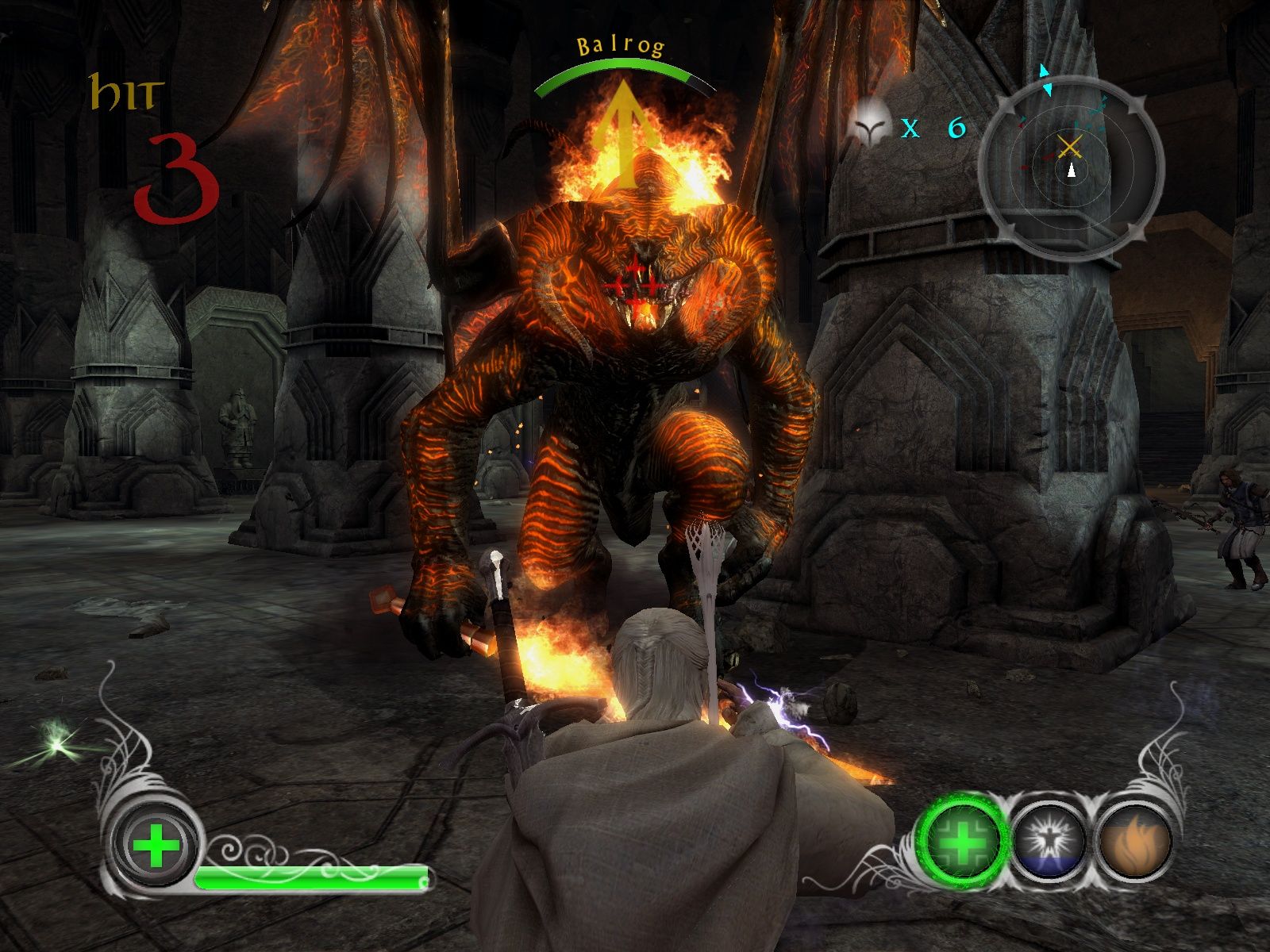
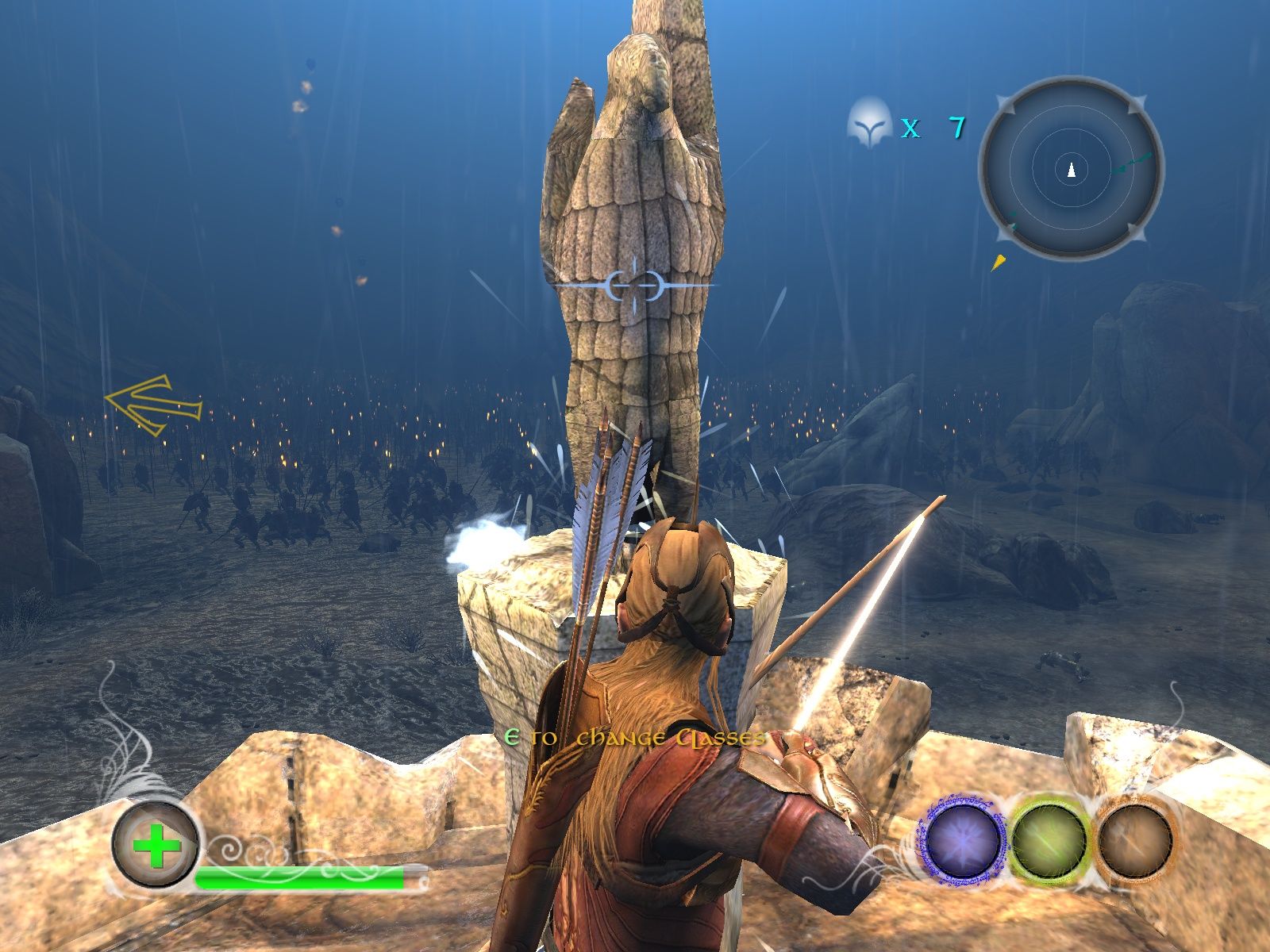
The Lord of the Rings: Conquest is a 2009 action game developed by Pandemic Studios and published by Electronic Arts. It is derived from The Lord of the Rings film trilogy, and borrows many gameplay mechanics from Pandemic’s Star Wars: Battlefront games. The game allows the player to play as both the forces of good and evil, but unlike The Lord of the Rings: The Battle for Middle-earth, the latter option is based around Sauron stopping the One Ring from being destroyed and using it to regain his lost power.

Download The Lord of the Rings: Conquest

We might have the game available for more than one platform. The Lord of the Rings: Conquest is currently available on these platforms:

Windows (2009)

The_Lord_of_the_Rings_Conquest_Win_ISO_EN.zip (4.74GB)

How to play on Windows

  1. Download and Extract The_Lord_of_the_Rings_Conquest_Win_ISO_EN.zip
  2. Open the “Game Files” folder and mount “OGD_The_Lord_of_the_Rings_Conquest.iso”
  3. Inside the mounted file, run “setup.exe” and install the game
  4. Play the game

Additional files, patches and fixes

The Lord of the Rings: Conquest Xbox Manual (English)

The Lord of the Rings: Conquest Screenshots

Windows

Similar games

96 thoughts on “The Lord of the Rings: Conquest”

  1. 0

    I get black screen every time there is a new objective. Game comes back when I tab out and back in. Any fix so I don’t have to tab out after every objective?
    Reply
      • 0

        I also had this issue. For the campaign to work you must limit your fps to 60. Instant action and multiplayer work fine without the limit.
        Reply
    • 0

      was able to fix! Just go into nvidia control panel and in Manage 3D settings, then program settings, choose the lotr conquest program and scroll down until you see Max Frame Rate, then set that to 60. Load back up the game and make sure your resolution is also at 60hz. And it should fix.
      Reply
  2. 0

    I’m loving the game!! however there’s no audio in the levels, cutscenes have audio fine but for some reason the games completely mute while in a level? anyone know a fix?
    Reply
  3. 0

    I’m so happy I found it and works really well for 2009 game. I just have a question is there a way of getting controller to work or is it just stick with key-board and mouse if not still a sick game
    Reply
  4. 0

    I’m so happy I found it and works really well for 2009 game. I just have a question is there a way of getting controller to work or is it just stick with key-board and mouse if not still a sick game
    Reply
    • 0

      It worked for me, I’m using a xbox controller. The only thing the game displays m&k controls and you need to figure out what buttons are on the gamepad but you’ll get used quickly
      Reply
  5. 0

    I solved the profile problem!
    It simply won’t let you create the profile because it’s blocked by the antivirus or Windows Defender.
    Reply

Leave a Comment