| Publishers | EA Games |
| Developers | Maxis |
| Release date | 2004 |
| Genre | Simulation |
| Game rating |
Game Description
The Sims 2 is a 2004 strategic life simulation video game developed by Maxis and published by Electronic Arts. It is the sequel to The Sims. The game has the same concept as its predecessor: players control their Sims in various activities and form relationships in a manner similar to real life.
Publisher description:
The Sims 2 is the next generation of the bestselling PC franchise. For the first time, players control their Sims over an entire lifetime from womb to tomb. Every choice you make has a relevant and dramatic effect on the life of your Sim. More life-like Sims, all-new gameplay and the ground-breaking addition of genetics gives players a more vivid and in-depth Sims experience.
Guiding your Sims through “Life’s Big Moments” takes on new importance, as players now get a “Life Score” to measure how well they are playing each individual Sim. The decisions that players make throughout the lifetime of their Sims now have an impact on their long-term success or failure. A choice made as a toddler has a direct effect on the teen and adult Sim they become. Will players be able to successfully lead their Sims through such important events as a first step, first crush, or marriage proposal, all while the clock is ticking?
The Sims in The Sims 2 are more aware and responsive to both other Sims and their surroundings. Sims truly come to life expressing moods and feelings through more realistic body animations and for the first time facial animations. They form complex relationships and are able to distinguish between family and friends, platonic friendships and romantic love. Sims in The Sims 2 now have DNA. Passing along physical characteristics and traits to their offspring, Sims both resemble and behave like their ancestors. As in real life, the appearance of the Sims now changes over time. In addition to getting older, a Sim that spends too much time on the couch will develop a paunch and a Sim that works out will enjoy rock solid abs.
An entirely new 3-D engine makes the world of The Sims 2 more life-like and dynamic. The Sims 2 will also introduce an all-new “Create-a-Sim” feature. This allows you to customise the facial features of your Sim with a few simple clicks, to a level of detail never realised before. In The Sims 2, players are now able to build dwellings over two stories and have the ability to coordinate and customise the homes of their Sims to a new degree of design with all-new furniture, lighting and objects.
Download The Sims 2
The Sims 2 is no longer abandonware. You can now buy the game from:
Windows (2004)
The Sims™ 2 Legacy Collection on Steam
Additional files, patches and fixes
The Sims 2 Body Shop Windows Manual (English)
The Sims 2 Screenshots
Windows
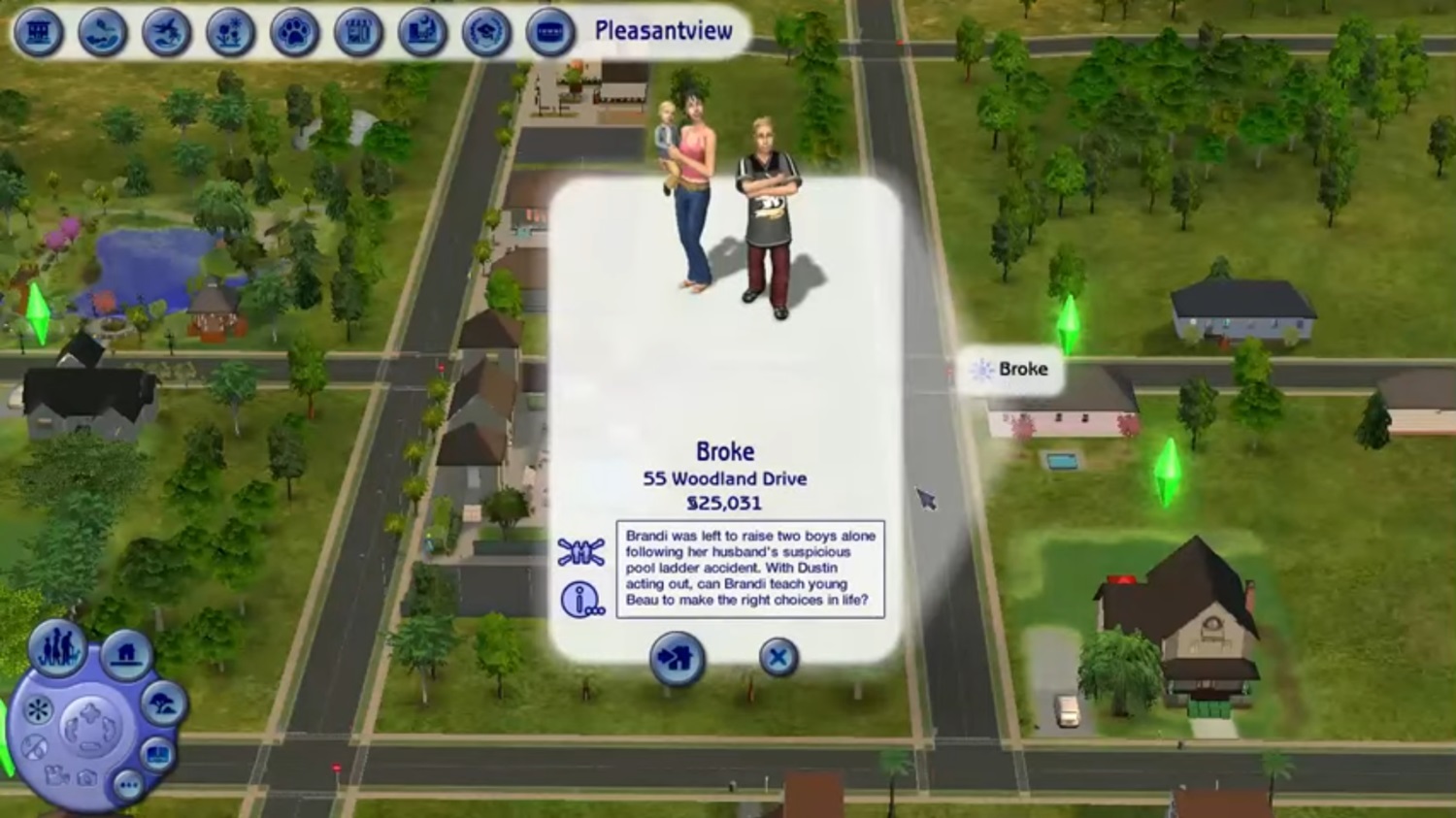
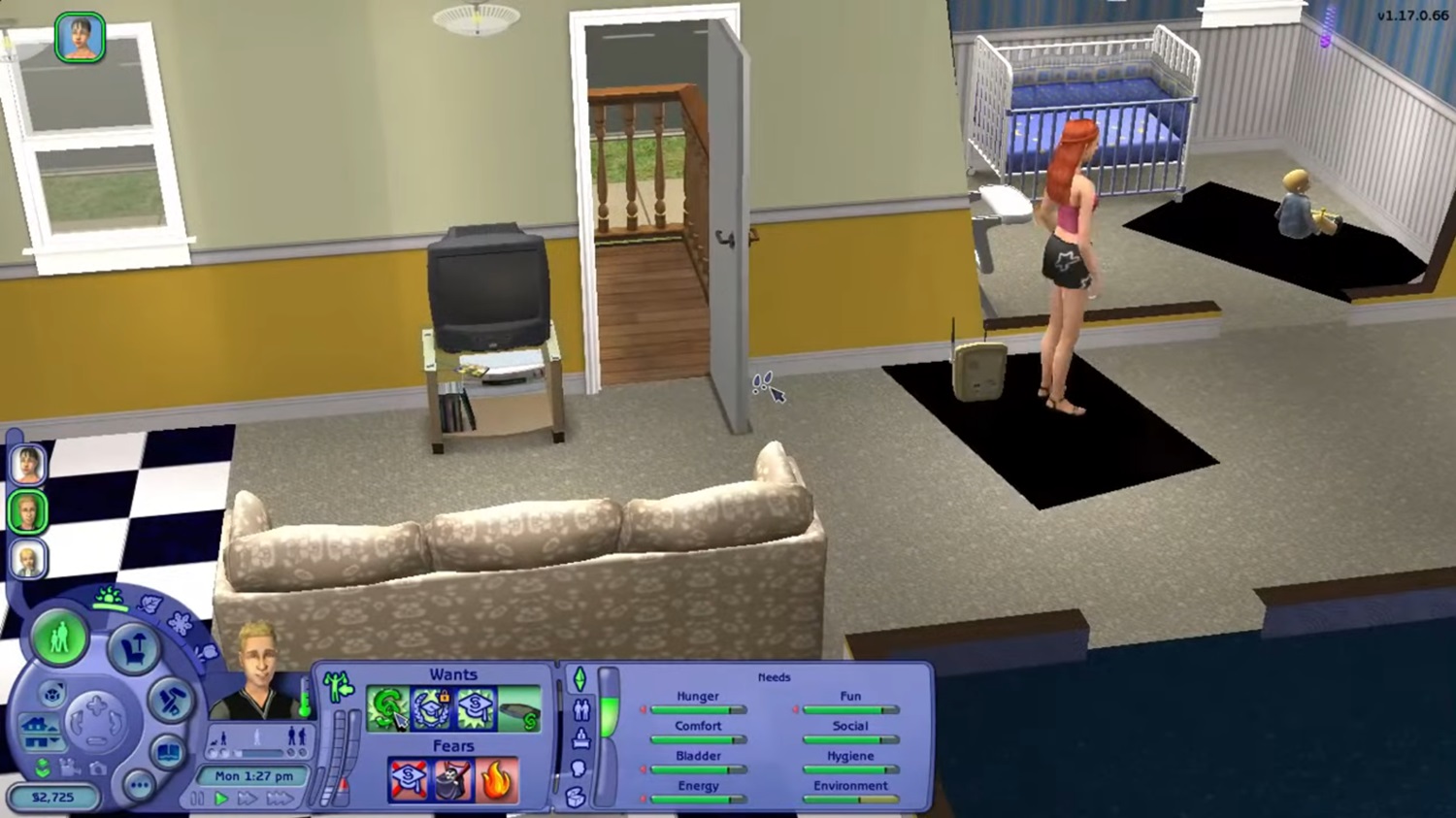
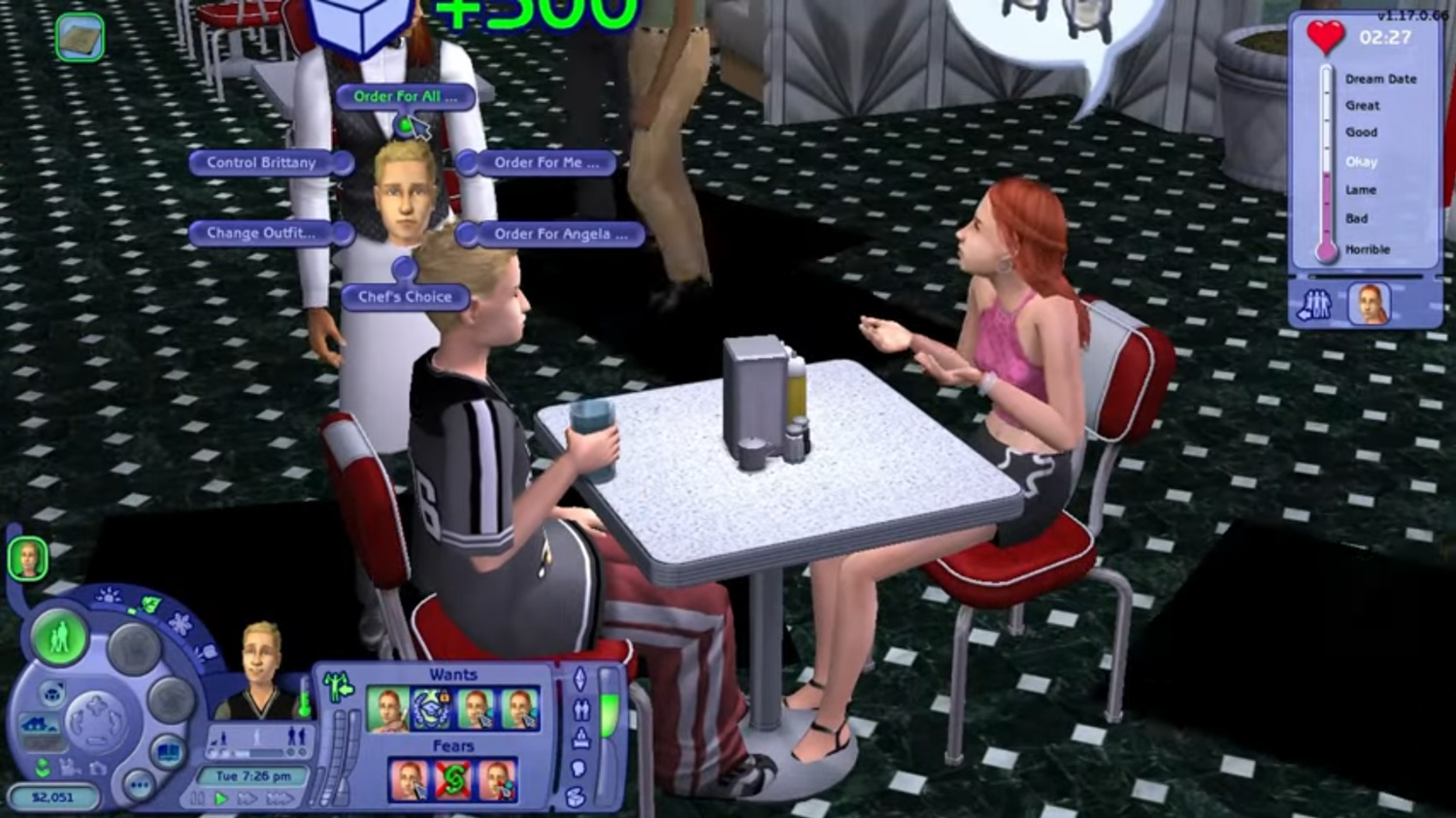
0
————————————————–‐————-
Q: I can’t launch the game!
A: Set the compatibility to windows xp service pack 2. Then run the game as administrator.
Q: When I tried to open games, it said “Please insert the correct DVD ROM”
A: When you want to play your game ALWAYS mount the .iso files in this download folder.
Q: After opening the game, nothing happens, just a black screen
A: Try this tutorial: https://www.lifewire.com/si…
Q: Resolution stuck at 800×600
A: Run the game in windowed mode (https://www.lifewire.com/si…. Then set the resolution, close the game. After that remove the -w from The Sims 2 shortcut.
Q: How to install Mods and Custom Content?
A: Read this: https://modthesims.info/wiki
Q: Shadows appearing as black box below sims
A: Install this mods: https://modthesims.info/d/5…
Q: Many graphic glitches/purple neigborhood/flashing lights
A: Install Graphics Rule Maker. Before doing that please backup your EA Games folder on Documents and Mr DJ folder at Program Files (x86). Here is link to download Graphics Rule Maker: https://www.simsnetwork.com…
————————————————–‐————-
If you guys still need help COMMENT on THIS thread!
0
0
0
0
0
0
0
0
I’m trying to download the game but whenever I try to open it it asks me to insert dvd rom. I did every step. what is wrong?
0
0
0
0
When you double click the game icon, it will skewer the screen to 800×600. Leave it, don’t click anywhere. After about 6-10 minutes, the game will start.
There is no serial key, because it doesn’t use one. You cannot add it to your Origin launcher. It’s a standalone game.
Also, your resolution might be stuck at 800×600. Just follow these instructions to get it done correctly to your monitor size:
1. Go to your Sims 2 installation folder.
2. Inside will sit many Sims 2 expansion pack folders, including the base Sims 2 game folder a second time.
3. Go to the Sims 2 child folder and look for a file called “Graphic Rules.sgr”. It’s possible it’s inside a number of sub-folders like TSDataResConfig. Just look for them. It takes a few seconds.
4. Edit the SGR file with Notepad or Notepad ++. Press CTRL F and copy and paste this in there and do a search: ScreenModeResolution
5. Edit all the lines that says “uintProp maxResWidth” and “uintProp maxResHeight” to the dimensions of your monitor. So if your monitor is 1920×1080, then make the maxResWidth to 1920 and the maxResHeight to 1080. There may be 3 or 4 sets of these numbers you need to change. Do it for all.
6. Save and exit that file. Do the exact same thing for the same file inside the Mansion & Garden sub-folder.
7. Save and exit Notepad.
8. Run the game shortcut as an Administrator.
9. It may take around 6-10 ish minutes for the game to start up. It took my wife’s game about 11 minutes. Do not click anywhere else. Just let the game start up initially. Doesn’t matter how awesome your computer is. It’s an old game.
10. Once it starts up, go into an area besides the first screen, like the map choosing area. Then click the Settings. Go to Graphics and the drop down will be populated with resolutions up to your screen size. Choose your screen size and save the settings when the prompt asks you to.
11. From now on, make sure to run the game as an Administrator and you’re good to go.
0
0
0
0
0
0
0
0
0
0
0
0
0
0