| Publishers | EA Games |
| Developers | Maxis |
| Release date | 2004 |
| Genre | Simulation |
| Game rating |
Game Description
The Sims 2 is a 2004 strategic life simulation video game developed by Maxis and published by Electronic Arts. It is the sequel to The Sims. The game has the same concept as its predecessor: players control their Sims in various activities and form relationships in a manner similar to real life.
Publisher description:
The Sims 2 is the next generation of the bestselling PC franchise. For the first time, players control their Sims over an entire lifetime from womb to tomb. Every choice you make has a relevant and dramatic effect on the life of your Sim. More life-like Sims, all-new gameplay and the ground-breaking addition of genetics gives players a more vivid and in-depth Sims experience.
Guiding your Sims through “Life’s Big Moments” takes on new importance, as players now get a “Life Score” to measure how well they are playing each individual Sim. The decisions that players make throughout the lifetime of their Sims now have an impact on their long-term success or failure. A choice made as a toddler has a direct effect on the teen and adult Sim they become. Will players be able to successfully lead their Sims through such important events as a first step, first crush, or marriage proposal, all while the clock is ticking?
The Sims in The Sims 2 are more aware and responsive to both other Sims and their surroundings. Sims truly come to life expressing moods and feelings through more realistic body animations and for the first time facial animations. They form complex relationships and are able to distinguish between family and friends, platonic friendships and romantic love. Sims in The Sims 2 now have DNA. Passing along physical characteristics and traits to their offspring, Sims both resemble and behave like their ancestors. As in real life, the appearance of the Sims now changes over time. In addition to getting older, a Sim that spends too much time on the couch will develop a paunch and a Sim that works out will enjoy rock solid abs.
An entirely new 3-D engine makes the world of The Sims 2 more life-like and dynamic. The Sims 2 will also introduce an all-new “Create-a-Sim” feature. This allows you to customise the facial features of your Sim with a few simple clicks, to a level of detail never realised before. In The Sims 2, players are now able to build dwellings over two stories and have the ability to coordinate and customise the homes of their Sims to a new degree of design with all-new furniture, lighting and objects.
Download The Sims 2
The Sims 2 is no longer abandonware. You can now buy the game from:
Windows (2004)
The Sims™ 2 Legacy Collection on Steam
Additional files, patches and fixes
The Sims 2 Body Shop Windows Manual (English)
The Sims 2 Screenshots
Windows
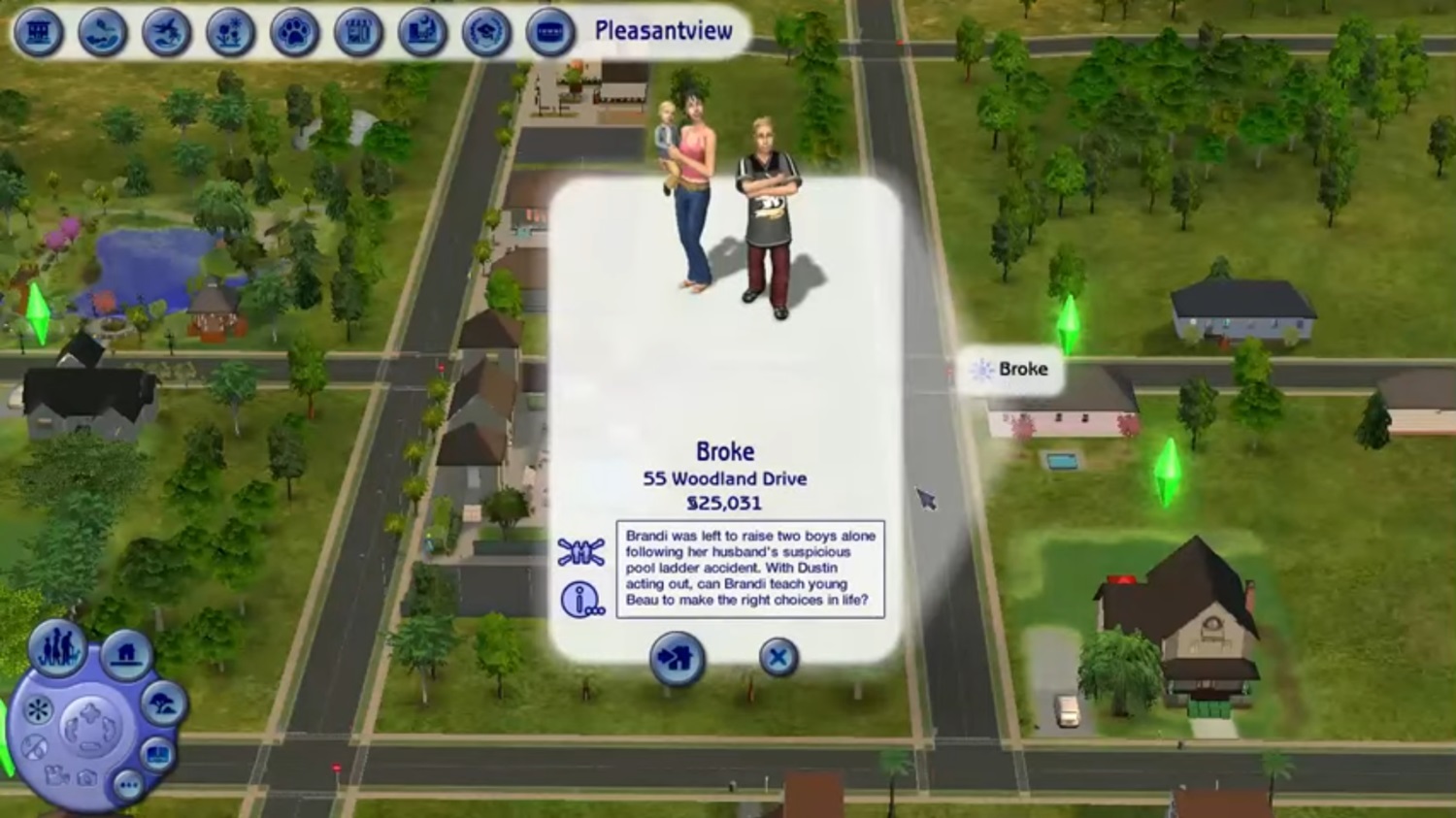
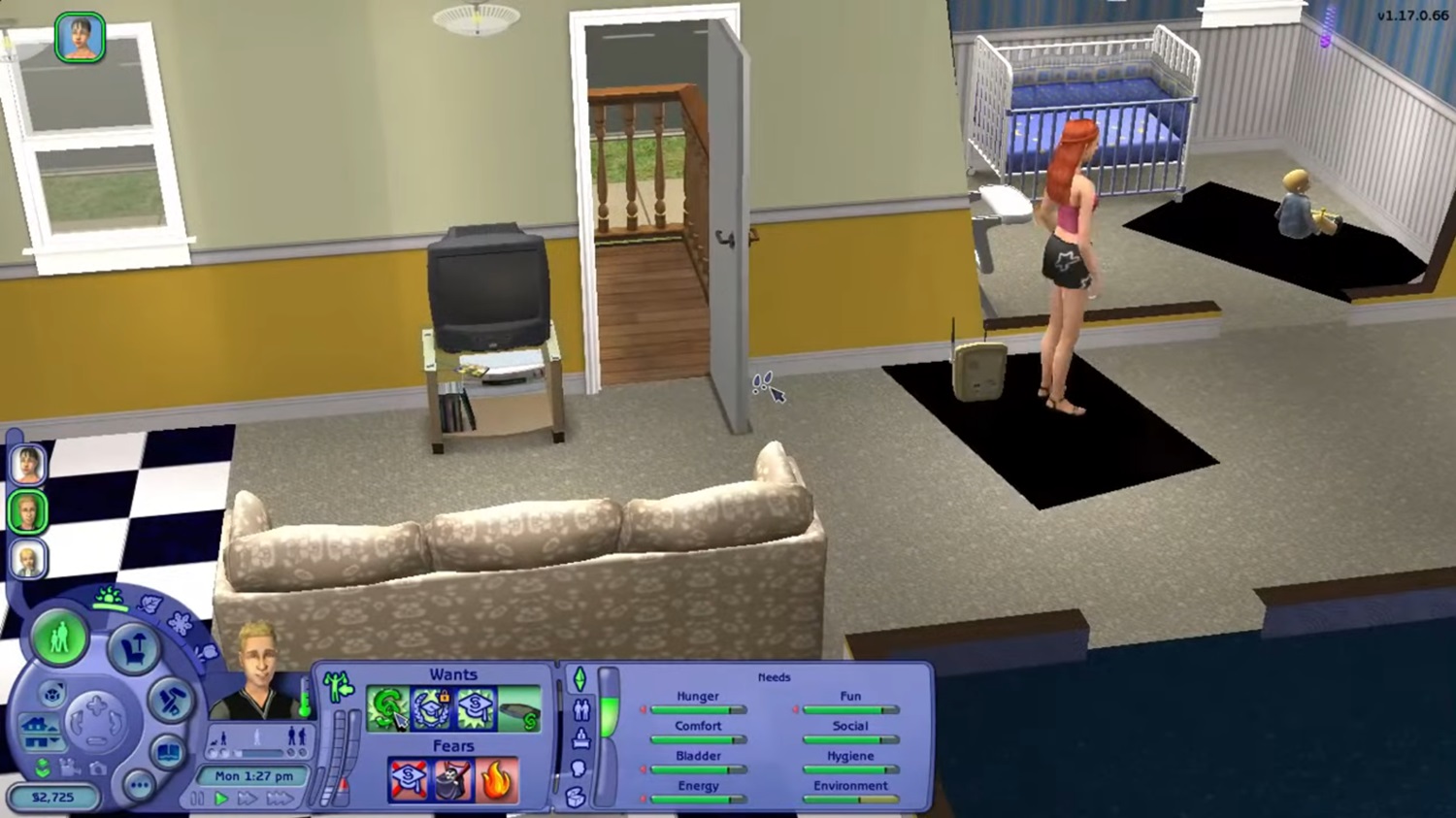
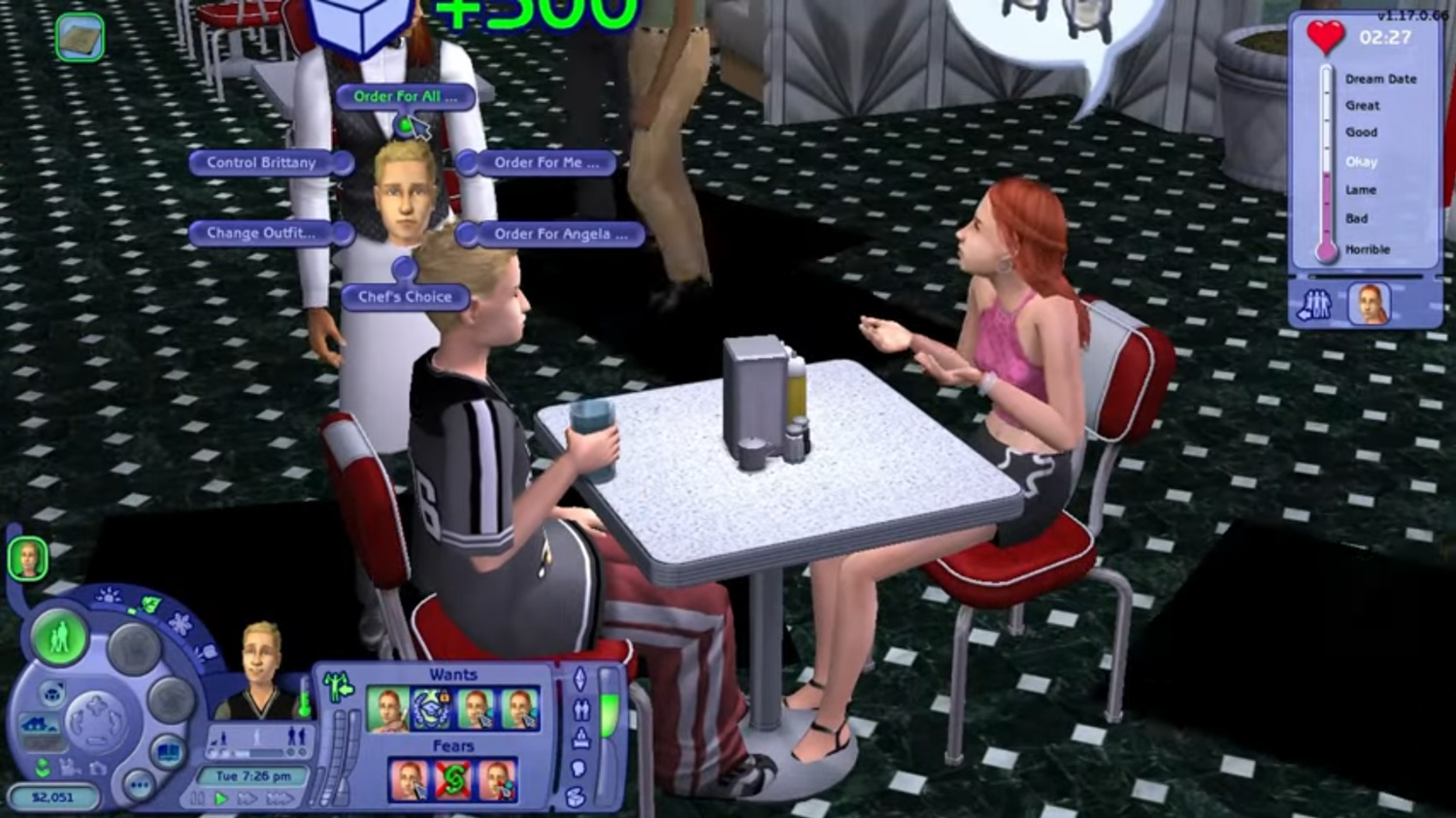
0
0
On Windows 2000/XP, navigate to Start, Run, then type “regedit”.
For Windows Vista, go to Start, and in the “Search” field enter “regedit”. Select it from the list that comes up or just press Enter. You may have to accept a security warning.
For Windows 7,8,8.1, press windows key and type “regedit” and hit enter.
2: Find your game in Registry Editor
For the base game only (no expansions/stuff packs/etc.) In the left pane, navigate through the folders, following this path: ComputerHKEY_LOCAL_MACHINESOFTWAREEA GAMESThe Sims 21.0
For expansion packs/stuff packs:
In the left pane, navigate through the folders, following this path: ComputerHKEY_LOCAL_MACHINESOFTWAREEA GAMES*name of last-installed expansion or stuff pack*1.0
3: Change the language
1.In the right pane of the window, find the entries labeled “Language” and “LanguageName”.
2. Double-click “Language” and, using the list below, change the previous number to the number or letter corresponding to the language you wish to switch to. Be sure it’s set to “Hexadecimal”. Click OK.
3.This isn’t necessary, but it’s a good idea: Double-click “LanguageName”. Using the list below and the number or letter you just entered, enter the name of the language you wish to switch to. Click OK.
4.If you have expansion packs, especially more than one, it could be helpful to change each key for each expansion (and the base game) just to be sure they’re kept in sync. Language List
0 English
1 English
2 French
3 German
4 Italian
5 Spanish
6 Swedish
7 Finnish
8 Dutch
9 Danish
10 Russian
11 Simplified Chinese
12 Traditional Chinese
13 … (appears corrupted)
14 Polish
15 Thai
16 Norsk (Norwegian)
17 Portuguese
18 Hungarian
a Portuguese
b Czech
c Hebrew
d Greek
e Japanese
f Korean
4: Restart the game
The change should take effect after restarting the game
0
0
0
0
0
0
0
0
0
0
I wanted to try to do this before getting the actual Sims 2 disc to try and see if it would be any easier. I’m really just confused on what else to do right now and would appreciate if anyone could help.
0
0
0
0
0
0
0
0
0
0
Please Help!
0
0