| Publishers | EA Games, Aspyr |
| Developers | Maxis |
| Release date | 2000 |
| Genre | Simulation |
| Game rating |
Game Description
The Sims: Livin’ Large (known as The Sims: Livin’ It Up in Europe) is the first expansion pack released for the computer simulation game, The Sims.
Download The Sims: Livin’ Large
The Sims: Livin’ Large is no longer abandonware. You can now buy the game from:
Windows (2000)
The Sims™ Legacy Collection on Steam
Additional files, patches and fixes
The Sims: Livin’ Large Screenshots
Windows
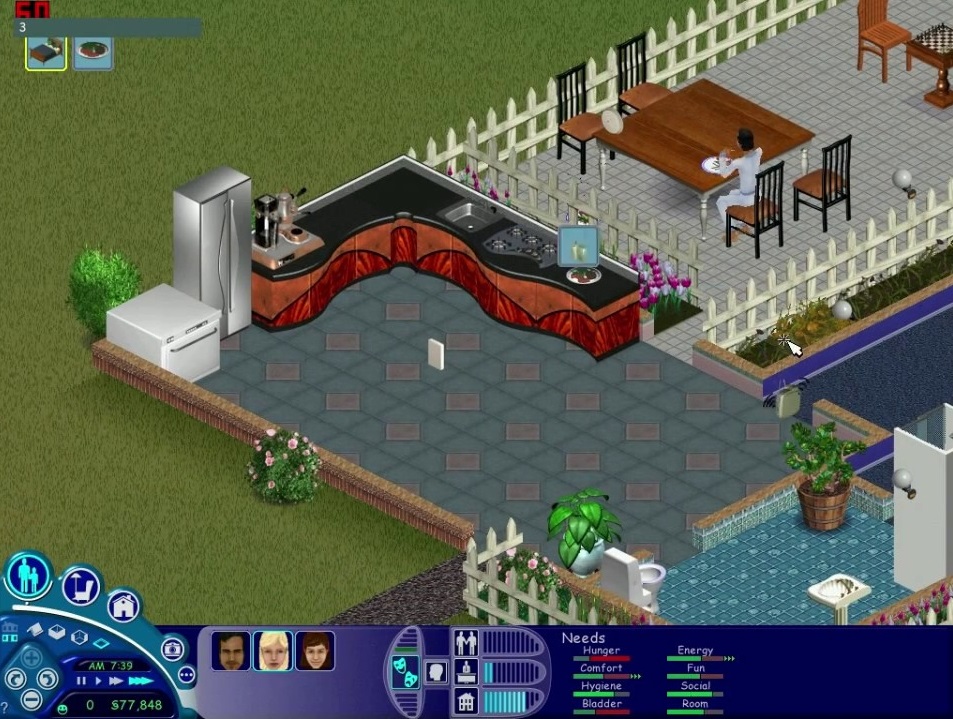
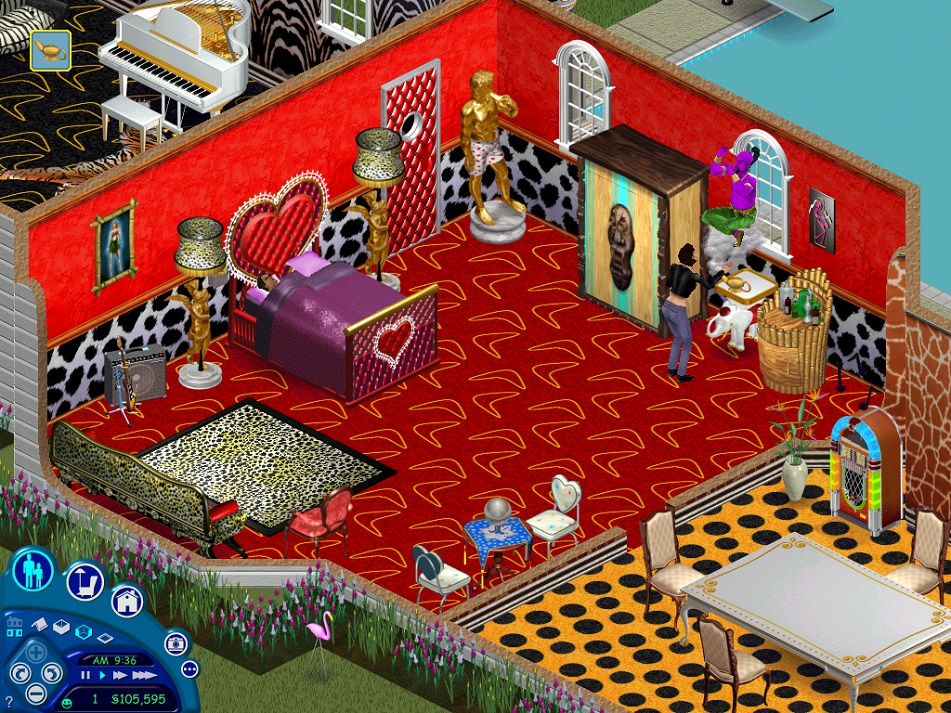
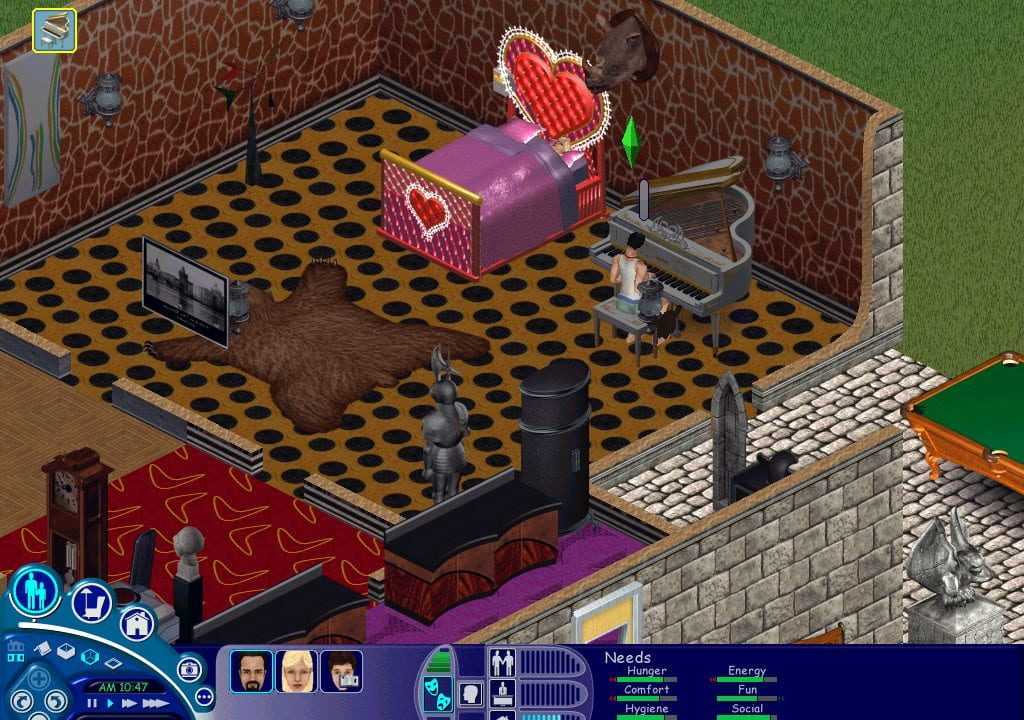
0
0
0
0
Steps:
1: Create Sims Folder in a location you can get to easily on your c or d drives, don’t use their default paths it will be a hassle. Make a new Folder called Games or something, Put all things sims in that same location.
2: Download both original Sims folder and Livin Large folders off this website from Archive
3: Download Daemon https://filehippo.com/download_daemon-tools-lite/
4: Extract original Sims folder with 7zip or whatever unzipping program you love to your New sims Game folder. I suggest creating a sub folder called SIMS 1 so that you can separate things
5: Open that unzipped folder, find the setup application, click it. With Windows, it will mount a virtual disc drive without Daemon this time, and you can install like normal. DO NOT USE THE NOCD CRACK IN THIS STEP. Find the serial number at top of folder where it says crack though.
6: With Sims done installing(after clicking the virtual drive and clicking setup), go to Sims livin large zipped file, extract it to your sims game folder
7: Open sims livin large unzipped folder and open the B6T file with Daemon. YOU WILL NOT BE ABLE TO MOUNT AND OPEN THIS WITHOUT DAEMON unless you’re very tech savvy.
8: It will mount a virtual disc drive. Click on new virtual drive, scroll to bottom, click start icon. It will detect sims 1 and begin the install of the expac.(all files will be added to the sims 1 folder) Here are two serial numbers you can use: 8663-4966712-3945768-1934
4512-7926876-8244751-3752
9: Once this finishes, you will need to go to https://www.gameburnworld.com/gp/gamefixes/simslivinlarge.shtml and download the 1.21 mb file off their website. Unzip this file to the sims folder(not the sims 1 sub folder).
10: Once unzipped, you will need to again unzip the .rar file inside of that folder, giving you a SIMS application.(IF you cracked your sims download and replaced the setup file with the NOCD Sims.exe, you will need to go into the SIMS folder that is above the .rar file, copy the SIMS application there(the original you replaced) and copy it back to the Sims 1 game file or none of this will ever work)
11: Take the new unzipped .rar .exe Sims application, go to your sims1 folder, paste this application over the original that is there.
12: Go back to the unzipped file where you found the .rar, take the ICD file underneath that, and paste it in the Sims 1 folder to replace the one there as well.
13: You are finally done. Double click the Sims.exe application in your sims 1 file and enjoy playing Living Large.
WARNING: IF YOU EJECT or delete the virtual drives created, everything gets funky. If when you restart your comp those virtual drives aren’t present, simply go back into the unzipped sims download and re-open it, then go to the livin large unzipped file and re-open it with daemon. This fixes things.
0
0
0
0
0
0
0
0
https://thesims.neoseeker.com/wiki/The_Sims:_Livin'_Large
0
0
0
0
0
Here is the link.
https://filehippo.com/download_daemon_tools/
Then open the disc image or folder (depending on how you mounted it) and scroll all the way down, you will find an .exe file called ”Start”, run it.
It will ask you for the serial code, you can google them or try this two i’ve found:
8663-4966712-3945768-1934
4512-7926876-8244751-3752
Good luck!
0
0
0
0
0
0
https://filehippo.com/download_daemon_tools/
Los serials: (se encuentran en busquedas de google tambien)
8663-4966712-3945768-1934
4512-7926876-8244751-3752
0