| Publishers | Electronic Arts |
| Developers | Maxis |
| Release date | 2000 |
| Genre | Simulation |
| Game rating |
Game Description
The Sims (also known as The Sims 1 or The Sims Classic) is a life-simulation video game developed by Maxis and published by Electronic Arts on February 4, 2000 for Windows, and July 25, 2000 for Mac OS X. The game only has a single-player mode. There is no goal defined in The Sims,and players must develop their characters as they go through different life stages. Characters which the player controls can interact with other in-game characters, develop relationships (both negative and positive) and can even start families together. Characters can also be assigned certain tasks to develop life skills, which enables them to progress in their careers and increase their salaries.
Download The Sims
The Sims is no longer abandonware. You can now buy the game from:
Windows (2000)
The Sims™ Legacy Collection on Steam
Additional files, patches and fixes
The Sims Deluxe Edition Manual (English)
The Sims Windows ReadMe (German)
The Sims Windows ReadMe (English)
The Sims Windows ReadMe (Spanish)
The Sims Windows ReadMe (French)
The Sims Windows ReadMe (Italian)
The Sims Windows ReadMe (Dutch)
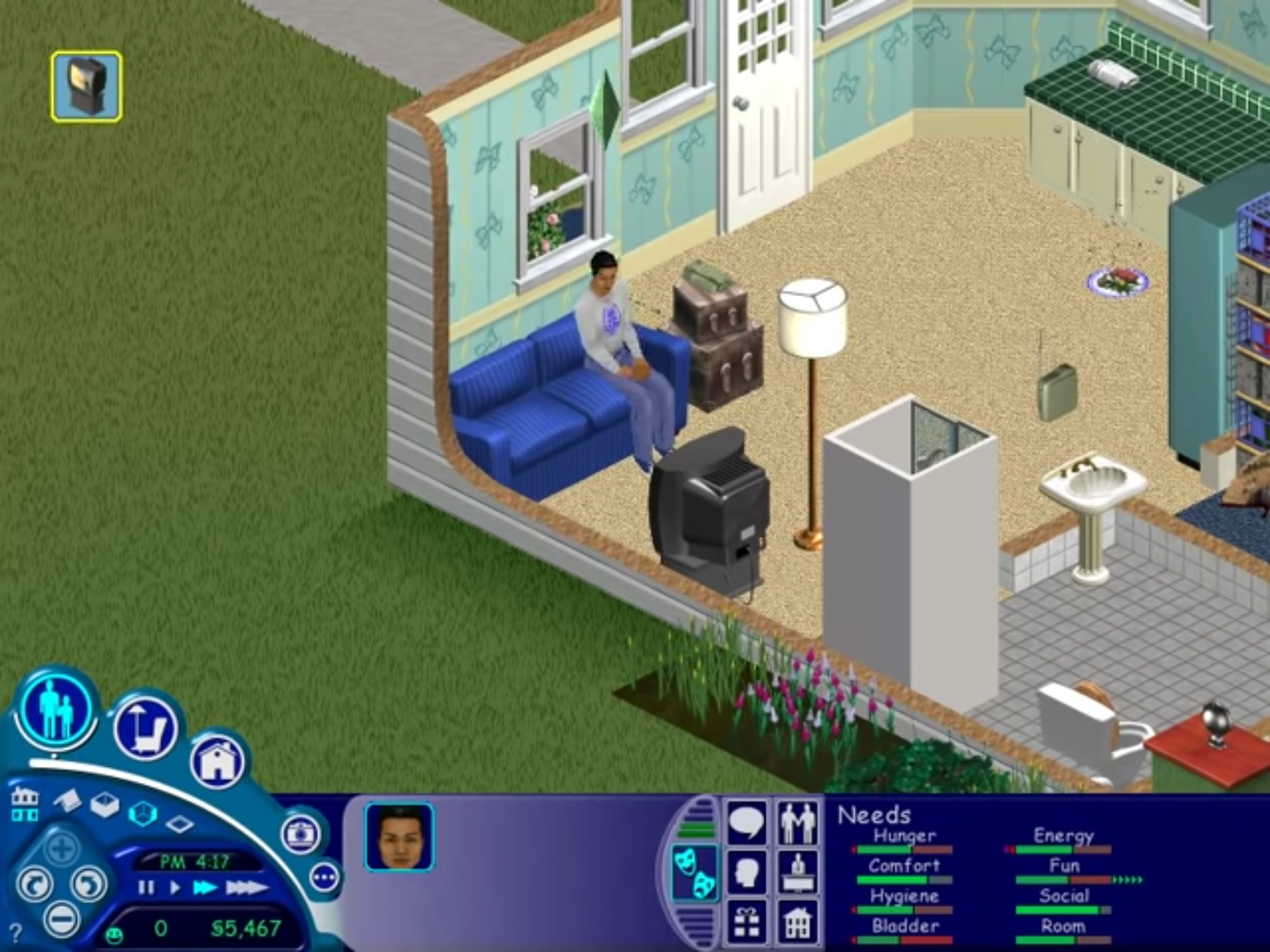
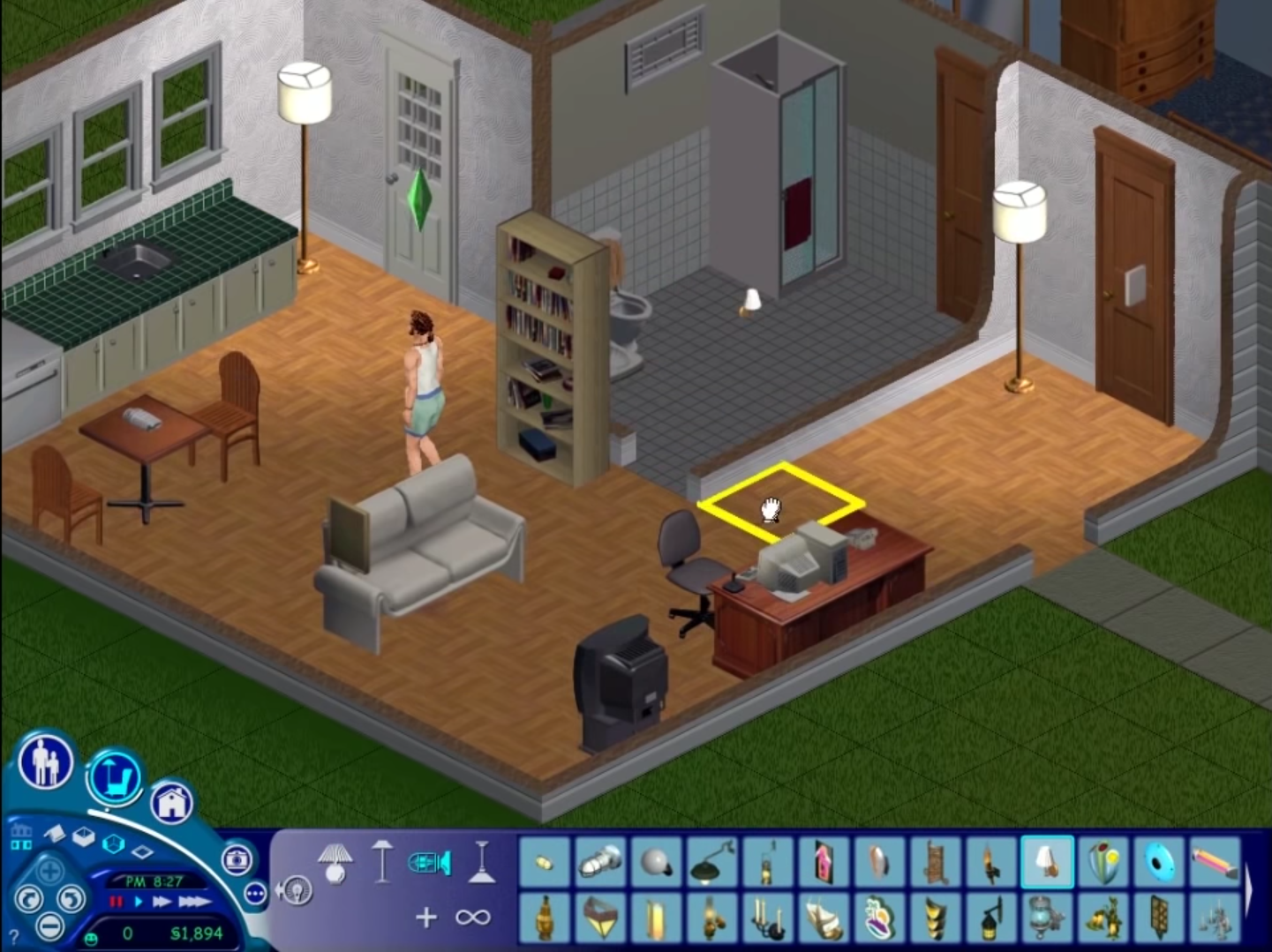
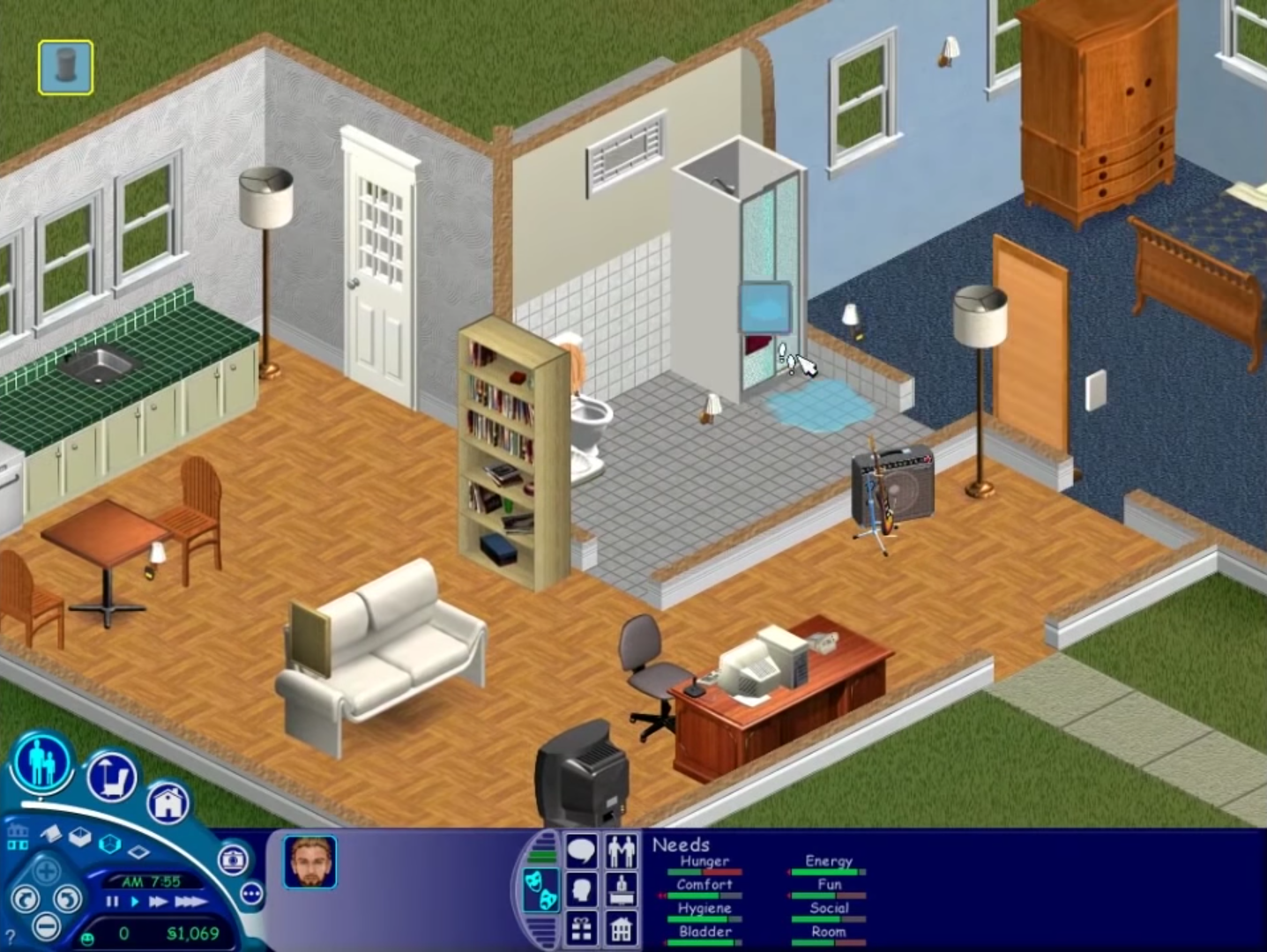
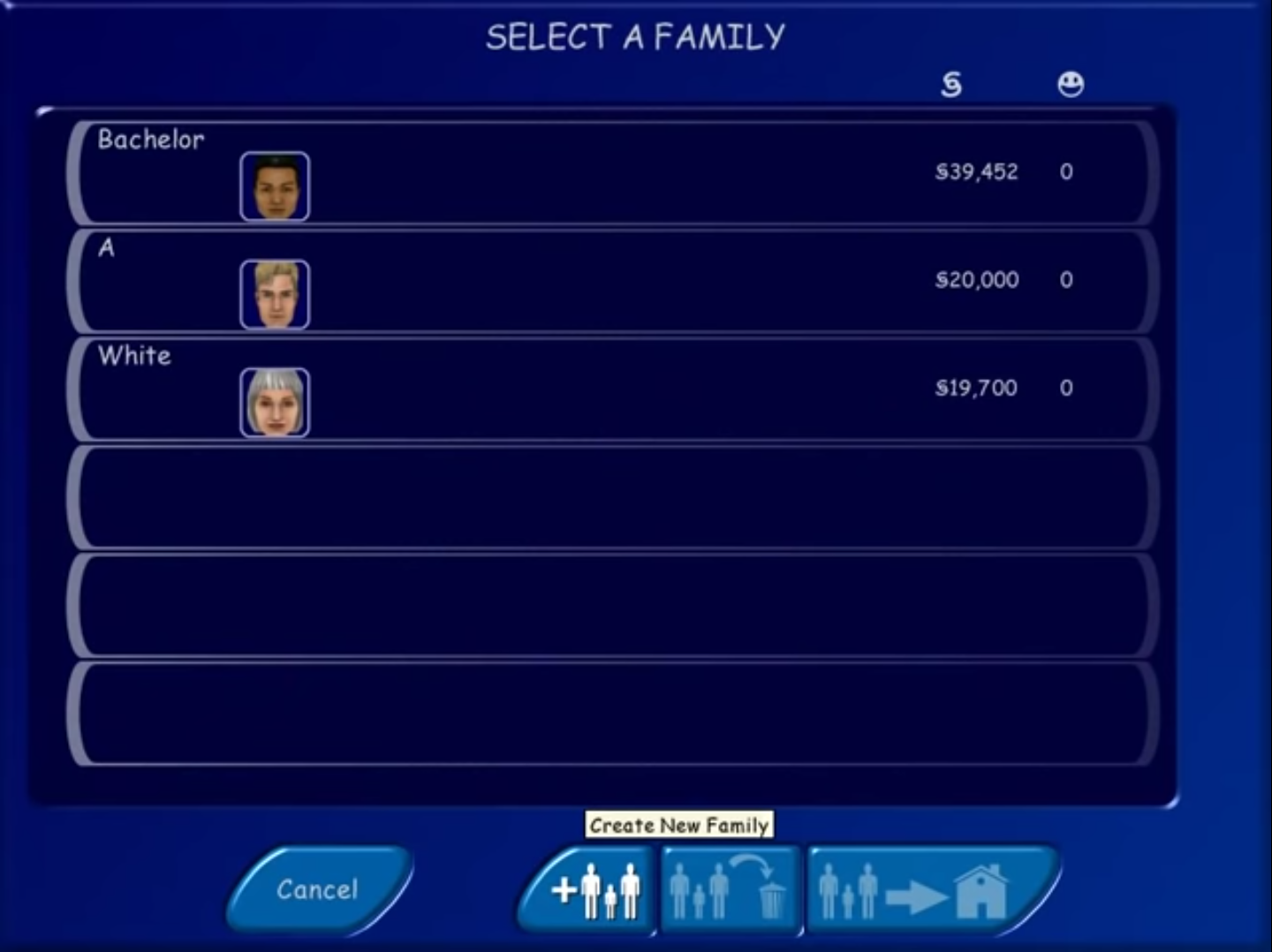
The Sims Screenshots
Windows
0
0
I have tried few methods from Google, like change the compatibility properties to window98/XP/7/8 (I tried all of it) , tick “run as administrator”, created shortcuts, add the word ” -w -r1024x768″ behind Target in Property but it still doesn’t work for me.
Anyone knows how to fix this please?
0
0
0
0
0
0
0
0
0
Extract then run the setup.exe
Go through the steps
Then go to This PC
The Sims should be in the disc drive (from clicking the ‘disc image file’ in the extracted folder)
Then go hard drive -> program files x86 -> Maxis -> The Sims
Ctrl+C the ‘Sims’ 2116KB file from the extracted folder from earlier
Ctrl+V into the above (hard drive -> program files x86 -> Maxis -> The Sims)
Once pasted select and right click ‘run as administrator’
It will now work and allow saves
After playing you can click eject to remove the sims from the disc drive
0
0
0
0
0
0
0
0
try to replace the setup exe it says that there is not enough space.
0
0
0
0
I set the setting to Windows XP, the setup is displayed in the task manager but nothing happens. Did everything as an admin. i have no idea