| Publishers | Electronic Arts |
| Developers | Maxis |
| Release date | 2000 |
| Genre | Simulation |
| Game rating |
Game Description
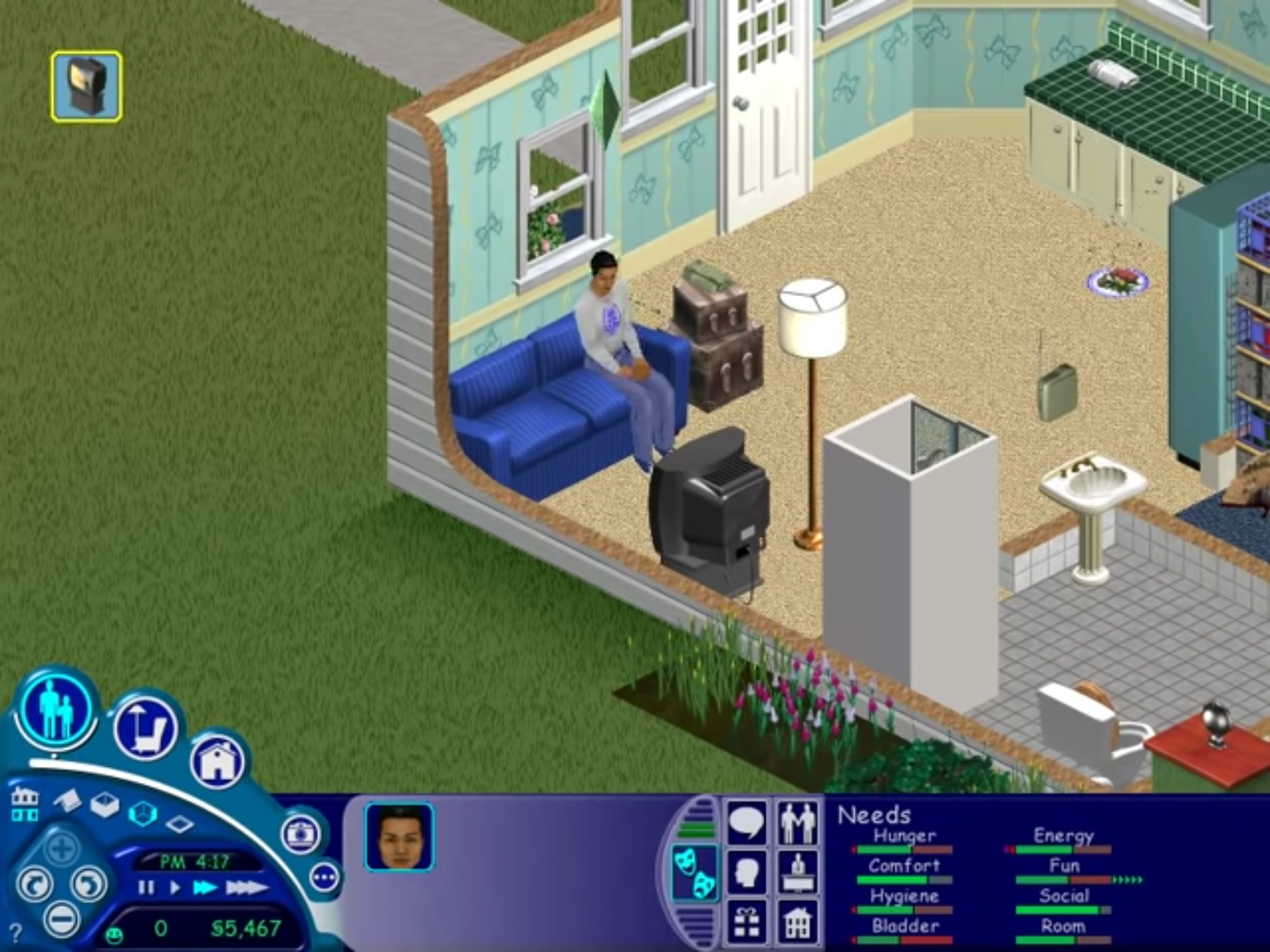
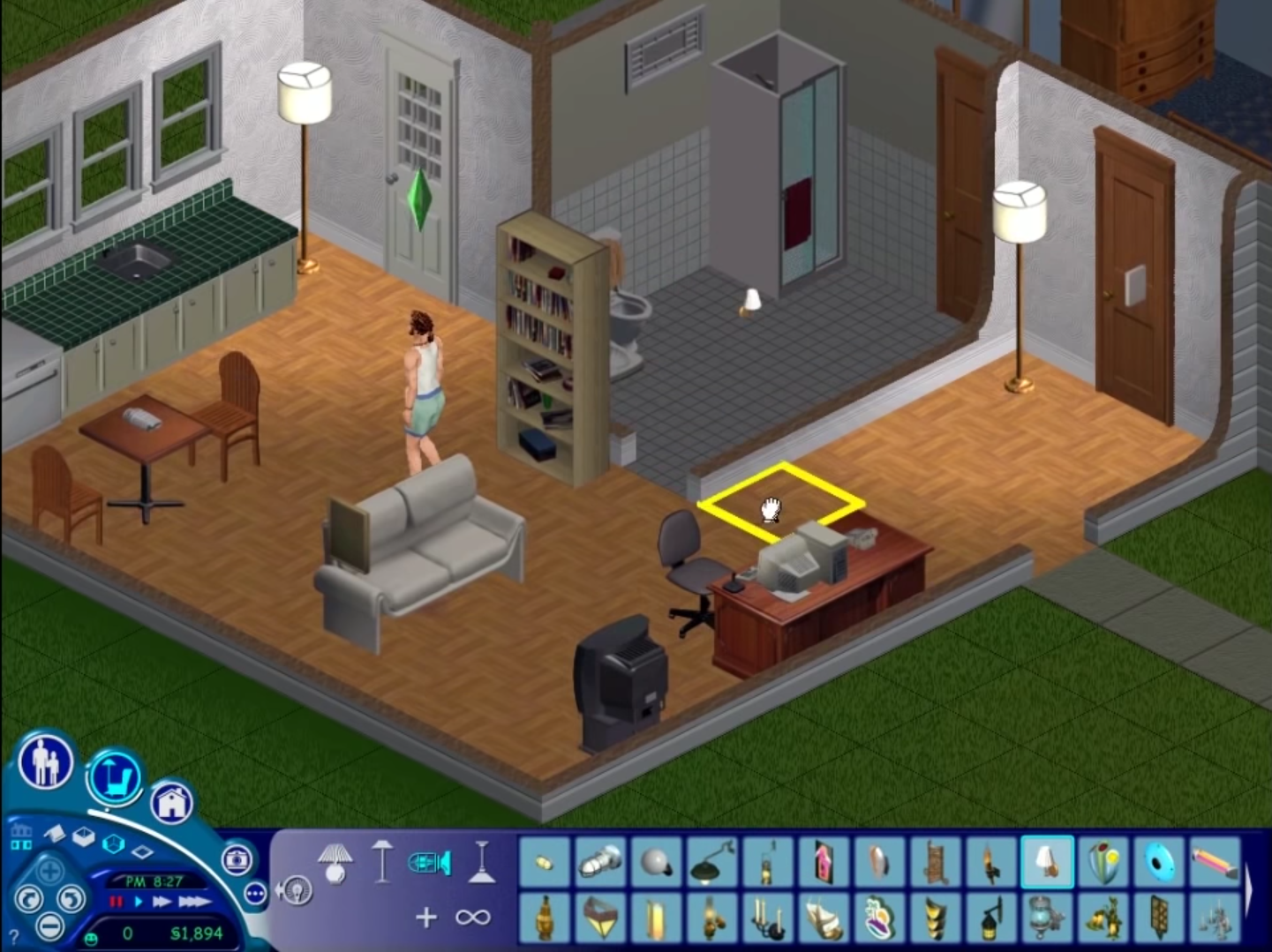
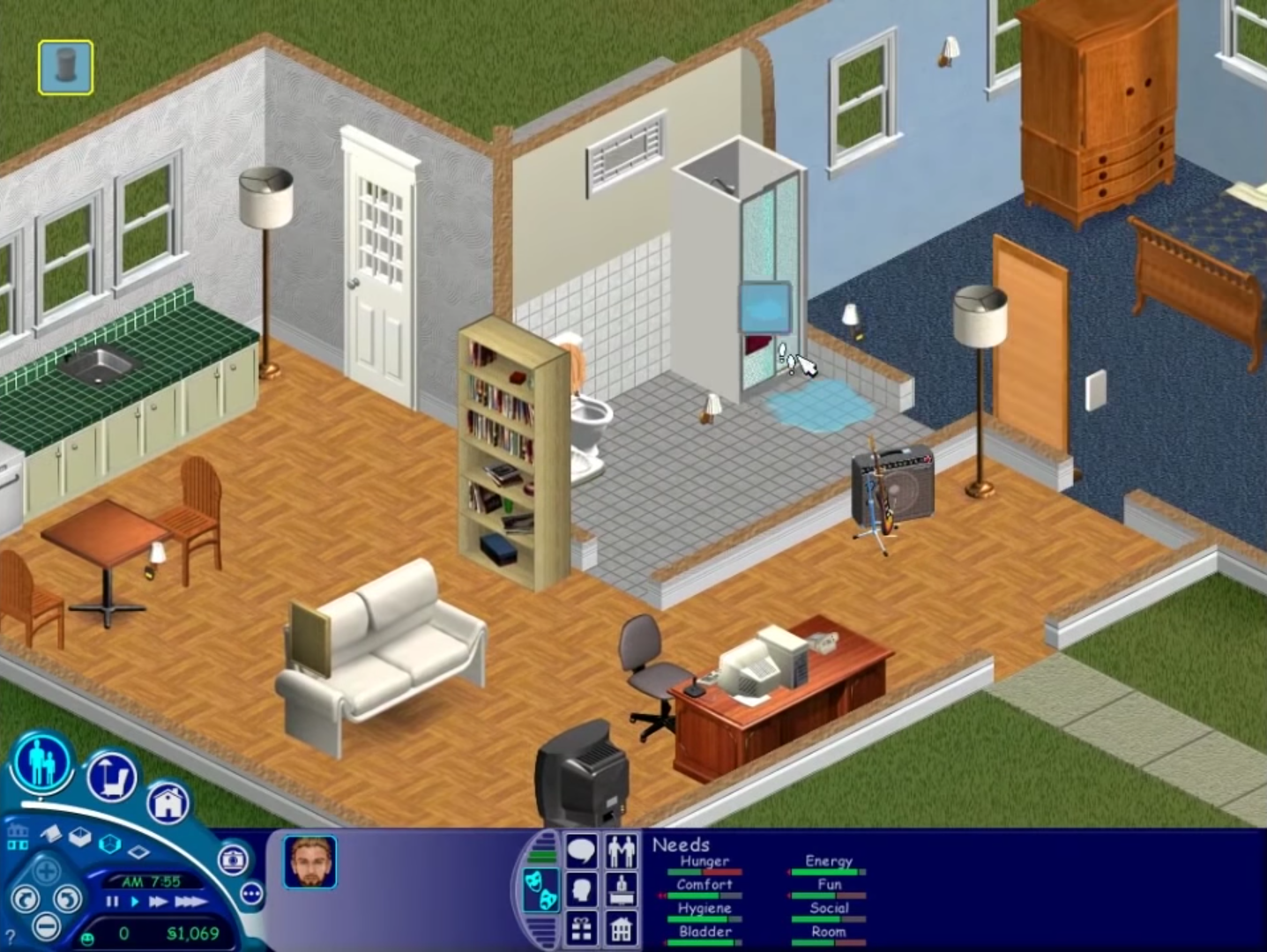
The Sims (also known as The Sims 1 or The Sims Classic) is a life-simulation video game developed by Maxis and published by Electronic Arts on February 4, 2000 for Windows, and July 25, 2000 for Mac OS X. The game only has a single-player mode. There is no goal defined in The Sims,and players must develop their characters as they go through different life stages. Characters which the player controls can interact with other in-game characters, develop relationships (both negative and positive) and can even start families together. Characters can also be assigned certain tasks to develop life skills, which enables them to progress in their careers and increase their salaries.
Download The Sims
The Sims is no longer abandonware. You can now buy the game from:
Windows (2000)
The Sims™ Legacy Collection on Steam
Additional files, patches and fixes
The Sims Deluxe Edition Manual (English)
The Sims Windows ReadMe (German)
The Sims Windows ReadMe (English)
The Sims Windows ReadMe (Spanish)
The Sims Windows ReadMe (French)
The Sims Windows ReadMe (Italian)
The Sims Windows ReadMe (Dutch)
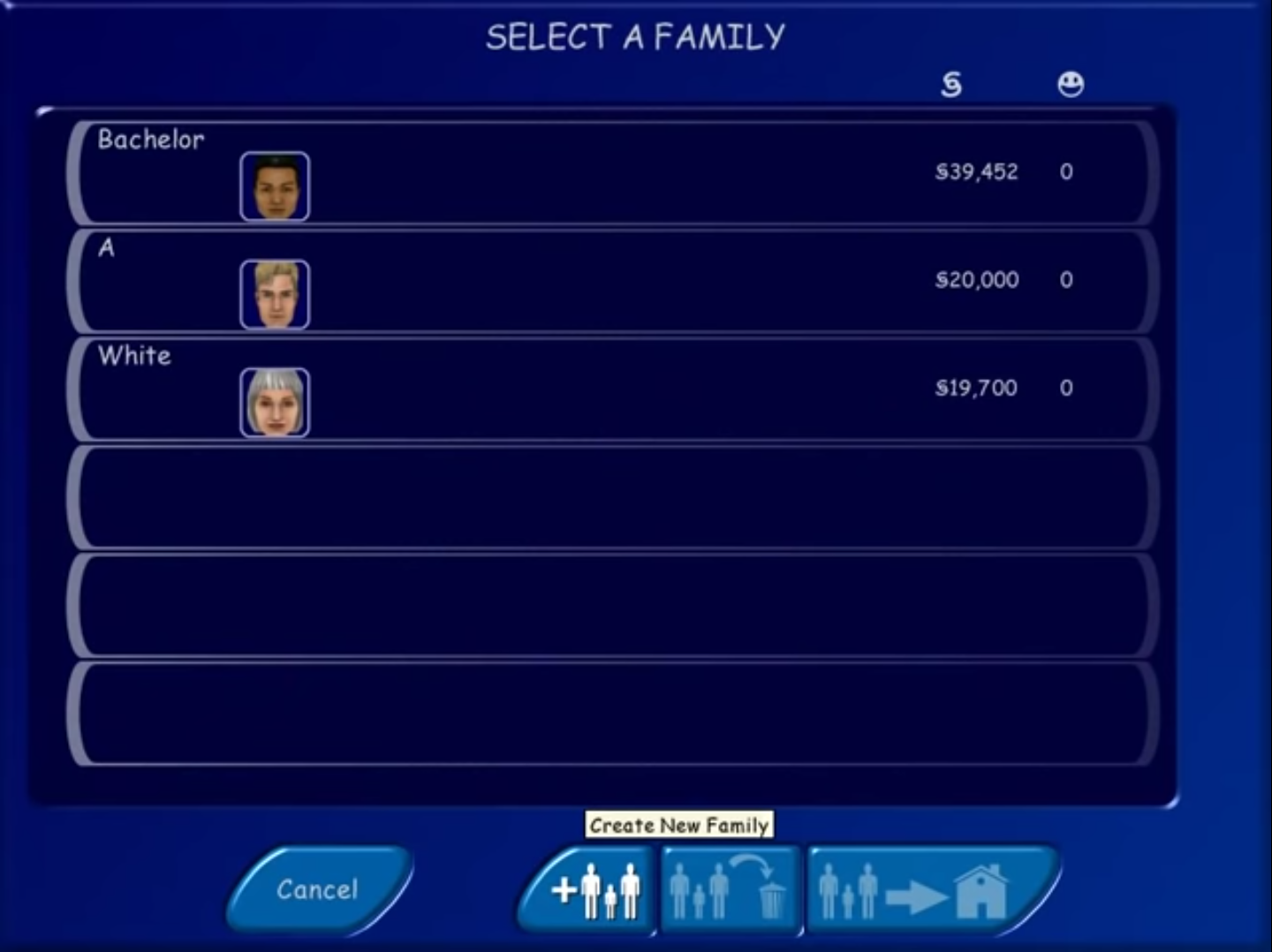
The Sims Screenshots
Windows
0
0
0
0
0
0
You also need to use DAEMON Tools and run The Sims.ISO.
And then create a new virtual machine => choose the disc which The Sims.ISO mounted => choose Windows XP Professional => ROM is part of your hard drive => RAM don’t go over 1GB => finish
And then open Windows XP and run start.exe in it.
For me it works in virtual machine not my system
0
ArtGamer
0
0
0
0
0
0
0
0
0
0
0
0
0