| Publishers | Electronic Arts |
| Developers | Maxis |
| Release date | 2000 |
| Genre | Simulation |
| Game rating |
Game Description
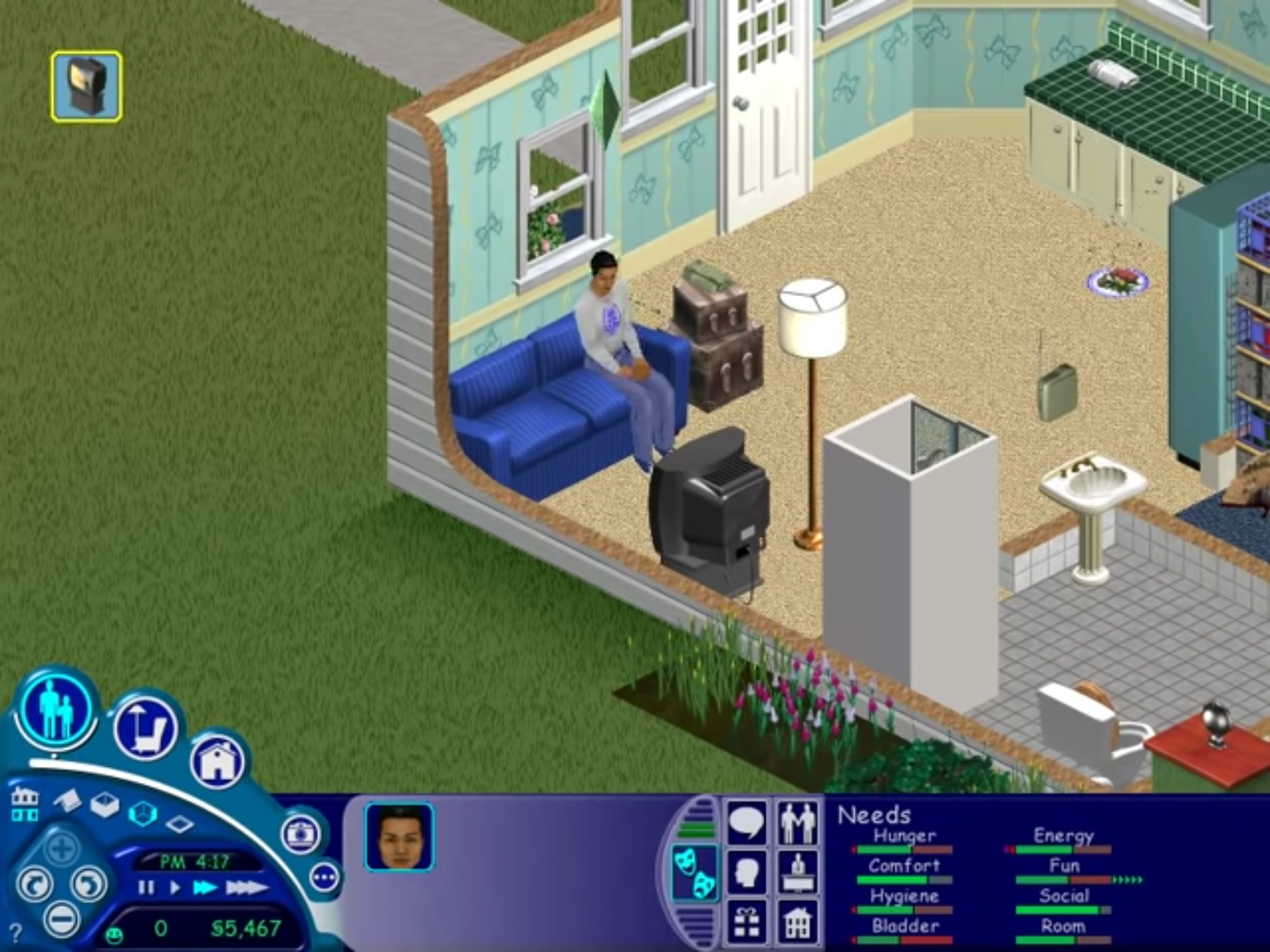
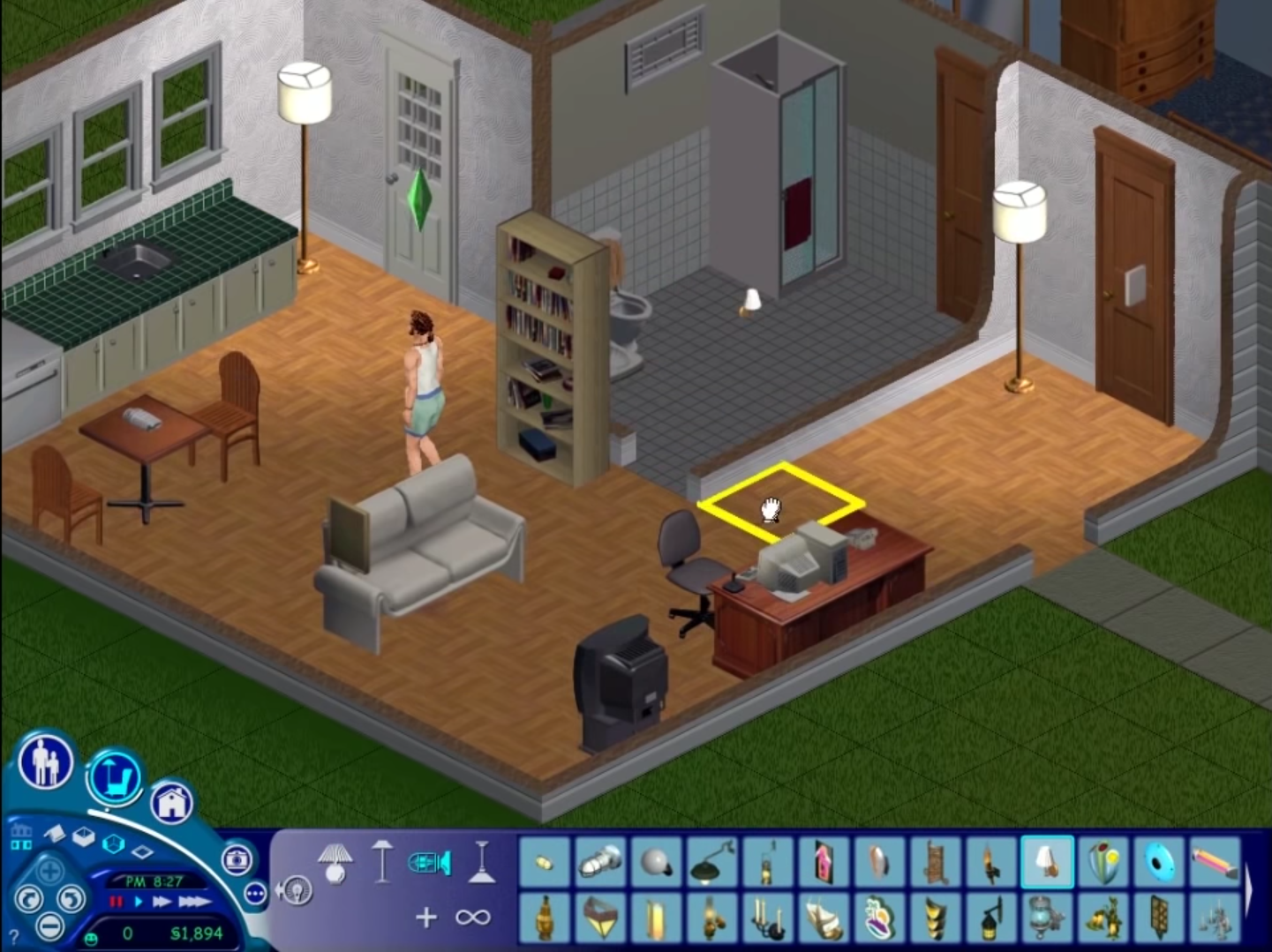
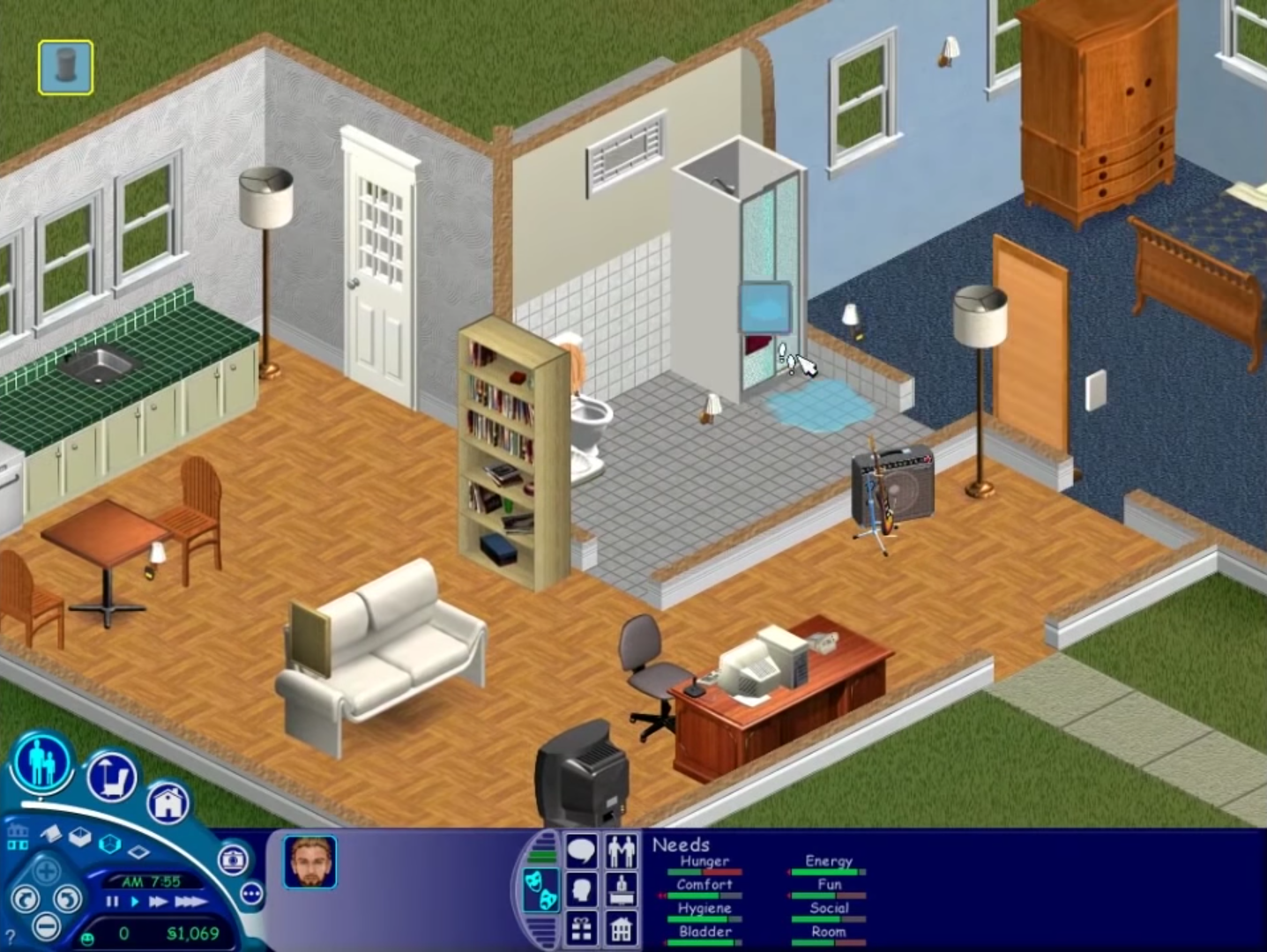
The Sims (also known as The Sims 1 or The Sims Classic) is a life-simulation video game developed by Maxis and published by Electronic Arts on February 4, 2000 for Windows, and July 25, 2000 for Mac OS X. The game only has a single-player mode. There is no goal defined in The Sims,and players must develop their characters as they go through different life stages. Characters which the player controls can interact with other in-game characters, develop relationships (both negative and positive) and can even start families together. Characters can also be assigned certain tasks to develop life skills, which enables them to progress in their careers and increase their salaries.
Download The Sims
The Sims is no longer abandonware. You can now buy the game from:
Windows (2000)
The Sims™ Legacy Collection on Steam
Additional files, patches and fixes
The Sims Deluxe Edition Manual (English)
The Sims Windows ReadMe (German)
The Sims Windows ReadMe (English)
The Sims Windows ReadMe (Spanish)
The Sims Windows ReadMe (French)
The Sims Windows ReadMe (Italian)
The Sims Windows ReadMe (Dutch)
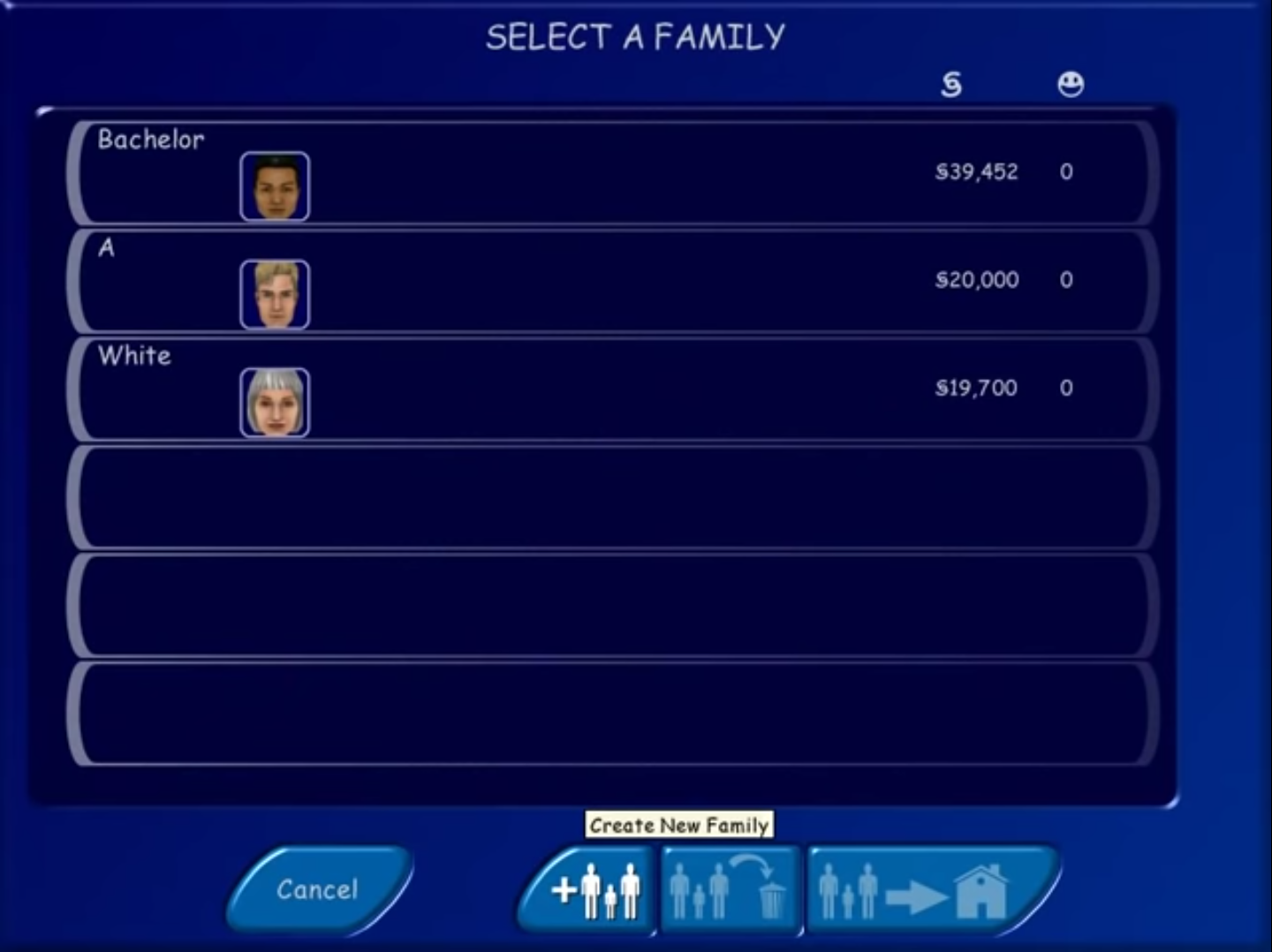
The Sims Screenshots
Windows
0
I managed to set everything up and the game also worked perfectly. At least for maybe an hour or so. However, when I exited the game, and later tried to restart it, I’m getting an error message, that the game can’t be run, since my computer won’t support the required “color depth”.
This really confuses me, since the game was running properly before. I tried to manually change the color depth in my settings, but the error message still comes up.
Also, my Computer isn’t set up in English, so I can’t really put the exact error message in here. But directly translated, the error message says:
“Grave Error!
Game Start not possible because:
The standard graphic card does not support this color depth. Terminated now.”
Even running it in compatibility mode doesn’t help, I keep getting the same error.
0
0
0
Only way I managed to make this work was with a VM, I used Oracle VM with Windows XP SP3.
The issue here is that I can’t patch its resolution and audio stutters often.
I have tried the widescreen patcher(both legacy and normal) and its different wrappers, I also tried the old route by changing the hex values, both results in “green looking” launch screen and then crashes at the end.
But, if you can deal with the resolution and some audio glitches just to be able to play Sims 1 again,
I highly suggest trying out VM route.
0
0
0
0
0
EDIT:
CMMD E8HB 2PEP HZ7R HSTH
Found one. this should work
0
0
0
0
0
0
0
I tried to run setup.exe a few times with no success (after mounting ISO). I can see that the setup.exe is active in the task manager but nothing is happening. Running as admin and using the compatibility troubleshooting wonät help.. Running on Windows 10.
0
0
0
0
Edit: Solved the issue! Run it as an administrator and that should work.
0
Thank`s in advance
0
0
0