| Publishers | Electronic Arts |
| Developers | Maxis |
| Release date | 2000 |
| Genre | Simulation |
| Game rating |
Game Description
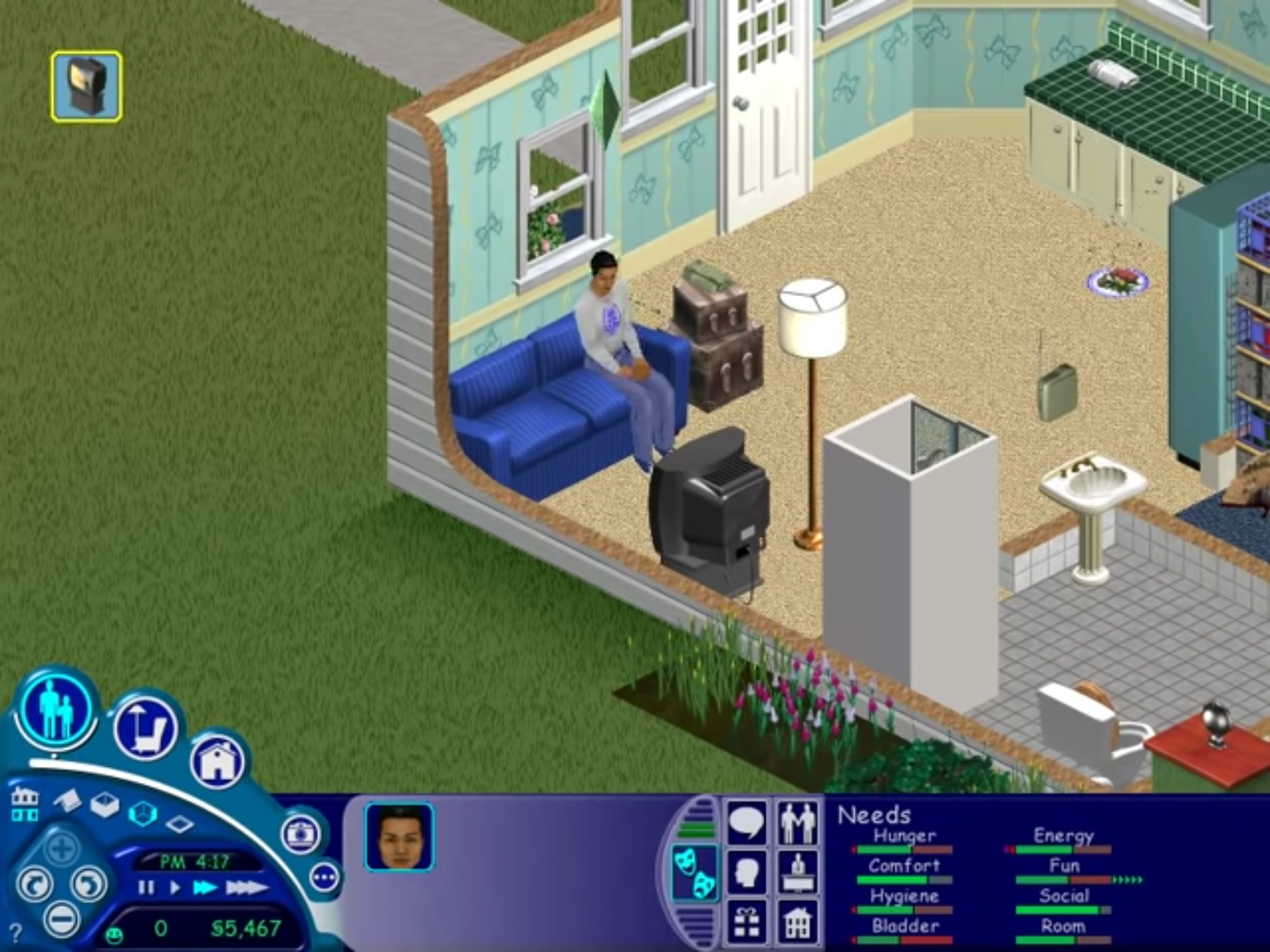
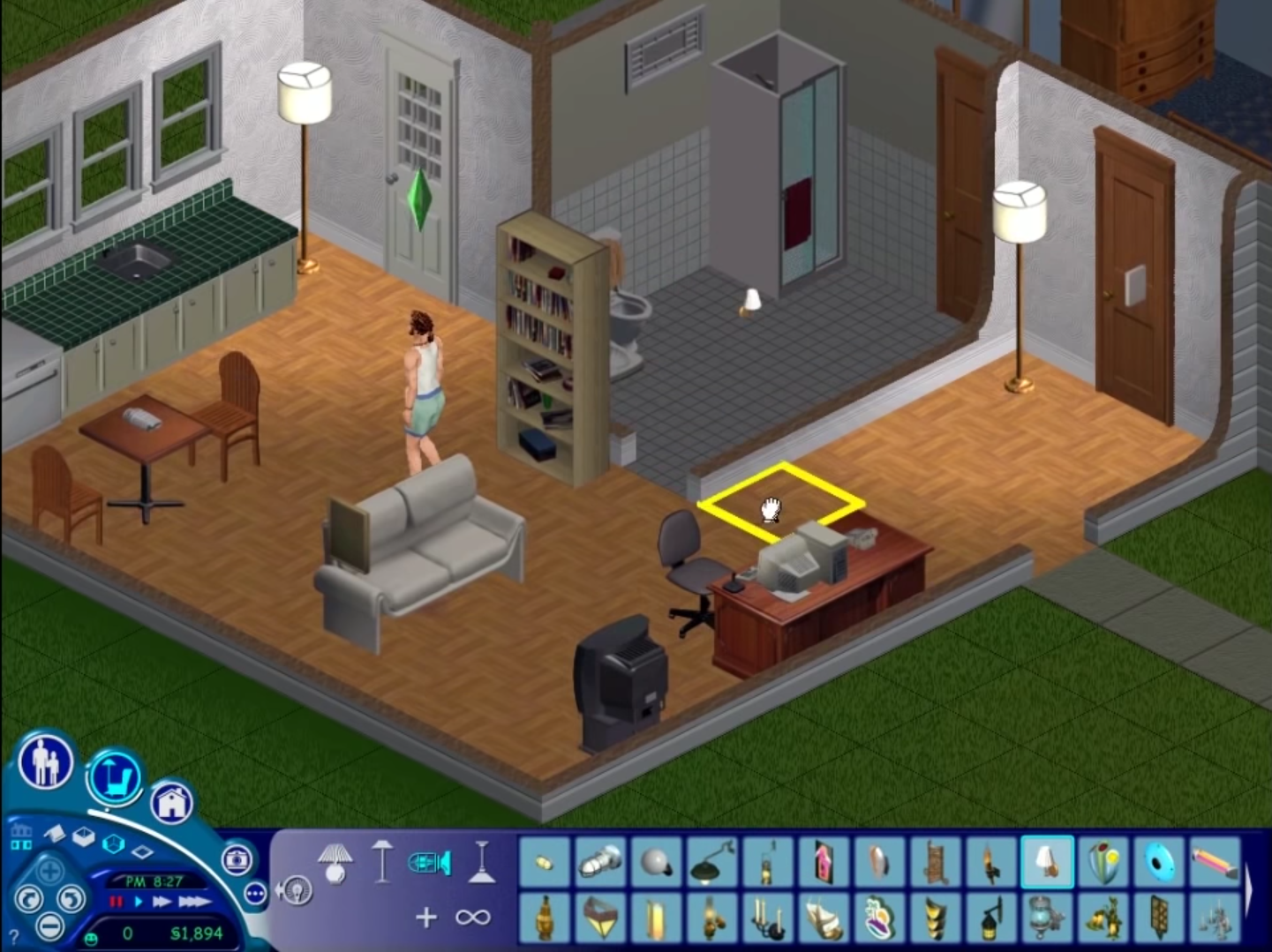
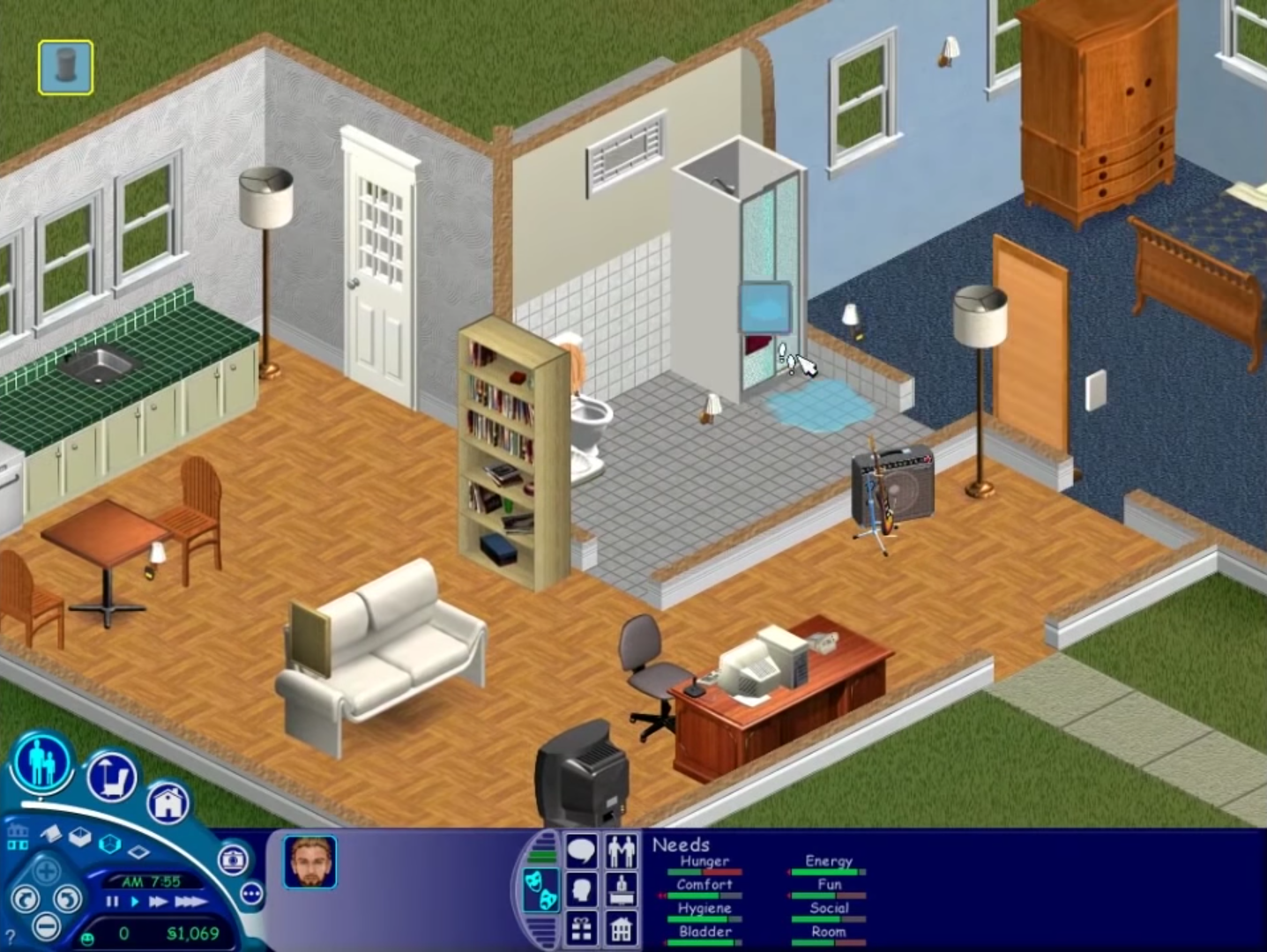
The Sims (also known as The Sims 1 or The Sims Classic) is a life-simulation video game developed by Maxis and published by Electronic Arts on February 4, 2000 for Windows, and July 25, 2000 for Mac OS X. The game only has a single-player mode. There is no goal defined in The Sims,and players must develop their characters as they go through different life stages. Characters which the player controls can interact with other in-game characters, develop relationships (both negative and positive) and can even start families together. Characters can also be assigned certain tasks to develop life skills, which enables them to progress in their careers and increase their salaries.
Download The Sims
The Sims is no longer abandonware. You can now buy the game from:
Windows (2000)
The Sims™ Legacy Collection on Steam
Additional files, patches and fixes
The Sims Deluxe Edition Manual (English)
The Sims Windows ReadMe (German)
The Sims Windows ReadMe (English)
The Sims Windows ReadMe (Spanish)
The Sims Windows ReadMe (French)
The Sims Windows ReadMe (Italian)
The Sims Windows ReadMe (Dutch)
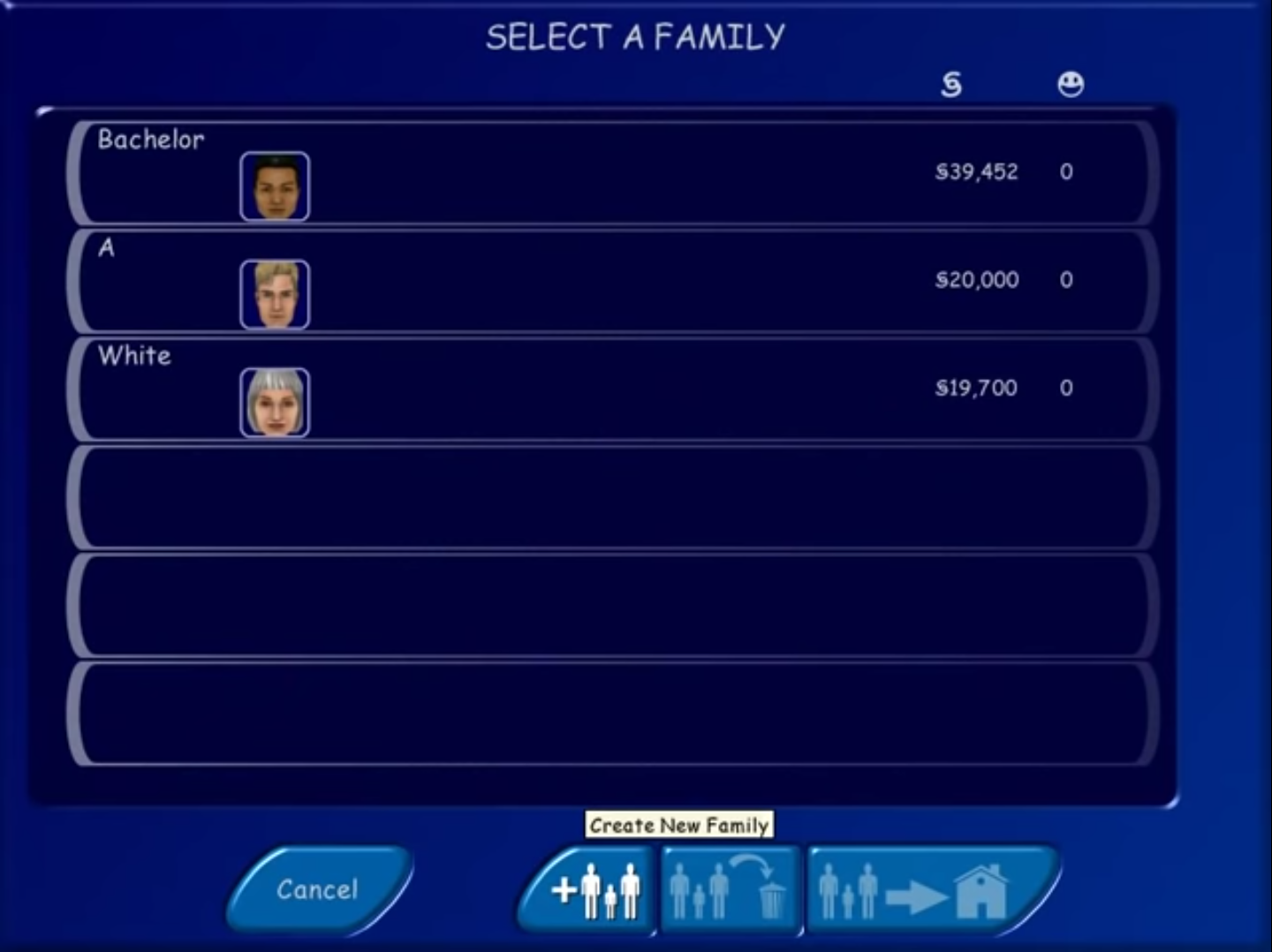
The Sims Screenshots
Windows
0
0
0
0
0
0
0
0
0
0
0
0
0
0
0
0
0
0
0
Right click the setup.exe > properties > compatability tab:
Check compatibility, set to windows xp service pack 3
Check reduced color mode, set it to 16 bit.
Check disable fullscreen optimizations
0
Right click the setup.exe > properties > compatability tab:
Check compatibility, set to windows xp service pack 3
Check reduced color mode, set it to 16 bit.
Check disable fullscreen optimizations
Open task manager > sort by name > find Setup.exe in the background processes and kill any already running. Restart setup.exe and go back to it in task manager.
Right click it, click go to details. Right click the highlighted process and click “Analyze Wait Chain”. You will see 2 applications listed with checkboxes next to them, the top one will be setup.exe. Check the box for the bottom one and end the process. Then close the window. You may need to repeat the process of selecting analyze wait chait and ending the secondary task 2 or more times, then the installer should launch and work fine.
0
0
0
Nvm, found it: had to go on ‘Details’ tab on the top of task manager then did the rest. However now that it is installed, when I try to launch it, it says ”please log in with administrator privilages and try again.”
0
0
0