The Sims

Publishers Electronic Arts
Developers Maxis
Release date 2000
Genre Simulation
Game rating

Game Description

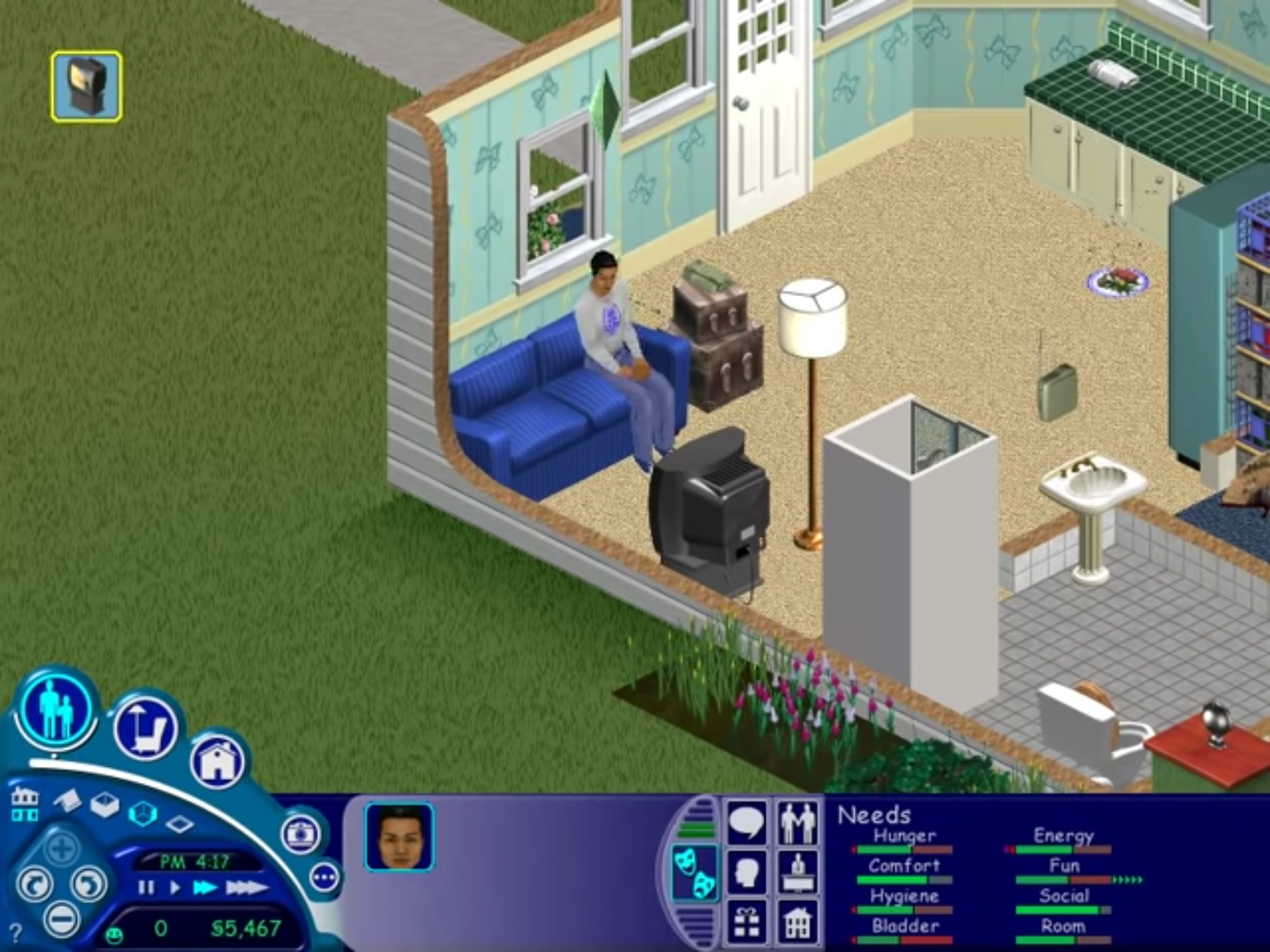
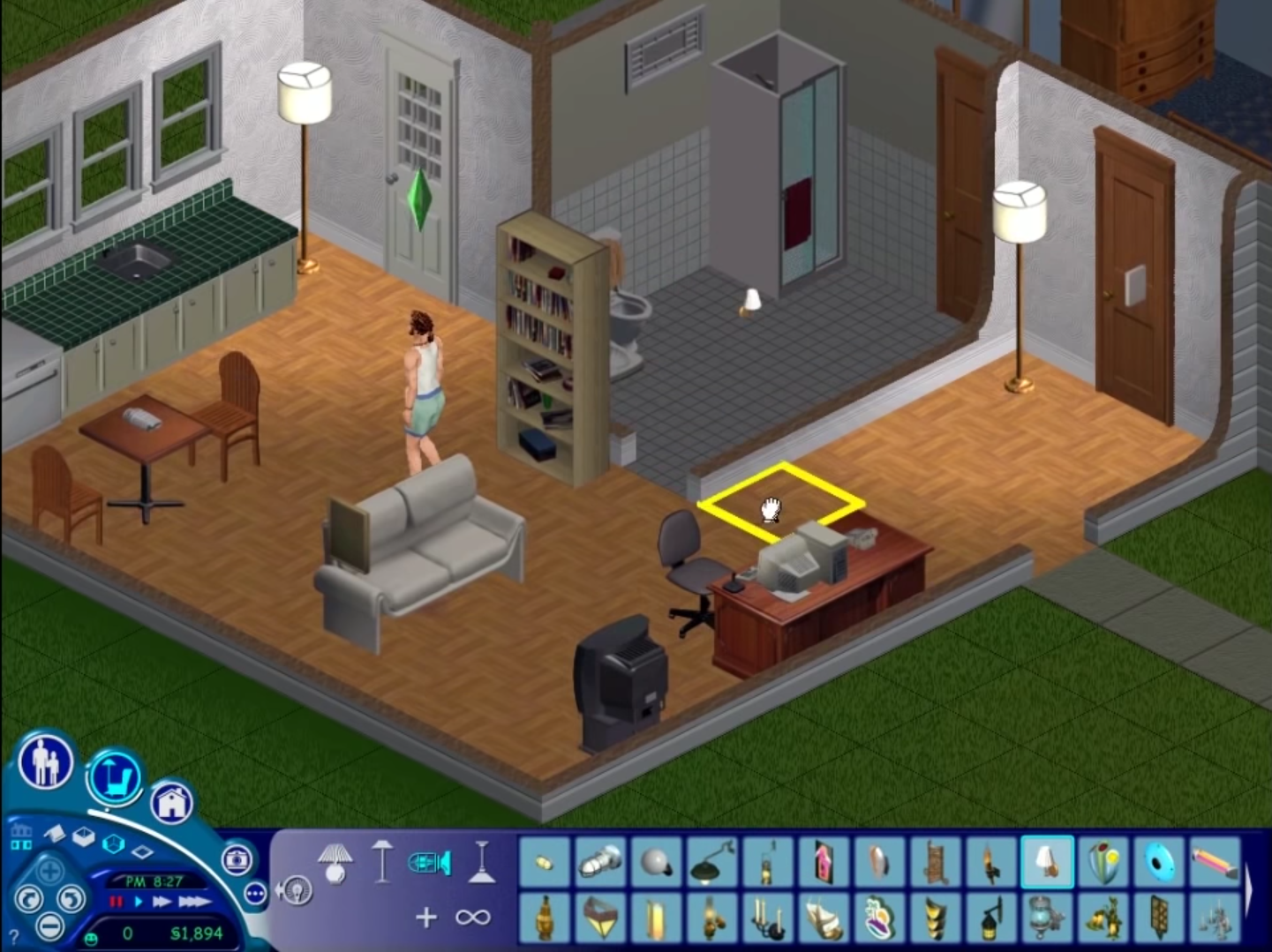
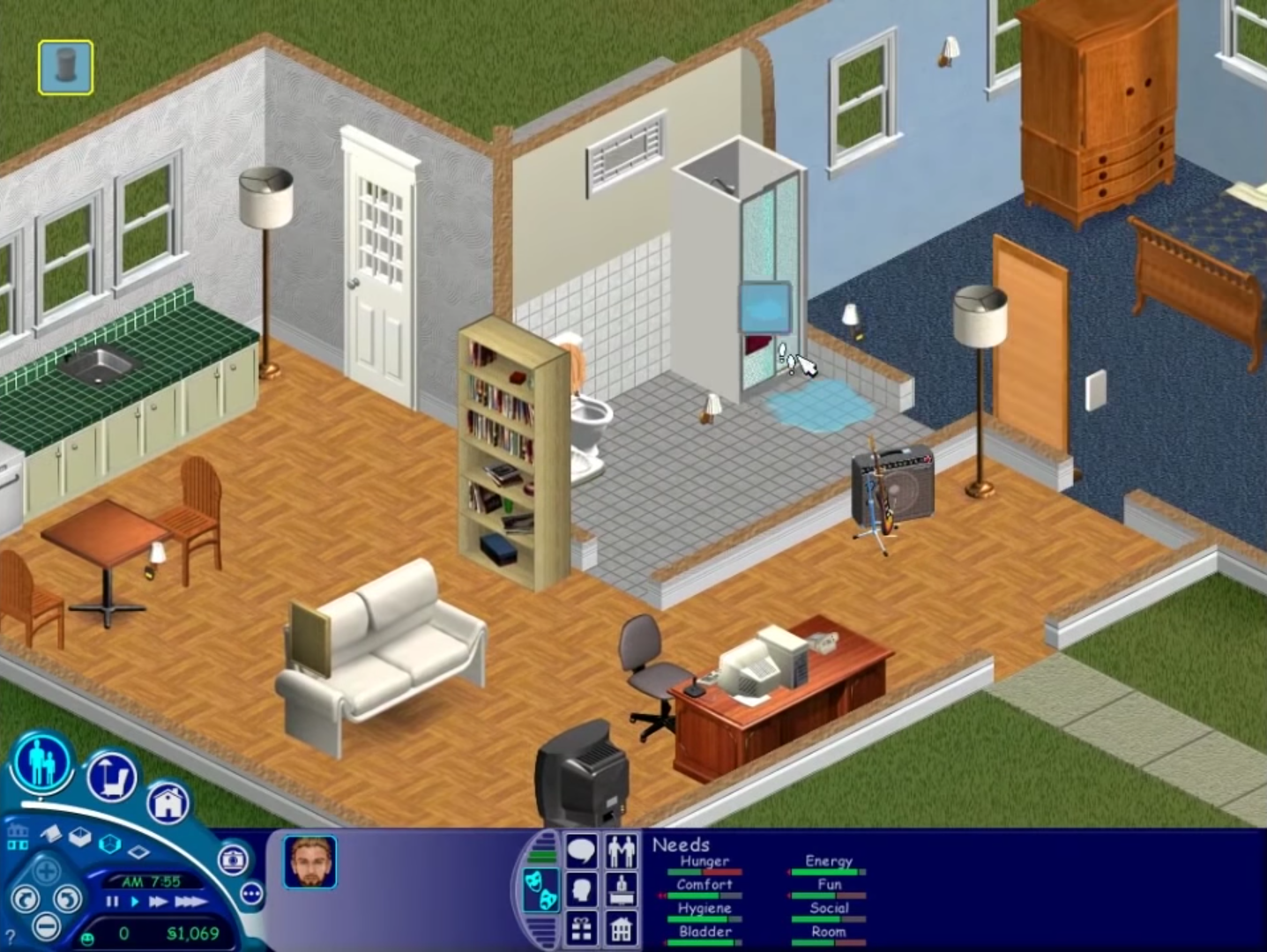
The Sims (also known as The Sims 1 or The Sims Classic) is a life-simulation video game developed by Maxis and published by Electronic Arts on February 4, 2000 for Windows, and July 25, 2000 for Mac OS X. The game only has a single-player mode. There is no goal defined in The Sims,and players must develop their characters as they go through different life stages. Characters which the player controls can interact with other in-game characters, develop relationships (both negative and positive) and can even start families together. Characters can also be assigned certain tasks to develop life skills, which enables them to progress in their careers and increase their salaries.

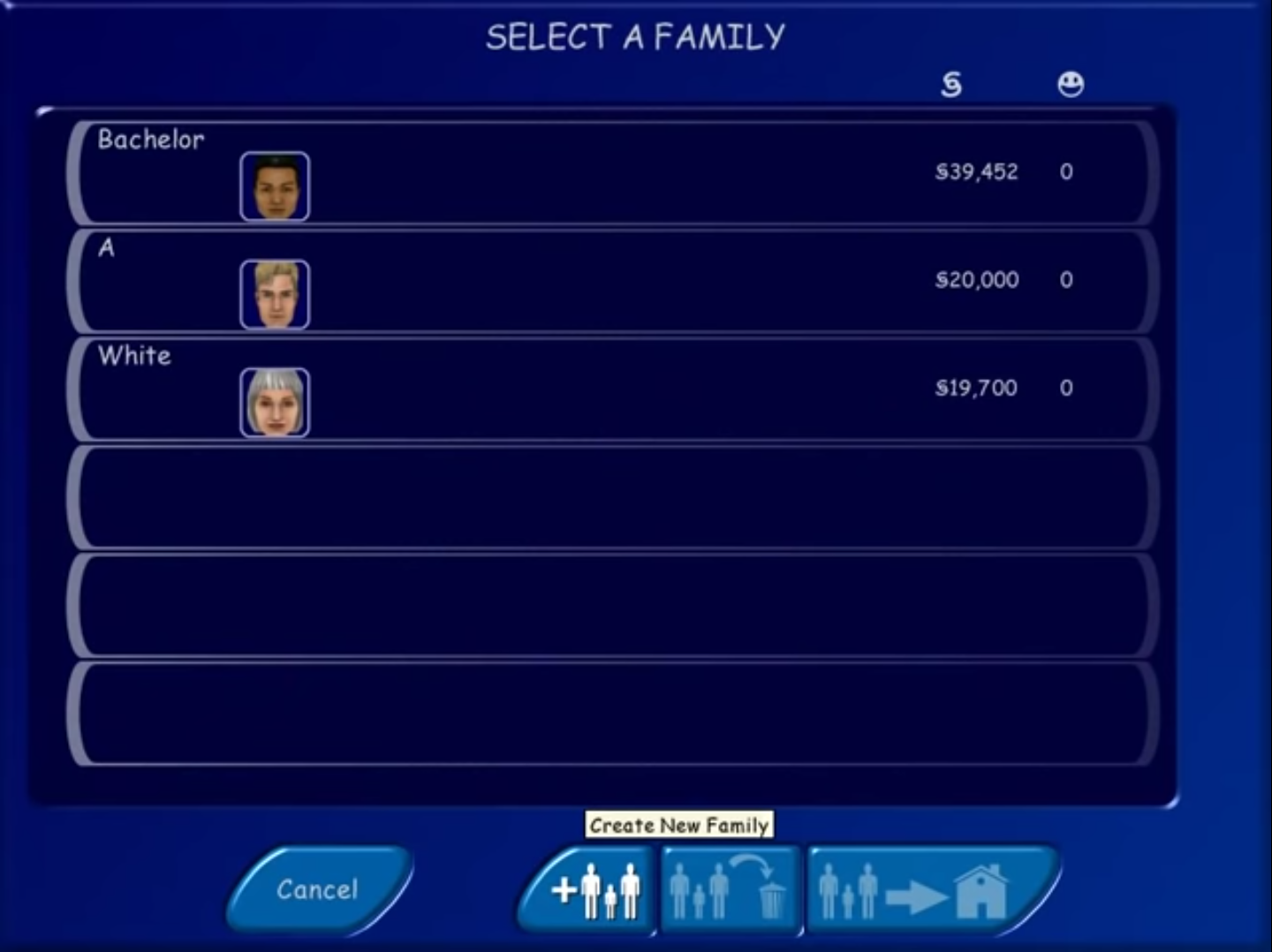
The Sims Screenshots

Windows


Similar games

611 thoughts on “The Sims”

  1. 0

    Hi, I managed to install and copy the Sims.exe in the folder. But when i clicked on it, it says error “Could not find The Sims data directory”. Please help
    Reply
  2. 0

    I have add the files to my desktop. Once I click on ‘Start.exe” the screen will come up to install it. when I click on that it will load but the Installshield program will come up and say this error “unknown error encountered, aborting setup”…not sure what I can do to fix this??
    any tips will help thanks
    Reply
  3. 0

    The main menu opens for me and I click in Play and either forms I select (800 * 600 / 1024 * 768 ) nothing happens and the program closes. Can you help please?
    Reply
  4. 0

    I got it to run and I’m already in building mode but there’s a lot of thumbnails missing for several items and the description window comes for a split second and then disappears. I couldn’t install it by mounting the iso because said file was nowhere to be found. Any advice?
    Reply
  5. 0

    I installed it following the instructions and I am able to open the game but it just gets stuck loading everything once opened up to the map. Any way to fix this? I am on Windows 11
    Reply
  6. 0

    For anyone using Setup.exe and it hanging here’s how I got it to work.
    1. Mount disk image like stated above
    2. Select Setup.exe by right clicking and opening mounted disk image.
    3. After selecting Yes to setup, it might load and hang. Don’t panic.
    4. Go to Task Manager. Under “Details” scroll down to the Setup.exe for Sims (should have logo).
    5. Right click and open “Analyze Wait Chain”
    6. A menu showing Setup, and something connected underneath (likely something called nvcontainer). Select that, then end ONLY that process, NOT SETUP.
    7. Setup should start working as usual now to Install. Follow every other instruction listed on this webpage above to the letter.
    8. After installing, from this point forward just go into Maxis folder, select the replaced Sims.exe from the step above you did earlier.
    9. Game should load, have fun!

    I found this out after checking PCGamingWiki Sims 1 page, which has info on Setup Hanging in modern systems.

    Reply
  7. 0

    i was able to open the program briefly but it closed itself and would not reopen. i ran the windows troubleshooter and it says the software is incompatible. i’m not sure what to do from this point, ive tried running it as admin, spam clicking it, looking through the help folder and the programs inside (some of which would also not open), changing my settings, etc and i cant figure it out. maybe someone who’s a little more computer smart than me would know the answer.
    Reply
  8. 0

    I am having trouble…I have tried to download this way too many times. It gets all the way to the Sims screen where you click the “play” button…acts like its going to open, and then does absolutely nothing…HELP i am so desperate to play this stupid game lol
    Reply
    • 0

      You don’t click the play button, actually read the directions. Once you’ve got through setup you need to take the Sims.exe file in the original ZIP file you downloaded and copy that file into the folder you downloaded the Sims with. Once you copy to that folder it will ask to if you want to replace the file, you’ll click yes. Then you start the game by double clicking the Sims.exe file you just replaced.
      Reply
      • 0

        I did exactly these steps and whenever I double click the Sims.exe file it gives me a message that says “could not find The Sims the data directory.”
        Reply
  9. 0

    Hey, Got the game and everything working fine. it appears the audio files have deleted themselves and was wondering if anyone had the same issue and if they were able to fix this without reinstalling.
    Reply
  10. 0

    I just installed The Sims today and although I keep geeting an error message when I try to open it, I just close the error window and the game starts anyway, so apparently it’s working. I had a problem with the sound (the game was muted), but I was able to fix it tonight. I’m so happy! Thank you so much! I used to play this game with my cousins when I was a child, now I’m 37 years old and my kids are so excited playing this! It’s really nostalgic! They played a little bit today when the game was still muted, now I just fixed the sound problem and they’ll be able to play with the sound tomorrow (they’re sleeping now so it’ll be a surprise for tomorrow). Now, just after I installed this old The Sims 1 base game version, I just found out there is algo the Complete version available for download too, hahaha! How do I do if I want to install the Complete version? Do I have to uninstall the one that I have now and then install the Complete version, or installing the Complete version on top of the one that I have now should be fine? You’re help will be really appreciated! Thanks again! Sorry if my english is bad, it’s not my first language. 🙂
    Reply
  11. 0

    I can’t copy/paste the “Sims.exe” to the virtual drive (#6)

    Go into the folder you installed The Sims into – if you don’t know where that is, right click the desktop shortcut for The Sims and select “Open File Location”. Paste the “Sims.exe” file from Step 5. into this folder. Confirm you want to replace the file in the location.

    I’m not able to paste. I get the message “There is not enough space on The Sims. You need an additional 2.06 MB to copy these files.”

    This is the only folder on that drive

    Reply

Leave a Comment