| Publishers | Electronic Arts |
| Developers | Maxis |
| Release date | 2000 |
| Genre | Simulation |
| Game rating |
Game Description
The Sims (also known as The Sims 1 or The Sims Classic) is a life-simulation video game developed by Maxis and published by Electronic Arts on February 4, 2000 for Windows, and July 25, 2000 for Mac OS X. The game only has a single-player mode. There is no goal defined in The Sims,and players must develop their characters as they go through different life stages. Characters which the player controls can interact with other in-game characters, develop relationships (both negative and positive) and can even start families together. Characters can also be assigned certain tasks to develop life skills, which enables them to progress in their careers and increase their salaries.
Download The Sims
The Sims is no longer abandonware. You can now buy the game from:
Windows (2000)
The Sims™ Legacy Collection on Steam
Additional files, patches and fixes
The Sims Deluxe Edition Manual (English)
The Sims Windows ReadMe (German)
The Sims Windows ReadMe (English)
The Sims Windows ReadMe (Spanish)
The Sims Windows ReadMe (French)
The Sims Windows ReadMe (Italian)
The Sims Windows ReadMe (Dutch)
The Sims Screenshots
Windows
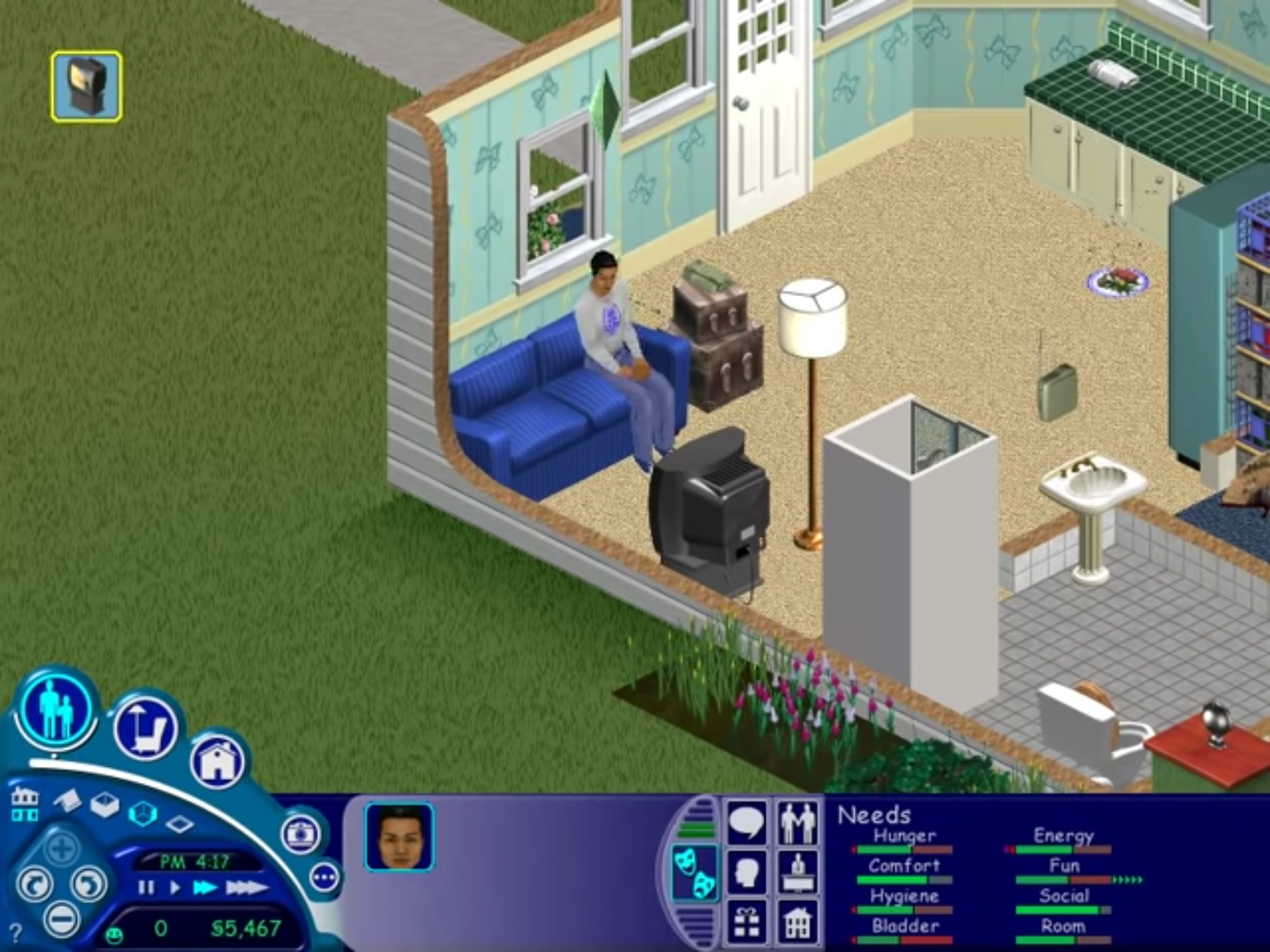
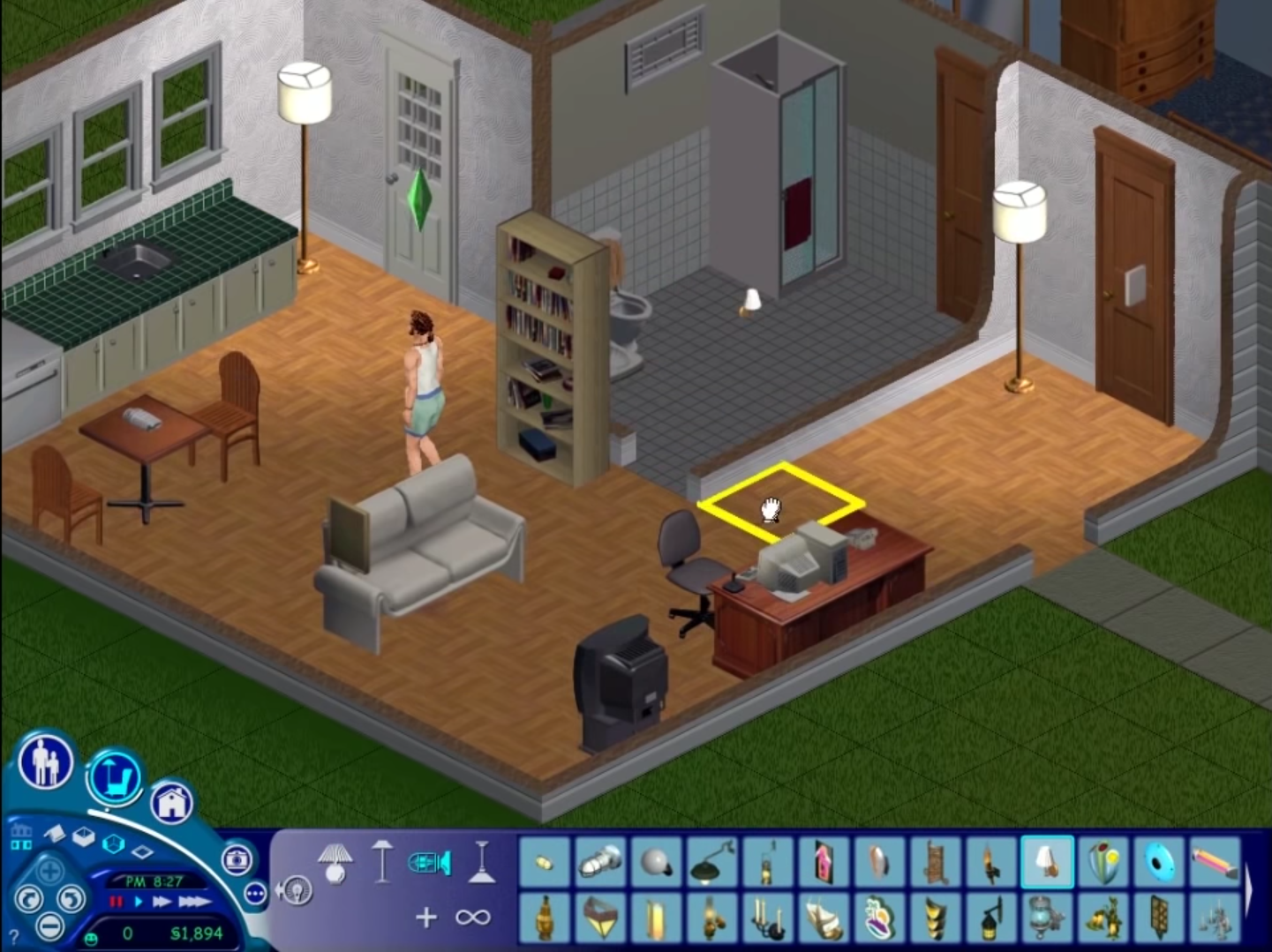
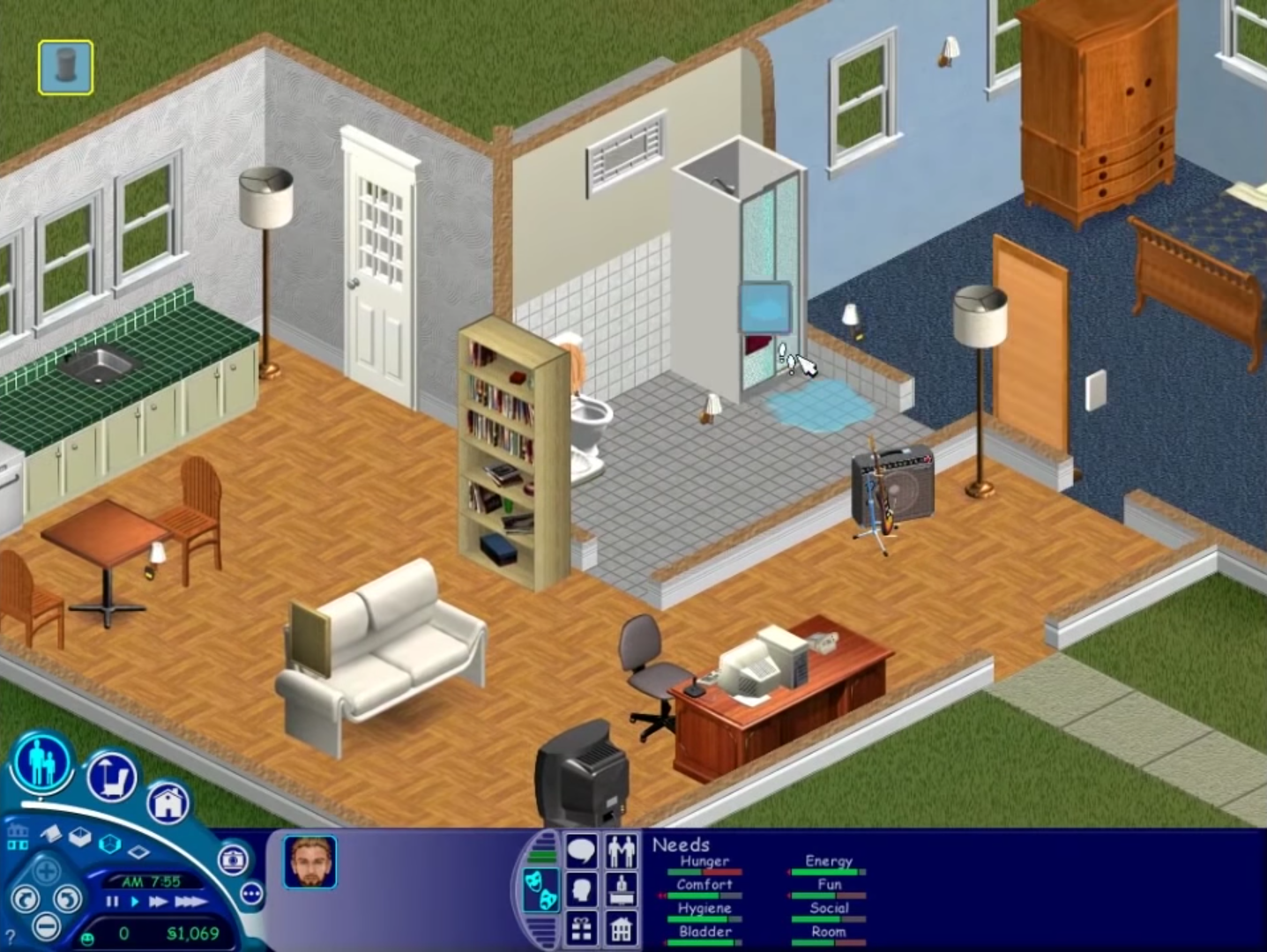
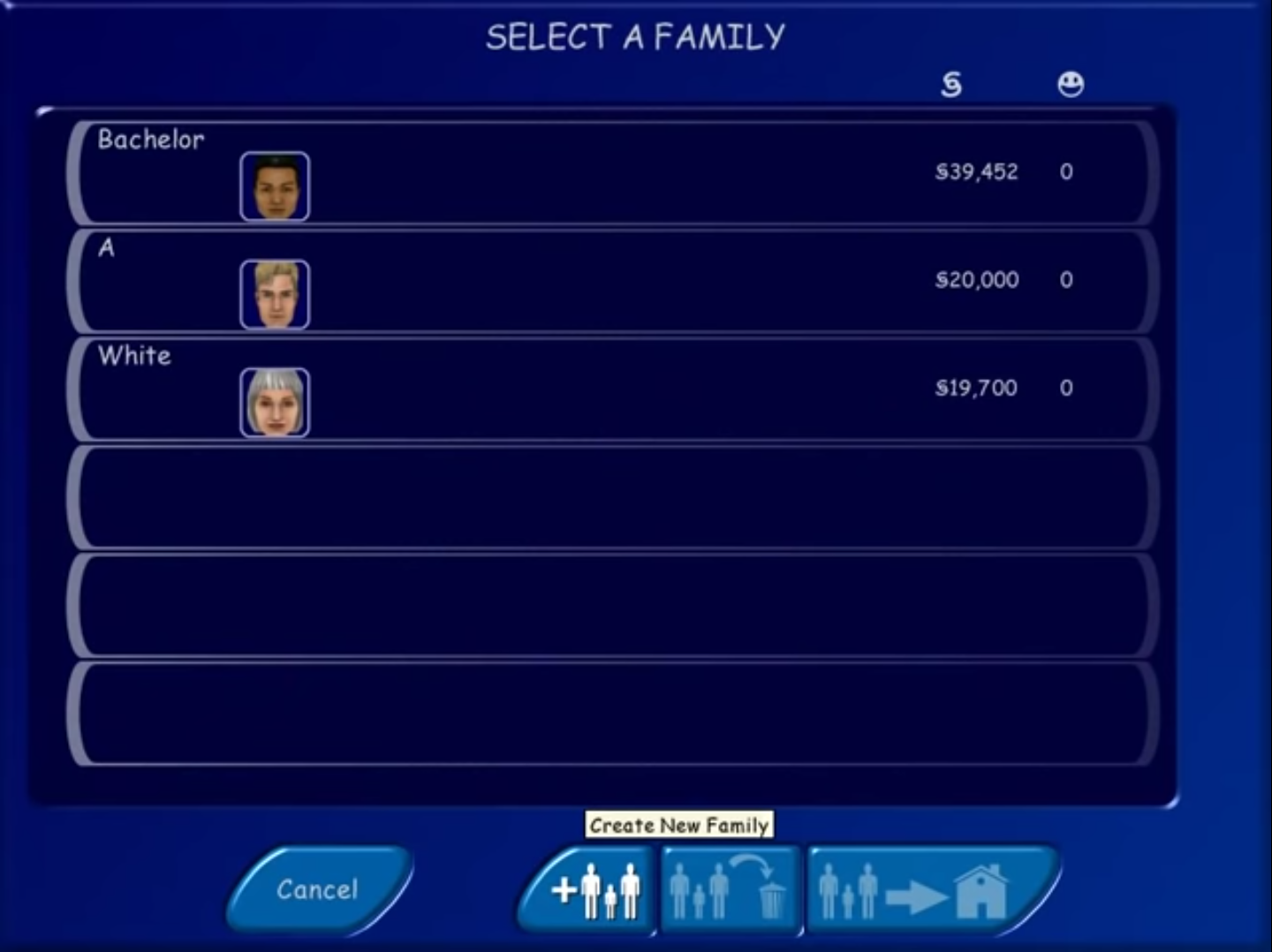
0
0
0
0
0
For anyone using Setup.exe and it hanging here’s how I got it to work.
1. Mount disk image like stated above
2. Select Setup.exe by right clicking and opening mounted disk image.
3. After selecting Yes to setup, it might load and hang. Don’t panic.
4. Go to Task Manager. Under “Details” scroll down to the Setup.exe for Sims (should have logo).
5. Right click and open “Analyze Wait Chain”
6. A menu showing Setup, and something connected underneath (likely something called nvcontainer). Select that, then end ONLY that process, NOT SETUP.
7. Setup should start working as usual now to Install. Follow every other instruction listed on this webpage above to the letter.
8. After installing, from this point forward just go into Maxis folder, select the replaced Sims.exe from the step above you did earlier.
9. Game should load, have fun!
I found this out after checking PCGamingWiki Sims 1 page, which has info on Setup Hanging in modern systems.
again reupload from SimlishFluent comment i hope it helps
0
0
0
0
0
0
0
0
0
0
0
I managed to install it good. Did the tutorial. But when I want to save it says “en error has occured” and the cursor freezes. Do you have any ideas on how to fix the problem?
Thank you
0
0
0
0
This isnt a shared laptop so there’s no other users so I figured I was the administrator, I’m not overly techy so I’m struggling with this lol
0
0
0
0