The Sims

Publishers Electronic Arts
Developers Maxis
Release date 2000
Genre Simulation
Game rating

Game Description

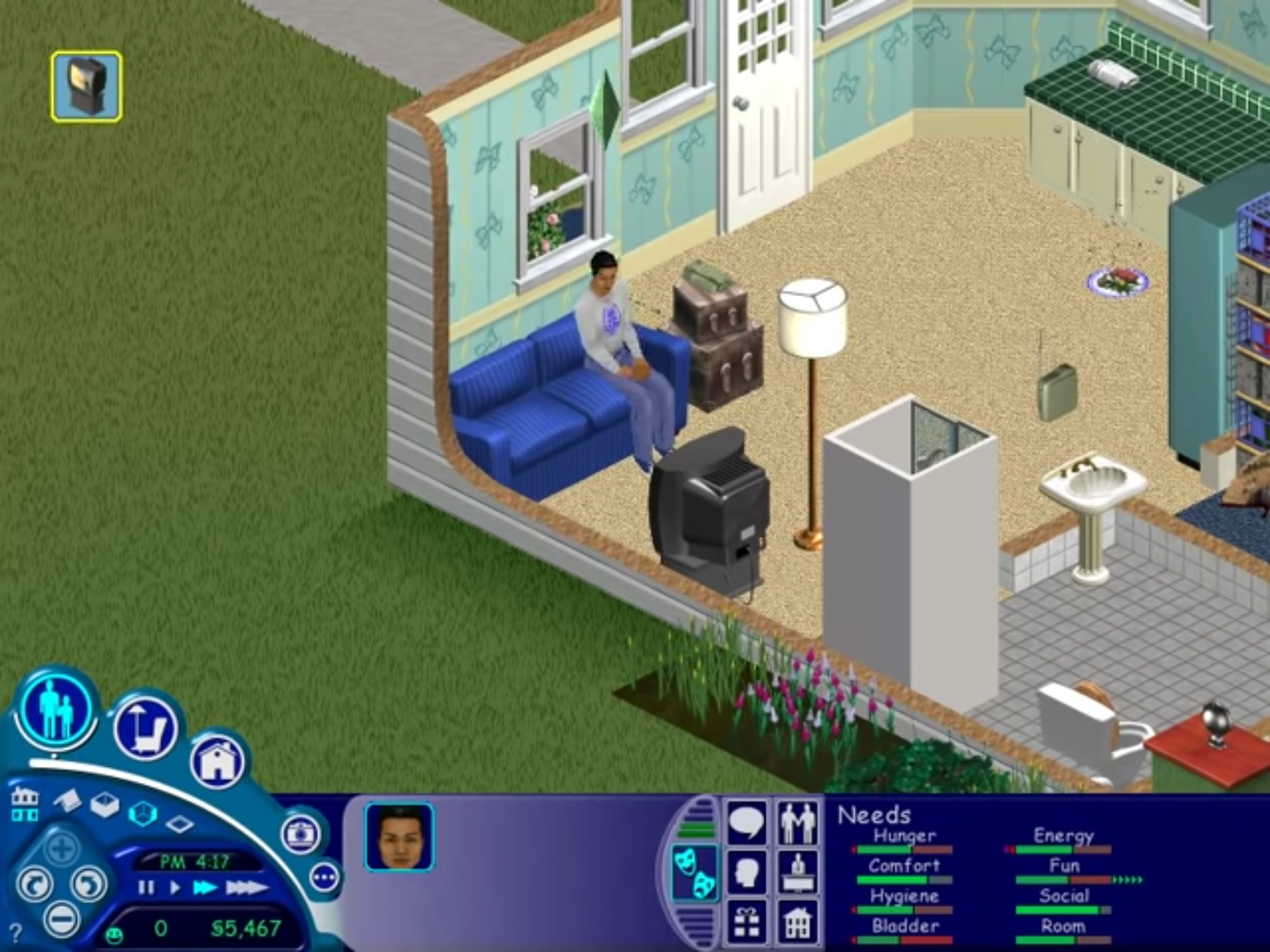
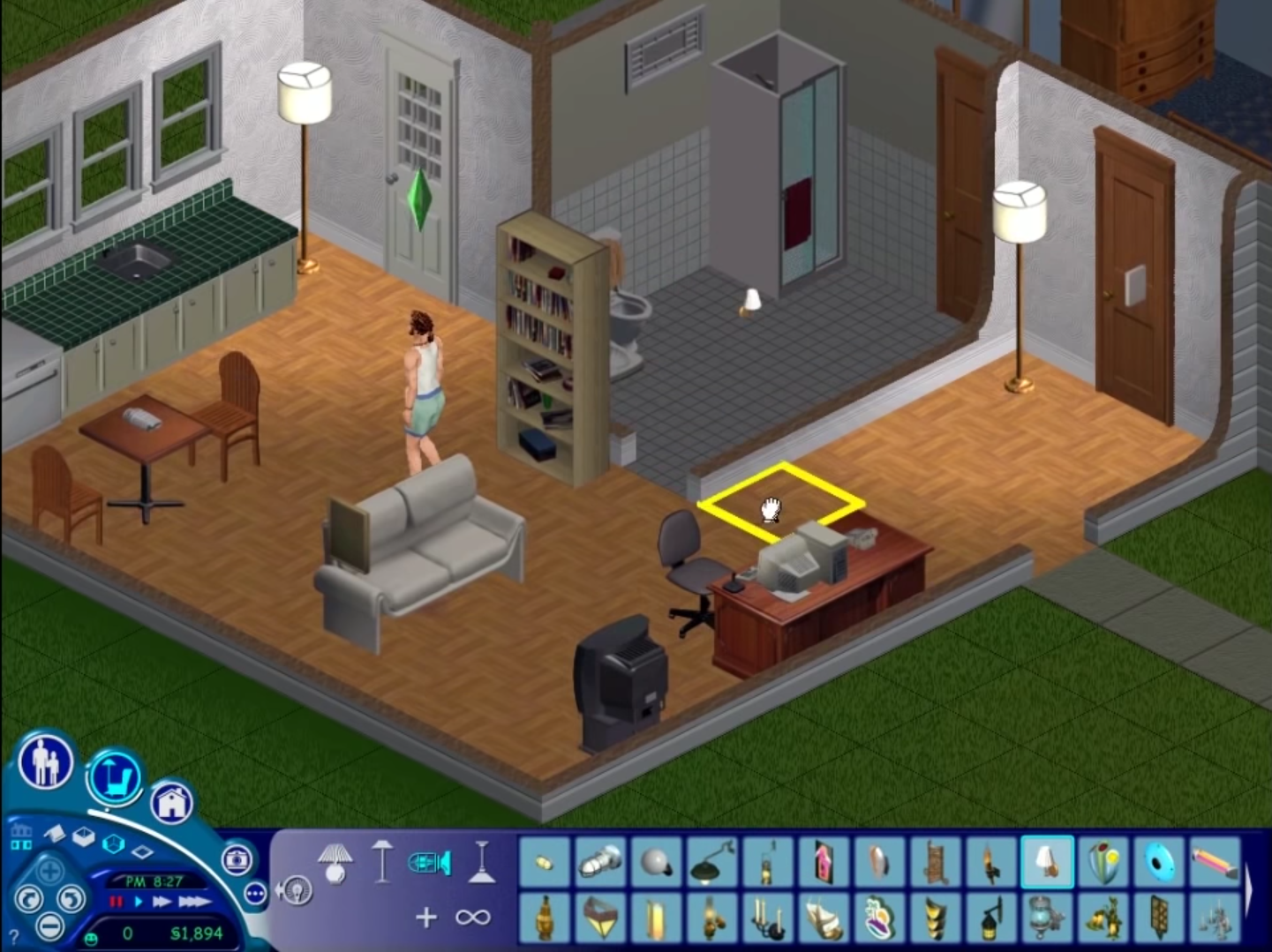
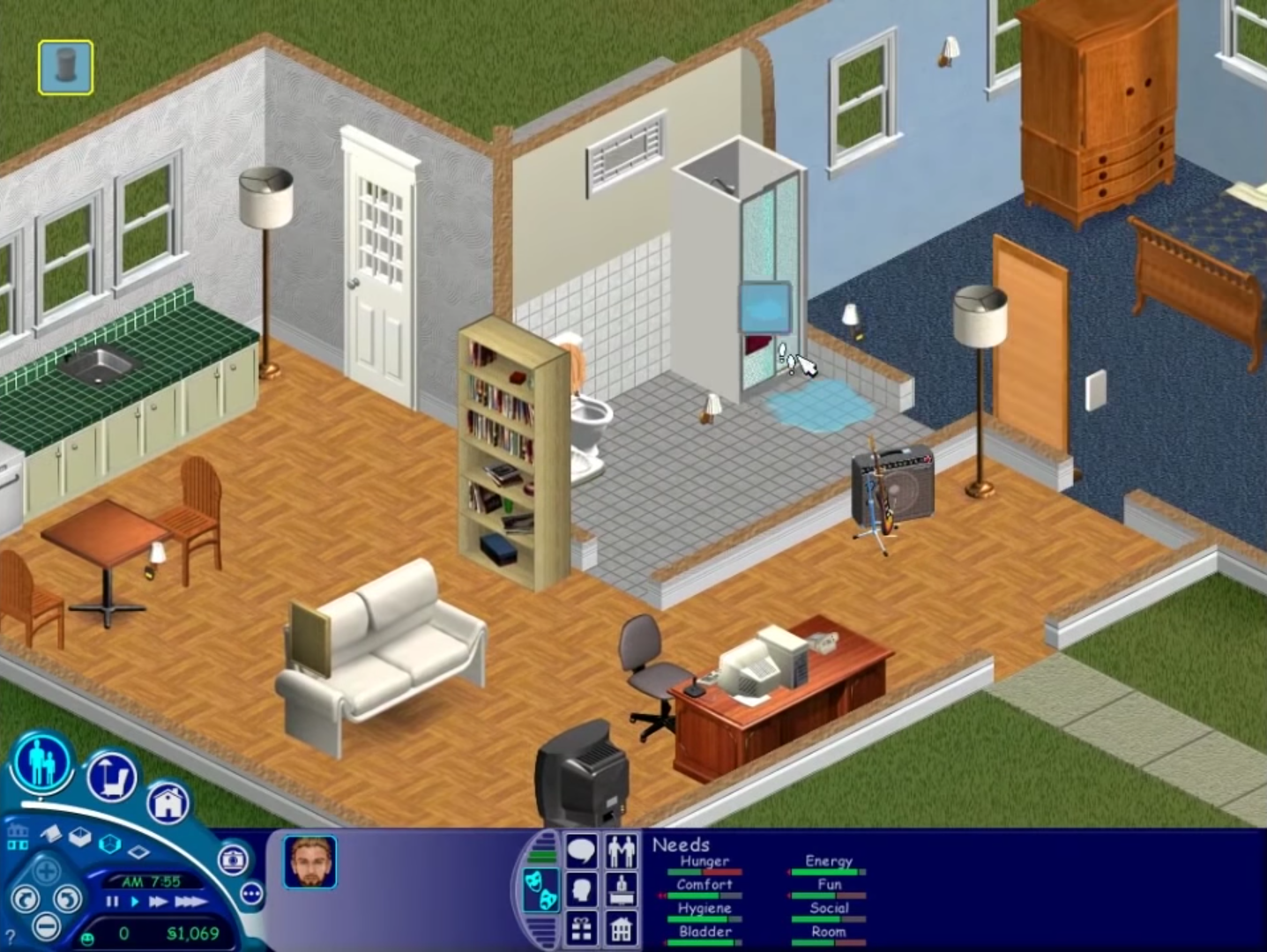
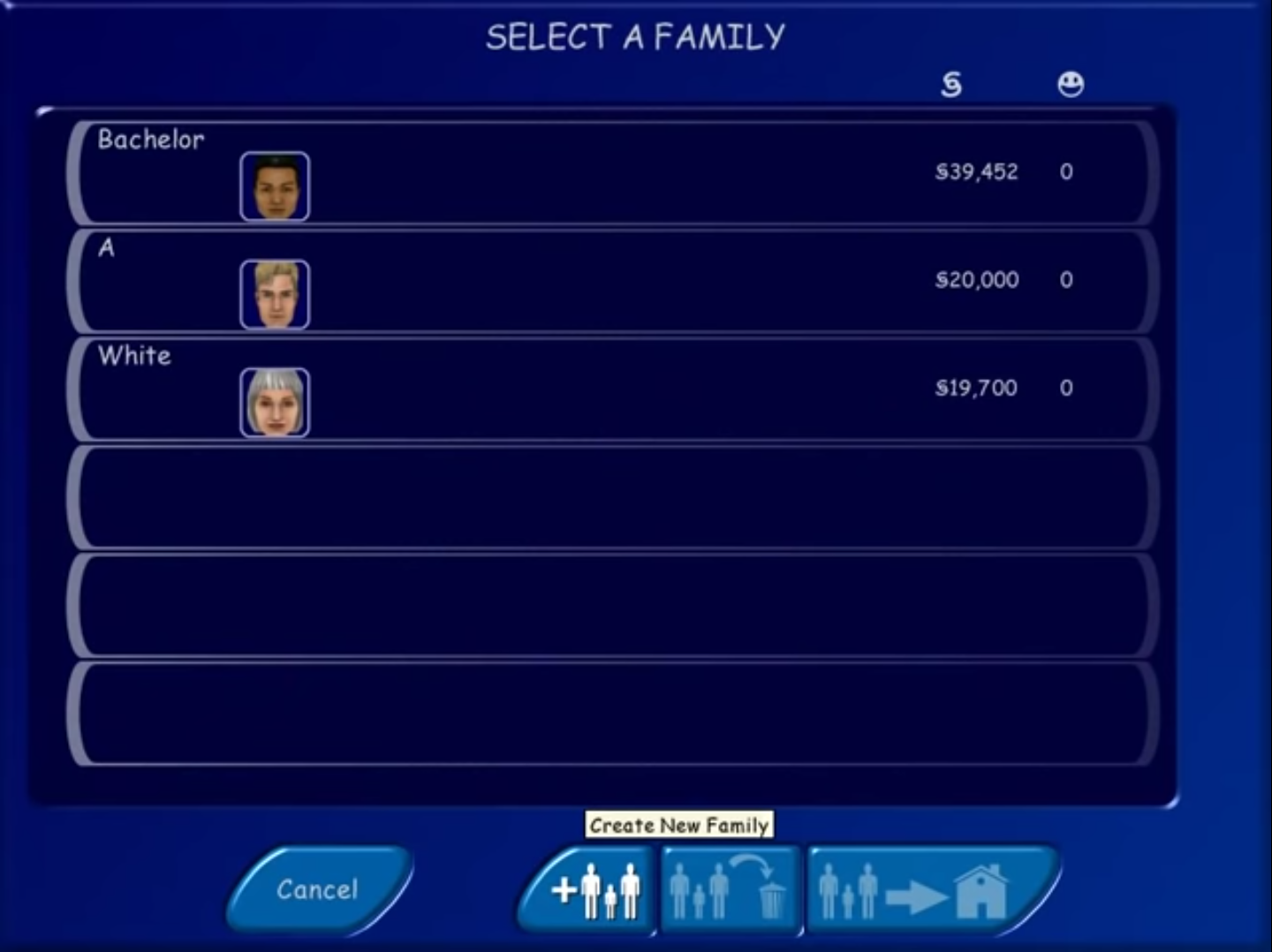
The Sims (also known as The Sims 1 or The Sims Classic) is a life-simulation video game developed by Maxis and published by Electronic Arts on February 4, 2000 for Windows, and July 25, 2000 for Mac OS X. The game only has a single-player mode. There is no goal defined in The Sims,and players must develop their characters as they go through different life stages. Characters which the player controls can interact with other in-game characters, develop relationships (both negative and positive) and can even start families together. Characters can also be assigned certain tasks to develop life skills, which enables them to progress in their careers and increase their salaries.

The Sims Screenshots

Windows


Similar games

611 thoughts on “The Sims”

  1. 0

    Right before it installs the game(around 95% already), I got a message saying that I should insert disc 3 of the Sims complete collection. What am I supposed to do
    Reply
  2. 0

    Hey, I’m having a fatal error saying my graphics card doesn’t support Thousands of Colours. Do I give up or have to get a new graphics card? How is my new laptop having trouble playing such an old game?
    Reply
    • 0

      Nevermind! Turns out I can go into properties and set it to play on like, lesser colours! Thank you to whoever made such an easy tutorial to install, and had both a video and text. I don’t follow videos well but I do follow text! Super stoked to play some OG sims! 💞
      Reply
  3. 0

    Instructions
    Step 2-Double click on the file which says start.exe and then follow the on-screen instructions..
    I have clicked on start but nothing is happening? It does not go into anything. HELP!!
    Reply
  4. 0

    Bonjour,
    le jeu ne s’ouvre pas quand je clique sur EXE ou alors après il me dit: Qu’il fonctionne pas correctement ; une aide serai sympa , merci
    Reply
  5. 0

    Im confused on what you mean by “drag and drop into the directory on where the game was installed”? Im up to this step and I have no idea what this means. Can you walk me through it?
    Reply
  6. 0

    This pack contains custom content such as skins for heads and bodies which is not listed. It seems to be mostly characters from other IPs. What exactly is CC and how can I remove it?
    Reply
  7. 0

    So I followed the read me manual and I can start the game but It’ll be stuck on the neIghborhood page and freezes when I try to exIt the game. Help please!
    Reply
  8. 0

    Hey. I followed the instructions in the read me manual and when I launched the game, I’m stuck on the neighborhood where a loading screen will continuously pop up, saying things like “Welcome to the neighborhood. Please wait while we shift your sims in” or “Sims superstars are arriving from all over. Please wait and give them time to come out from their limos” and so i did but it was stuck there. When the loading screens are done and i click the arrow indicated, the loading screen will appear again. And when i try to exit the game, my whole laptop freezes. Help please!
    Reply
  9. 0

    Finished the installation process, but whenever I click on the .exe file to start the game either 1) absolutely nothing happens or 2) I get a dialog box saying that I need to insert a disc. Any ideas of how to fix this?
    Reply
  10. 0

    okay i downloaded the complete sims 1 collection it says it is installed but i cant get it to work and it is asking for a disk my sims 3 games is doing the exact same thing please somebody help me i will download teamviewer for someone to make this work i just want to play my sims 🙁
    Reply

Leave a Comment