A Bug’s Life
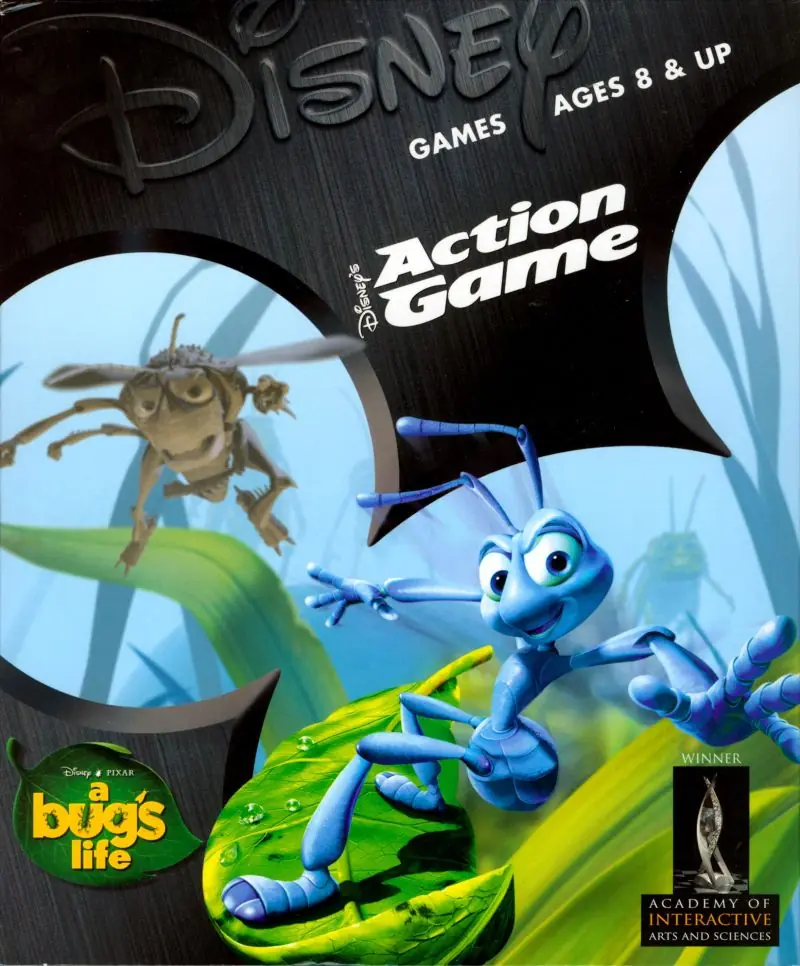
A Bug’s Life is a 1998 platformer game developed by Psygnosis and published by Activision.
Genres
Publishers
Developers
Released
Platforms
A Bug’s Life is a 1998 platformer game developed by Psygnosis and published by Activision.
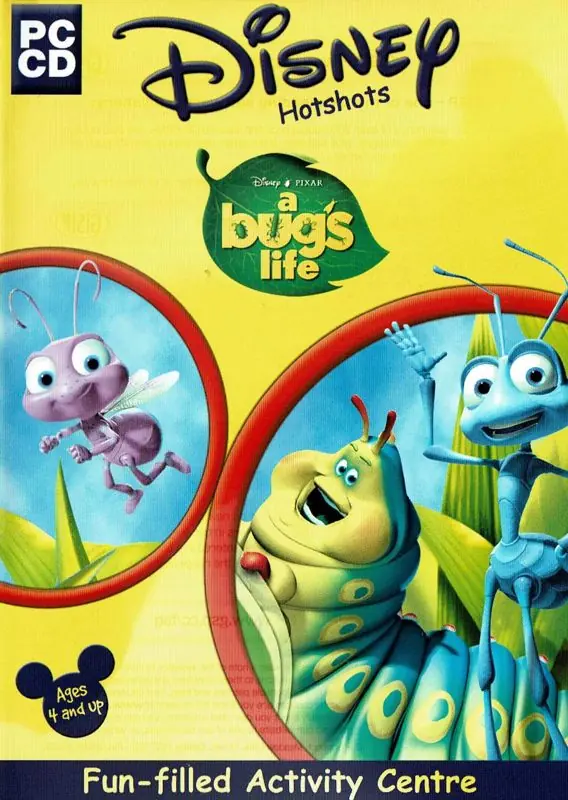
A Bug's Life is a video game based on the Disney·Pixar film of the same name. It was released for various systems between 1998 and 1999. The game's storyline is similar to that of the movie, with a few changes. After completing levels the player can unlock real clips from the movie. A Game.com version was cancelled.
Though the film was Roddy McDowall's final theatrical performance, the game was his final work overall before his passing.
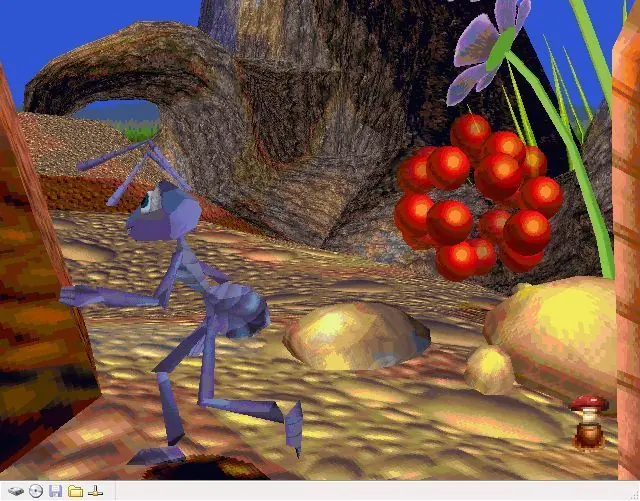
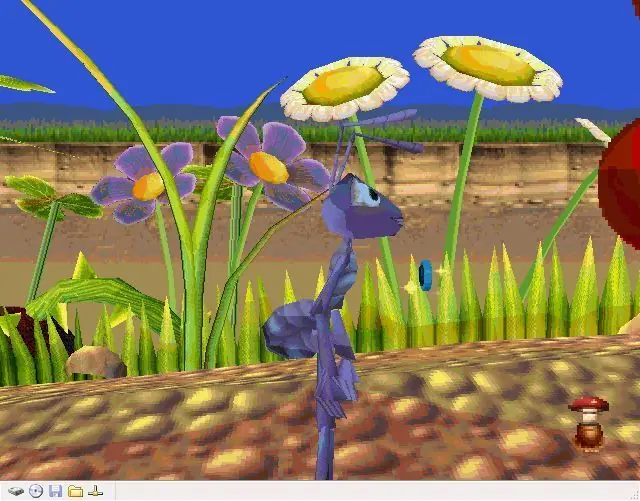
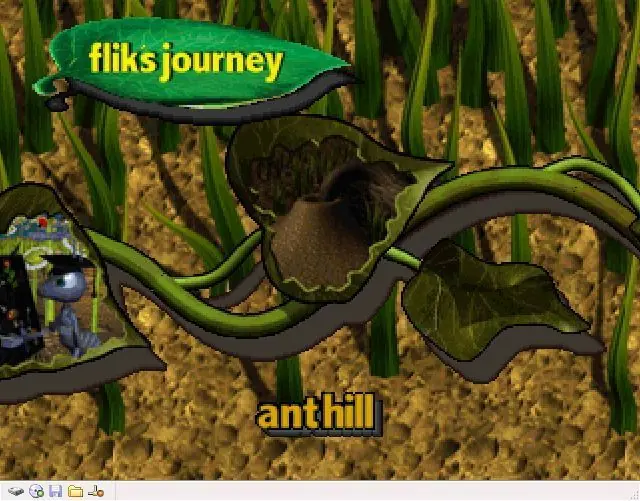
A Bug's Life is a platform game with different goals in each of 15 levels. Most of the goals deal with getting the main character, Flik, to do events that match the storyline of the movie. When the player finishes a level, that player can proceed to the next level. Each new level starts with a new short animation from the movie. If the player collects all of the bonus items in a level, that player gets a bonus movie. Bonus items include 50 pieces of grain, four letters that spell F-L-I-K (like the Tarzan N64 game) and permanently finishing off each enemy bug. To guide the player through the levels there are little floating telescopes that will show the player areas to go to.
Throughout each level are a variety of types of seeds. Some seeds are partially buried in the ground. These seeds can be transformed by Flik into a specific kind of plant that can help him solve problems within the levels. Flik can increase the number of plants he can grow by collecting colored tokens scattered throughout the levels, with a token's color determining what type of plant can be grown with it. Some levels also included Flik's harvesting invention (hidden somewhere in the level) which can be used to collect grain and kill off enemy bugs.
Obtainable throughout all the levels are a series of berries which can be thrown at enemies in order to kill them. How long the enemies stay dead, once hit, depends on the kind of berry Flik throws at it.
A Bug’s Life is abandonware and no longer sold or supported by its publishers. Files are archived here for these platforms:
How to play on Windows







You install on the virtual machine, mount the iso, then run the game.
Look up for some pre-set installations of DOSBOX and then just swap whatever game they came with for this one. That should make the process easier for you
please place the Disney’s ActivePlay, A Bug’s Life CD ROM into the CD-ROM drive and then click ‘OK’