About Buzz Lightyear of Star Command
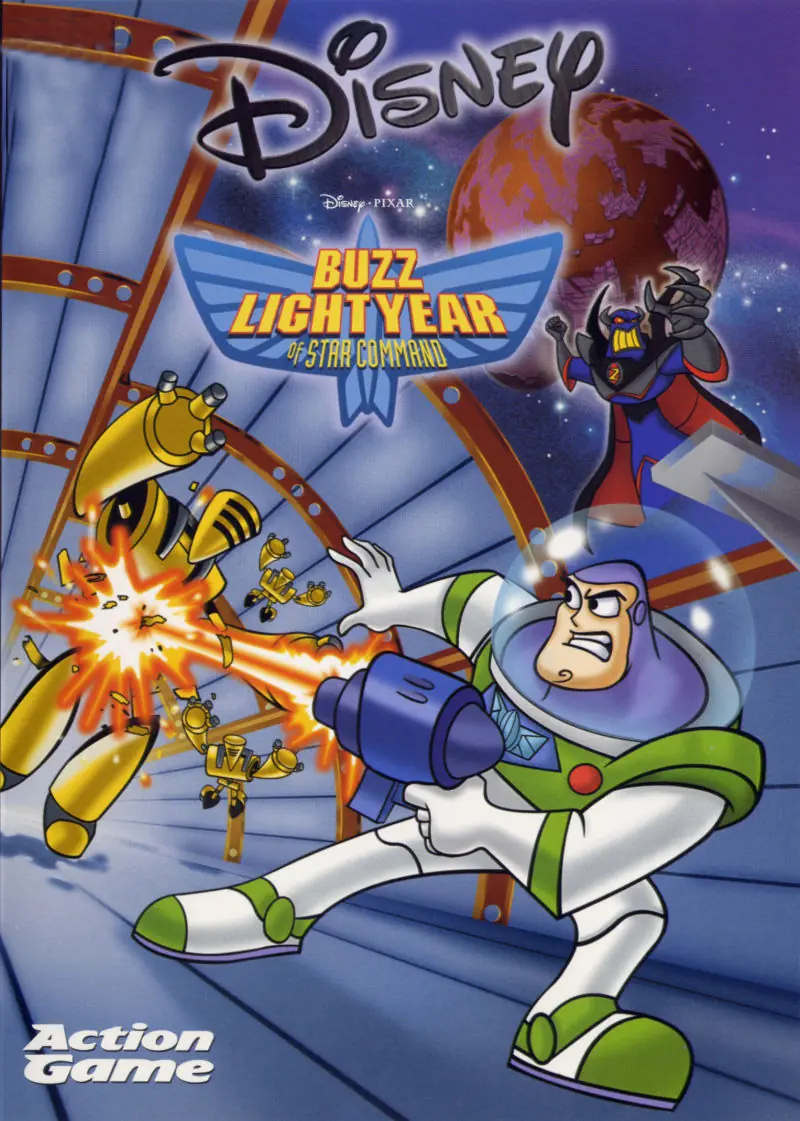
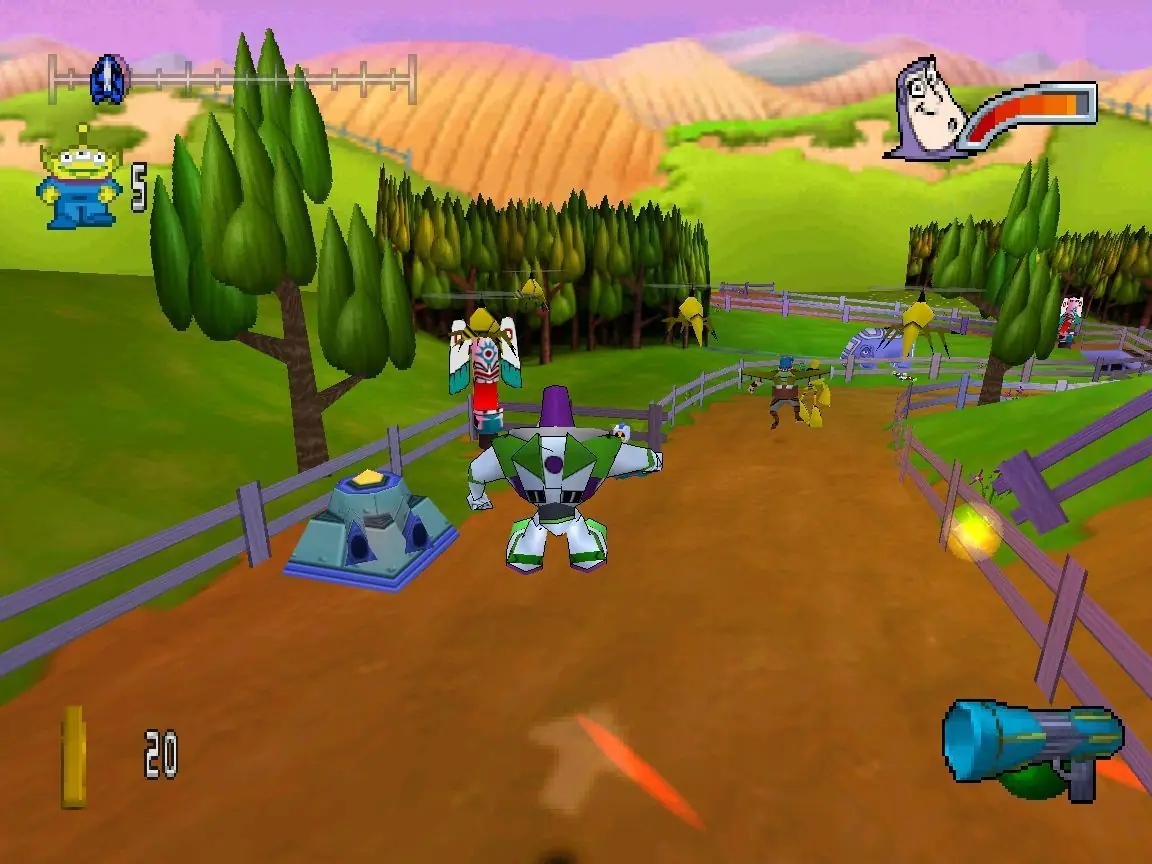
Buzz Lightyear of Star Command is an action shooter platform video game played from a third-person perspective. The game takes place on various fictional planets. The player controls Buzz Lightyear, who must race a villain to the end of each level, where a battle then occurs between the two. During the race, the player must defend against various enemies who try to stop Buzz. Throughout each level, the player can collect coins and use them to purchase weapon upgrades, shields, as well as vehicles, such as a hoverboard, a jet bike, and a jet pack. The player can also pay for level shortcuts, such as teleportation machines and boost pads, which launches Buzz further into the level.
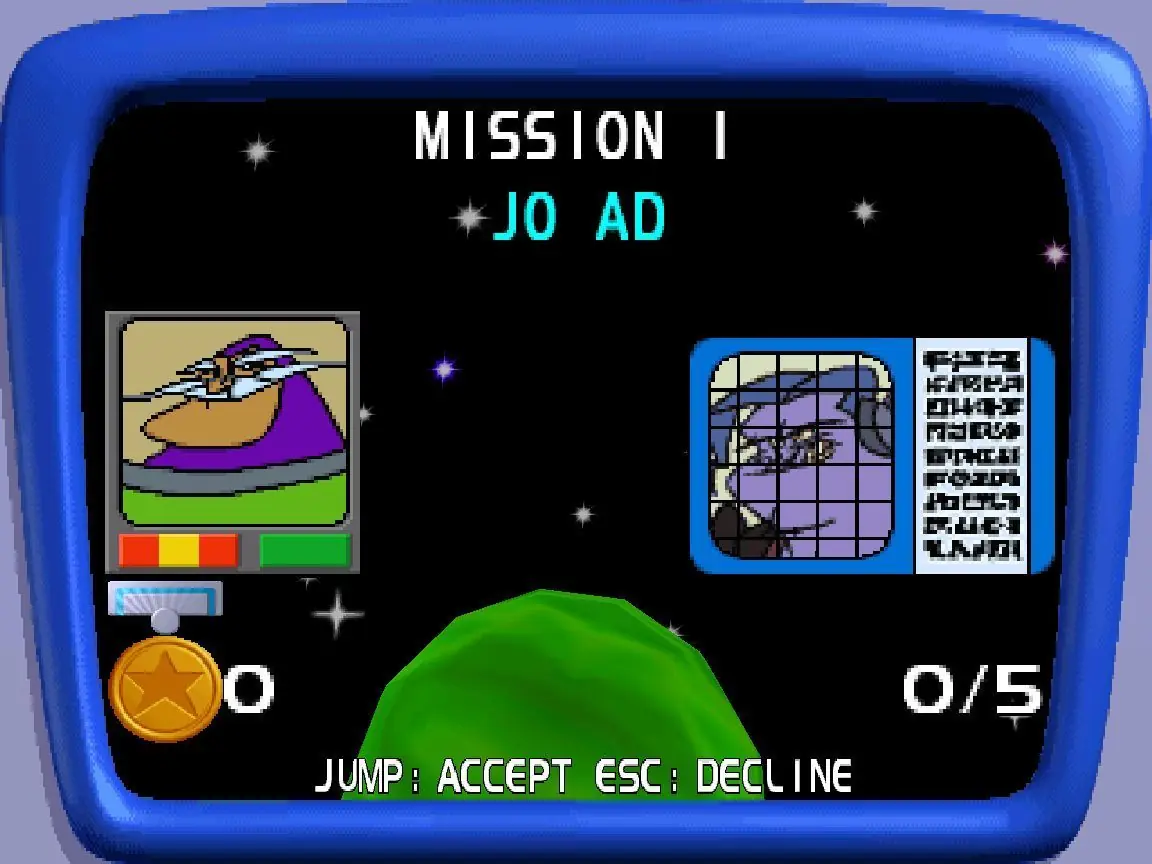
At a certain point in each level, Buzz can summon his partner Booster, who stomps the ground to kill all nearby enemies. If the main villain reaches the end of the level before Buzz, then the player has 15 seconds to reach the end before the villain escapes. If the player beats the villain to the end of the level, then Buzz's partner Mira briefly arrives to drain some of the villain's health, making the battle easier for the player. The player's final battle is with Evil Emperor Zurg. Medals are required to advance to later levels, and can be earned by collecting Little Green Men scattered around levels and collecting enough money to pass its mark. After winning a level, the player can then replay it through two game modes, which also award medals if won. In one game mode, the player goes through the level to retrieve pieces of Buzz's robotic partner, XR; the other game mode is a time challenge, in which the player must reach the level's finish line in time.
The home console and Windows versions of the game have 14 levels and include clips from the television series, while the Game Boy Color version features 12 levels. The Game Boy Color version is an action game viewed from a top-down perspective, and also includes the same vehicles as the other versions.







any help?
any help??
but i cant find VMWare Workstation 12 on the one site
I think you can fix it with this https://oldgamesdownload.com/wiki/windows-xp-vm/
but I havent tried yet